How to Check if a String Is Empty in Rust

is_empty() tells you whether a Rust string has nothing in it. A string of spaces isn't empty, so to treat blank text as empty, trim it first: text.trim().is_empty().
Syntax
<text>.is_empty()
<text>.trim().is_empty()
| Part | What it does |
|---|---|
<text> | A &str or a String. |
.is_empty() | true when the text has a length of zero, otherwise false. |
.trim() | The text without leading and trailing whitespace, so .trim().is_empty() is also true for blank text. |
The standard library's documentation for str::is_empty: "Returns true if self has a length of zero bytes." str::trim "Returns a string slice with leading and trailing whitespace removed."
The Example
The example checks three strings: "Ada", an empty string, and three spaces, which it checks once more after trimming.
Prerequisites
- Rust, installed with rustup, which comes with Cargo. This guide uses Rust 1.100.0.
Step 1: Create a Project
cargo new demo
cd demo
    Creating binary (application) `demo` package
note: see more `Cargo.toml` keys and their definitions at https://doc.rust-lang.org/cargo/reference/manifest.html
cargo new demo creates a folder named demo with a Cargo.toml file, which describes the project, and src/main.rs, which holds the code. cd demo moves into it.
Step 2: Write the Code
Replace the contents of src/main.rs with:
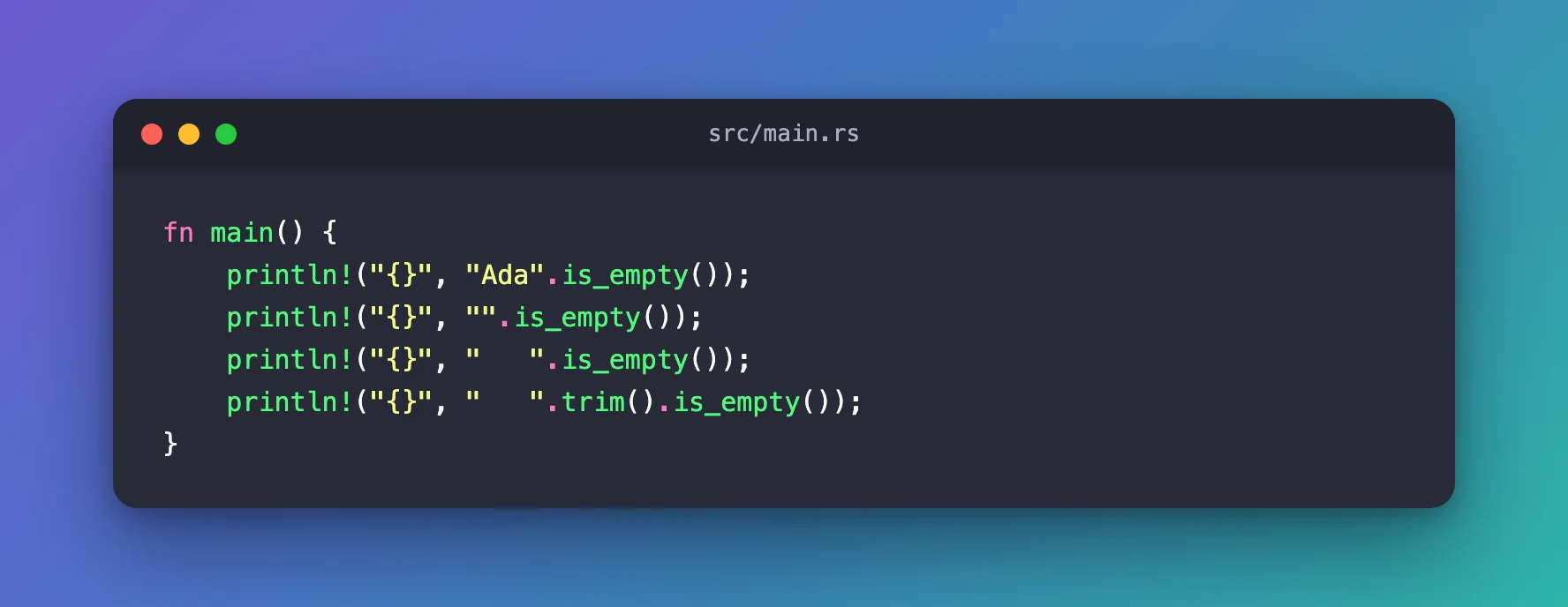
fn main() {
    println!("{}", "Ada".is_empty());
    println!("{}", "".is_empty());
    println!("{}", "   ".is_empty());
    println!("{}", "   ".trim().is_empty());
}
Step 3: Run It
cargo run -q
false
true
false
true
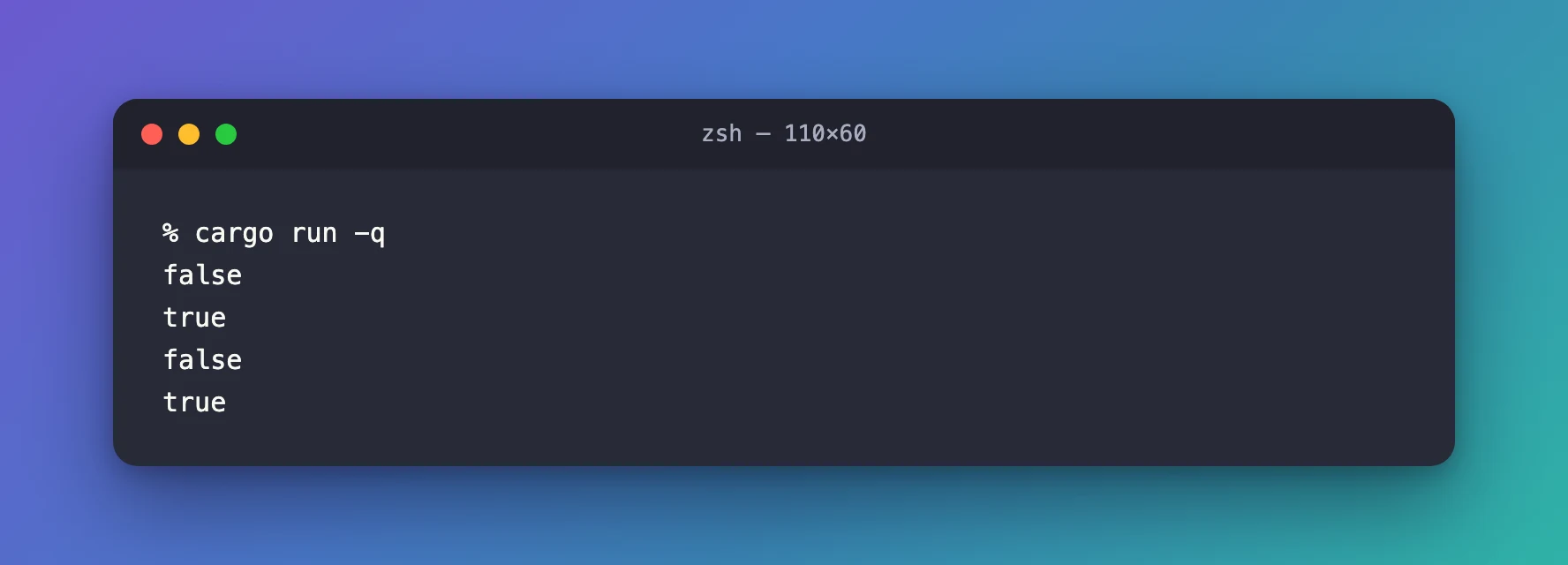
cargo run compiles the program and runs it, and -q hides Cargo's own status lines. Only the empty string is empty. Three spaces are three bytes, so is_empty() says false, until trim() removes them.
On a String
is_empty() works the same on a String. A new, empty String and a String of three spaces gave:
fn main() {
    let name = String::new();
    println!("{} {}", name.is_empty(), name.len());
    let t = String::from("   ");
    println!("{} {}", t.is_empty(), t.len());
}
true 0
false 3
len() counts bytes, and is_empty() is true exactly when len() is 0.
Common Mistakes
| Mistake | What happens | Do this instead |
|---|---|---|
Using is_empty() to reject blank input | " " passes as not empty | Check text.trim().is_empty() |
Comparing with "" | name == "" works, but reads less clearly | Use name.is_empty() |
Expecting trim() to change the original text | trim() returns a new string slice; the original keeps its spaces | Use the slice trim() returns |
Troubleshooting
| Symptom | Likely cause | Fix |
|---|---|---|
| Text that looks empty isn't | It holds spaces, tabs or a newline | Trim it before checking |
| A form field with only spaces gets through | The check uses is_empty() alone | Use trim().is_empty() |
FAQ
is_empty() or len() == 0?
They give the same answer, and is_empty() says what you mean.
Does trim remove newlines too?
Yes. The documentation says whitespace "is defined according to the terms of the Unicode Derived Core Property White_Space, which includes newlines."
Conclusion
text.is_empty() is true only for text with zero bytes. Add trim() first, text.trim().is_empty(), when spaces alone should count as empty.
Additional Resources
- str::is_empty, in the standard library documentation.
- str::trim, in the standard library documentation.
