How to Check if a String Is Empty in JavaScript

A value your program needs, such as a setting or a form field, can be missing in more than one way: an empty string '', undefined or null. In JavaScript one test catches all three, because all three are falsy.
Syntax
if (!<value>) {
  // <value> is '', undefined, null or another falsy value
}
| Part | What it does |
|---|---|
!<value> | The logical NOT operator: true when <value> is falsy, false when it's truthy. |
if (...) | Runs the block when the condition is true. |
MDN's falsy reference: "A falsy (sometimes written falsey) value is a value that is considered false when encountered in a Boolean context." The falsy values include '', undefined, null, 0 and false.
The Example
The example runs four values through one check: a name, an empty string, undefined and null.
Prerequisites
- Node.js. This guide uses Node.js 26.13.1.
Step 1: Write the Check
Create a file named main.js:
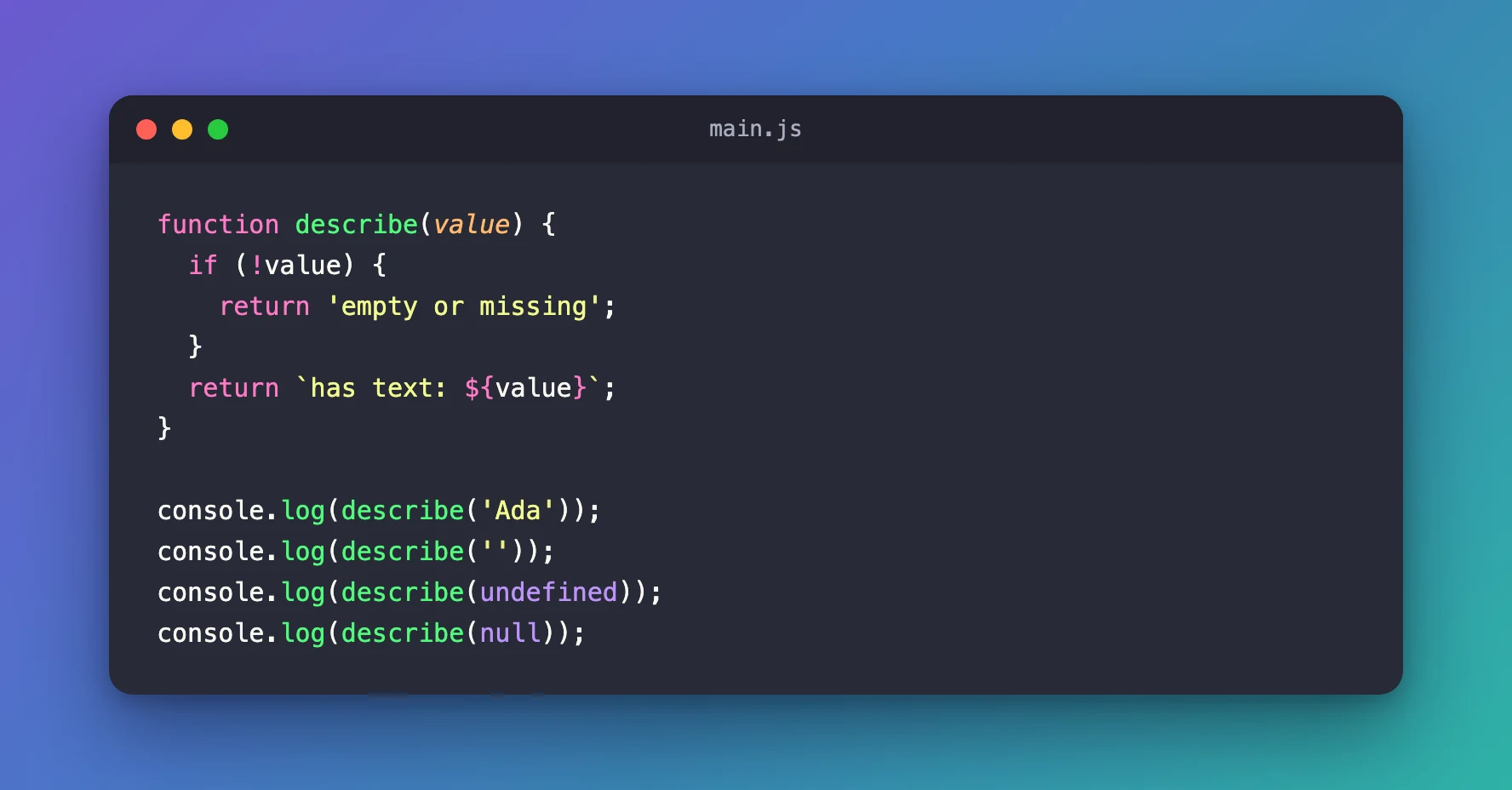
function describe(value) {
  if (!value) {
    return 'empty or missing';
  }
  return `has text: ${value}`;
}

console.log(describe('Ada'));
console.log(describe(''));
console.log(describe(undefined));
console.log(describe(null));
Step 2: Run It
node main.js
has text: Ada
empty or missing
empty or missing
empty or missing
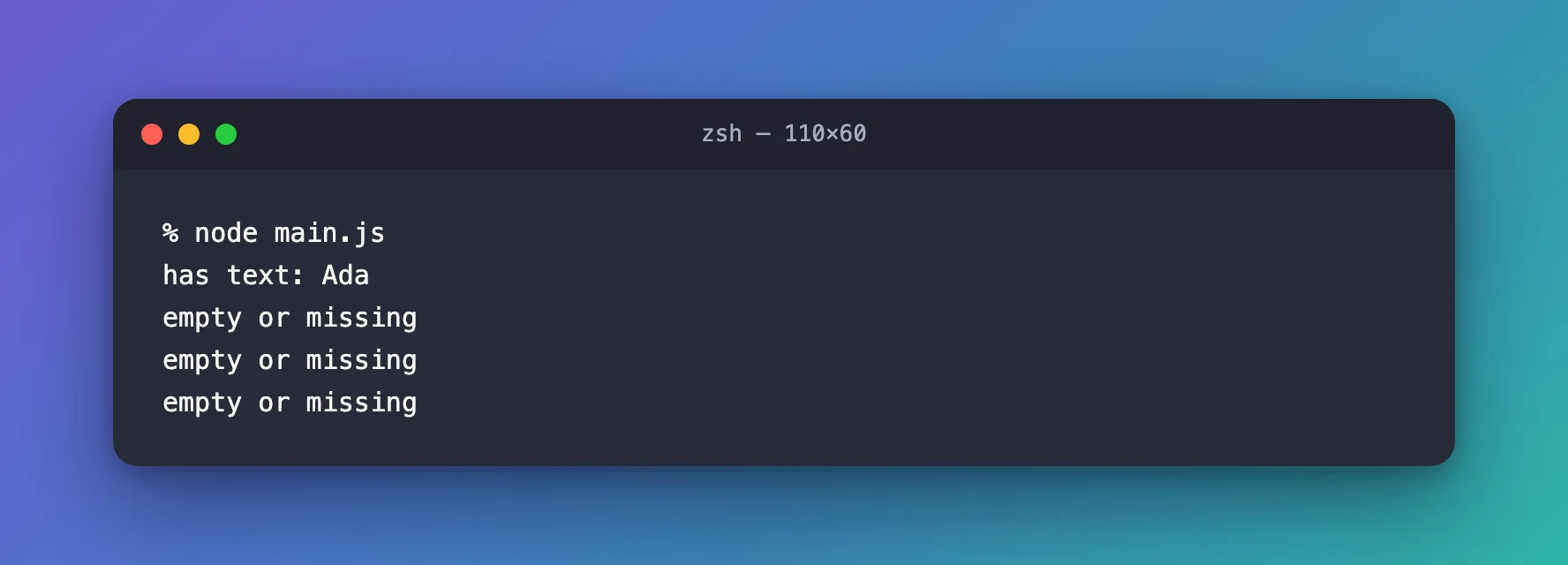
!value was true for the empty string, undefined and null, so one if handled all three. The command is the same in zsh, bash and PowerShell.
What About Spaces?
A string of spaces, such as ' ', isn't empty, so it's truthy and passes the check. When spaces should count as empty too, trim them first:
if (!value?.trim()) {
  // '', '   ', undefined and null all land here
}
?. stops at undefined or null instead of failing, and trim() turns ' ' into ''. I ran 'Ada', '', ' ', undefined and null through !value?.trim(): only 'Ada' gave false.
Common Mistakes
| Mistake | What happens | Do this instead |
|---|---|---|
Using if (!value) for numbers | 0 is falsy too, so a real 0 counts as missing | Test numbers with value === undefined |
Expecting ' ' to count as empty | A string of spaces is truthy | Use !value?.trim() |
Calling value.trim() when value may be missing | TypeError: Cannot read properties of undefined (reading 'trim') | Use value?.trim() |
Troubleshooting
| Symptom | Likely cause | Fix |
|---|---|---|
| A blank form field slips through | It holds spaces | Trim before testing |
A 0 is treated as missing | !0 is true | Compare with undefined or null instead |
FAQ
Is the string '0' falsy?
No. Only the empty string is a falsy string; '0', 'false' and ' ' are all truthy.
How do I check only for an empty string?
Compare it directly: value === '' is true only for the empty string.
Conclusion
if (!value) catches '', undefined and null in one test, because all three are falsy. Add ?.trim() when strings of spaces should count as empty too.
Additional Resources
- Falsy, on MDN.
- Logical NOT (!), on MDN.
