How to Check If a Row Exists with AnyAsync in EF Core

AnyAsync answers one question: is there at least one row like this? It sends SELECT EXISTS and returns true or false, so nothing gets loaded or counted. This guide shows the call, the SQL, and the one thing it can't do safely.
Prerequisites
- A .NET C# project with EF Core. The examples use EF Core 10, Oracle's
MySql.EntityFrameworkCore, MySQL 9.7, and aproductstable. SQL logging is on, as in How to See the SQL That EF Core Sends.
Step 1: Use It
app.MapGet("/demo/any/{sku}", async (string sku, InventoryDbContext db) =>
    Results.Ok(new { exists = await db.Products.AnyAsync(p => p.Sku == sku) }));
For a SKU that's there, and for one that isn't:
HTTP/1.1 200 OK
Content-Type: application/json; charset=utf-8

{
  "exists": true
}
HTTP/1.1 200 OK
Content-Type: application/json; charset=utf-8

{
  "exists": false
}
info: Microsoft.EntityFrameworkCore.Database.Command[20101]
      Executed DbCommand (1ms) [Parameters=[@sku='?' (Size = 32)], CommandType='Text', CommandTimeout='30']
      SELECT EXISTS (
          SELECT 1
          FROM `products` AS `p`
          WHERE `p`.`Sku` = @sku)
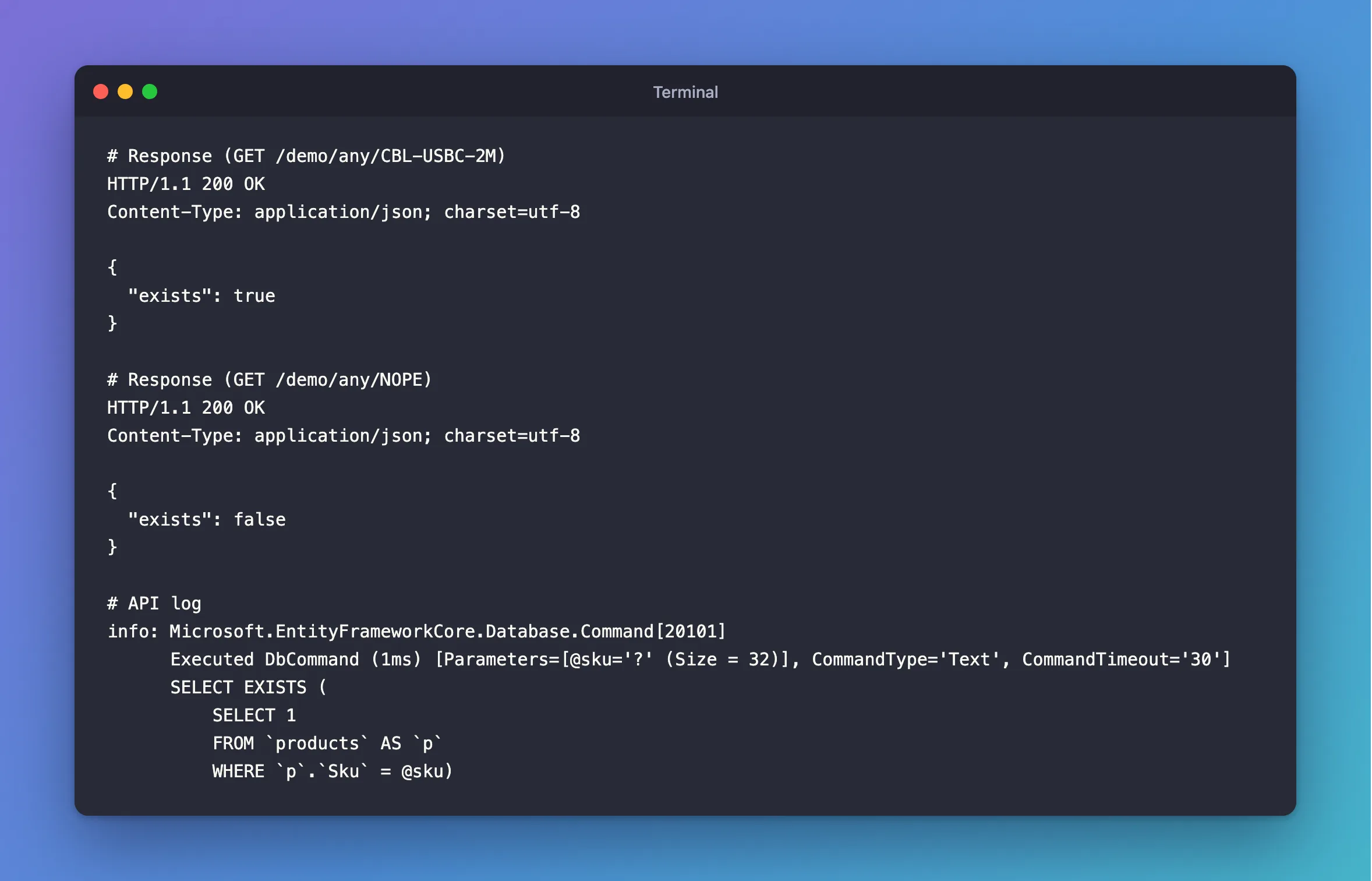
SELECT 1 inside EXISTS reads no columns, and MySQL can stop at the first match.
Step 2: Use It When Zero Has a Meaning
In the inventory API, archiving a product runs ExecuteUpdateAsync, which reports how many rows it changed. Zero could mean the product doesn't exist, or that it's already archived, so AnyAsync tells them apart:
if (changed > 0 || await db.Products.AnyAsync(p => p.Id == id, cancellationToken))
{
    return TypedResults.NoContent();
}

return TypedResults.NotFound();
Don't Rely on It for Duplicates
It's tempting to check with AnyAsync and then insert. Two requests at the same moment can both get false, and both insert. Only a unique index can stop that, by refusing the second one, and then you handle the error. A check first can still give a friendlier path for the common case, but it can't replace the index.
Which Call for Which Question
| Question | Use | SQL |
|---|---|---|
| Is there any row like this? | AnyAsync | SELECT EXISTS (…) |
| How many are there? | CountAsync | SELECT COUNT(*) |
| What's in the row? | FirstOrDefaultAsync | SELECT … LIMIT 1 |
Common Mistakes
| Mistake | What happens | Do this instead |
|---|---|---|
CountAsync() > 0 | MySQL counts every match for a yes or no | AnyAsync |
FirstOrDefaultAsync() != null | It loads a row you don't use | AnyAsync |
AnyAsync then insert, to prevent duplicates | Two requests can both pass | Add a unique index |
AnyAsync then load the same row | Two queries where one would do | Just load it, and check for null |
FAQ
Does it use an index?
Yes, if the column has one, and the search can stop early. On an unindexed column, MySQL scans until it finds a match, or reaches the end.
Is it case-sensitive?
It follows the column's collation, like any = comparison in MySQL. With utf8mb4_0900_ai_ci, cbl-usbc-2m matches CBL-USBC-2M.
Conclusion
AnyAsync(condition) sends SELECT EXISTS and returns a bool. Use it when you only need to know whether a row exists, not for what's in it or how many there are. For preventing duplicates, keep a unique index.
Additional Resources
- EntityFrameworkQueryableExtensions.AnyAsync — the API reference.
