How to Check If a Record Exists in Power Apps

Power Fx has no Exists function, but you don't need one: LookUp returns the first record that matches, or blank when nothing does. Wrap it in !IsBlank(...) and you get true when a record exists. On SharePoint, it's delegable.
The Pattern
!IsBlank(LookUp(DataSource, Condition))
- LookUp finds the first record where Condition is true. Microsoft's reference says it returns blank when no record is found (Filter and LookUp; How to Find a Record with LookUp).
- IsBlank is
truefor that blank (IsBlank vs IsEmpty). !turns it around:truewhen a record exists (How to Use Not).
Prerequisites
- A data source in the app. The example uses the CompetencyResponses SharePoint list of the Career Development Plan app.
Example: Does Someone Have Anything Waiting for Review?
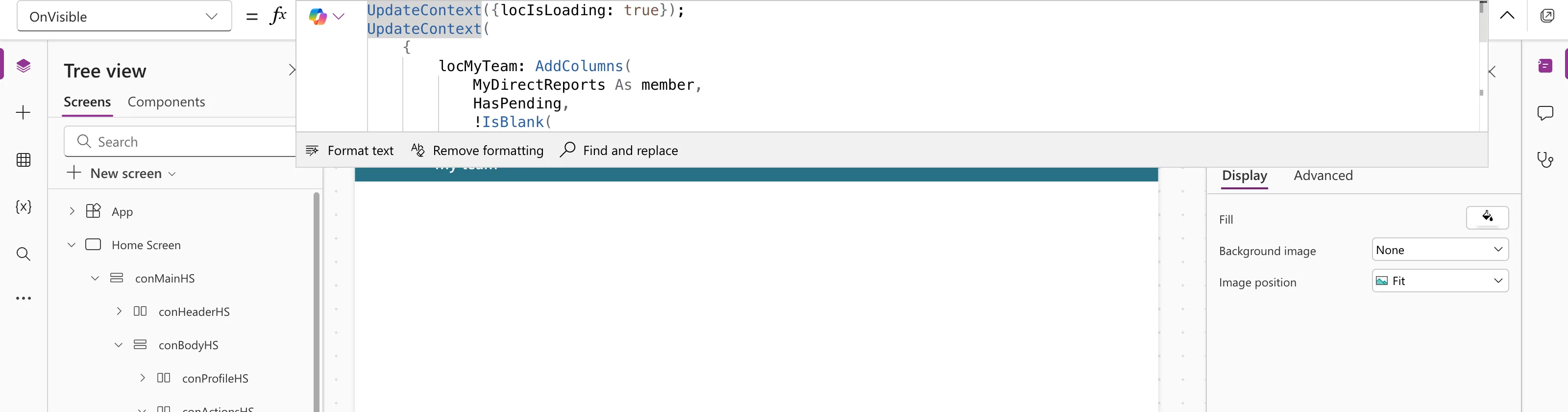
The app's My Team screen lists a manager's direct reports and marks those with a response waiting for review. When the screen opens, it adds a HasPending column to the list of people (How to Add a Column with AddColumns):
AddColumns(
    MyDirectReports As member,
    HasPending,
    !IsBlank(
        LookUp(
            CompetencyResponses,
            EmployeeId = member.id && Status.Value = StatusPending
        )
    )
)
For each person, LookUp asks SharePoint for one response with their ID and the status Pending. Studio shows no delegation warning for it:
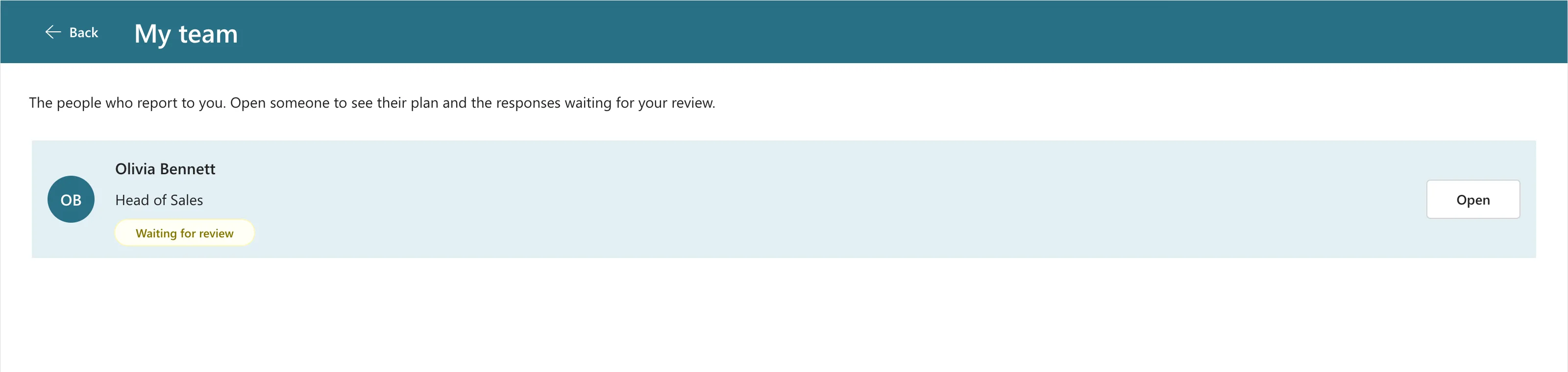
A badge in each row shows Waiting for review when ThisItem.HasPending is true. Olivia had a response waiting:
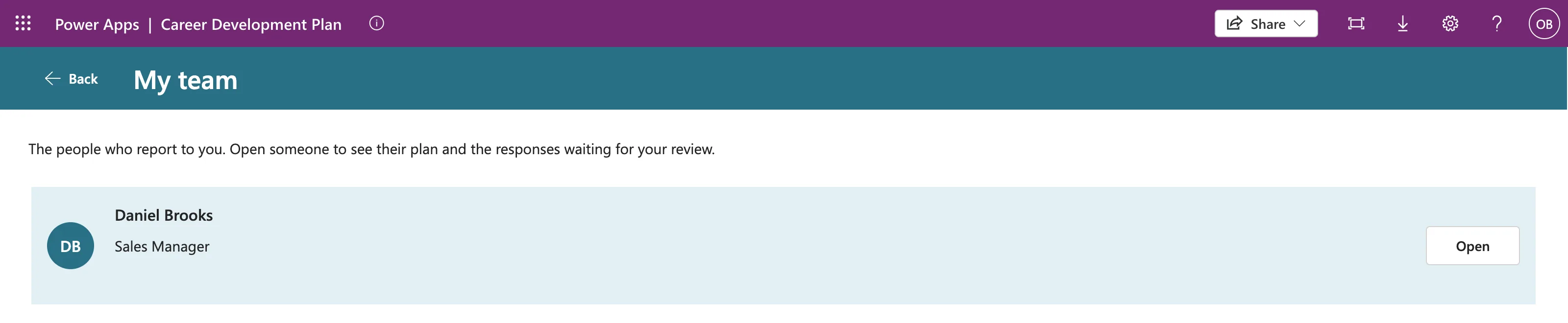
Daniel, on Olivia's own team, had nothing waiting, so he has no badge:
Why Not Count?
CountRows(Filter(...)) > 0 reads the same, but SharePoint can't count. Studio flags it with a delegation warning, and Microsoft documents that the app then works on at most 500 items (Fixed: Delegation Warning. The "CountRows" Operation Is Not Supported by This Connector). LookUp with = conditions is in Microsoft's SharePoint delegation table, and it only needs one matching item.
Keep the Condition Delegable
The part SharePoint runs is the condition inside LookUp. Use what Microsoft's SharePoint delegation table supports: = on text, numbers and Yes/No, a Choice column's .Value, and conditions joined with && or ||. ! and IsBlank outside LookUp work on its result, after the query.
Common Mistakes
| Mistake | What happens | Do this instead |
|---|---|---|
CountRows(Filter(...)) > 0 on SharePoint | Delegation warning; wrong once the list passes 500 items | !IsBlank(LookUp(...)) |
! inside the condition, such as LookUp(List, !IsActive) | SharePoint can't run Not | Use IsActive = false |
Forgetting the ! | true when nothing exists | Read it aloud: not blank means found |
Troubleshooting
| Symptom | Likely cause | Fix |
|---|---|---|
Always false | The condition never matches, such as a status text that differs from the Choice column's options | Check the exact text of the choices |
| A delegation warning on LookUp | Something in the condition isn't delegable | Check the condition against the SharePoint table |
FAQ
Can I use IsEmpty(Filter(...)) instead?
It answers the same question, but this guide sticks to LookUp, which Microsoft's SharePoint delegation table lists by name.
Does it work with collections and variables?
Yes. Tables already in the app don't need delegation, so any condition works there.
Conclusion
!IsBlank(LookUp(DataSource, Condition)) is true when at least one record matches. On SharePoint, keep the condition to = and &&, and it runs on the server, at any list size.
Additional Resources
- Filter, Search, and LookUp functions
- Blank, Coalesce, IsBlank, and IsEmpty functions
- Power Apps delegable functions and operations for SharePoint
