How to Check for null with is null in C#

nickname is null is true when nickname has no value, and city is not null is true when city has one. Unlike == null, these checks can't be changed by the type you're checking.
Microsoft's reference: The compiler guarantees that it doesn't invoke a user-overloaded equality operator == when it evaluates expression x is null. And: You can use a negated null constant pattern to check for non-null, which is is not null.
Syntax
bool <isMissing> = <value> is null;
bool <isThere> = <value> is not null;
| Part | What it is |
|---|---|
<value> | A variable or expression of a type that can be null, such as string? |
is null | true when the value is null |
is not null | true when it has a value |
The Example
A console app called IsNull has a nickname that is null and a city that isn't, and checks both.
Prerequisites
- The .NET 10 SDK.
dotnet --versionprints a version that starts with10.0.
Step 1: Create a Console App
dotnet new console -n IsNull
cd IsNull
The template "Console App" was created successfully.

Processing post-creation actions...
Restoring /Users/you/source/IsNull/IsNull.csproj:
  Determining projects to restore...
  Restored /Users/you/source/IsNull/IsNull.csproj (in 47 ms).
Restore succeeded.
dotnet new console -n IsNull creates a folder named IsNull with a project file and a Program.cs, and cd moves into it. Everything this example uses is part of .NET, so there's no package to add. Open the folder in VS Code, or IsNull.csproj in Visual Studio.
Step 2: Write the Code
Replace everything in Program.cs. First the two variables and the checks as values:
string? nickname = null;
string? city = "Oslo";

Console.WriteLine($"nickname is null: {nickname is null}");
Console.WriteLine($"city is not null: {city is not null}");
The ? in string? says the variable may hold null.
Then the same checks in if statements:
if (nickname is null)
{
    Console.WriteLine("No nickname yet");
}

if (city is not null)
{
    Console.WriteLine($"Lives in {city}");
}
Step 3: Run It
Run it in VS Code's terminal, or press Ctrl+F5 in Visual Studio:
dotnet run
nickname is null: True
city is not null: True
No nickname yet
Lives in Oslo
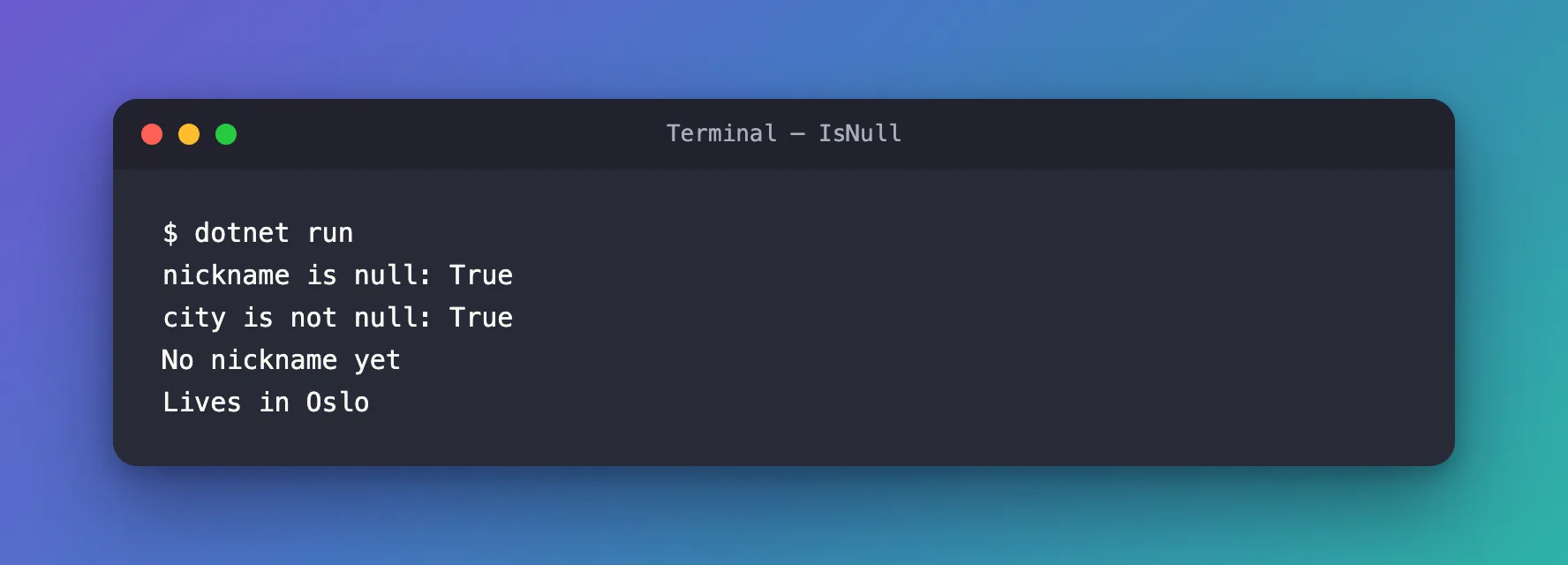
Both checks were True, so both if blocks ran.
The Complete File
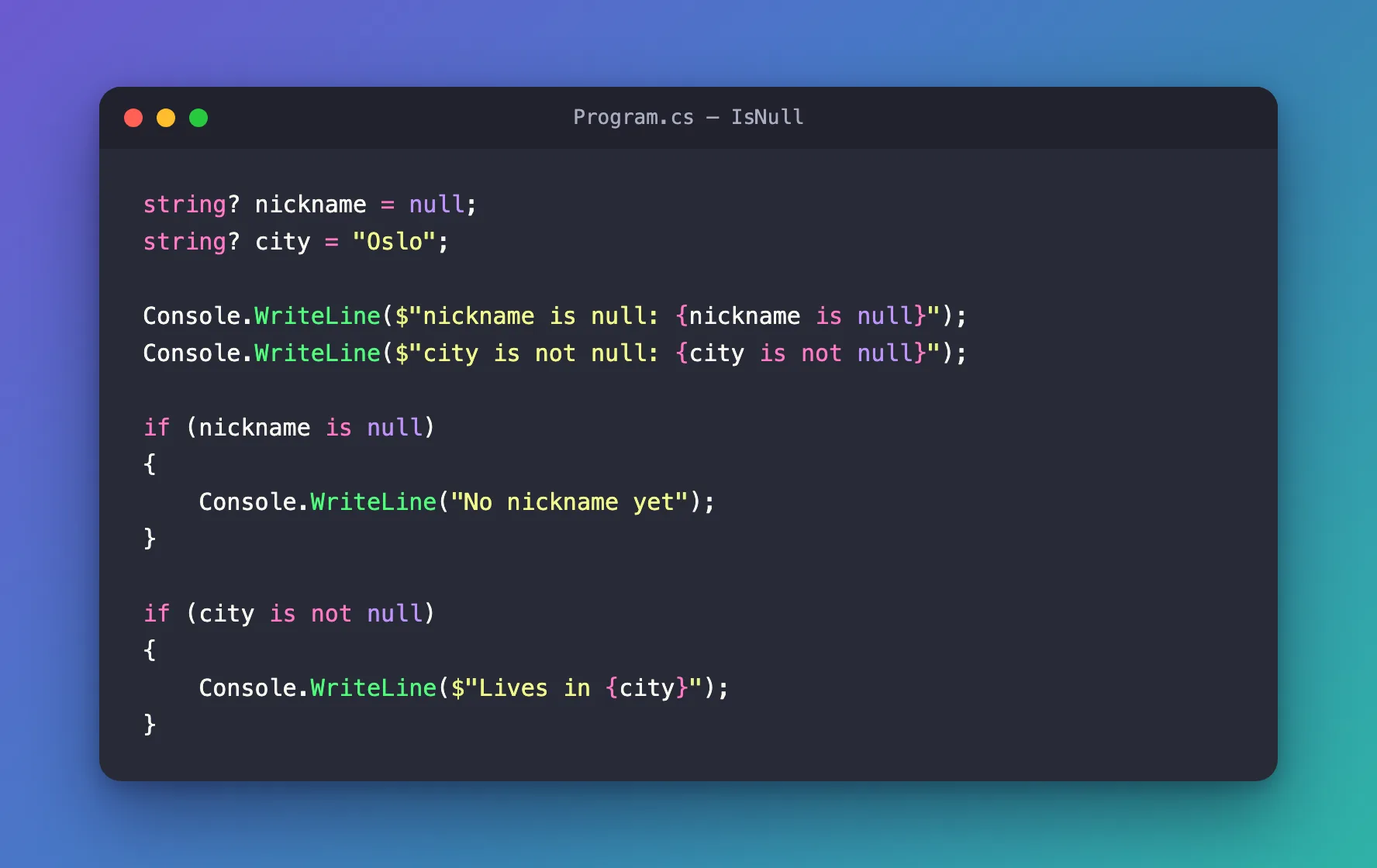
string? nickname = null;
string? city = "Oslo";

Console.WriteLine($"nickname is null: {nickname is null}");
Console.WriteLine($"city is not null: {city is not null}");

if (nickname is null)
{
    Console.WriteLine("No nickname yet");
}

if (city is not null)
{
    Console.WriteLine($"Lives in {city}");
}
Common Mistakes
| Mistake | What happens | Do this instead |
|---|---|---|
is null on a type that can't be null | An int is never null, so count is null doesn't build: error CS0037: Cannot convert null to 'int' because it is a non-nullable value type | Check only types that can hold null, such as int? or string? |
== null on a type with its own == | A class whose == always returned false said that a null value wasn't null: price == null ran that == and gave False, while price is null gave True | Use is null. The guide: These patterns don't call a user-defined equality operator, even when the expression's type overloads ==. |
FAQ
Does is null work with nullable value types?
Yes: with int? age = null;, age is null gave True, and after age = 31;, age is not null gave True.
Conclusion
Use is null and is not null to check for null: they always mean exactly that, whatever == a type defines. They work on any type that can hold null, and the compiler rejects them where null is impossible.
Additional Resources
- Patterns: the constant pattern — is null and is not null.
- Declaration, constant and var patterns — when to use them.
