How to Check and Change the Transaction Isolation Level in MySQL

An isolation level decides what a transaction can see of other transactions' work. MySQL has a default and three scopes to change it in, and the three statements look almost identical. This guide checks the current level and changes it at each scope, then proves which level a transaction really ran at.
Prerequisites
- MySQL, and a way to run SQL. The examples use MySQL 9.7.4 in Docker, and the
mysqlclient from How to Connect to MySQL in a Docker Container. - A root session for the server-wide setting and for reading
information_schema.innodb_trx. How to Let a MySQL User See Locks and Transactions shows a narrower account.
The Four Levels
MySQL's isolation levels page lists them: READ UNCOMMITTED, READ COMMITTED, REPEATABLE READ and SERIALIZABLE. It also says: "The default isolation level for InnoDB is REPEATABLE READ." READ COMMITTED vs REPEATABLE READ in MySQL shows the difference between the two you're most likely to use.
Step 1: Check the Current Level
SELECT @@transaction_isolation, @@global.transaction_isolation;
+-------------------------+--------------------------------+
| @@transaction_isolation | @@global.transaction_isolation |
+-------------------------+--------------------------------+
| REPEATABLE-READ         | REPEATABLE-READ                |
+-------------------------+--------------------------------+
1 row in set (0.000 sec)
The first column is your session. The second is the server's default, which new connections start with.
Step 2: Change It for This Session
SET SESSION TRANSACTION ISOLATION LEVEL READ COMMITTED;
SELECT @@transaction_isolation, @@global.transaction_isolation;
+-------------------------+--------------------------------+
| @@transaction_isolation | @@global.transaction_isolation |
+-------------------------+--------------------------------+
| READ-COMMITTED          | REPEATABLE-READ                |
+-------------------------+--------------------------------+
1 row in set (0.000 sec)
Only this session changed, and it stays changed until you set it again or disconnect.
Step 3: Change It for the Next Transaction Only
Without a scope word, the statement applies once. The SET TRANSACTION page says: "The statement applies only to the next single transaction performed within the session."
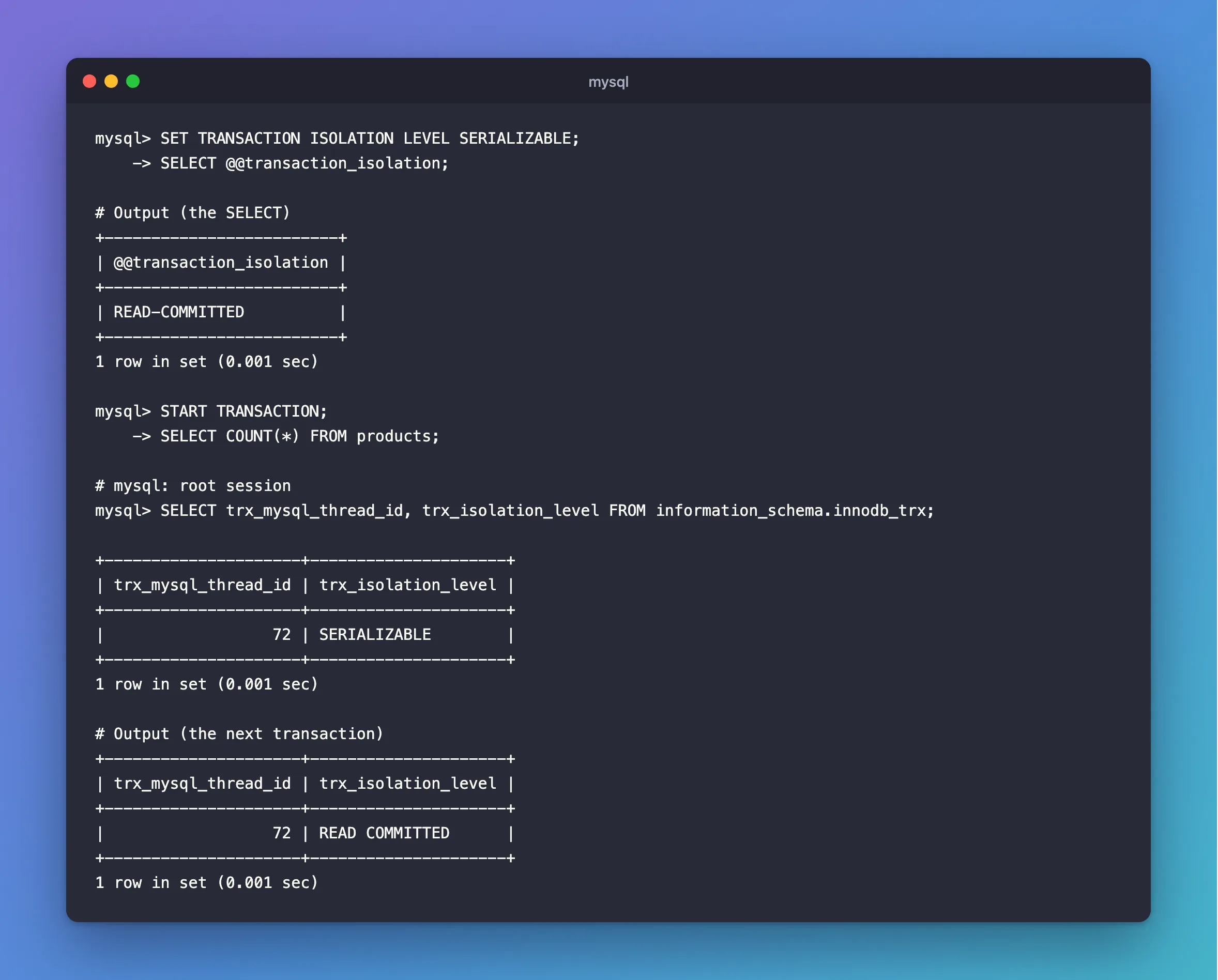
SET TRANSACTION ISOLATION LEVEL SERIALIZABLE;
SELECT @@transaction_isolation;
+-------------------------+
| @@transaction_isolation |
+-------------------------+
| READ-COMMITTED          |
+-------------------------+
1 row in set (0.001 sec)
The variable still says READ-COMMITTED, so it can't tell you what's coming. To see what a transaction really runs at, start one and do some work in it:
START TRANSACTION;
SELECT COUNT(*) FROM products;
Then look from a root session:
SELECT trx_mysql_thread_id, trx_isolation_level FROM information_schema.innodb_trx;
+---------------------+---------------------+
| trx_mysql_thread_id | trx_isolation_level |
+---------------------+---------------------+
|                  72 | SERIALIZABLE        |
+---------------------+---------------------+
1 row in set (0.001 sec)
SERIALIZABLE, as asked. After COMMIT, the next transaction goes back to the session's level:
+---------------------+---------------------+
| trx_mysql_thread_id | trx_isolation_level |
+---------------------+---------------------+
|                  72 | READ COMMITTED      |
+---------------------+---------------------+
1 row in set (0.001 sec)
Step 4: Change the Server's Default
This needs an administrator:
SET GLOBAL TRANSACTION ISOLATION LEVEL READ COMMITTED;
SELECT @@global.transaction_isolation;
+--------------------------------+
| @@global.transaction_isolation |
+--------------------------------+
| READ-COMMITTED                 |
+--------------------------------+
1 row in set (0.001 sec)
It applies to connections made after this, and existing sessions keep what they have. A restart forgets it. To make it last, use the startup option the page names: "To set the server's default isolation level for all connections, use the --transaction-isolation option on the command line or in an option file."
Put it back to the default:
SET GLOBAL TRANSACTION ISOLATION LEVEL REPEATABLE READ;
An ordinary account can't run this. It gets ERROR 1227.
Common Mistakes
| Mistake | What happens | Do this instead |
|---|---|---|
Running SET TRANSACTION inside a transaction | ERROR 1568 | Run it before START TRANSACTION |
Reading @@transaction_isolation to check a one-time level | It shows the session's level, not the next transaction's | Read innodb_trx, as in Step 3 |
Leaving out SESSION and expecting it to last | It applies to one transaction | Write SET SESSION |
Expecting SET GLOBAL to change open sessions | They keep their level | Reconnect them |
Troubleshooting
| Symptom | Likely cause | Fix |
|---|---|---|
Transaction characteristics can't be changed while a transaction is in progress | A transaction is open | Commit, then set it |
Access denied; you need (at least one of) the SUPER or SYSTEM_VARIABLES_ADMIN | SET GLOBAL needs an administrator | Use SET SESSION, or an admin account |
The server is back at REPEATABLE READ after a restart | SET GLOBAL doesn't survive one | Use the startup option |
information_schema.innodb_trx is empty | The transaction hasn't done any work yet | Run a statement in it first |
FAQ
Which level should I use?
The default suits most applications. READ COMMITTED sets fewer gap locks and each read sees fresh data, and some applications prefer it for that. READ COMMITTED vs REPEATABLE READ in MySQL shows both running.
Can I set it from .NET?
Yes, per transaction: How to Set the Transaction Isolation Level in EF Core.
Conclusion
@@transaction_isolation shows the session's level, and information_schema.innodb_trx shows what a transaction really runs at. No scope word means the next transaction, SESSION means this connection, and GLOBAL means new connections until the next restart.
Additional Resources
- Transaction Isolation Levels — what each level does.
- SET TRANSACTION Statement — the scopes.
