How to Change the Port of an MLflow Model Server

mlflow models serve listens on port 5000 unless you tell it otherwise, and on a Mac, port 5000 also belongs to AirPlay Receiver. Choose another port for one server with -p, or for every server you start in a terminal with the MLFLOW_PORT environment variable. This guide does both, with real output from MLflow 3.18.0.
Syntax
- macOS / Linux
- Windows (PowerShell)
mlflow models serve -m MODEL_URI -p PORT --env-manager uv

export MLFLOW_PORT=PORT
mlflow models serve -m MODEL_URI --env-manager uv
mlflow models serve -m MODEL_URI -p PORT --env-manager uv

$env:MLFLOW_PORT = "PORT"
mlflow models serve -m MODEL_URI --env-manager uv
| Part | What it means |
|---|---|
-p PORT, --port PORT | The port for this server |
MLFLOW_PORT | The port to use when the command has no -p |
The CLI reference: "-p, --port The port to listen on (default: 5000)." and, under environment variables, "MLFLOW_PORT Provide a default for --port".
Prerequisites
- An MLflow tracking server at
http://127.0.0.1:8080, such asmlflow server --port 8080. - A logged model to serve. This guide uses an iris classifier, logged the same way as in How to Serve an MLflow Model as a REST API with mlflow models serve, with the address
models:/m-b1ff792972da44d787a1f310da5072d7.
Step 1: Choose the Port with -p
- macOS / Linux
- Windows (PowerShell)
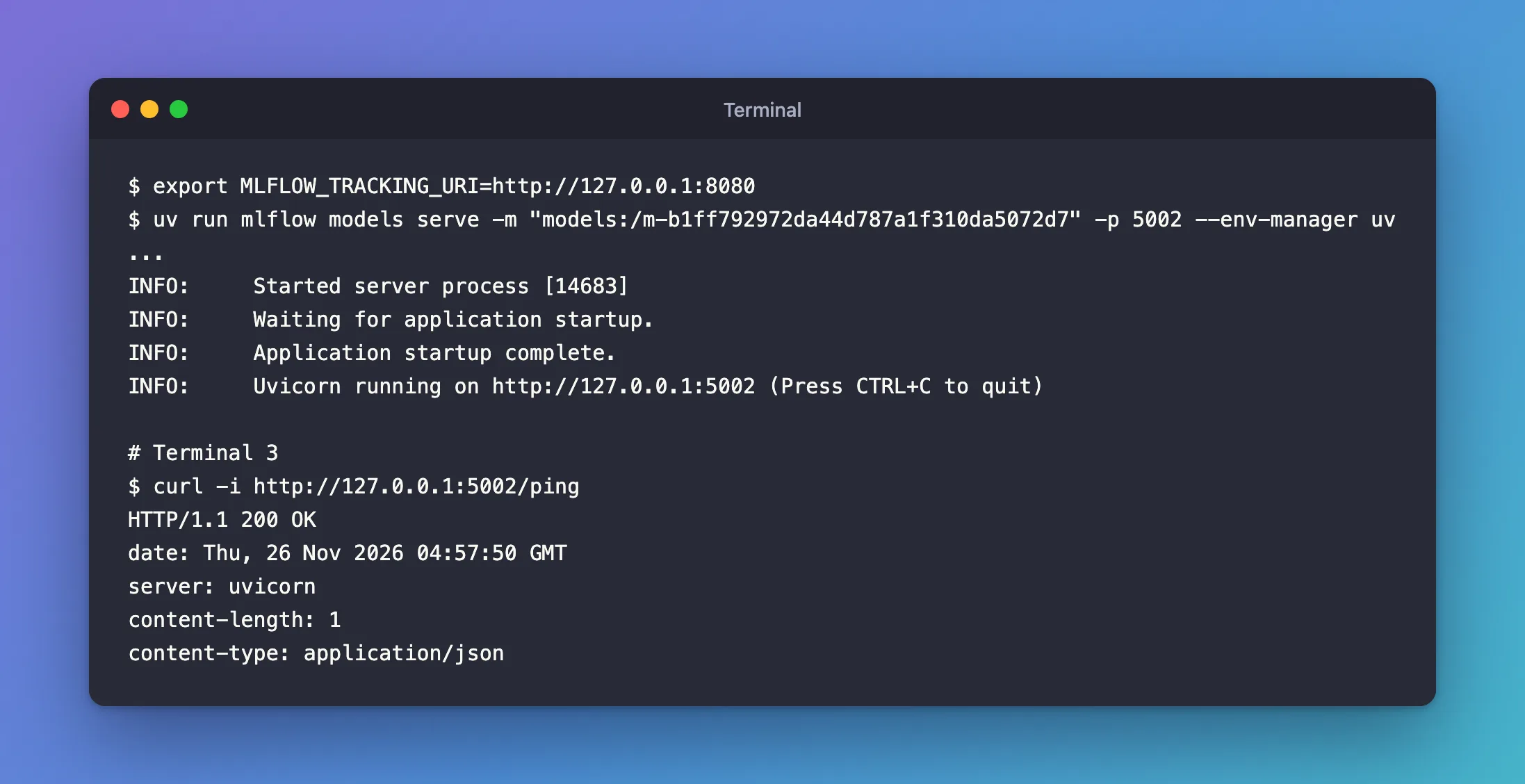
export MLFLOW_TRACKING_URI=http://127.0.0.1:8080
uv run mlflow models serve -m "models:/m-b1ff792972da44d787a1f310da5072d7" -p 5002 --env-manager uv
$env:MLFLOW_TRACKING_URI = "http://127.0.0.1:8080"
uv run mlflow models serve -m "models:/m-b1ff792972da44d787a1f310da5072d7" -p 5002 --env-manager uv
INFO:     Started server process [14683]
INFO:     Waiting for application startup.
INFO:     Application startup complete.
INFO:     Uvicorn running on http://127.0.0.1:5002 (Press CTRL+C to quit)
The server is on port 5002. From another terminal:
curl -i http://127.0.0.1:5002/ping
HTTP/1.1 200 OK
date: Thu, 26 Nov 2026 04:57:50 GMT
server: uvicorn
content-length: 1
content-type: application/json
Stop it with Ctrl+C.
Step 2: Set a Default Port with MLFLOW_PORT
Set the variable in the server's terminal, and leave -p out:
- macOS / Linux
- Windows (PowerShell)
export MLFLOW_PORT=5003
uv run mlflow models serve -m "models:/m-b1ff792972da44d787a1f310da5072d7" --env-manager uv
$env:MLFLOW_PORT = "5003"
uv run mlflow models serve -m "models:/m-b1ff792972da44d787a1f310da5072d7" --env-manager uv
2026/11/26 04:58:17 INFO mlflow.utils.environment: === Running command '['bash', '-c', 'source /Users/you/.mlflow/envs/mlflow-1a8495c475783fb241f6a7a3da8ec77fb2802018/bin/activate && exec uvicorn --host 127.0.0.1 --port 5003 --workers 1 mlflow.pyfunc.scoring_server.app:app']'
...
INFO:     Uvicorn running on http://127.0.0.1:5003 (Press CTRL+C to quit)
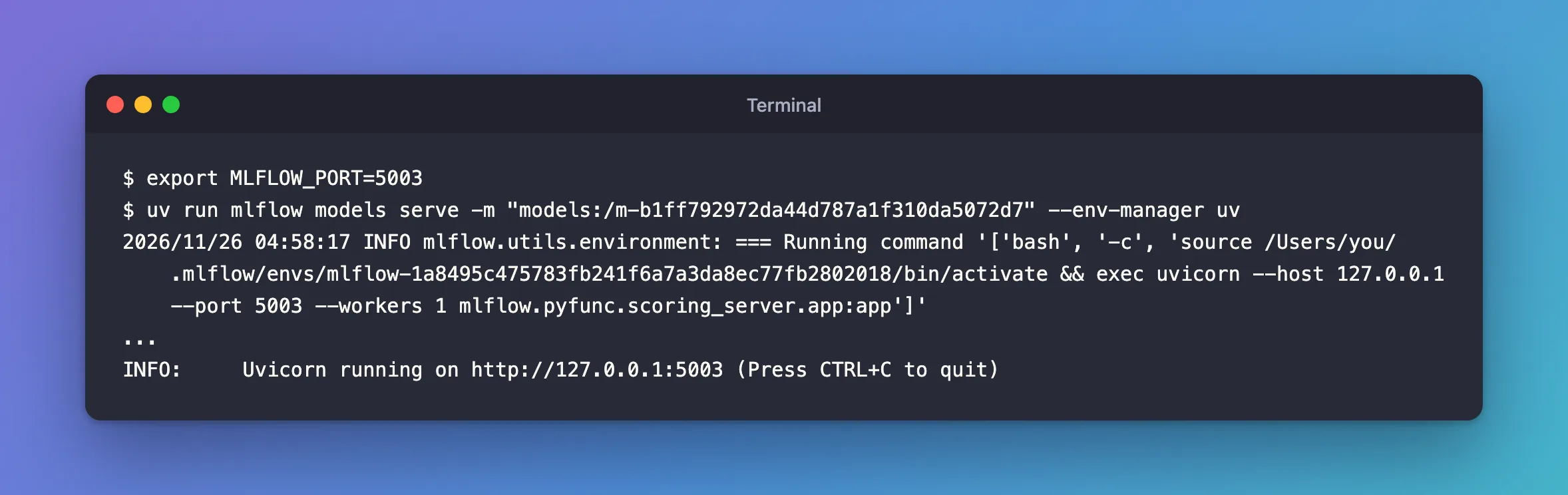
The command had no -p, and the server took port 5003 from MLFLOW_PORT: MLflow passed --port 5003 to uvicorn. curl -i http://127.0.0.1:5003/ping answered 200 OK. The variable lasts until you close the terminal.
Common Mistakes
| Mistake | What happens | Do this instead |
|---|---|---|
| Keeping the default 5000 on a Mac | localhost:5000 reaches AirPlay Receiver, which answers 403 Forbidden | Another port, or 127.0.0.1 |
| The same port as the tracking server, 8080 | The model server stops at once: the port is taken | Give each server its own port |
Troubleshooting
| Symptom | Likely cause | Fix |
|---|---|---|
ERROR: [Errno 48] error while attempting to bind on address ('127.0.0.1', 8080): [errno 48] address already in use, then ShellCommandException: Non-zero exit code: 3 | Another program, here the tracking server, listens on that port | Choose another port: Fixed: Errno 48 Address already in use |
| The server uses a port you didn't expect | MLFLOW_PORT is still set in this terminal | unset MLFLOW_PORT, or Remove-Item Env:MLFLOW_PORT in PowerShell |
FAQ
Does -p win over MLFLOW_PORT?
Yes: the variable is only the default for when -p is missing, as the reference says.
Can other computers reach the server?
Not by default: it listens on 127.0.0.1, your own computer. -h 0.0.0.0 listens on every network interface, and the reference warns that this "is NOT a security setting".
Conclusion
-p 5002 put one iris model server on port 5002, and MLFLOW_PORT=5003, with no -p, made the next server listen on 5003, which MLflow passed on to uvicorn as --port 5003.
Additional Resources
- mlflow models serve —
--port,--hostand their environment variables.
