How to Change max_connections in MySQL and Keep It After a Restart

SET GLOBAL max_connections works right away, and a restart forgets it. SET PERSIST keeps it, with no config file to edit, which is handy in a Docker container. I set it, restarted MySQL, and checked where the value came from.
Before You Raise It
The default is 151. If you're hitting it, first see who has the connections: a stuck app or an oversized pool will just use up a bigger limit too. Each connection also uses memory on the server, so a higher limit needs a server with room for it.
Step 1: Change It
As an administrator:
SHOW VARIABLES LIKE 'max_connections';
SET PERSIST max_connections = 300;
SHOW VARIABLES LIKE 'max_connections';
+-----------------+-------+
| Variable_name   | Value |
+-----------------+-------+
| max_connections | 151   |
+-----------------+-------+
1 row in set (0.002 sec)

Query OK, 0 rows affected (0.002 sec)

+-----------------+-------+
| Variable_name   | Value |
+-----------------+-------+
| max_connections | 300   |
+-----------------+-------+
1 row in set (0.001 sec)
It applies at once, to the running server. SET PERSIST also saves it:
SELECT VARIABLE_NAME, VARIABLE_VALUE FROM performance_schema.persisted_variables;
+-----------------+----------------+
| VARIABLE_NAME   | VARIABLE_VALUE |
+-----------------+----------------+
| max_connections | 300            |
+-----------------+----------------+
1 row in set (0.000 sec)
Step 2: Restart, and Check
docker compose restart mysql
SHOW VARIABLES LIKE 'max_connections';
SELECT VARIABLE_NAME, VARIABLE_SOURCE, VARIABLE_PATH FROM performance_schema.variables_info WHERE VARIABLE_NAME = 'max_connections';
+-----------------+-------+
| Variable_name   | Value |
+-----------------+-------+
| max_connections | 300   |
+-----------------+-------+
1 row in set (0.002 sec)

+-----------------+-----------------+--------------------------------+
| VARIABLE_NAME   | VARIABLE_SOURCE | VARIABLE_PATH                  |
+-----------------+-----------------+--------------------------------+
| max_connections | PERSISTED       | /var/lib/mysql/mysqld-auto.cnf |
+-----------------+-----------------+--------------------------------+
1 row in set (0.001 sec)
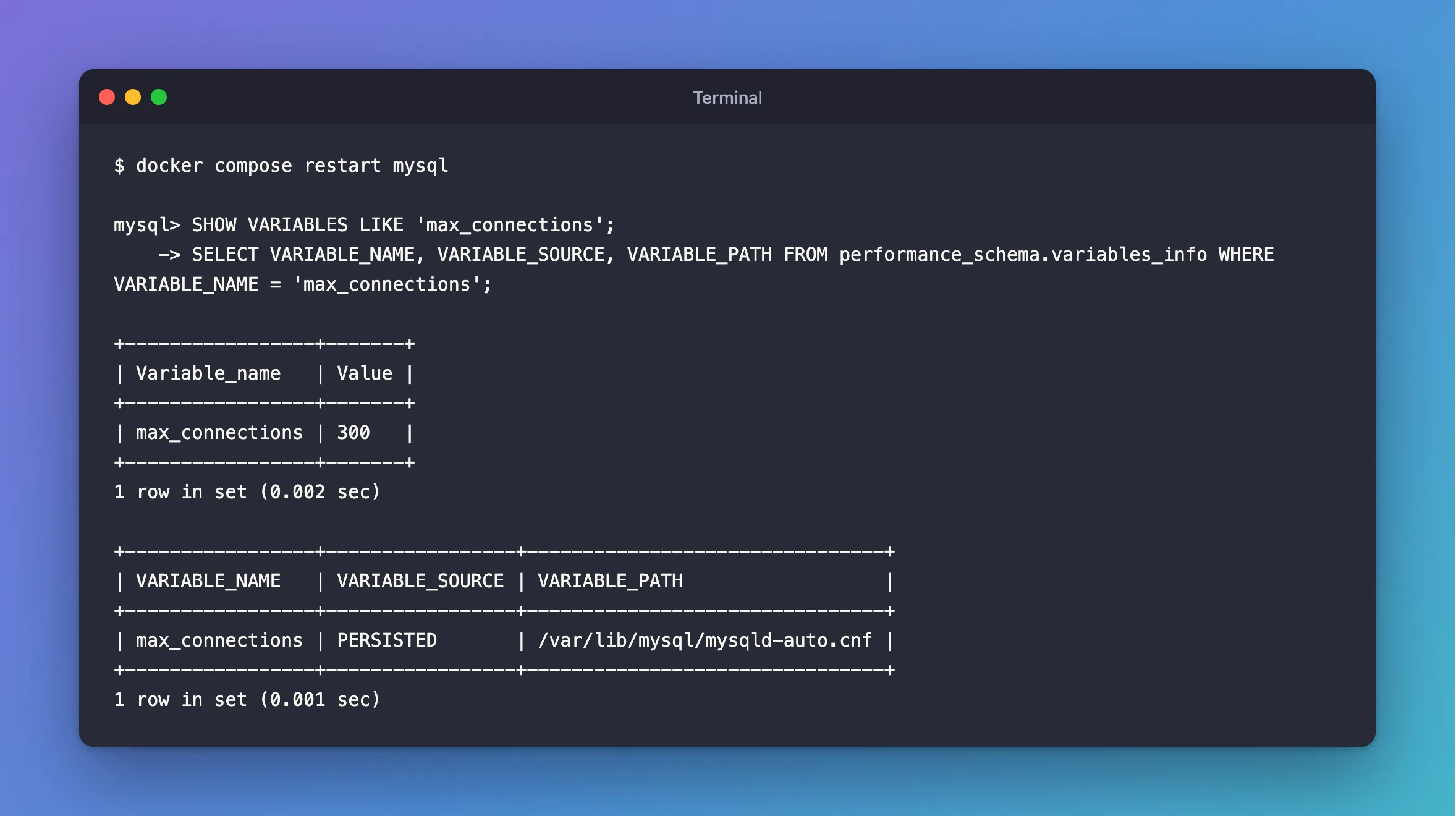
It's still 300, and VARIABLE_SOURCE says why: PERSISTED, from mysqld-auto.cnf in the data folder. In Docker, that file lives in the volume, so it survives a new container as well.
Step 3: Put It Back
RESET PERSIST max_connections;
SET GLOBAL max_connections = 151;
SHOW VARIABLES LIKE 'max_connections';
Query OK, 0 rows affected (0.002 sec)

Query OK, 0 rows affected (0.000 sec)

+-----------------+-------+
| Variable_name   | Value |
+-----------------+-------+
| max_connections | 151   |
+-----------------+-------+
1 row in set (0.001 sec)
RESET PERSIST only forgets the saved value, and the running value stays at 300 until you change it, so the SET GLOBAL is needed too. How to Undo SET PERSIST in MySQL goes through that.
SET PERSIST or SET GLOBAL?
| Applies now | Survives a restart | |
|---|---|---|
SET GLOBAL | Yes | No |
SET PERSIST | Yes | Yes |
SET PERSIST_ONLY | No | Yes |
A my.cnf file | No | Yes |
Common Mistakes
| Mistake | What happens | Do this instead |
|---|---|---|
Using SET GLOBAL for a lasting change | It's gone at the next restart | Use SET PERSIST |
| Raising it to fix a stuck app | The new limit fills up too | Find what's holding them |
| Forgetting what you persisted | A value overrides your config file, and you can't see why | Check persisted_variables |
Troubleshooting
| Symptom | Likely cause | Fix |
|---|---|---|
ERROR 1040 right now, and you can't get in | The extra administrator connection may be free | The fix |
| Clients still fail after raising it | The pool's own limit | The fix |
The value isn't what my.cnf says | A persisted value wins | Check variables_info |
Conclusion
SET PERSIST max_connections changes it now and keeps it. variables_info tells you where any value came from, and RESET PERSIST forgets it.
Additional Resources
- Persisted System Variables —
SET PERSISTandmysqld-auto.cnf. - Too many connections — the limit, and what it costs.
