How to Change a Local Variable from a Lambda in C#

Action click = () => clicks++; adds 1 to the clicks variable every time click() runs. The lambda doesn't get a copy of clicks: it captures the variable itself.
Microsoft's reference: Lambdas can refer to outer variables. These outer variables are the variables that are in scope in the method that defines the lambda expression, or in scope in the type that contains the lambda expression. If you capture variables in this way, the lambda expression stores them for use even if the variables go out of scope and would normally be garbage collected.
Syntax
<type> <variable> = <value>;

<Func or Action type> <name> = <parameters> => <code that uses variable>;
| Part | What it is |
|---|---|
<variable> | A local variable declared outside the lambda |
<code that uses variable> | The lambda's body. It reads and changes the variable itself, at the moment the lambda runs |
The Example
A console app called Closures counts clicks with a lambda that changes a local variable, then shows that a lambda reads a variable's value when it runs, not when it's created.
Prerequisites
- The .NET 10 SDK.
dotnet --versionprints a version that starts with10.0.
Step 1: Create a Console App
dotnet new console -n Closures
cd Closures
The template "Console App" was created successfully.

Processing post-creation actions...
Restoring /Users/you/source/Closures/Closures.csproj:
  Determining projects to restore...
  Restored /Users/you/source/Closures/Closures.csproj (in 48 ms).
Restore succeeded.
dotnet new console -n Closures creates a folder named Closures with a project file and a Program.cs, and cd moves into it. Everything this example uses is part of .NET, so there's no package to add. Open the folder in VS Code, or Closures.csproj in Visual Studio.
Step 2: Write the Code
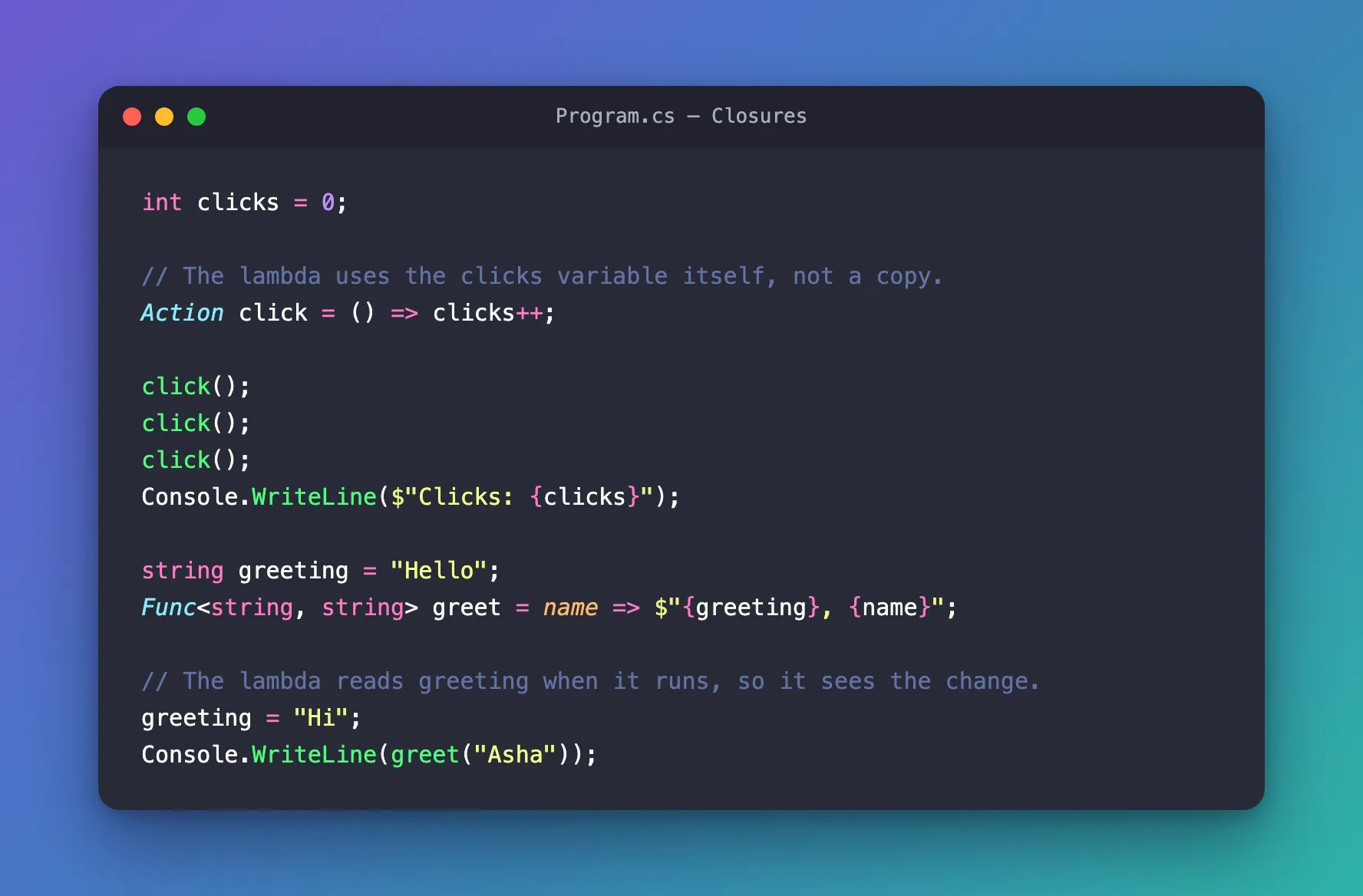
Replace everything in Program.cs. First the counter:
int clicks = 0;

// The lambda uses the clicks variable itself, not a copy.
Action click = () => clicks++;

click();
click();
click();
Console.WriteLine($"Clicks: {clicks}");
clicks++ inside the lambda changes the clicks declared above it, so three calls make it 3.
Then a lambda that reads a variable that changes later:
string greeting = "Hello";
Func<string, string> greet = name => $"{greeting}, {name}";

// The lambda reads greeting when it runs, so it sees the change.
greeting = "Hi";
Console.WriteLine(greet("Asha"));
greeting changes to Hi after the lambda is created and before it runs.
Step 3: Run It
Run it in VS Code's terminal, or press Ctrl+F5 in Visual Studio:
dotnet run
Clicks: 3
Hi, Asha
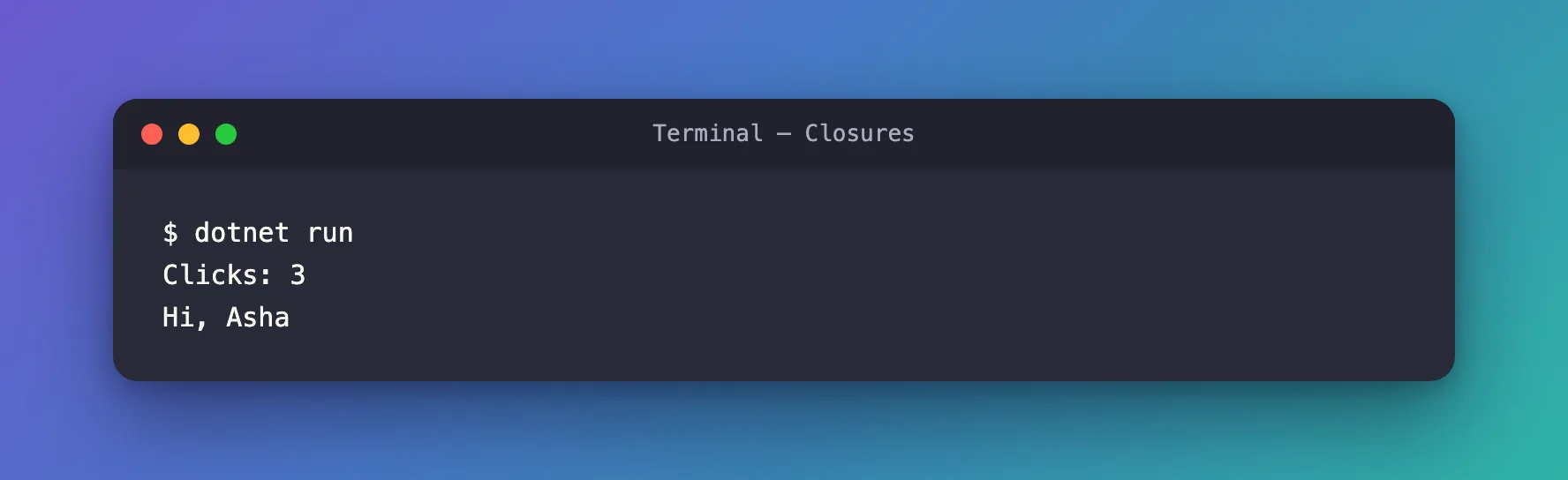
The three calls raised clicks to 3, and greet used Hi, the value greeting had when the lambda ran.
The Complete File
int clicks = 0;

// The lambda uses the clicks variable itself, not a copy.
Action click = () => clicks++;

click();
click();
click();
Console.WriteLine($"Clicks: {clicks}");

string greeting = "Hello";
Func<string, string> greet = name => $"{greeting}, {name}";

// The lambda reads greeting when it runs, so it sees the change.
greeting = "Hi";
Console.WriteLine(greet("Asha"));
Common Mistakes
| Mistake | What happens | Do this instead |
|---|---|---|
Capturing a for loop's variable | Three lambdas added in for (int i = 0; i < 3; i++) printed 333: they share the one i, which is 3 when they run | Copy it inside the loop, int copy = i;, and capture copy: that printed 012 |
A static lambda that uses a local variable | error CS8820: A static anonymous function cannot contain a reference to 'clicks'. | Remove static when the lambda needs the variable. The reference: A static lambda can't capture local variables or instance state from enclosing scopes |
FAQ
Does the variable need a value before the lambda uses it?
Yes. A lambda that used greeting before it had a value failed with error CS0165: Use of unassigned local variable 'greeting', even though the variable got its value before the call. The reference: You must definitely assign an outer variable before consuming it in a lambda expression.
Conclusion
A lambda that uses a local variable shares that variable with the method: its changes stay, and it sees later changes too. Watch out for for loops, where every lambda shares the same counter.
Additional Resources
- Lambda expressions: capture of outer variables — how capture works.
