How to Change a Column's Type in pandas with astype

A column's type decides what pandas can do with it and what a library on the other end accepts: whole numbers, decimals, text. astype converts a column to another type. This guide turns a column of whole numbers into decimals, with real output from pandas 3.1.1.
Syntax
<dataframe>["<column>"] = <dataframe>["<column>"].astype("<type>")
| Part | What it means |
|---|---|
"<type>" | The new type, such as "float64", "int64" or "str" |
| The assignment | astype returns a converted copy; assigning it puts it back in the DataFrame |
The pandas reference: "Cast a pandas object to a specified dtype dtype."
Prerequisites
- pandas in your project, for example with
uv add pandas. This guide uses pandas 3.1.1 on Python 3.15.2.
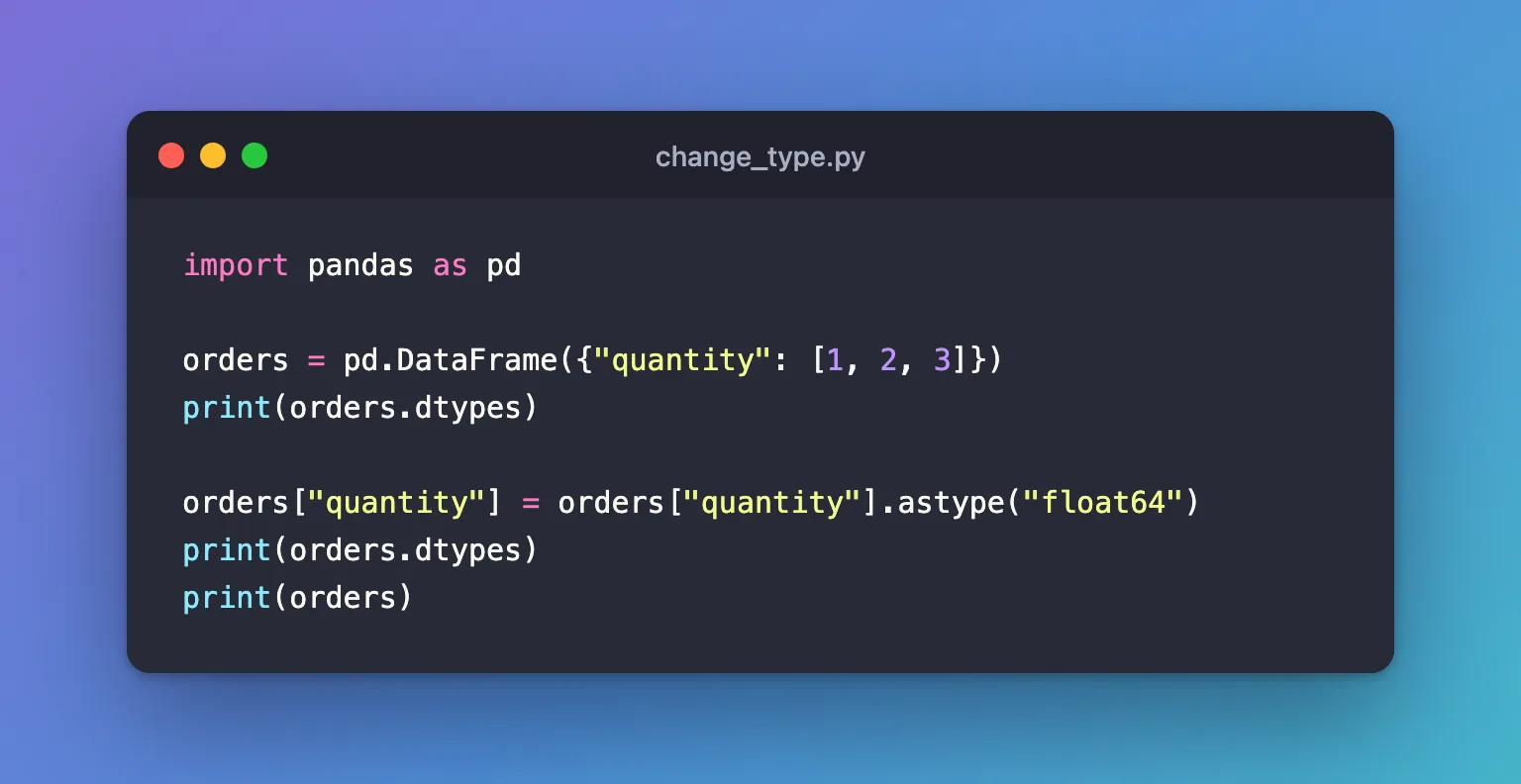
Step 1: Write the Script
import pandas as pd

orders = pd.DataFrame({"quantity": [1, 2, 3]})
print(orders.dtypes)

orders["quantity"] = orders["quantity"].astype("float64")
print(orders.dtypes)
print(orders)
Step 2: Run It
uv run python change_type.py
quantity    int64
dtype: object
quantity    float64
dtype: object
   quantity
0       1.0
1       2.0
2       3.0
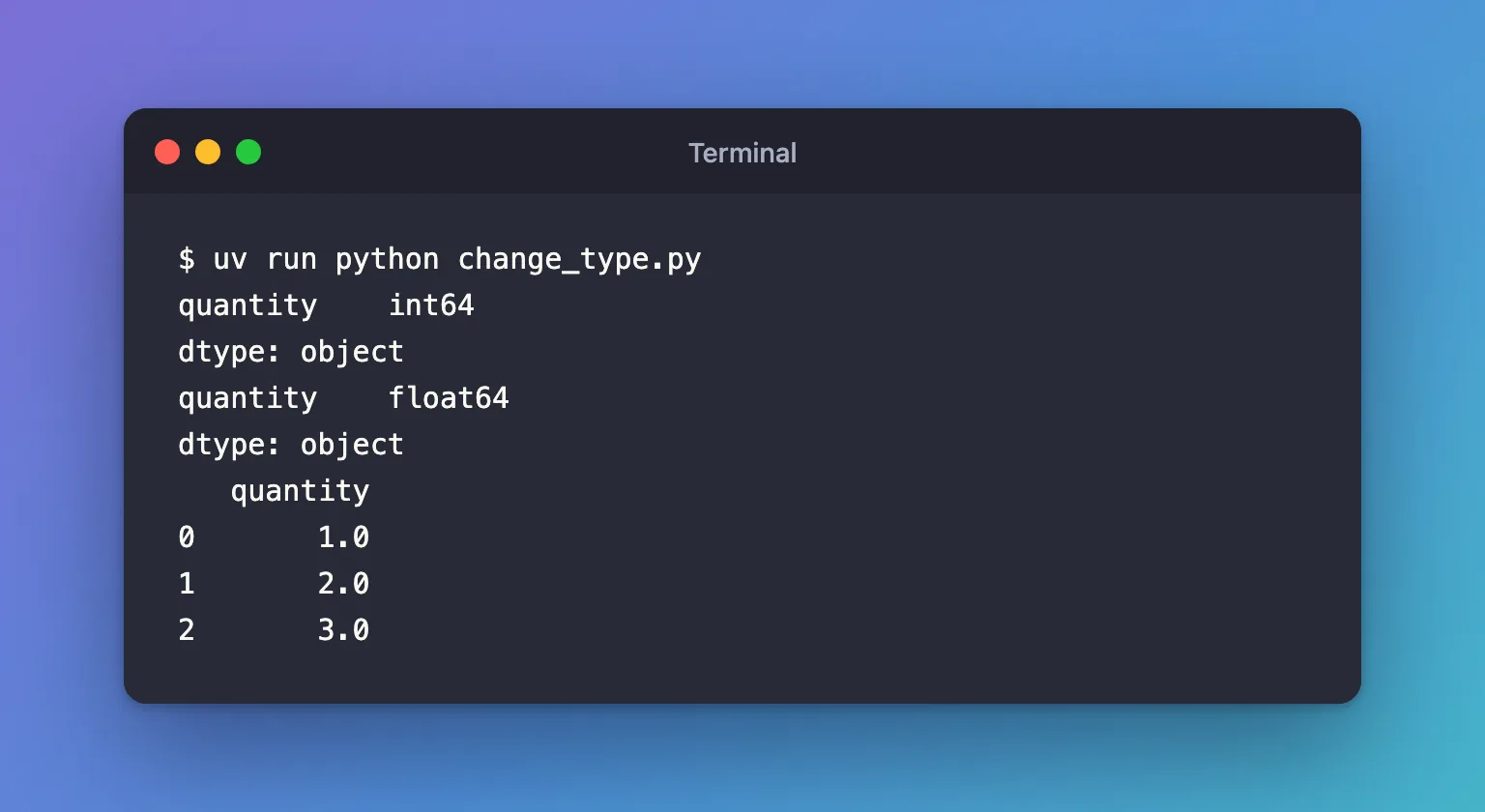
The column was int64 and is now float64, and the values print with a decimal point.
Common Mistakes
| Mistake | What happens | Do this instead |
|---|---|---|
Calling astype without assigning the result | The DataFrame keeps its old type: it still said quantity int64 | Assign it back: orders["quantity"] = orders["quantity"].astype("float64") |
| Converting text that isn't a number | ValueError: invalid literal for int() with base 10: 'two' | Clean the values first, or use pd.to_numeric(..., errors="coerce"), below |
Troubleshooting
| Symptom | Likely cause | Fix |
|---|---|---|
ValueError: invalid literal for int() | A value in the column can't become that type | Find it: print the column, or the rows where pd.to_numeric(..., errors="coerce") gives a missing value |
FAQ
What does pd.to_numeric with errors="coerce" do?
It converts what it can and turns the rest into missing values instead of raising an error: for "1", "two" and "3" it gave 1.0, NaN and 3.0, so the bad value is easy to find.
Can I change several columns at once?
Yes, with a dictionary: astype({"quantity": "float64", "price": "float64"}) turned both columns into float64.
Conclusion
orders["quantity"].astype("float64"), assigned back to the column, turned int64 into float64. Text that isn't a number raises ValueError until it's cleaned.
Additional Resources
- DataFrame.astype — the method and its options.
- pandas.to_numeric — converting text to numbers with
errors=.
