How to Chain Preprocessing and a Model with a Pipeline in scikit-learn

A model rarely takes raw data: text has to be encoded and numbers sometimes scaled, the same way for training and for every prediction afterwards. A scikit-learn Pipeline joins those preparation steps and the model into one object, so fit and predict can't drift apart. This guide builds a tiny fruit classifier that takes raw rows, with real output from scikit-learn 1.9.1.
Syntax
pipeline = Pipeline([("step_name", transformer), ..., ("model_name", model)])
pipeline.fit(X, y)
predictions = pipeline.predict(new_X)
| Part | What it means |
|---|---|
[(name, step), ...] | The steps, in order, each with a name you choose. Every step but the last prepares data; the last is the model |
pipeline.fit(X, y) | Fits each preparation step and passes its output to the next, then trains the model on the result |
pipeline.predict(new_X) | Runs the same, already-fitted preparation on new rows, then predicts |
Step 1: Build and Use a Pipeline
The example decides whether a fruit is an apple from its color and weight. Color is text, so the first step one-hot encodes it; the second is a decision tree. Create pipeline.py:
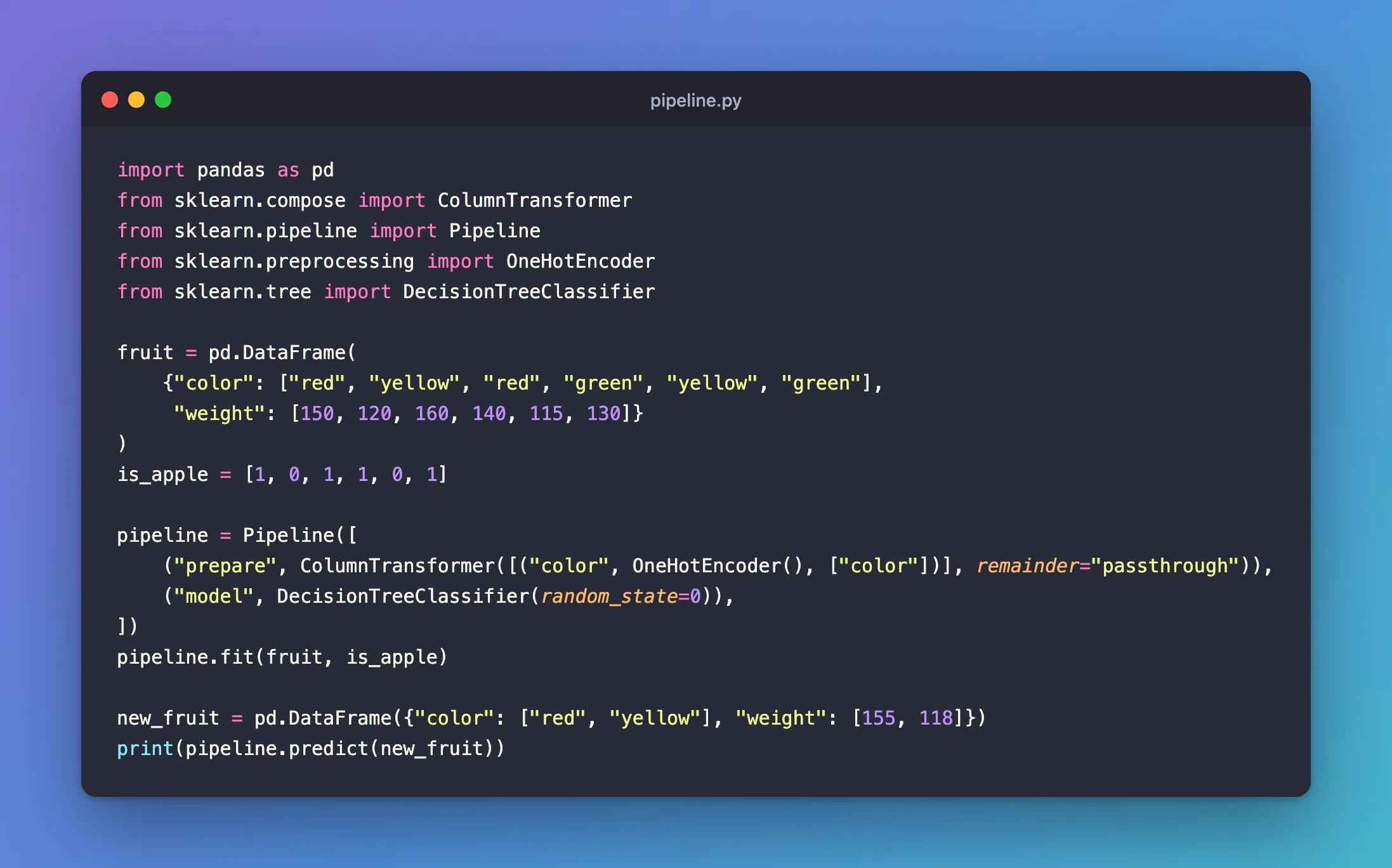
import pandas as pd
from sklearn.compose import ColumnTransformer
from sklearn.pipeline import Pipeline
from sklearn.preprocessing import OneHotEncoder
from sklearn.tree import DecisionTreeClassifier

fruit = pd.DataFrame(
    {"color": ["red", "yellow", "red", "green", "yellow", "green"],
     "weight": [150, 120, 160, 140, 115, 130]}
)
is_apple = [1, 0, 1, 1, 0, 1]

pipeline = Pipeline([
    ("prepare", ColumnTransformer([("color", OneHotEncoder(), ["color"])], remainder="passthrough")),
    ("model", DecisionTreeClassifier(random_state=0)),
])
pipeline.fit(fruit, is_apple)

new_fruit = pd.DataFrame({"color": ["red", "yellow"], "weight": [155, 118]})
print(pipeline.predict(new_fruit))
uv run python pipeline.py
[1 0]
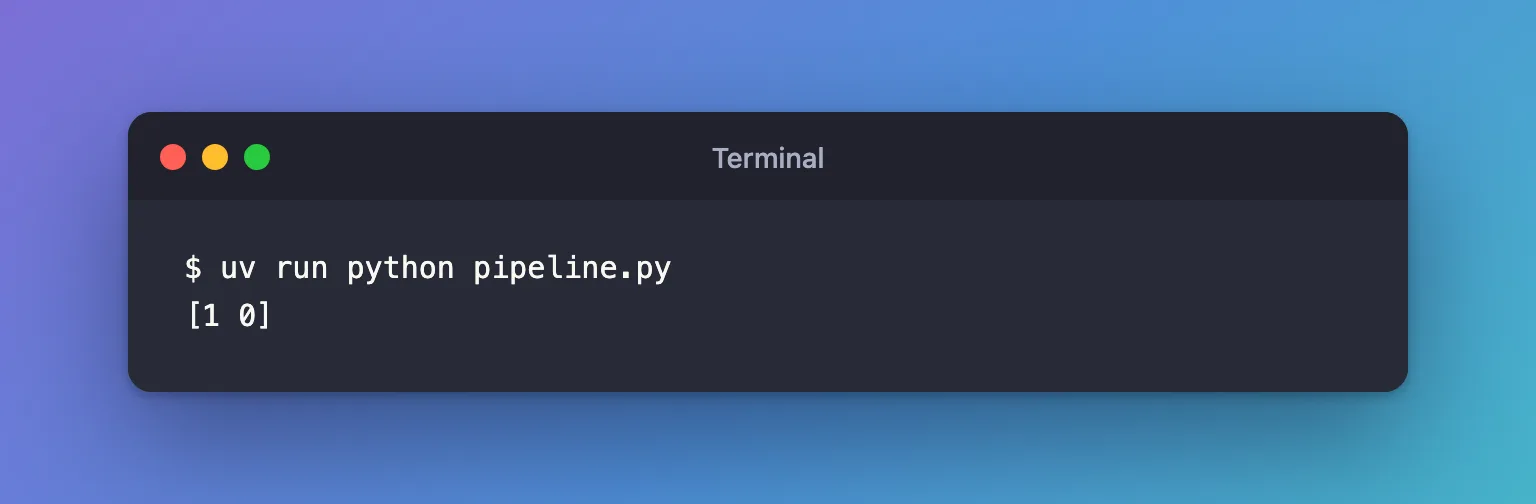
The new rows went in raw, with color still as words: the pipeline encoded them exactly as it encoded the training rows, then predicted an apple for the red fruit and not for the yellow one.
Step 2: Know What the Pipeline Saves You
Without a pipeline you'd fit the encoder, transform the training data, train the model, and then remember to transform, never re-fit, every batch of new data before predicting. The pipeline does those calls in the right order every time. It also keeps cross-validation honest: tuning a pipeline with GridSearchCV fits the preparation on each training fold only, so nothing about the held-out fold leaks into it.
Common Mistakes
| Mistake | What happens | Do this instead |
|---|---|---|
| Leaving a column out of the new rows | ValueError: columns are missing: {'weight'} | Give new rows every column the pipeline was trained with |
| Fitting the preparation on all the data before splitting | Information from the test rows leaks into training | Split first, and fit the whole pipeline on the training rows |
Troubleshooting
| Symptom | Likely cause | Fix |
|---|---|---|
ValueError: columns are missing: {...} | New rows lack a column used in training | Add the column, with the same name |
AttributeError: 'Pipeline' object has no attribute 'model' | Steps aren't attributes of the pipeline | pipeline.named_steps["model"] |
FAQ
How do I change a setting inside a pipeline?
Use the step's name, two underscores and the setting: pipeline.set_params(model__max_depth=3). How to Set the Parameters of a Pipeline Step in scikit-learn covers it.
Is a pipeline a model?
It behaves like one: it has fit, predict and score, so anything that takes a model, such as GridSearchCV, takes a pipeline.
Conclusion
Pipeline([("prepare", ...), ("model", DecisionTreeClassifier(...))]) turned raw rows with text into predictions, [1 0], with one fit and one predict. Put every preparation step in the pipeline, give it raw rows, and fit it on training data only.
Additional Resources
- Pipeline — steps,
named_stepsandset_params.
