How to Chain Method Calls in JavaScript

When a method returns a value, you can call another method on that value straight away, without storing it in a variable first. That's a method chain, and it turns several small steps into one readable line.
Syntax
const <result> = <value>.<firstMethod>().<secondMethod>().<thirdMethod>();
| Part | What it does |
|---|---|
<value> | The value the chain starts from. |
.<firstMethod>() | Runs on <value> and returns a new value. |
.<secondMethod>() | Runs on what <firstMethod> returned, and so on down the chain. |
<result> | What the last method returned. |
A chain works only when each method returns something with the next method on it. String methods do: MDN's trim() reference says it "removes whitespace from both ends of this string and returns a new string, without modifying the original string."
The Example
The example turns a page title, with stray spaces around it, into a URL slug: lowercase words joined by hyphens.
Prerequisites
- Node.js. This guide uses Node.js 26.13.1.
Step 1: Write the Chain
Create a file named main.js:
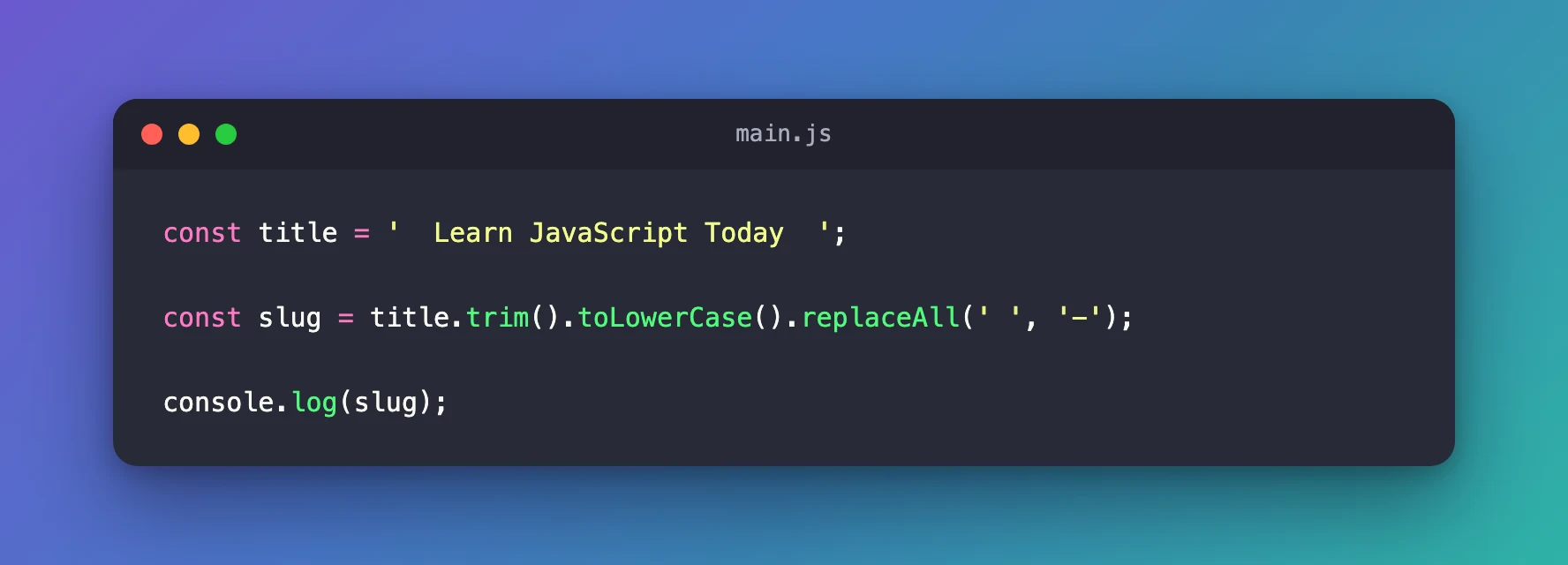
const title = '  Learn JavaScript Today  ';

const slug = title.trim().toLowerCase().replaceAll(' ', '-');

console.log(slug);
Read the chain from left to right:
title.trim()returns'Learn JavaScript Today', without the outer spaces..toLowerCase()runs on that and returns'learn javascript today'..replaceAll(' ', '-')runs on that and returns'learn-javascript-today'.
Step 2: Run It
node main.js
learn-javascript-today
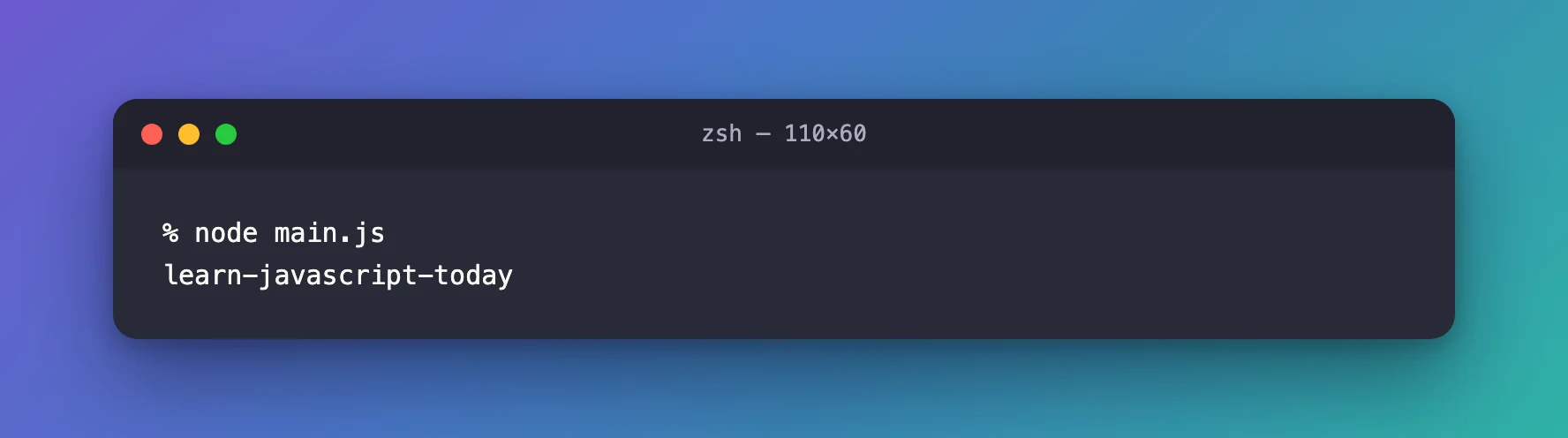
title itself is unchanged: each method returned a new string, and only the last one went into slug. The command is the same in zsh, bash and PowerShell.
Long Chains on Several Lines
A long chain reads better with one call per line, each starting with its dot. JavaScript treats it as the same expression:
const slug = title
  .trim()
  .toLowerCase()
  .replaceAll(' ', '-');
Libraries use the same idea for builders, objects whose methods return the object itself so you can keep adding settings, as in new Builder().setName('x').setSize(2).
Common Mistakes
| Mistake | What happens | Do this instead |
|---|---|---|
Starting a chain on undefined | TypeError: Cannot read properties of undefined (reading 'trim') | Make sure the value exists, or use ?. |
Using replace for every match | replace(' ', '-') changes only the first space: Learn-JavaScript Today | Use replaceAll |
| Expecting the original string to change | title keeps its spaces; strings never change in place | Use the chain's result |
Troubleshooting
| Symptom | Likely cause | Fix |
|---|---|---|
TypeError: Cannot read properties of undefined (reading '…') | A link in the chain got undefined | Write value?.trim().toLowerCase(): the chain stops and gives undefined instead of failing |
TypeError: … is not a function | A method in the chain doesn't exist on that kind of value | Check the spelling and what the previous method returns |
FAQ
Does every method support chaining?
No. A method can only be followed by another when it returns a value that has that method. console.log, for example, returns undefined, so nothing can follow it.
Is a long chain slower than separate lines?
No. Separate variables and a chain run the same calls; choose whichever reads better.
Conclusion
Each method in a chain runs on what the method before it returned. With string methods, every step gives a new string, so trim().toLowerCase().replaceAll(' ', '-') builds a slug in one line.
Additional Resources
- String.prototype.trim(), on MDN.
- String.prototype.replaceAll(), on MDN.
- Optional chaining (?.), on MDN.
