How to Chain Method Calls in Java

When a method returns an object, you can call the next method on it right away: text.strip().toLowerCase(). That's method chaining. In Java it comes in two flavours: methods that return a new value, like String's, and builders whose methods return the builder itself.
Syntax
<Type> <result> = <value>.<firstMethod>().<secondMethod>().<thirdMethod>();
| Part | What it does |
|---|---|
<value>.<firstMethod>() | Runs on <value> and returns an object. |
.<secondMethod>() | Runs on that returned object, and so on down the chain. |
<result> | What the last method returned. |
Each link works only because the method before it returns something. The JDK 25 documentation for String.strip begins: "Returns a string whose value is this string, with all leading and trailing white space removed."
The Example
The example turns a title into a URL slug with three String methods, then builds a sentence with a StringBuilder chain.
Prerequisites
- A JDK, the Java Development Kit.
java Main.javaruns a single file without compiling it first. This guide uses OpenJDK 25.0.5.1.
Step 1: Write Both Chains
Create a file named Main.java:
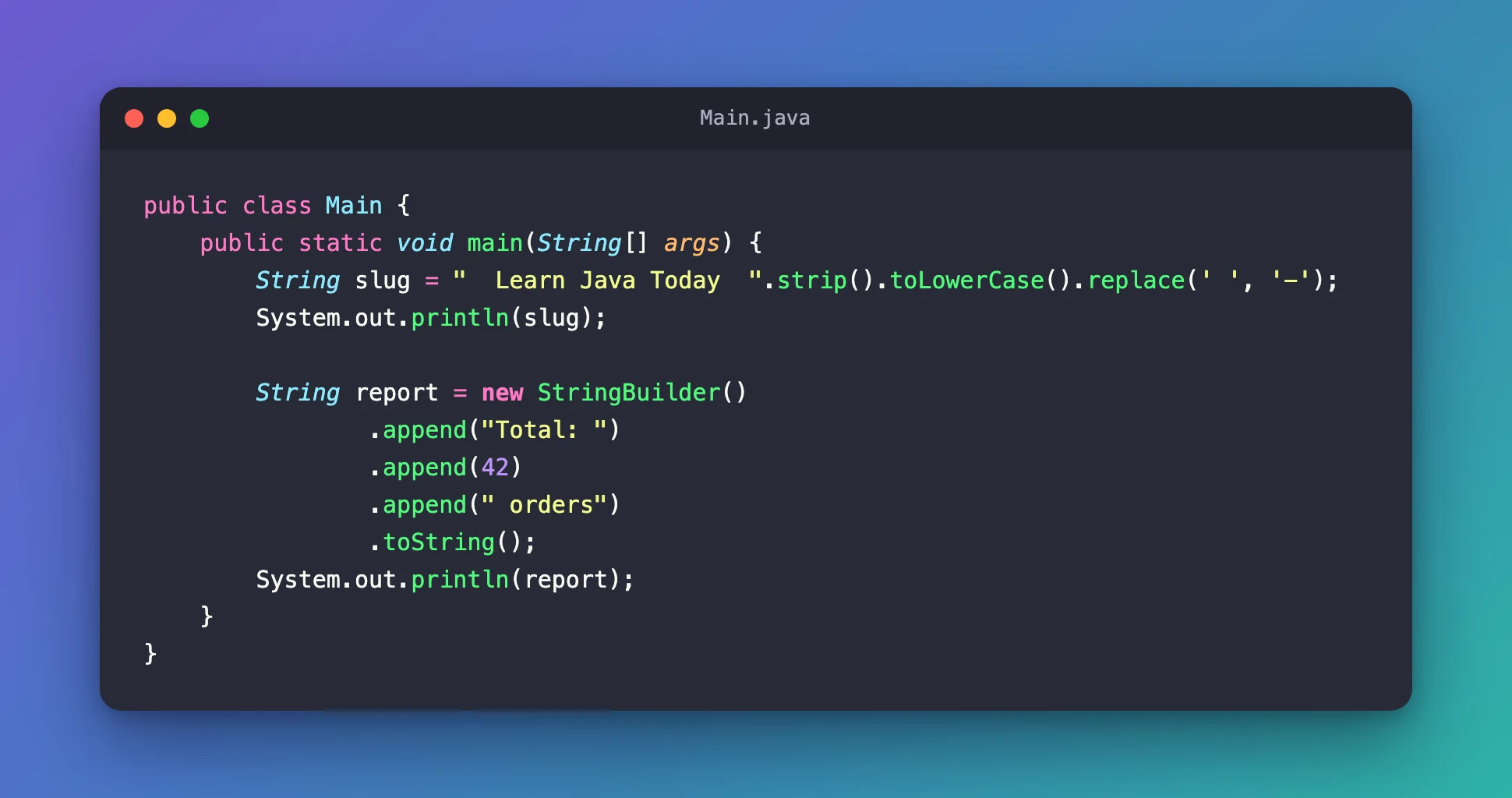
public class Main {
    public static void main(String[] args) {
        String slug = "  Learn Java Today  ".strip().toLowerCase().replace(' ', '-');
        System.out.println(slug);

        String report = new StringBuilder()
                .append("Total: ")
                .append(42)
                .append(" orders")
                .toString();
        System.out.println(report);
    }
}
strip(),toLowerCase()andreplace(' ', '-')each return a newString, and the next method runs on it.- Each
append(...)returns the sameStringBuilder, so the nextappendadds to it.toString()ends the chain with the finished text.
Step 2: Run It
java Main.java
learn-java-today
Total: 42 orders
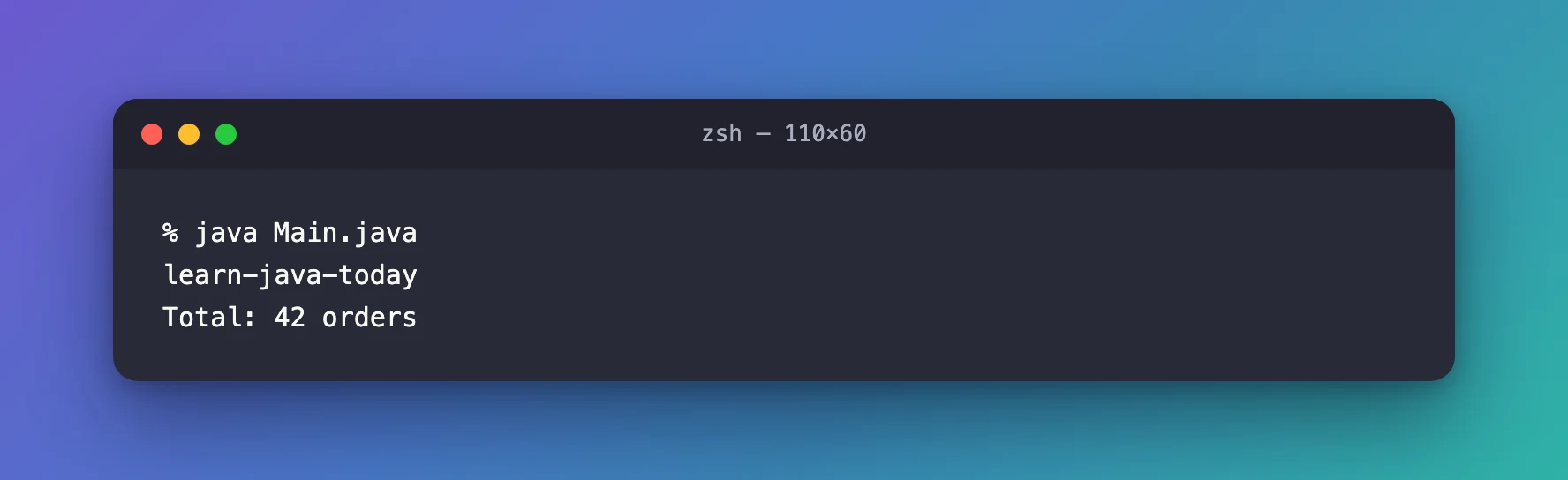
The command is the same in zsh, bash and PowerShell.
Long Chains on Several Lines
Java ignores the line breaks inside an expression, so a long chain reads best with one call per line, each starting with its dot, as in the StringBuilder example. Libraries use the same style for builders, objects you configure step by step before calling a final method such as build().
Common Mistakes
| Mistake | What happens | Do this instead |
|---|---|---|
Starting a chain on null | NullPointerException at the first call | Make sure the value isn't null |
Expecting a String method to change the original | Strings never change; the original keeps its spaces | Use the chain's result |
Forgetting the final toString() or build() | You get the builder, not the finished value | End the chain with it |
Troubleshooting
| Symptom | Likely cause | Fix |
|---|---|---|
NullPointerException: Cannot invoke … because … is null in a chain | One link returned null | Split the chain into lines to see which call it was |
error: incompatible types: StringBuilder cannot be converted to String | The builder chain ends without toString() | Add .toString() |
FAQ
Does replace change only the first match?
No. replace(' ', '-') changes every space; the documentation says it replaces "all occurrences".
Is a long chain slower than separate variables?
No. It runs the same calls; choose whichever reads better.
Conclusion
Each method in a chain runs on what the method before returned. String methods hand back new strings, and builder methods such as StringBuilder.append hand back the builder, so the next call keeps adding to it.
Additional Resources
- String, in the JDK 25 API documentation.
- StringBuilder, in the JDK 25 API documentation.
