How to Catch Several Exceptions with One except in Python

Sometimes two different errors mean the same thing to your program, such as "this isn't a number", and you want to handle them in one place. One except clause can name several exception types. This guide catches two in a small conversion function, with real output from Python 3.15.2.
Syntax
try:
    ...
except <ExceptionType1>, <ExceptionType2>:
    ...  # runs for either type

# with a name for the exception, the parentheses are required:
except (<ExceptionType1>, <ExceptionType2>) as <name>:
    ...
| Part | What it means |
|---|---|
<ExceptionType1>, <ExceptionType2> | The types this clause handles. Without parentheses, this form needs Python 3.14 or newer |
( ... ) as <name> | The same types in parentheses, with the caught exception bound to <name>. Works in every Python 3 version |
What's New in Python 3.14: "The except and except* expressions now allow brackets to be omitted when there are multiple exception types and the as clause is not used."
Prerequisites
- uv and Python 3.14 or newer. This guide uses uv 0.13.10 with Python 3.15.2, in a project made with
uv init.
Step 1: Write the Script
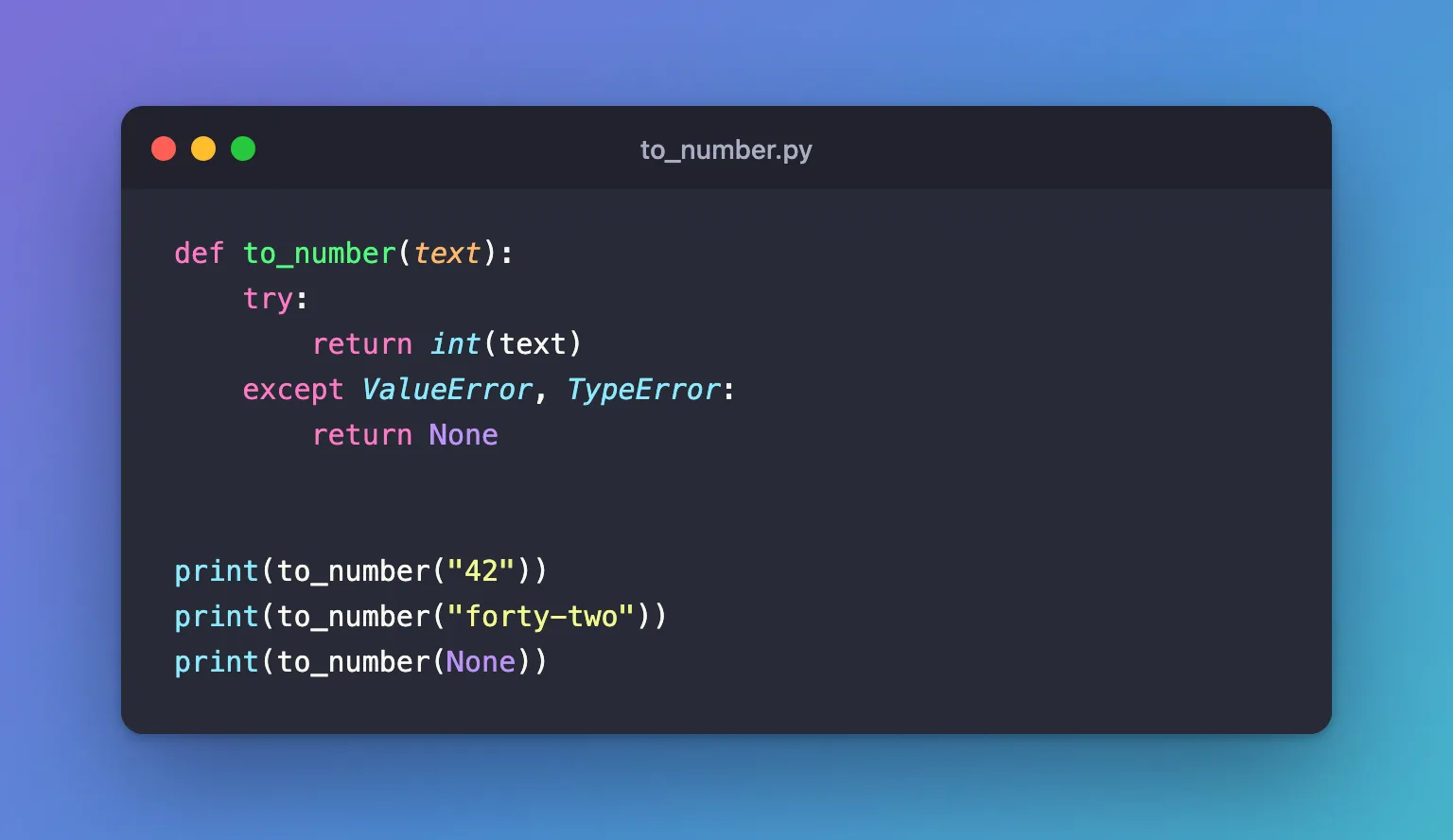
to_number turns text into a whole number. int("forty-two") raises ValueError, and int(None) raises TypeError; the function answers None for both.
def to_number(text):
    try:
        return int(text)
    except ValueError, TypeError:
        return None


print(to_number("42"))
print(to_number("forty-two"))
print(to_number(None))
Step 2: Run It
uv run python to_number.py
42
None
None
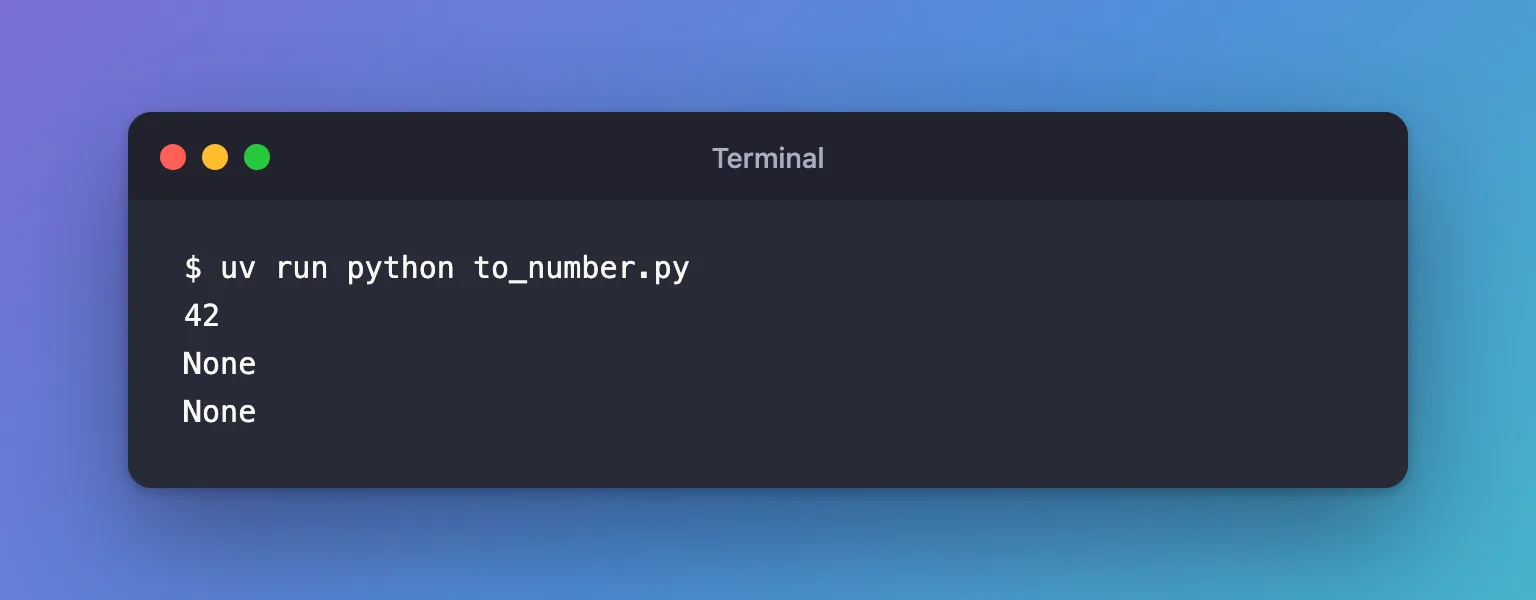
"42" converted; the other two raised different errors, and the one except handled both.
Common Mistakes
| Mistake | What happens | Do this instead |
|---|---|---|
Adding as error without parentheses | SyntaxError: multiple exception types must be parenthesized when using 'as' | except (ValueError, TypeError) as error: |
Writing two except clauses with the same body | It works, but the code is repeated | One clause that names both types |
Troubleshooting
| Symptom | Likely cause | Fix |
|---|---|---|
SyntaxError on except ValueError, TypeError: | Python 3.13 or older. Python's parser, set to the 3.13 grammar, said except expressions without parentheses are only supported in Python 3.14 and greater | Add parentheses: except (ValueError, TypeError): |
FAQ
How do I see which error it was?
Bind it with as, in parentheses. except (ValueError, TypeError) as error: with print("Not a number:", error) printed Not a number: int() argument must be a string, a bytes-like object or a real number, not 'NoneType' for None.
Is the parenthesized form still valid?
Yes. The parentheses are optional only when there's no as; the parenthesized form works in every version.
Conclusion
except ValueError, TypeError: handled both errors in one place, and to_number answered None for "forty-two" and for None. Add parentheses when you also want the exception with as.
Additional Resources
- The except clause — what an except clause matches.
- What's New in Python 3.14 — PEP 758, except without brackets.
