How to Catch an Error from await with try...catch in JavaScript

When an awaited promise fails, await throws its error right there in your function, just like a normal error. Put the await inside a try block and the catch block gets that error, so the program can report it and carry on instead of crashing.
Syntax
try {
  const <result> = await <promise>;
} catch (<err>) {
  // handle <err>, for example with <err>.message
}
| Part | What it does |
|---|---|
try { ... } | Runs the code that might fail. |
await <promise> | Throws the promise's error inside try when the promise is rejected. |
catch (<err>) { ... } | Runs only when something in try threw, with the error in <err>. |
<err>.message | The error's text. |
MDN's try...catch reference: "The code in the try block is executed first, and if it throws an exception, the code in the catch block will be executed."
The Example
The example reads a file named notes.txt that doesn't exist. Reading it fails, and the catch block prints a friendly message with the reason.
Prerequisites
- Node.js. This guide uses Node.js 26.13.1.
Step 1: Write the Code
Create a file named main.js, in a folder without a notes.txt:
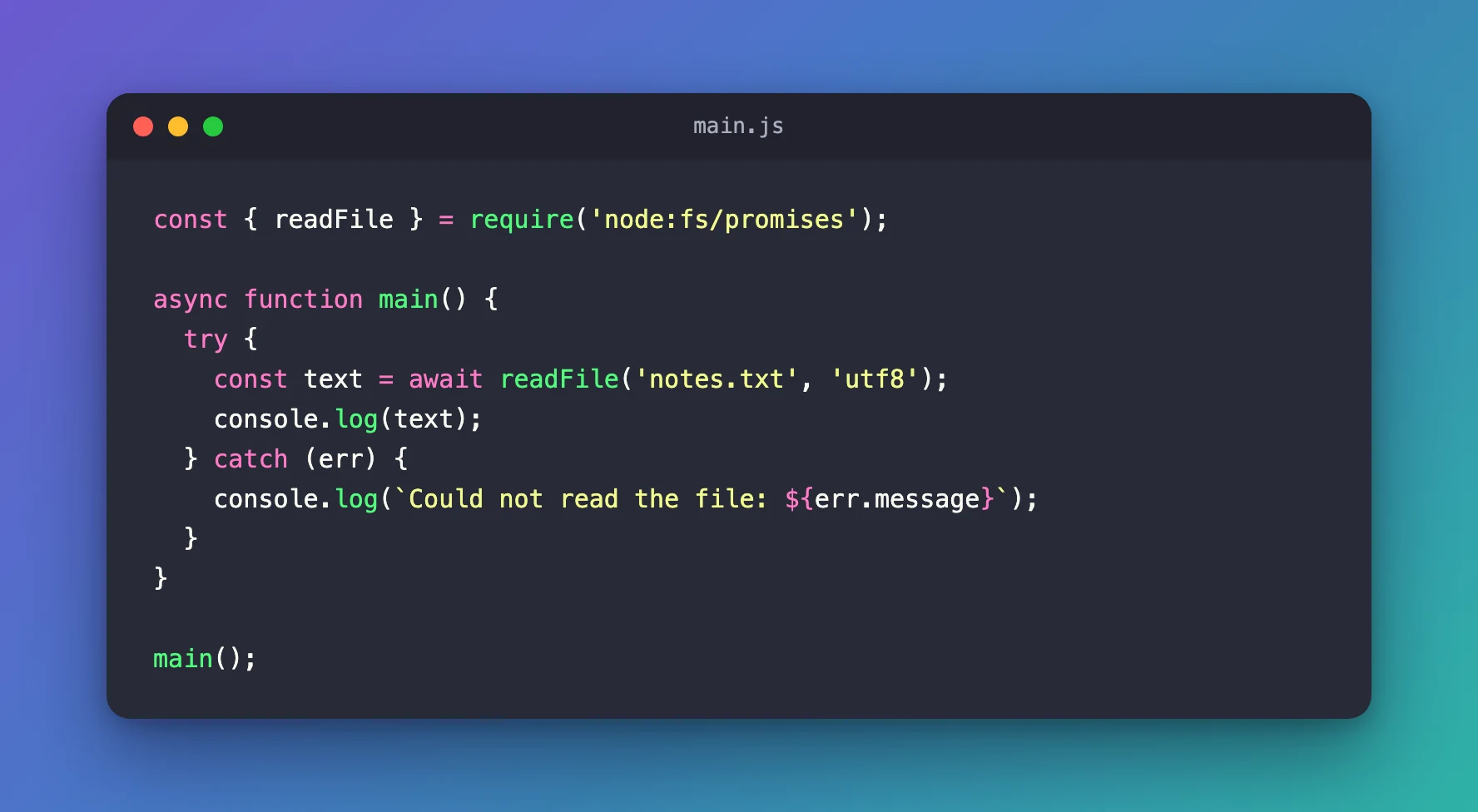
const { readFile } = require('node:fs/promises');

async function main() {
  try {
    const text = await readFile('notes.txt', 'utf8');
    console.log(text);
  } catch (err) {
    console.log(`Could not read the file: ${err.message}`);
  }
}

main();
readFilereturns a promise. The file doesn't exist, so the promise is rejected.awaitturns that rejection into an error thrown insidetry, so theconsole.log(text)line is skipped.catch (err)receives the error, anderr.messagesays what went wrong.
Step 2: Run It
node main.js
Could not read the file: ENOENT: no such file or directory, open 'notes.txt'
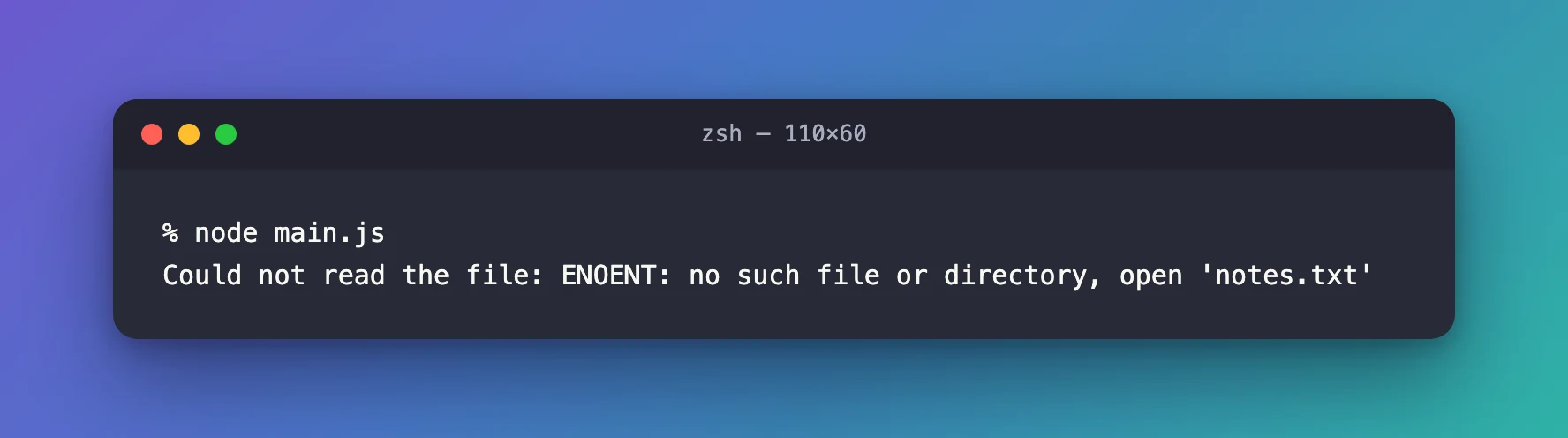
The program handled the failure and ended normally, with exit code 0. ENOENT is the operating system's code for "no such file". The command is the same in zsh, bash and PowerShell.
What Happens Without await
Leave out await and try finishes before the promise fails, so catch never runs. I changed the line to const text = readFile('notes.txt', 'utf8'); and ran it again:
Promise { <pending> }
node:internal/process/promises:324
    triggerUncaughtException(err, true /* fromPromise */);
    ^

[Error: ENOENT: no such file or directory, open 'notes.txt'] {
  errno: -2,
  code: 'ENOENT',
  syscall: 'open',
  path: 'notes.txt'
}

Node.js v26.13.1
text held the promise, not the file's contents, and when the promise failed a moment later nothing was waiting for it, so Node.js crashed with exit code 1.
Common Mistakes
| Mistake | What happens | Do this instead |
|---|---|---|
Calling a promise-returning function inside try without await | The error escapes catch and the program crashes | await it inside the try |
| Catching every error and saying nothing | Problems disappear silently | At least print err.message |
Using text after the try block | text exists only inside try | Use it inside try, or declare it with let above |
Troubleshooting
| Symptom | Likely cause | Fix |
|---|---|---|
A crash at node:internal/process/promises despite a try...catch | The promise wasn't awaited | Add await |
ENOENT: no such file or directory | The path is wrong, or the program runs from another folder | Check the path and the folder you run node from |
FAQ
Can I leave out (err) when I don't need the error?
Yes: catch { ... } is valid JavaScript and runs the block without giving you the error.
Does try...catch work with .then() chains too?
Only with await. A plain .then() chain needs its own .catch() method instead.
Conclusion
Wrap the await in try, handle the failure in catch and read err.message for the reason. The await is what makes it work: without it, the error arrives after try has already finished.
Additional Resources
- try...catch, on MDN.
- fsPromises.readFile(), in the Node.js documentation.
