How to Catch a Connection Error in Python with requests

When the server a program calls isn't running, requests can't connect, and the program stops with a long traceback ending in requests.exceptions.ConnectionError: ... Max retries exceeded with url. Catching requests.ConnectionError turns that into one clear message. This guide calls a port where nothing listens and catches the error, with real output from Python 3.15.2 and requests 2.34.2.
Syntax
try:
    response = requests.get(url, timeout=seconds)
except requests.ConnectionError:
    ...  # what to do when the server can't be reached
| Part | What it means |
|---|---|
requests.ConnectionError | requests' error for a request that couldn't connect: nothing listening, an unknown host, no network |
except requests.ConnectionError: | The lines below it run instead of a crash |
The requests quickstart: "In the event of a network problem (e.g. DNS failure, refused connection, etc), Requests will raise a ConnectionError exception."
Prerequisites
- Python 3 with the requests package in your project, for example with
uv add requests.
The Error Without the Fix
Port 9 on your own computer has nothing listening on it, which makes it a reliable way to see the error. This one line asks it for a page:
import requests

requests.get("http://127.0.0.1:9", timeout=5)
requests.exceptions.ConnectionError: HTTPConnectionPool(host='127.0.0.1', port=9): Max retries exceeded with url: / (Caused by NewConnectionError("HTTPConnection(host='127.0.0.1', port=9): Failed to establish a new connection: [Errno 61] Connection refused"))
Connection refused is the cause: the computer answered, but no program was listening on that port.
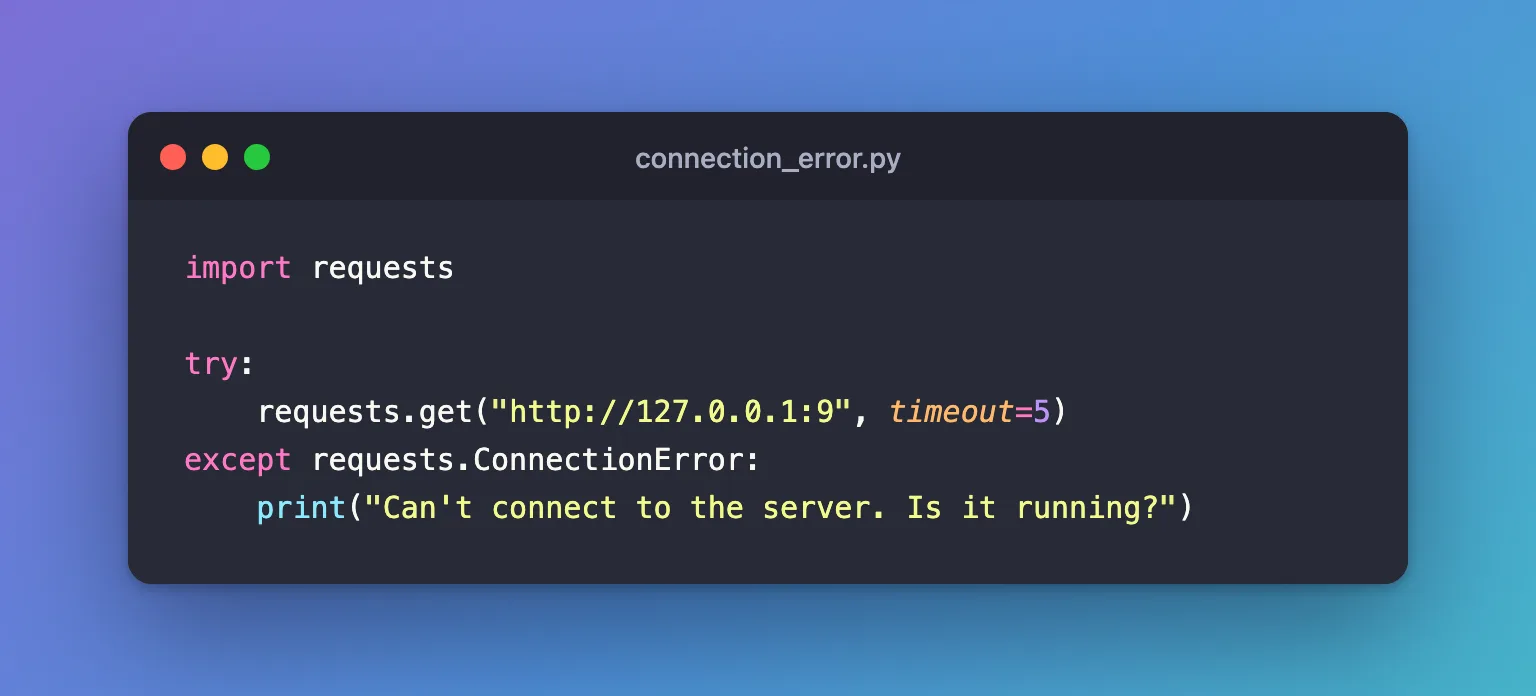
Step 1: Catch the Error
import requests

try:
    requests.get("http://127.0.0.1:9", timeout=5)
except requests.ConnectionError:
    print("Can't connect to the server. Is it running?")
Step 2: Run It
uv run python connection_error.py
Can't connect to the server. Is it running?
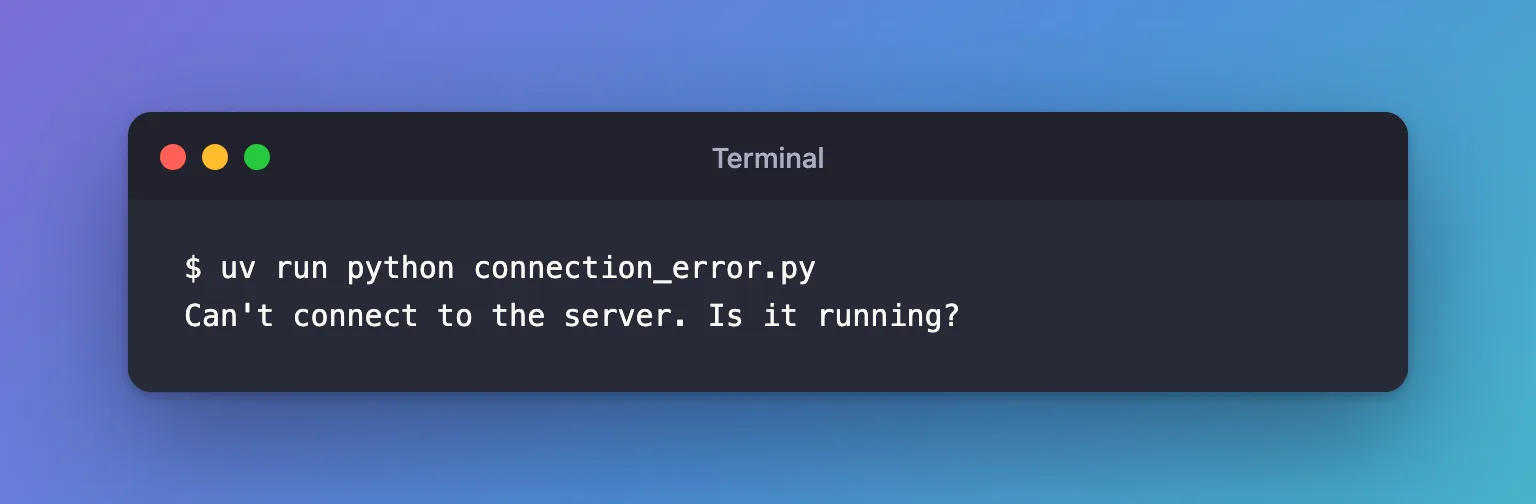
The same failure, one readable line, and the program carries on after the except.
Common Mistakes
| Mistake | What happens | Do this instead |
|---|---|---|
except ConnectionError: without requests. | Python's built-in ConnectionError is a different class, so the error isn't caught: issubclass(requests.ConnectionError, ConnectionError) printed False | except requests.ConnectionError: |
Expecting it for a 404 or 500 | Those are answers from a server that was reached, so there's no ConnectionError | Check response.status_code |
Troubleshooting
| Symptom | Likely cause | Fix |
|---|---|---|
[Errno 61] Connection refused | Nothing listens on that port: the server isn't running, or the port is wrong | Start the server, or check the port in the address |
ConnectionError for a host name | The name doesn't resolve: http://no-such-host.invalid raised ConnectionError too | Check the spelling of the host |
FAQ
Do I need a separate except for an unknown host?
No. A refused connection and an unknown host both raised requests.ConnectionError in the example, so one except covers both.
Is a timeout a ConnectionError?
Only a timeout while connecting: issubclass(requests.ConnectTimeout, requests.ConnectionError) printed True, so except requests.ConnectionError: catches it. A timeout while waiting for the answer, ReadTimeout, printed False; catch it with except requests.Timeout:.
Conclusion
A request to 127.0.0.1:9 failed with ConnectionError: ... Connection refused, and except requests.ConnectionError: turned it into Can't connect to the server. Is it running?. Python's built-in ConnectionError wouldn't have caught it.
Additional Resources
- requests: Errors and Exceptions —
ConnectionErrorand the other errors. - requests API: Exceptions — the exception classes.
