How to Call an MLflow Model Server from Python

A program that uses a served MLflow model doesn't need MLflow itself: it sends its data to the server over HTTP and reads the predictions from the answer. This guide does that from Python with the requests library, builds the request from a pandas DataFrame, and shows what the program gets when the server refuses a request or isn't running, with real output from MLflow 3.18.0.
Syntax
response = requests.post(URL + "/invocations", json=PAYLOAD, timeout=SECONDS)
predictions = response.json()["predictions"]
| Part | What it means |
|---|---|
URL | The model server's address, such as http://127.0.0.1:5001 |
json=PAYLOAD | The request body: requests turns the dictionary into JSON and sets Content-Type: application/json |
PAYLOAD | One of the server's layouts, such as {"dataframe_split": df.to_dict(orient="split", index=False)} |
timeout=SECONDS | How long to wait for the server before giving up |
response.json()["predictions"] | The predictions, one per row |
The requests quickstart on sending JSON: "If you need that header set and you don't want to encode the dict yourself, you can also pass it directly using the json parameter (added in version 2.4.2) and it will be encoded automatically". The header it means is Content-Type: application/json.
Prerequisites
- An MLflow tracking server at
http://127.0.0.1:8080, such asmlflow server --port 8080. mlflow,scikit-learnandrequestsin your project, for example withuv add mlflow scikit-learn pandas requests.
Step 1: Log a Model and Serve It
The example trains a classifier on scikit-learn's breast cancer data that says whether a tumour is malignant, from 30 measurements of its cells:
import mlflow
from sklearn.datasets import load_breast_cancer
from sklearn.linear_model import LogisticRegression
from sklearn.pipeline import make_pipeline
from sklearn.preprocessing import StandardScaler

mlflow.set_tracking_uri("http://127.0.0.1:8080")
mlflow.set_experiment("python-client-example")

X, y = load_breast_cancer(return_X_y=True, as_frame=True)
y = y == 0  # True when the tumour is malignant
model = make_pipeline(StandardScaler(), LogisticRegression()).fit(X, y)
with mlflow.start_run():
    info = mlflow.sklearn.log_model(model, name="model", input_example=X.head(3))
print("Model URI:", info.model_uri)
uv run python log_tumour_model.py
Model URI: models:/m-d106787e994c4f7cbd80a4304fa498ce
Serve it in a second terminal, with export MLFLOW_TRACKING_URI=http://127.0.0.1:8080 first, or $env:MLFLOW_TRACKING_URI = "http://127.0.0.1:8080" in PowerShell:
uv run mlflow models serve -m "models:/m-d106787e994c4f7cbd80a4304fa498ce" -p 5001 --env-manager uv
Step 2: Call the Server from Python
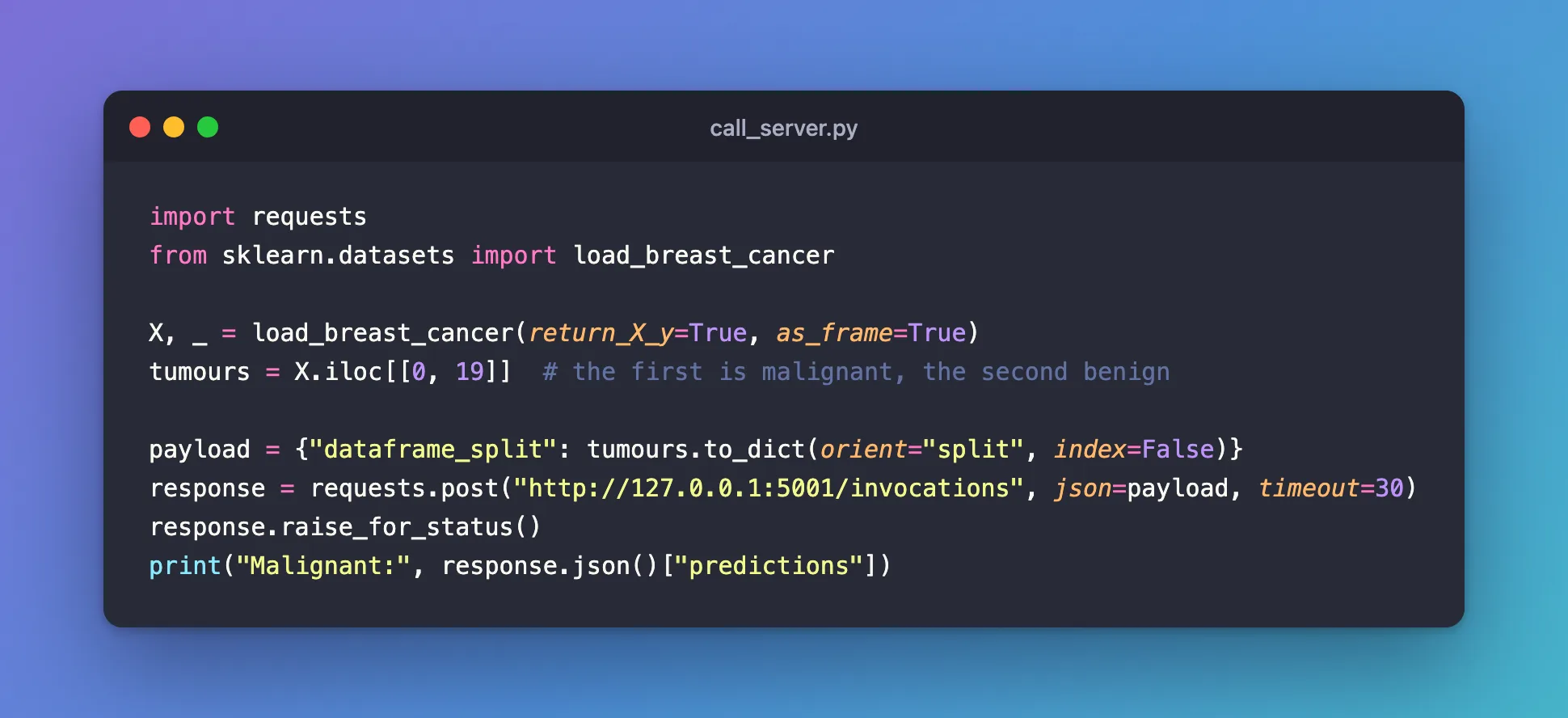
The program takes two tumours from the dataset, the first malignant and the second benign, and asks the server about them:
import requests
from sklearn.datasets import load_breast_cancer

X, _ = load_breast_cancer(return_X_y=True, as_frame=True)
tumours = X.iloc[[0, 19]]  # the first is malignant, the second benign

payload = {"dataframe_split": tumours.to_dict(orient="split", index=False)}
response = requests.post("http://127.0.0.1:5001/invocations", json=payload, timeout=30)
response.raise_for_status()
print("Malignant:", response.json()["predictions"])
to_dict(orient="split", index=False)gives the 30 column names once and each tumour's values in that order: the server'sdataframe_splitlayout.json=payloadsends it as JSON, with the rightContent-Type.timeout=30stops waiting after 30 seconds, so the program can't hang on a stuck server.raise_for_status()turns an error answer, such as400, into an exception instead of reading on.
uv run python call_server.py
Malignant: [True, False]
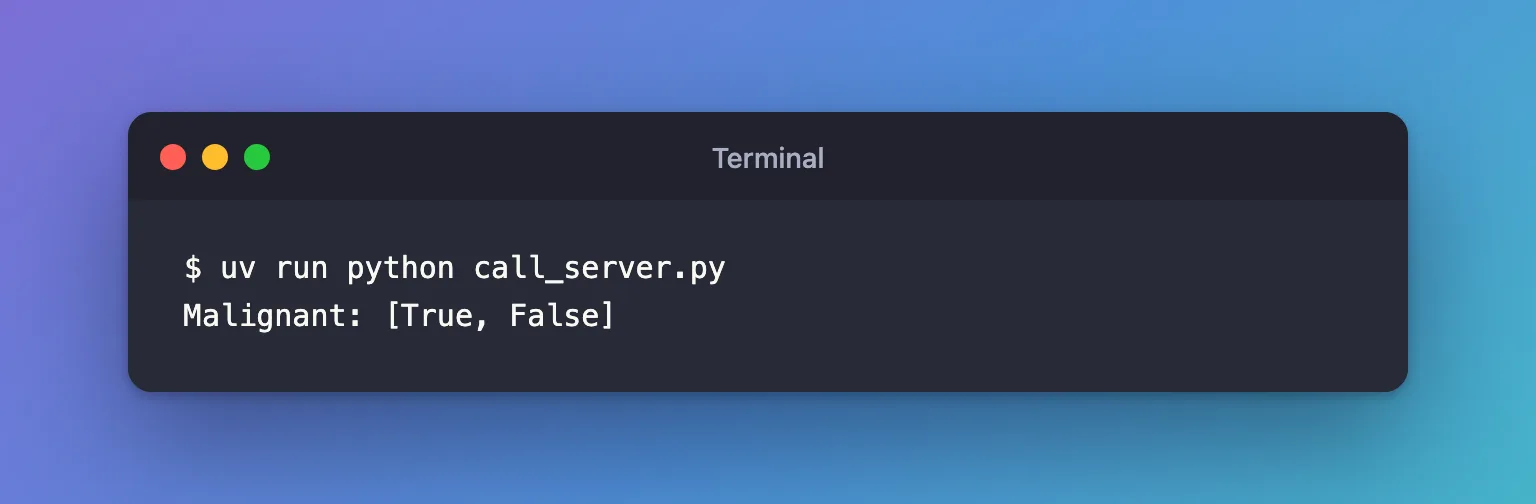
The model calls the first tumour malignant and the second not, as the dataset's labels say. The predictions are Python values: true and false in the JSON became True and False.
Step 3: Read a Refused Request
When a request doesn't match the model, the server answers 400 with a JSON body that explains why. This program sends one column of the 30:
import requests

payload = {"dataframe_split": {"columns": ["mean radius"], "data": [[17.99]]}}  # only one of 30 columns
response = requests.post("http://127.0.0.1:5001/invocations", json=payload, timeout=30)
print("Status:", response.status_code)
error = response.json()
print("Error code:", error["error_code"])
print("Reason:", error["message"].rsplit("Error: ", 1)[-1][:80])
Status: 400
Error code: INVALID_PARAMETER_VALUE
Reason: Model is missing inputs ['mean texture', 'mean perimeter', 'mean area', 'mean sm
The body has error_code and message; the useful part of a schema error is the message's last sentence, which the program cuts out with rsplit. How to Read the Error an MLflow Model Server Returns goes through the fields.
Step 4: See What Happens When the Server Is Down
With the server stopped, call_server.py can't connect:
    raise ConnectionError(e, request=request)
requests.exceptions.ConnectionError: HTTPConnectionPool(host='127.0.0.1', port=5001): Max retries exceeded with url: /invocations (Caused by NewConnectionError("HTTPConnection(host='127.0.0.1', port=5001): Failed to establish a new connection: [Errno 61] Connection refused"))
requests.ConnectionError means nothing answered on that address. A program that should keep going catches it, as except requests.ConnectionError:, and reports it in its own words.
Common Mistakes
| Mistake | What happens | Do this instead |
|---|---|---|
data=payload instead of json=payload | requests sends the dictionary as a form, and the server answers 415: This predictor only supports the following content types | json=payload |
No timeout | The requests docs: "Failure to do so can cause your program to hang indefinitely" | Always pass timeout |
Reading response.json()["predictions"] without checking the status | A 400 body has no predictions, so a KeyError hides the real reason | raise_for_status(), or check status_code first |
Troubleshooting
| Symptom | Likely cause | Fix |
|---|---|---|
requests.exceptions.ConnectionError ... Connection refused | The server isn't running, or listens on another port | Start it, or fix the URL |
requests.exceptions.HTTPError: 400 Client Error: Bad Request for url: http://127.0.0.1:5001/invocations | raise_for_status() met a refused request | Read response.json()["message"] for the reason |
FAQ
Does the program need MLflow installed?
No: it only needs requests and something to build the JSON. This example uses pandas and scikit-learn only to get its two tumours.
Can I send many rows at once?
Yes: one request with many rows is one call, and the predictions come back in the same order.
Conclusion
requests.post(".../invocations", json={"dataframe_split": ...}, timeout=30) sent two tumours to the served classifier and got [True, False] back. A request with one of 30 columns came back as 400 with INVALID_PARAMETER_VALUE, and with the server stopped, requests raised ConnectionError.
Additional Resources
- requests quickstart —
post,json=,timeoutand errors. - Deploy MLflow Model as a Local Inference Server — the request layouts.
