How to Call a Python Function with Keyword Arguments

A call like make_tea("black", 0, True) works, but nobody can tell what 0 and True mean. Keyword arguments name each value at the call, make_tea("black", milk=True), so the call explains itself and you can skip the parameters whose defaults are fine.
Syntax
<function>(<positional value>, <parameter>=<value>, <parameter>=<value>)
| Part | What it does |
|---|---|
<positional value> | Matched to the parameters by position, from the left. |
<parameter>=<value> | A keyword argument: matched to the parameter with that name, in any order. |
| Order | Positional values first, then keyword arguments. |
The Python glossary defines a keyword argument as "an argument preceded by an identifier (e.g. name=) in a function call or passed as a value in a dictionary preceded by **."
The Example
The example defines make_tea with one required parameter and two with defaults, then calls it three ways.
Prerequisites
- uv and Python. This guide uses uv 0.13.10 with Python 3.15.2.
Step 1: Write the Code
Create a file named main.py:
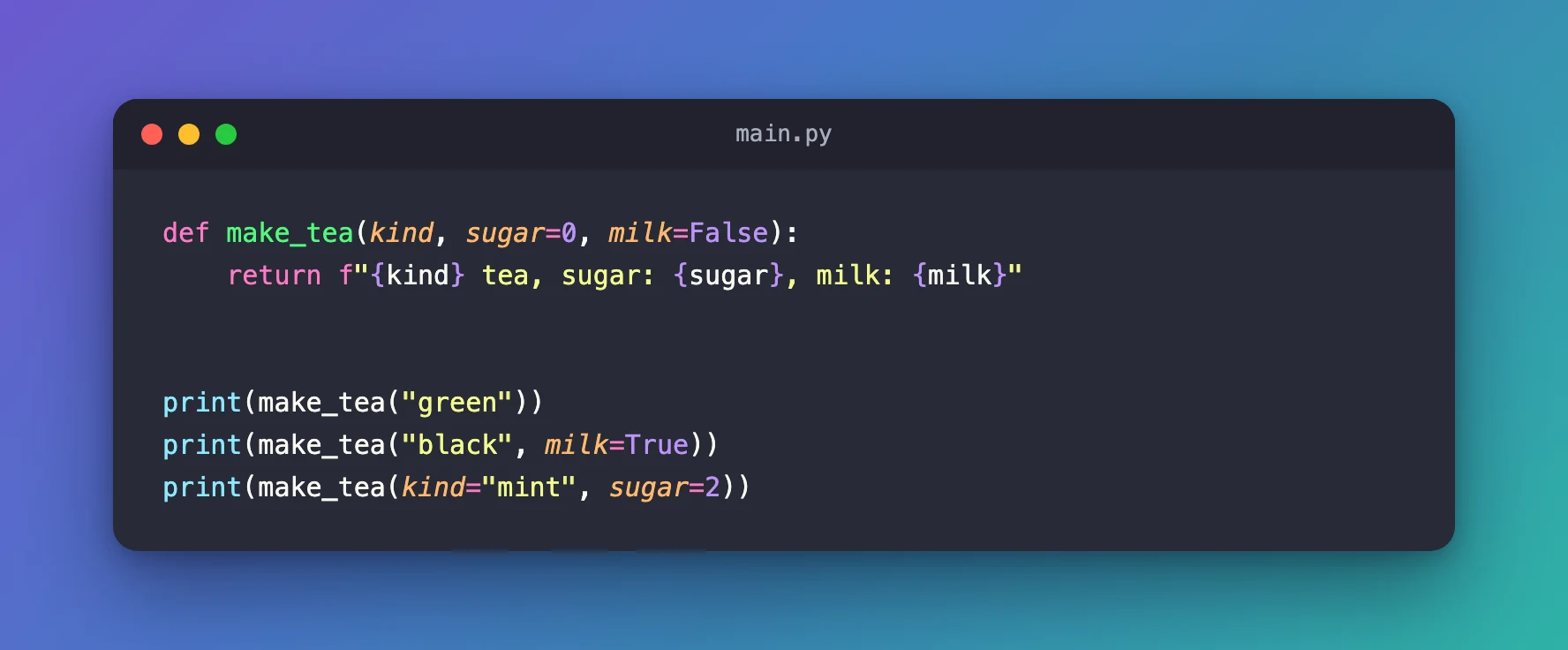
def make_tea(kind, sugar=0, milk=False):
    return f"{kind} tea, sugar: {sugar}, milk: {milk}"


print(make_tea("green"))
print(make_tea("black", milk=True))
print(make_tea(kind="mint", sugar=2))
make_tea("green")passes onlykind;sugarandmilkkeep their defaults.make_tea("black", milk=True)skipssugarand setsmilkby name.make_tea(kind="mint", sugar=2)names every value it passes.
Step 2: Run It
uv run python main.py
green tea, sugar: 0, milk: False
black tea, sugar: 0, milk: True
mint tea, sugar: 2, milk: False
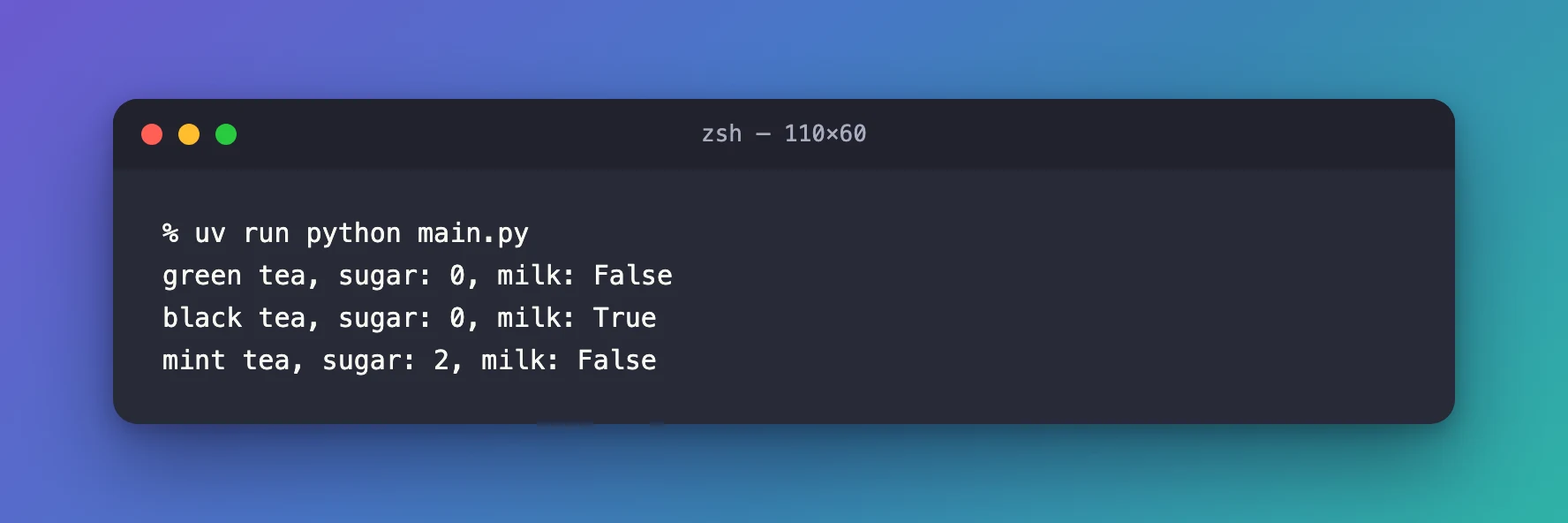
Each keyword landed on the parameter it named, and the defaults covered the rest. The command is the same in zsh, bash and PowerShell.
Common Mistakes
| Mistake | What happens | Do this instead |
|---|---|---|
A positional value after a keyword, as in make_tea(kind="mint", 2) | SyntaxError: positional argument follows keyword argument | Put positional values first |
A keyword the function doesn't have, as in honey=True | TypeError: make_tea() got an unexpected keyword argument 'honey' | Check the parameter names |
Passing the same parameter twice, as in make_tea("green", kind="black") | TypeError: make_tea() got multiple values for argument 'kind' | Pass each parameter once |
Troubleshooting
| Symptom | Likely cause | Fix |
|---|---|---|
got an unexpected keyword argument | A misspelled or unsupported keyword | Compare it with the def line |
got multiple values for argument | The value was given by position and by name | Drop one of them |
FAQ
Can a function force keyword arguments?
Yes. Parameters after a * in the def line, as in def make_tea(kind, *, milk=False):, can only be passed by keyword.
Do keyword arguments work with built-in functions?
With many, such as print("a", "b", sep="-"). Some built-in parameters are positional-only and can't be named.
Conclusion
Name a value at the call with parameter=value to match it by name, skip the ones whose defaults suit you and make the call readable. Keep positional values before keyword ones.
Additional Resources
- Keyword Arguments, in the Python tutorial.
- argument, in the Python glossary.
