How to Build and Read a URL with the Uri Class in C#

new Uri("https://learn.microsoft.com/dotnet/csharp/?view=net-10.0#tour") gives you an object that knows each part of the address: the scheme, the host, the path, the query and the fragment.
Microsoft's reference: Provides an object representation of a uniform resource identifier (URI) and easy access to the parts of the URI. A URI is the formal name for a web address, and Uri also joins a relative address, such as orders/42, to a base address.
Syntax
Uri <address> = new("<absolute address>");
Uri <joined> = new(new Uri("<base address>"), "<relative address>");
| Part | What it is |
|---|---|
Scheme | The part before ://, such as https |
Host | The server's name |
AbsolutePath | The path after the host |
Query | The part from the ?, the question mark included |
Fragment | The part from the # |
new Uri(<base>, <relative>) | The relative address resolved against the base |
The Example
A console app called UriBasics takes a Microsoft Learn address apart, then joins orders/42 to the base address of an API.
Prerequisites
- The .NET 10 SDK.
dotnet --versionprints a version that starts with10.0.
Step 1: Create a Console App
dotnet new console -n UriBasics
cd UriBasics
The template "Console App" was created successfully.

Processing post-creation actions...
Restoring /Users/you/source/UriBasics/UriBasics.csproj:
  Determining projects to restore...
  Restored /Users/you/source/UriBasics/UriBasics.csproj (in 45 ms).
Restore succeeded.
dotnet new console -n UriBasics creates a folder named UriBasics with a project file and a Program.cs, and cd moves into it. Everything this example uses is part of .NET, so there's no package to add. Open the folder in VS Code, or UriBasics.csproj in Visual Studio.
Step 2: Write the Code
Replace everything in Program.cs. First the address:
Uri address = new("https://learn.microsoft.com/dotnet/csharp/?view=net-10.0#tour");
Then print its parts:
Console.WriteLine($"Scheme:   {address.Scheme}");
Console.WriteLine($"Host:     {address.Host}");
Console.WriteLine($"Path:     {address.AbsolutePath}");
Console.WriteLine($"Query:    {address.Query}");
Console.WriteLine($"Fragment: {address.Fragment}");
And join a relative address to a base address:
// A relative address, joined to a base address.
Uri api = new(new Uri("https://example.com/api/"), "orders/42");
Console.WriteLine(api);
Step 3: Run It
Run it in VS Code's terminal, or press Ctrl+F5 in Visual Studio:
dotnet run
Scheme:   https
Host:     learn.microsoft.com
Path:     /dotnet/csharp/
Query:    ?view=net-10.0
Fragment: #tour
https://example.com/api/orders/42
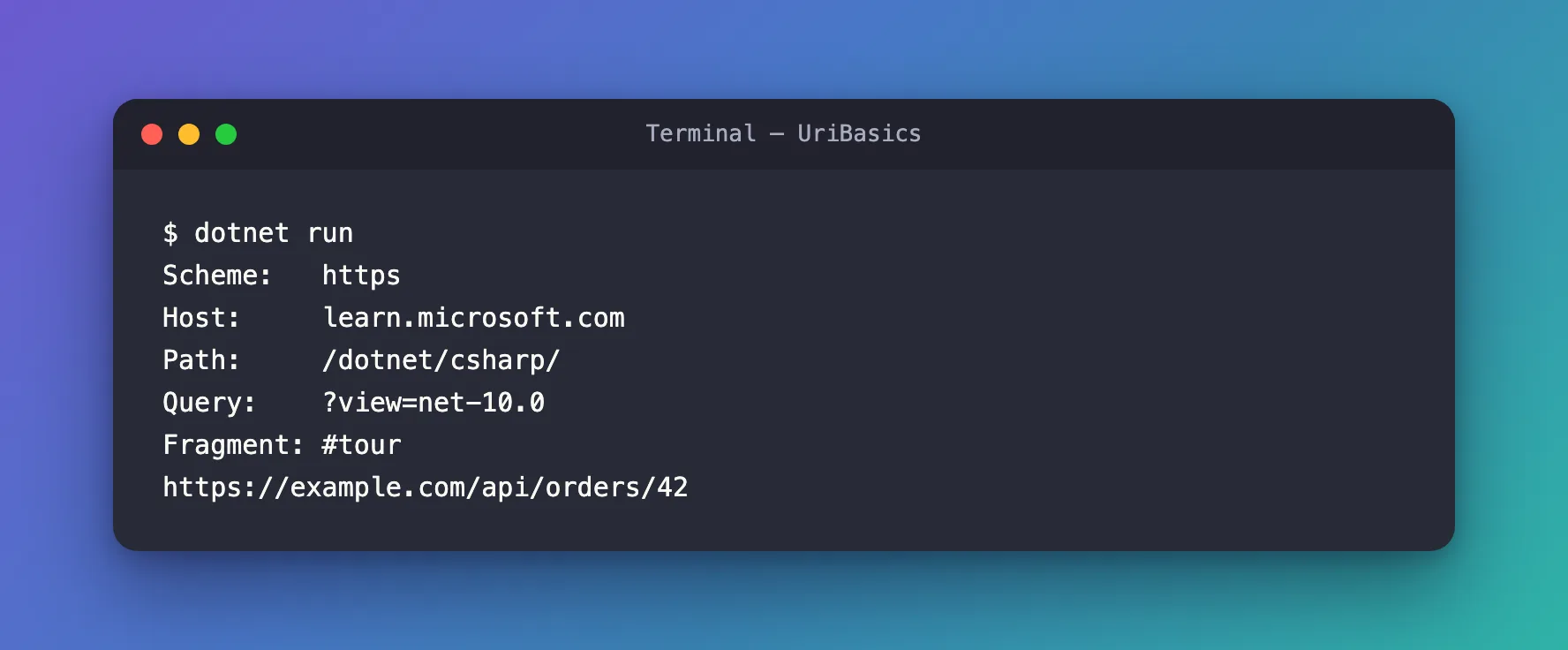
Each part came out separately, with the ? and the # kept at the start of the query and the fragment. The joined address kept the base's api/ and added orders/42 after it.
The Complete File
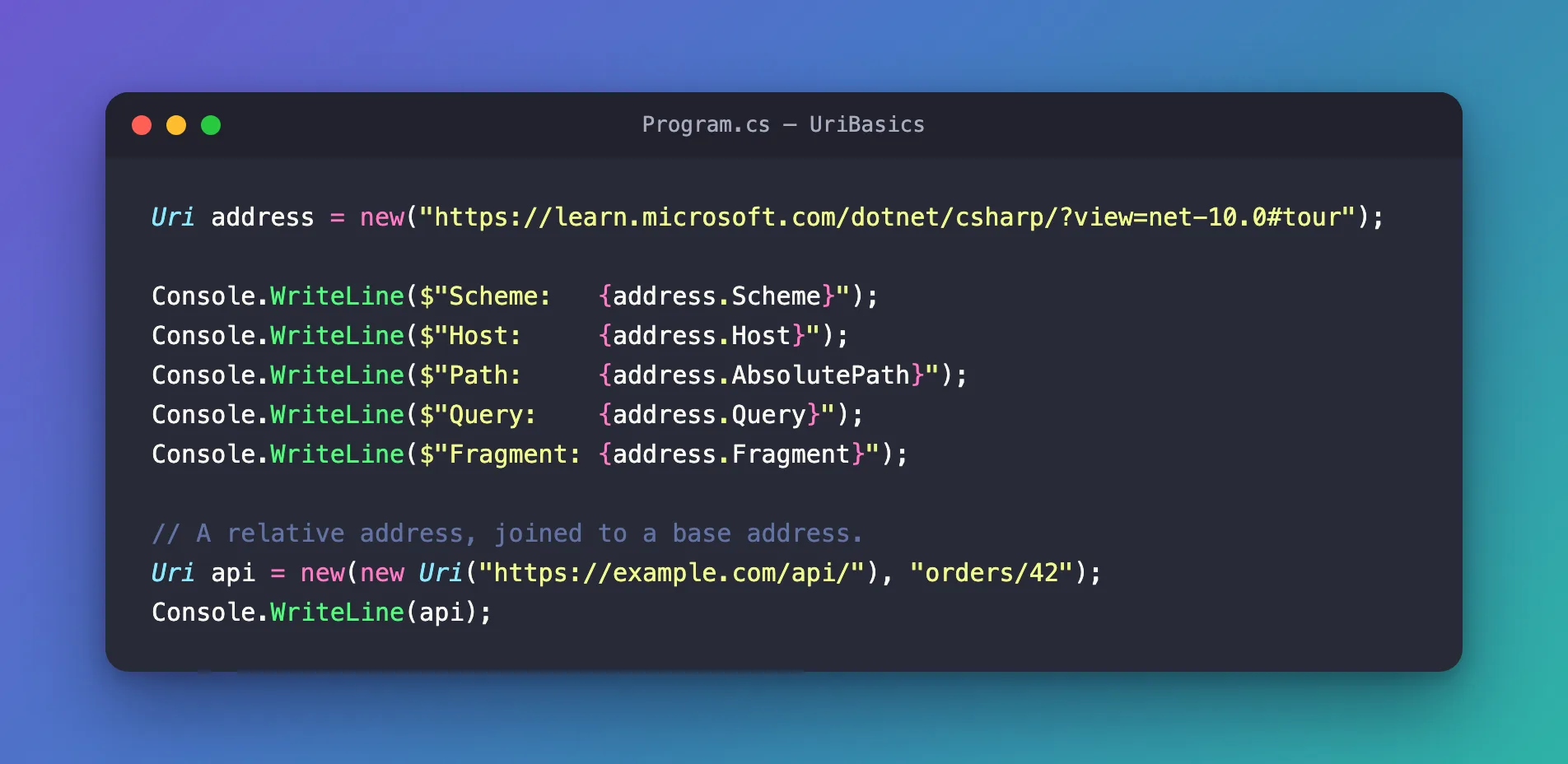
Uri address = new("https://learn.microsoft.com/dotnet/csharp/?view=net-10.0#tour");

Console.WriteLine($"Scheme:   {address.Scheme}");
Console.WriteLine($"Host:     {address.Host}");
Console.WriteLine($"Path:     {address.AbsolutePath}");
Console.WriteLine($"Query:    {address.Query}");
Console.WriteLine($"Fragment: {address.Fragment}");

// A relative address, joined to a base address.
Uri api = new(new Uri("https://example.com/api/"), "orders/42");
Console.WriteLine(api);
Common Mistakes
| Mistake | What happens | Do this instead |
|---|---|---|
| A base address without a slash at the end | The last part of its path is replaced: new Uri(new Uri("https://example.com/api"), "orders/42") gave https://example.com/orders/42 | End the base with /, as in the example |
| An address without a scheme | new Uri("learn.microsoft.com") threw UriFormatException: Invalid URI: The format of the URI could not be determined. | Include https://, or check the text first with Uri.TryCreate |
FAQ
How do I check an address without catching an exception?
Use Uri.TryCreate: Uri.TryCreate("not a url", UriKind.Absolute, out Uri? result) returned False instead of throwing.
Conclusion
new Uri(text) turns an address into an object with Scheme, Host, AbsolutePath, Query and Fragment, and new Uri(baseUri, relative) joins two addresses. End a base address with / and include the scheme, or use Uri.TryCreate for text you don't control.
Additional Resources
- Uri class — every part of an address.
- Uri.TryCreate — checking an address without an exception.
