How to Build a String with format! in Rust

format! builds a new String from a template: it takes the same format strings as println!, but gives you the text instead of printing it. Use it to join pieces of text, or to put values into a sentence.
Syntax
let text = format!("template with {name} and {}", value);
| Part | What it does |
|---|---|
format!(...) | A macro, which is why it ends in !. It returns a new String. |
"template ..." | The format string. It must be a string literal, written right in the call. |
{name} | Replaced by the value of the variable name. |
{} | Replaced by the next argument after the format string, in order: here value. |
{:?} | Like {}, but with the debug format, for values such as a Vec that {} can't show. |
The documentation for format!: "Creates a String using interpolation of runtime expressions." And: "The first argument format! receives is a format string. This must be a string literal." The std::fmt documentation explains {name}: "If a named parameter does not appear in the argument list, format! will reference a variable with that name in the current scope." It also says: "A format string is required to use all of its arguments, otherwise it is a compile-time error."
The Example
The example builds three strings: a sentence from two variables, the words header, payload and signature joined with dots from three arguments in order, and the debug text of a Vec, whose length it then prints.
Prerequisites
- Rust, installed with rustup, which comes with Cargo. This guide uses Rust 1.100.1.
Step 1: Create a Project
cargo new demo
cd demo
    Creating binary (application) `demo` package
note: see more `Cargo.toml` keys and their definitions at https://doc.rust-lang.org/cargo/reference/manifest.html
cargo new demo creates a folder named demo with a Cargo.toml file, which describes the project, and src/main.rs, which holds the code. cd demo moves into it.
Step 2: Write the Code
Replace the contents of src/main.rs with:
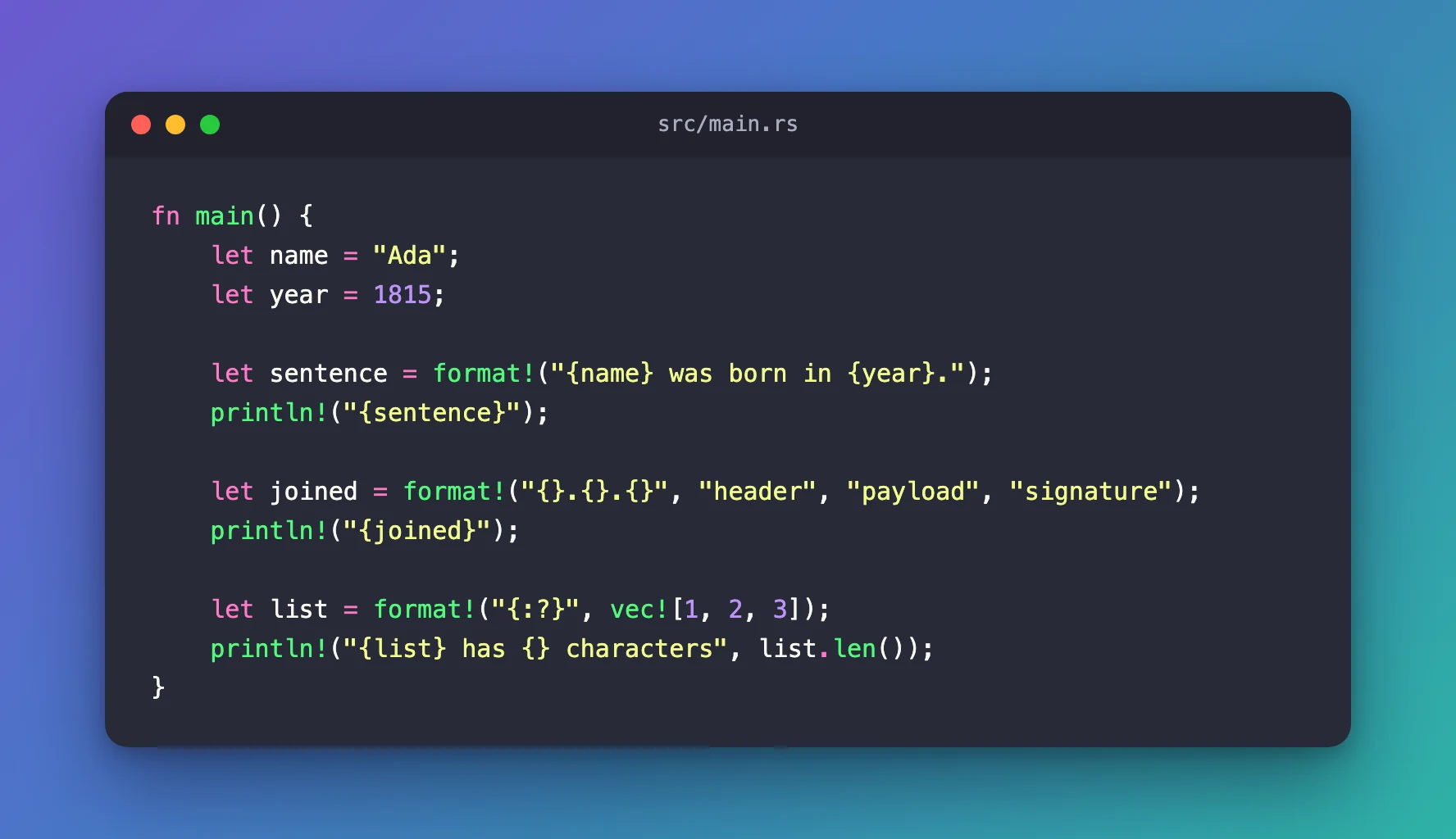
fn main() {
    let name = "Ada";
    let year = 1815;

    let sentence = format!("{name} was born in {year}.");
    println!("{sentence}");

    let joined = format!("{}.{}.{}", "header", "payload", "signature");
    println!("{joined}");

    let list = format!("{:?}", vec![1, 2, 3]);
    println!("{list} has {} characters", list.len());
}
format!("{name} was born in {year}.")puts the two variables into the sentence and returns it as aString.format!("{}.{}.{}", "header", "payload", "signature")fills the three{}with the three arguments, in order.format!("{:?}", vec![1, 2, 3])gives the debug text of theVec.list.len()is the length of thatString, which the lastprintln!prints with a{}of its own.
Step 3: Run It
cargo run -q
Ada was born in 1815.
header.payload.signature
[1, 2, 3] has 9 characters
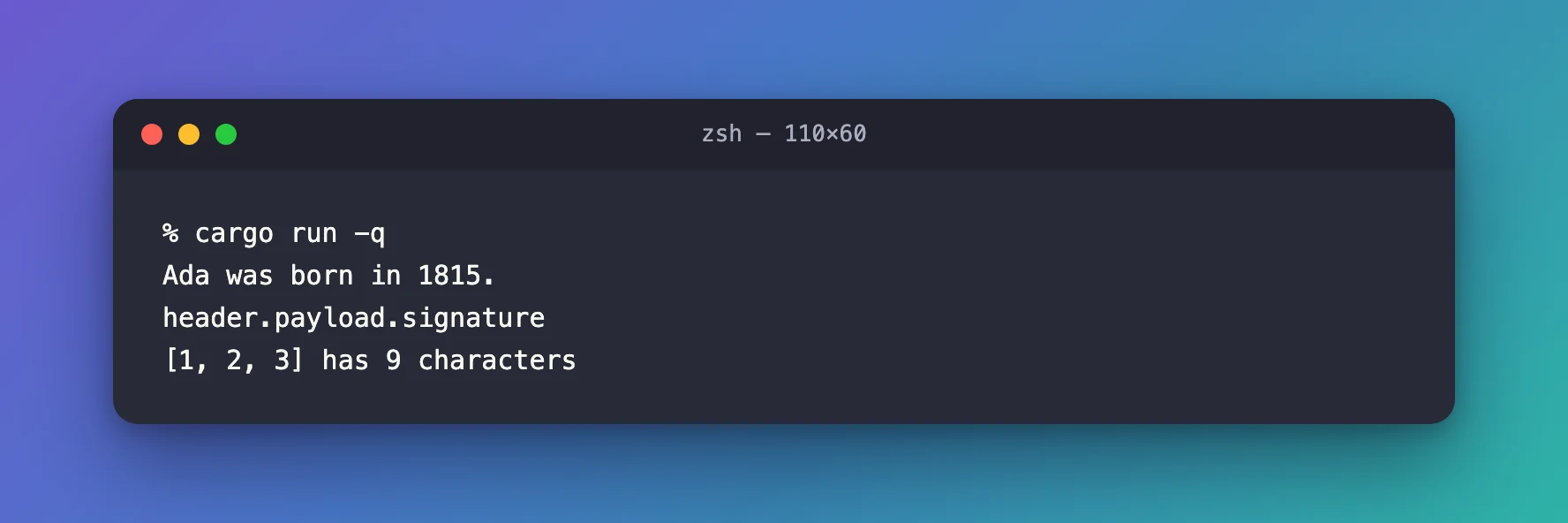
cargo run compiles the program and runs it, and -q hides Cargo's own status lines.
What Happened
{name}and{year}took the values of the two variables.- The three
{}were filled in the order of the arguments. {:?}gave[1, 2, 3], with its brackets, commas and spaces: nine characters.len()counts bytes, and each of these characters is one byte. The documentation for String::len: "This length is in bytes, not chars or graphemes."
Common Mistakes
| Mistake | What happens | Do this instead |
|---|---|---|
The format string in a variable, format!(f, 1) | error: format argument must be a string literal | Write the string in the call |
Fewer arguments than {}, as in format!("{} and {}", 1) | error: 2 positional arguments in format string, but there is 1 argument | Pass one argument for each {} |
{} for a Vec | error[E0277]: `Vec<{integer}>` doesn't implement `std::fmt::Display` | Use {:?} |
An expression in the braces, {a + b} | error: invalid format string: the `+` sign flag must appear after `:` in a format string | Pass it as an argument: format!("{}", a + b) |
Troubleshooting
| Symptom | Likely cause | Fix |
|---|---|---|
format argument must be a string literal | The template isn't written in the call | Put the string literal in the call |
doesn't implement `std::fmt::Display` | The value has no plain text form | Use {:?} |
positional arguments in format string, but there is 1 argument | The number of {} and arguments differ | Make them match |
FAQ
format! or println!?
They take the same format strings. format! returns the text as a String, and println! prints it with a line break. The format! documentation: "The same convention is used with print! and write! macros, depending on the intended destination of the string".
How do I turn one value into a String?
The documentation recommends to_string for that: "To convert a single value to a string, use the to_string method." With year set to 1815, year.to_string() returned the String 1815.
Can the braces hold a field, like {user.name}?
No: format!("{user.name}") stopped the build with error: invalid format string: field access isn't supported. The braces take only a variable name. Pass anything else as an argument: format!("{}", user.name).
Conclusion
format! fills a template the way println! does and returns the result as a String: {name} for a variable, {} for the next argument, and {:?} for the debug format.
