How to Build a Pipeline Without Naming the Steps with make_pipeline in scikit-learn

A pipeline runs several steps as one model, such as scaling the data and then classifying it, so fit and predict always apply them in the same order. make_pipeline builds one without you naming each step: it names them after their classes. This guide chains a scaler and a logistic regression, with real output from scikit-learn 1.9.1.
Syntax
from sklearn.pipeline import make_pipeline

<pipeline> = make_pipeline(<step 1>, <step 2>, ..., <final model>)
| Part | What it means |
|---|---|
<step 1>, <step 2>, ... | Transformers such as StandardScaler(), run in this order |
<final model> | The estimator at the end, such as LogisticRegression() |
| The step names | Each class's name in lowercase, such as standardscaler |
The scikit-learn reference: "Construct a Pipeline from the given estimators. This is a shorthand for the Pipeline constructor; it does not require, and does not permit, naming the estimators. Instead, their names will be set to the lowercase of their types automatically."
Prerequisites
- scikit-learn in your project, for example with
uv add scikit-learn. This guide uses scikit-learn 1.9.1 on Python 3.15.2.
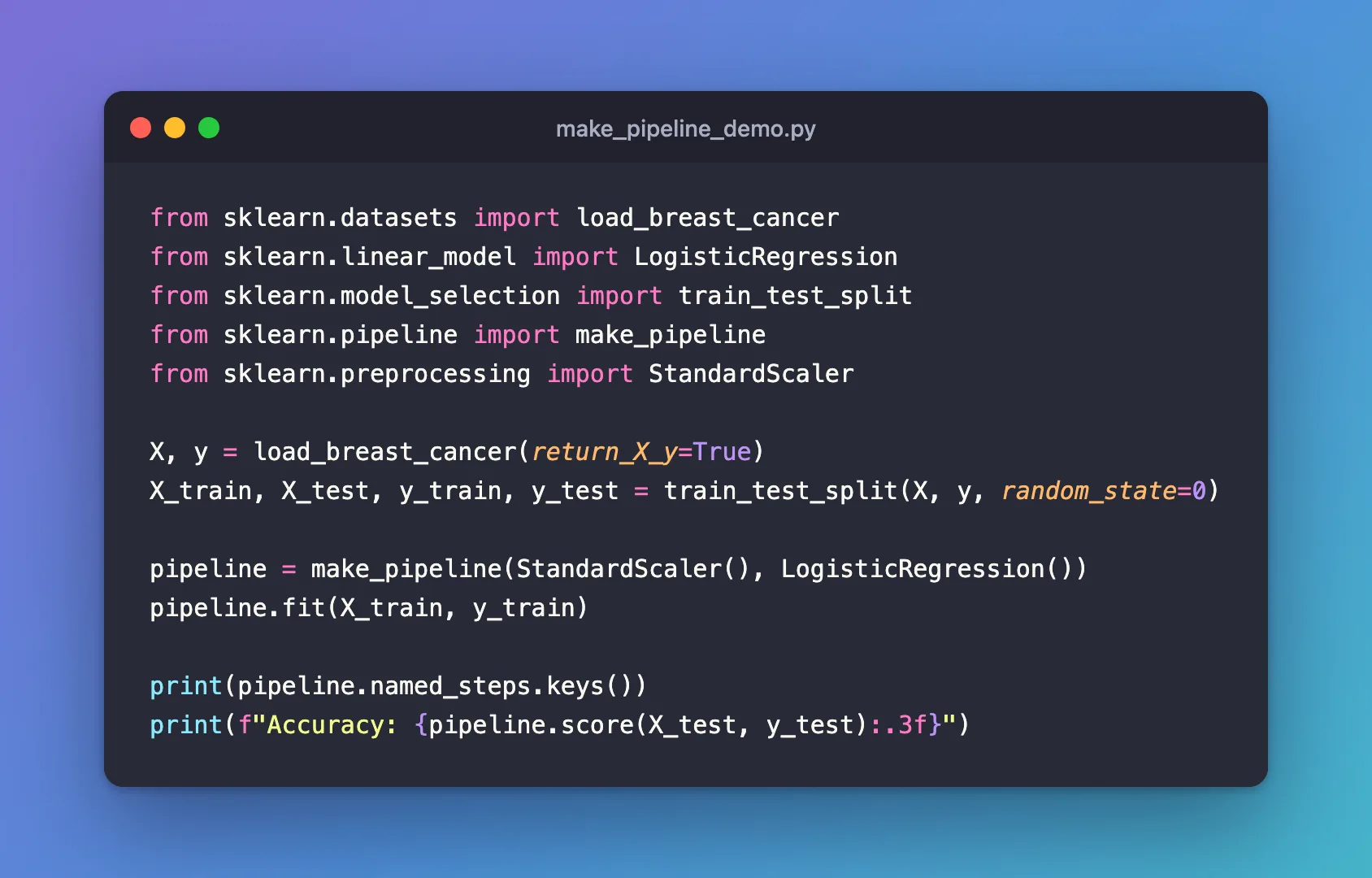
Step 1: Write the Script
from sklearn.datasets import load_breast_cancer
from sklearn.linear_model import LogisticRegression
from sklearn.model_selection import train_test_split
from sklearn.pipeline import make_pipeline
from sklearn.preprocessing import StandardScaler

X, y = load_breast_cancer(return_X_y=True)
X_train, X_test, y_train, y_test = train_test_split(X, y, random_state=0)

pipeline = make_pipeline(StandardScaler(), LogisticRegression())
pipeline.fit(X_train, y_train)

print(pipeline.named_steps.keys())
print(f"Accuracy: {pipeline.score(X_test, y_test):.3f}")
Step 2: Run It
uv run python make_pipeline_demo.py
dict_keys(['standardscaler', 'logisticregression'])
Accuracy: 0.958
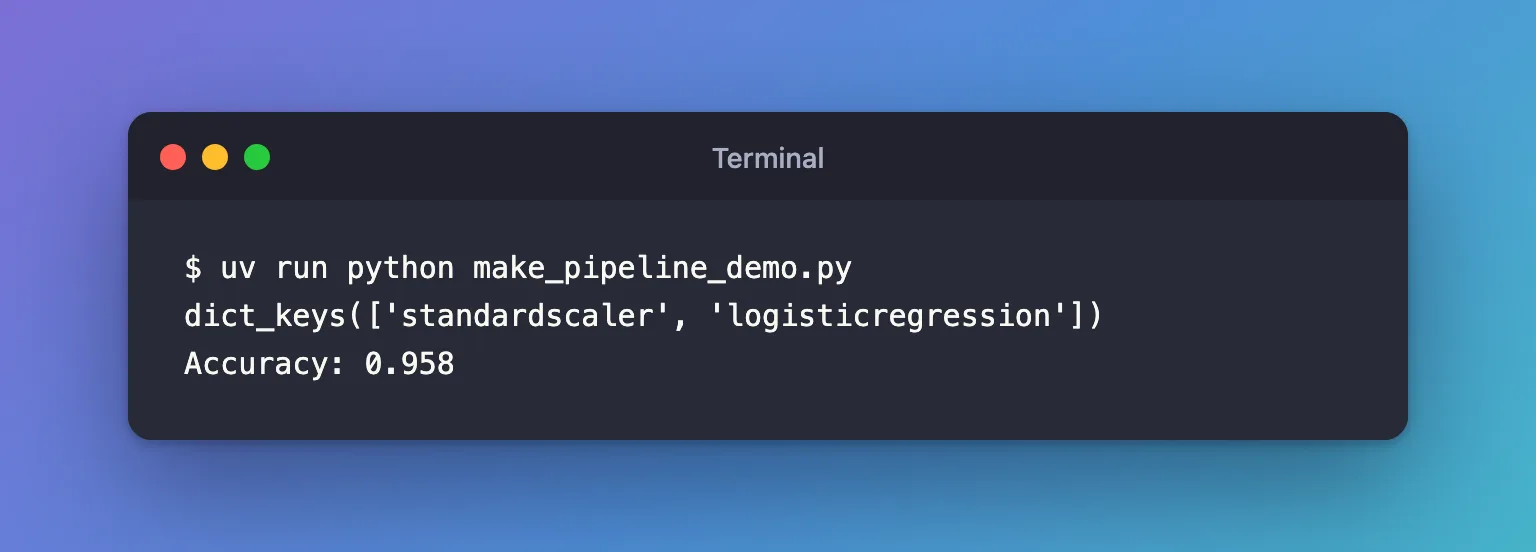
The steps were named standardscaler and logisticregression, and the scaled model scored 0.958 on the test rows.
Common Mistakes
| Mistake | What happens | Do this instead |
|---|---|---|
Passing names to make_pipeline | The reference says it "does not permit" naming the steps | Use Pipeline([("name", step), ...]) when you want your own names |
| Two steps of the same class | Both get numbered names: two scalers became standardscaler-1 and standardscaler-2 | Look the names up in named_steps before you use them |
Troubleshooting
| Symptom | Likely cause | Fix |
|---|---|---|
| You can't find the name to set a step's parameter | The names are generated | Print pipeline.named_steps.keys(), or pipeline.steps[0][0], which gave standardscaler |
FAQ
How do I change a step's setting?
With set_params and the step name, two underscores, then the parameter: pipeline.set_params(logisticregression__C=0.5) set the model's C to 0.5.
Is the result different from Pipeline?
No. type(...) of the result printed Pipeline: an ordinary pipeline, with only the step names chosen for you.
Conclusion
make_pipeline(StandardScaler(), LogisticRegression()) built a two-step model named standardscaler and logisticregression, which scored 0.958. Use Pipeline when you want to name the steps yourself.
Additional Resources
- make_pipeline — the function.
- Pipelines and composite estimators — the user guide on pipelines.
