How to Build a JSON Array in Code with JsonArray in C#

A JSON array is a list in square brackets, and in C# you can build one item by item with JsonArray from System.Text.Json.Nodes. Start it with a few items, Add more as the program runs, then read them back or turn the whole array into JSON text.
Syntax
using System.Text.Json.Nodes;

JsonArray <name> = new() { <item>, <item> };
<name>.Add(<item>);

JsonNode? <first> = <name>[0];
int <count> = <name>.Count;
| Part | What it does |
|---|---|
new() { <item>, <item> } | Creates the array with its first items |
<name>.Add(<item>) | Adds an item at the end |
<item> | A string, a number, true or false, or another JSON node, such as a JsonObject |
<name>[0], <name>.Count | Reads an item by position, from 0, and counts the items |
Microsoft's JsonArray reference describes the class in one line: "Represents a mutable JSON array."
The Example
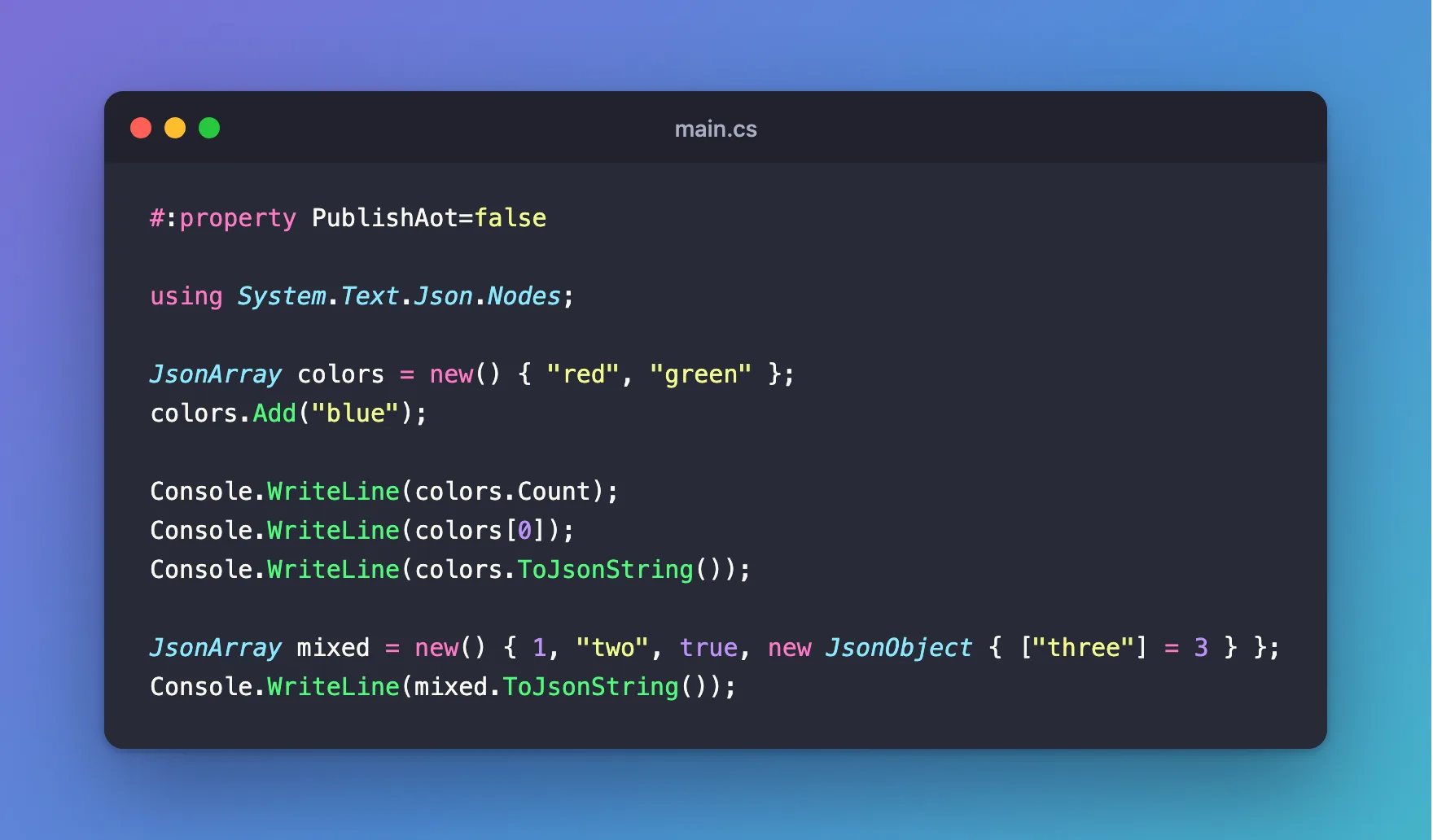
The program builds an array of colors, adds one, and reads it back. Then it builds a second array that mixes a number, a string, a true and a small object, which JSON allows.
Prerequisites
- The .NET 10 SDK or newer, which runs a single
.csfile withdotnet run. This guide uses .NET SDK 10.0.404.
Step 1: Write the Code
Create a file named main.cs in an empty folder:
#:property PublishAot=false

using System.Text.Json.Nodes;

JsonArray colors = new() { "red", "green" };
colors.Add("blue");

Console.WriteLine(colors.Count);
Console.WriteLine(colors[0]);
Console.WriteLine(colors.ToJsonString());

JsonArray mixed = new() { 1, "two", true, new JsonObject { ["three"] = 3 } };
Console.WriteLine(mixed.ToJsonString());
- The first line is for a one-file program run with
dotnet run, which targets native AOT by default. Without it, adding a string to aJsonArraystops withJsonTypeInfo metadata for type 'System.String' was not provided by TypeInfoResolver of type 'System.Text.Json.Serialization.Metadata.EmptyJsonTypeInfoResolver'. A normal project doesn't need it. ToJsonString()turns the array into JSON text on one line.
Step 2: Run It
dotnet run main.cs
3
red
["red","green","blue"]
[1,"two",true,{"three":3}]
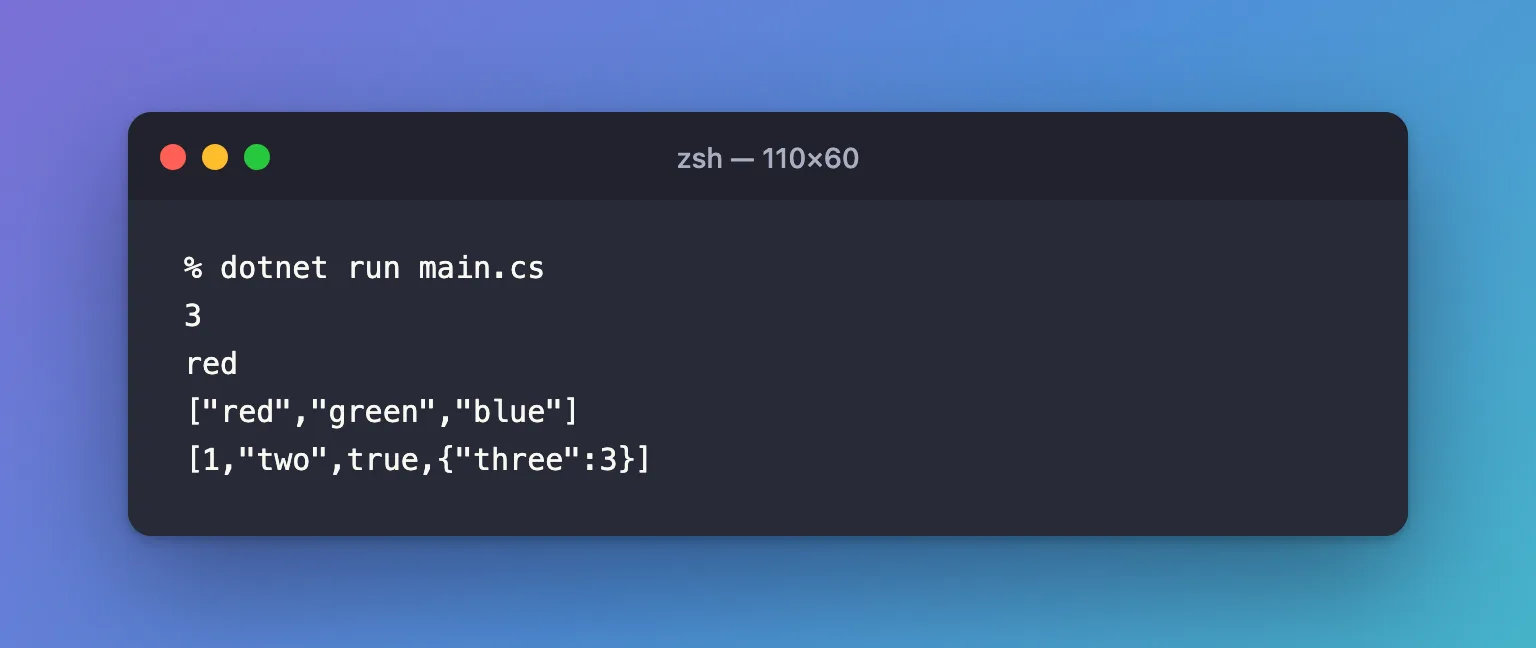
- Two items from the braces and one from
Addmake 3, in that order. colors[0]is the first item,red.- The second array kept each item's JSON type: a number, a string in quotes,
true, and an object.
The command is the same in zsh, bash and PowerShell.
One Node, One Parent
A node can only be in one place. Adding the same object to a second array throws:
#:property PublishAot=false

using System.Text.Json.Nodes;

JsonObject tag = new() { ["name"] = "urgent" };

JsonArray first = new() { tag };
JsonArray second = new() { tag };
Unhandled exception. System.InvalidOperationException: The node already has a parent.
   at System.Text.Json.ThrowHelper.ThrowInvalidOperationException_NodeAlreadyHasParent()
   at System.Text.Json.Nodes.JsonNode.AssignParent(JsonNode parent)
   at System.Text.Json.Nodes.JsonArray.Add[T](T value)
   at Program.<Main>$(String[] args) in /Users/you/demo/main.cs:line 8
Give the second array a copy, with DeepClone():
#:property PublishAot=false

using System.Text.Json.Nodes;

JsonObject tag = new() { ["name"] = "urgent" };

JsonArray first = new() { tag };
JsonArray second = new() { tag.DeepClone() };

Console.WriteLine(first.ToJsonString());
Console.WriteLine(second.ToJsonString());
[{"name":"urgent"}]
[{"name":"urgent"}]
Common Mistakes
| Mistake | What happens | Do this instead |
|---|---|---|
| Adding one node to two arrays | InvalidOperationException: The node already has a parent. | Add node.DeepClone() to the second one |
| Leaving out the first line in a one-file program | NotSupportedException: JsonTypeInfo metadata for type 'System.String' was not provided by TypeInfoResolver ... | Start the file with #:property PublishAot=false |
Reading one past the last item, such as mixed[4] in a 4-item array | ArgumentOutOfRangeException: Index was out of range. Must be non-negative and less than the size of the collection. (Parameter 'index') | Positions start at 0: the last item is mixed[mixed.Count - 1] |
Troubleshooting
| Symptom | Likely cause | Fix |
|---|---|---|
The node already has a parent. | The node was already in another array or object | Use DeepClone() |
JsonTypeInfo metadata for type 'System.String' was not provided by TypeInfoResolver of type '...EmptyJsonTypeInfoResolver' | A one-file program with native AOT on | The fix |
FAQ
Can one JsonArray hold different types?
Yes. JSON allows it, and the mixed array in Step 1 held a number, a string, true and an object.
What does an item come back as?
A JsonNode?. Printing it gives its value, as red showed. For an object in the array, read its properties by name: mixed[3]!["three"] printed 3. The ! tells C# that the item isn't null.
Conclusion
JsonArray builds a JSON array in code: start it with new() { ... }, Add more, read items by position and count them with Count. A node can belong to one array or object only, so add a DeepClone() to a second one, and in a one-file program start with #:property PublishAot=false.
Additional Resources
- JsonArray class, on Microsoft Learn.
- How to use a JSON document object model in System.Text.Json, on Microsoft Learn.
