How to Build a Docker Image from a Dockerfile with docker build

A Dockerfile is a short recipe for an image: what to start from and what to run. docker build turns it into an image you can run like any other. This guide builds a two-line image that prints a greeting, with real output from Docker 29.9.3.
Syntax
docker build -t NAME PATH
| Part | What it means |
|---|---|
-t NAME | The name for the new image, such as hello-image |
PATH | The folder with the Dockerfile and the files the build may use, usually ., the current folder |
The reference: "The docker buildx build command starts a build using BuildKit." docker build is that command. The same command works in PowerShell.
Prerequisites
- Docker: Docker Desktop on Mac or Windows, running.
Step 1: Write the Dockerfile
In an empty folder, create a file named Dockerfile, with no extension:
FROM alpine:3.24
CMD ["echo", "Hello from my image"]
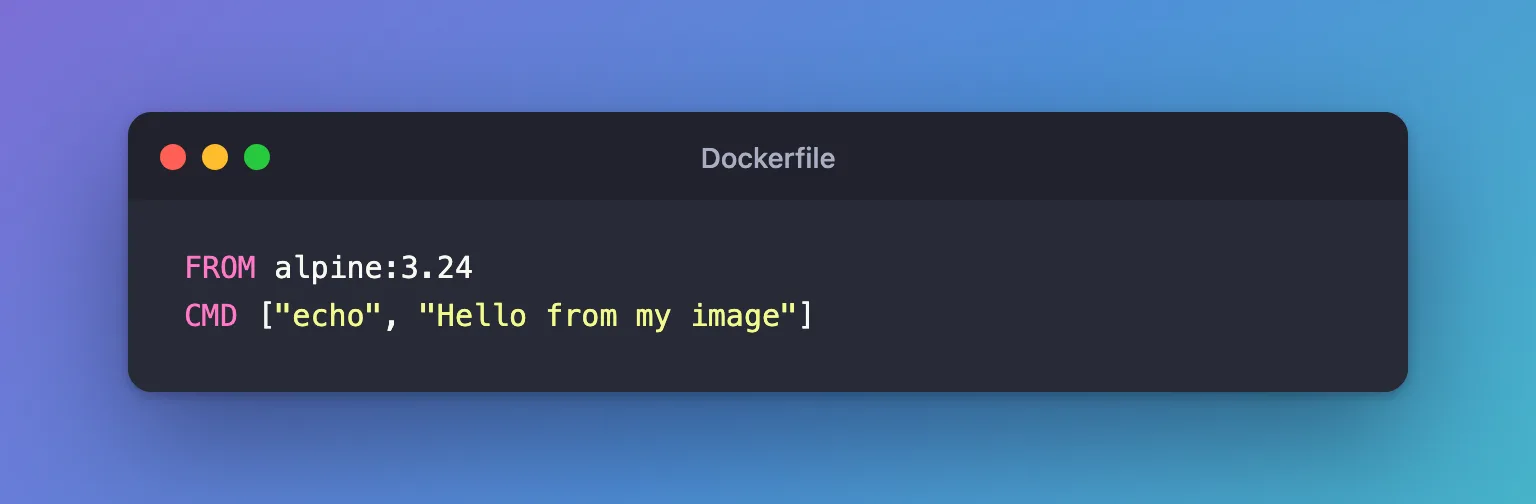
FROM alpine:3.24: start from the small Alpine Linux image.CMD [...]: the command a container from this image runs when it starts.
Step 2: Build the Image
From that folder:
docker build -t hello-image .
[+] Building 0.1s (5/5) FINISHED
 => [internal] load build definition from Dockerfile
 => => transferring dockerfile: 90B
 => [internal] load metadata for docker.io/library/alpine:3.24
 => [internal] load .dockerignore
 => => transferring context: 2B
 => [1/1] FROM docker.io/library/alpine:3.24
 => exporting to image
 => => exporting layers
 => => writing image sha256:9fad4bd81b49af94b960a6598eeffcbe9569bacc71214613e18fb98abaa59f4f
 => => naming to docker.io/library/hello-image
View build details: docker-desktop://dashboard/build/desktop-linux/desktop-linux/1fngg48xg14j0vfjvx6ge4s9e
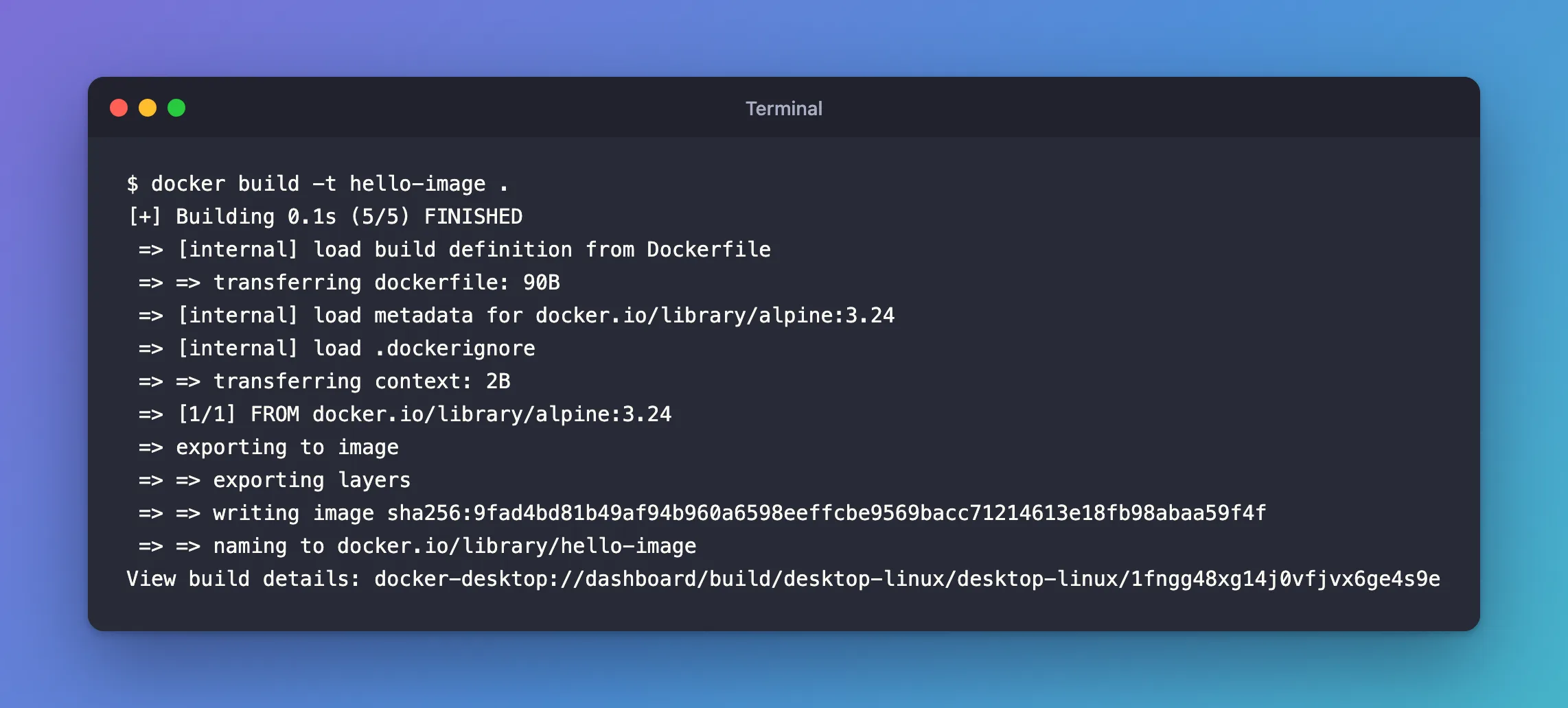
BuildKit read the Dockerfile, used alpine:3.24 and saved the result as hello-image.
Step 3: Run It
docker run --rm hello-image
Hello from my image
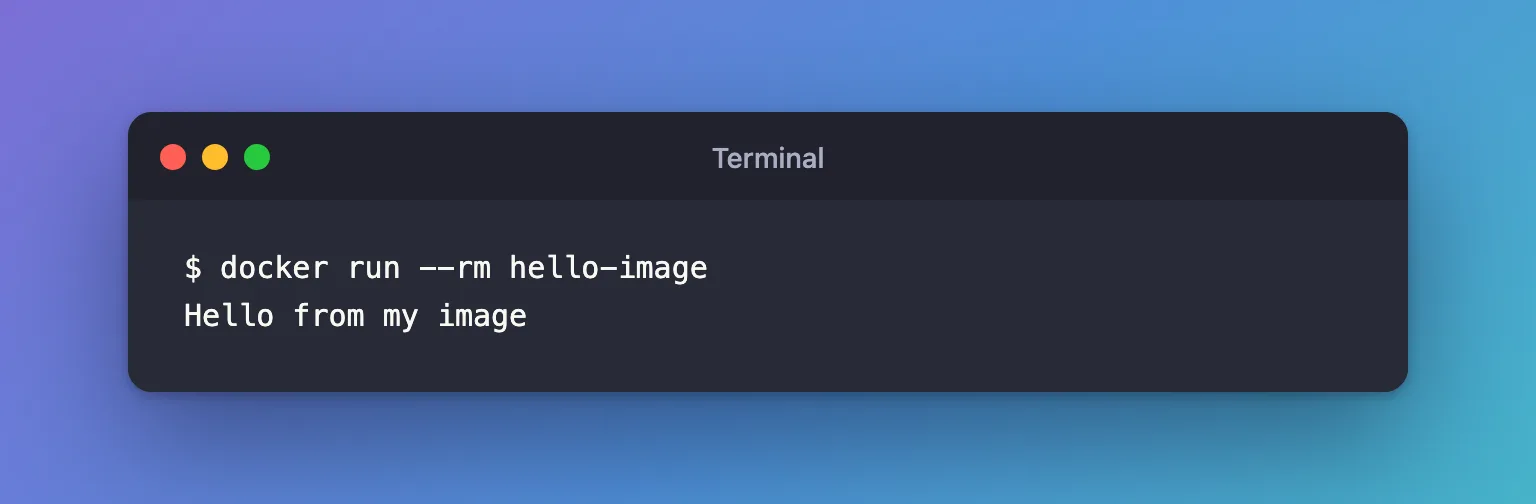
The container ran the image's CMD and printed the greeting. --rm removes the container when it stops.
Common Mistakes
| Mistake | What happens | Do this instead |
|---|---|---|
Leaving out the . | ERROR: docker: 'docker buildx build' requires 1 argument | End the command with the folder, . |
| Building in a folder without a Dockerfile | ERROR: failed to build: failed to solve: failed to read dockerfile: open Dockerfile: no such file or directory | Run it where the Dockerfile is, and check the file's name has no extension |
Troubleshooting
| Symptom | Likely cause | Fix |
|---|---|---|
open Dockerfile: no such file or directory | The file is named Dockerfile.txt or sits in another folder | Rename it to Dockerfile, or cd into its folder |
FAQ
What does the dot mean?
It's the build context. Docker's build context guide: "The build context is the set of files that your build can access." Here it's the current folder, with the Dockerfile in it.
Where is the image now?
On this computer, with your other images: docker images hello-image listed hello-image:latest, with a disk usage of 8.66MB.
Conclusion
A two-line Dockerfile and docker build -t hello-image . made an image, and docker run --rm hello-image printed Hello from my image.
Additional Resources
- docker buildx build — every build option.
- Dockerfile reference —
FROM,CMDand the other instructions.
