How to Bind Query String Parameters with AsParameters in a Minimal API

A list endpoint collects options: a search term, a category, a sort, a page. Six parameters on one method is hard to read, and passing them along is worse. [AsParameters] puts them in one record, filled from the query string as if each property were its own parameter. This guide uses it on a real product list, with the one detail ASP.NET Core 10 needs.
Prerequisites
- An ASP.NET Core minimal API. The examples use .NET 10.
Step 1: Write a Record for the Options
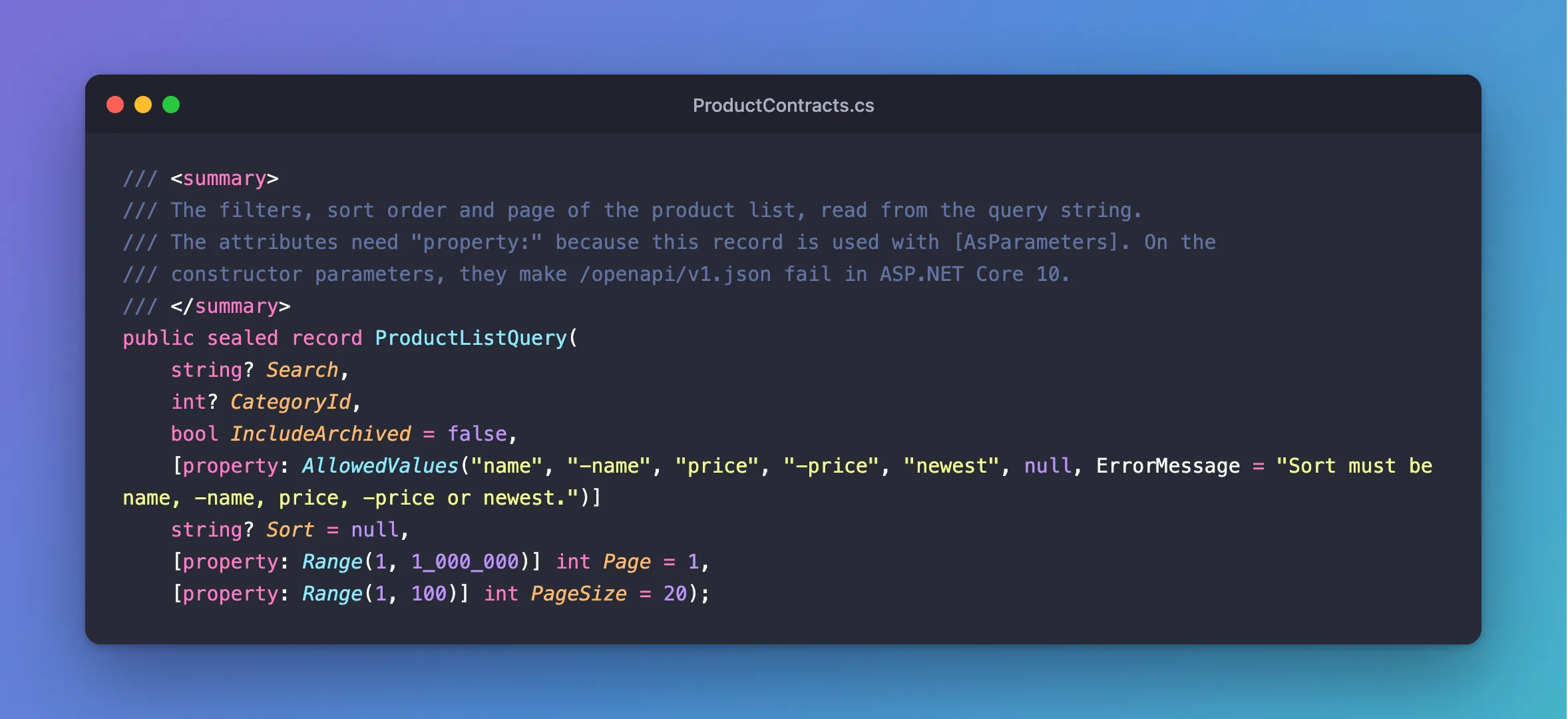
Each property is one query string value. Nullable ones are optional, and default values fill in anything left out:
/// <summary>
/// The filters, sort order and page of the product list, read from the query string.
/// The attributes need "property:" because this record is used with [AsParameters]. On the
/// constructor parameters, they make /openapi/v1.json fail in ASP.NET Core 10.
/// </summary>
public sealed record ProductListQuery(
    string? Search,
    int? CategoryId,
    bool IncludeArchived = false,
    [property: AllowedValues("name", "-name", "price", "-price", "newest", null, ErrorMessage = "Sort must be name, -name, price, -price or newest.")]
    string? Sort = null,
    [property: Range(1, 1_000_000)] int Page = 1,
    [property: Range(1, 100)] int PageSize = 20);
Step 2: Use It in the Endpoint
Mark the parameter with [AsParameters]:
private static async Task<Ok<PagedResponse<ProductResponse>>> ListAsync(
    [AsParameters] ProductListQuery query,
    InventoryDbContext db,
    CancellationToken cancellationToken)
ASP.NET Core's parameter binding page says: "AsParametersAttribute enables simple parameter binding to types and not complex or recursive model binding." So each property binds the way a parameter would. Without the attribute, ASP.NET Core takes a record to mean the JSON body, and a GET fails with "Body was inferred".
Step 3: Call It
Names aren't case-sensitive, so pageSize fills PageSize. This is a smaller record, on a temporary endpoint:
d.MapGet("/asparameters-record", ([AsParameters] PlainProductRequest request) => Results.Ok(request));
HTTP/1.1 200 OK
Content-Type: application/json; charset=utf-8

{
  "sku": "CBL-1",
  "unitPrice": 2.50,
  "reorderLevel": 3
}
The real list, with a filter, a sort and a page size:
info: Microsoft.EntityFrameworkCore.Database.Command[20101]
      Executed DbCommand (3ms) [Parameters=[@search='?' (Size = 200), @search0='?' (Size = 32)], CommandType='Text', CommandTimeout='30']
      SELECT COUNT(*)
      FROM `products` AS `p`
      WHERE NOT (`p`.`IsArchived`) AND (((@search LIKE '') OR (LOCATE(@search, `p`.`Name`) > 0)) OR ((@search0 LIKE '') OR (LOCATE(@search0, `p`.`Sku`) > 0)))
Step 4: Validate the Values
With AddValidation, the attributes are checked before your code runs:
HTTP/1.1 400 Bad Request
Content-Type: application/problem+json

{
  "type": "https://tools.ietf.org/html/rfc9110#section-15.5.1",
  "title": "One or more validation errors occurred.",
  "status": 400,
  "errors": {
    "PageSize": [
      "The field PageSize must be between 1 and 100."
    ]
  },
  "traceId": "00-b1086d0926e761e13fef4085263c14a9-6074188c3f312f05-00"
}
The [property:] Detail
On a normal request record, attributes go directly on the constructor parameters. On an [AsParameters] record in ASP.NET Core 10, doing that makes the OpenAPI document fail with an InvalidCastException, a known bug, so write [property: Range(1, 100)], which targets the property instead. Validation still works. This post has the whole story.
Common Mistakes
| Mistake | What happens | Do this instead |
|---|---|---|
Forgetting [AsParameters] | "Body was inferred" on a GET | Add the attribute |
Attributes without property: | /openapi/v1.json answers 500 | Use [property: …] |
| A record with a nested object | It doesn't bind: this isn't recursive | Keep the properties flat |
An optional value with no default and no ? | ASP.NET Core treats it as required | Add ? or a default |
FAQ
Can it include services and the cancellation token?
Yes. The page's example has a TodoDb Db property in its struct. This API keeps those as separate parameters, so the record only describes the query.
Does it work with bad values, such as ?page=abc?
ASP.NET Core can't convert that to an int, so the request gets a 400 before validation, the same as any other parameter:
HTTP/1.1 400 Bad Request
Content-Type: application/problem+json

{
  "type": "https://tools.ietf.org/html/rfc9110#section-15.5.1",
  "title": "Bad Request",
  "status": 400,
  "traceId": "00-ae9a37a34834fbfe0748f44e71534a9c-5eda013fd431fbc0-00"
}
Conclusion
Put the options in a record with defaults and nullable types, mark the parameter [AsParameters], and use [property: …] for validation attributes on ASP.NET Core 10. The endpoint stays short, and the options travel together.
Additional Resources
- Parameter binding for argument lists with AsParameters — the official reference.
