How to Base64url-Encode a String in Ruby with Base64.urlsafe_encode64

Ruby's Base64 module encodes base64url with Base64.urlsafe_encode64: - and _ instead of + and /. Add padding: false and it also leaves out the = padding, which is the form JSON Web Tokens use.
Syntax
require 'base64'

<encoded> = Base64.urlsafe_encode64(<text>, padding: false)
<text> = Base64.urlsafe_decode64(<encoded>)
| Part | What it does |
|---|---|
require 'base64' | Loads the Base64 module, from the base64 gem that comes with Ruby. |
urlsafe_encode64(<text>) | Encodes the string with the URL-safe alphabet, with = padding. |
padding: false | Leaves the padding out. |
urlsafe_decode64(<encoded>) | Decodes base64url text, with or without padding. |
The base64 gem's documentation for urlsafe_encode64: "Returns the RFC-4648-compliant Base64-encoding of string. Per RFC 4648, the returned string will not contain the URL-unsafe characters + or /, but instead may contain the URL-safe characters - and _". And: "Optionally, you can suppress padding".
The Example
The example encodes the text Hi?> with strict_encode64, with urlsafe_encode64, and with urlsafe_encode64 and padding: false, then decodes the result back. Those four characters were chosen because their base64 contains a / and padding.
Prerequisites
- Ruby. This guide uses Ruby 4.0.10, which comes with the base64 gem.
Step 1: Write the Code
Create a file named main.rb:
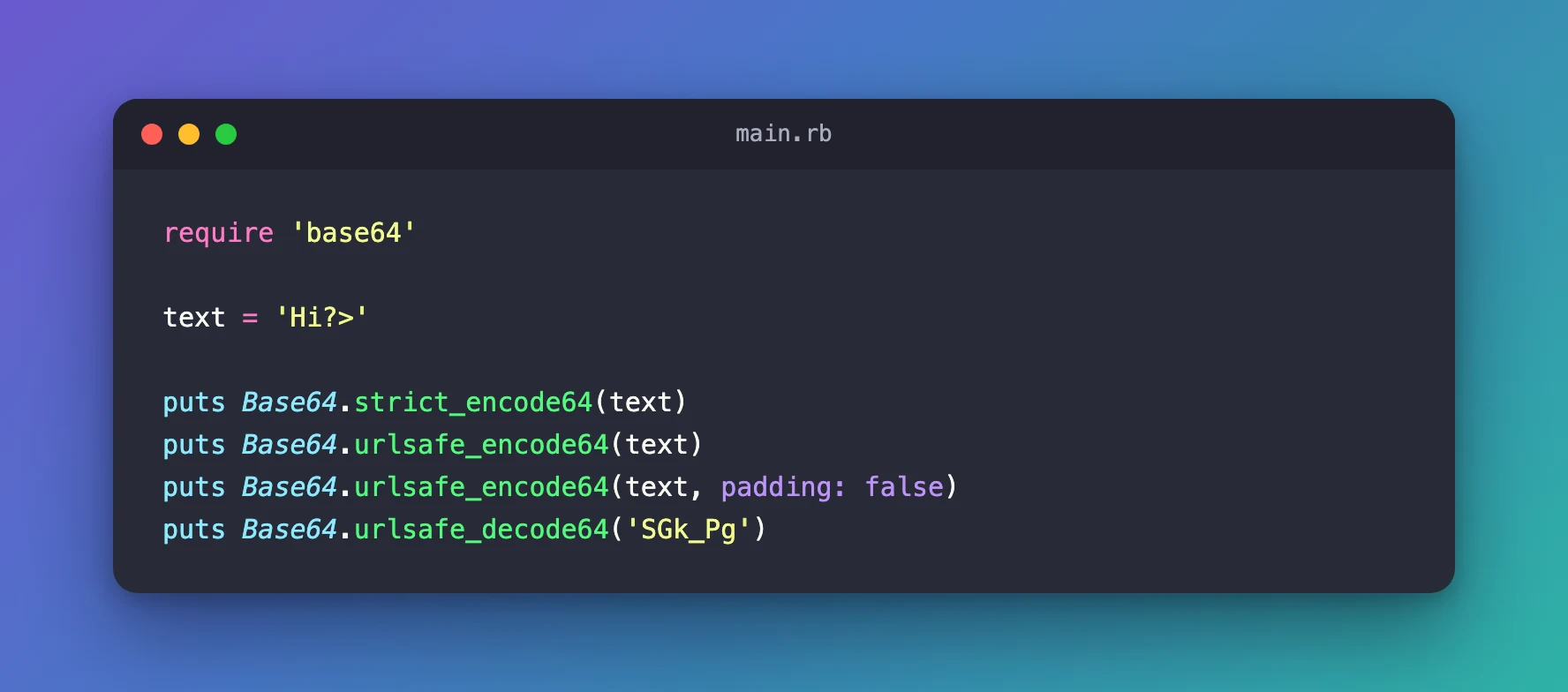
require 'base64'

text = 'Hi?>'

puts Base64.strict_encode64(text)
puts Base64.urlsafe_encode64(text)
puts Base64.urlsafe_encode64(text, padding: false)
puts Base64.urlsafe_decode64('SGk_Pg')
Step 2: Run It
ruby main.rb
SGk/Pg==
SGk_Pg==
SGk_Pg
Hi?>
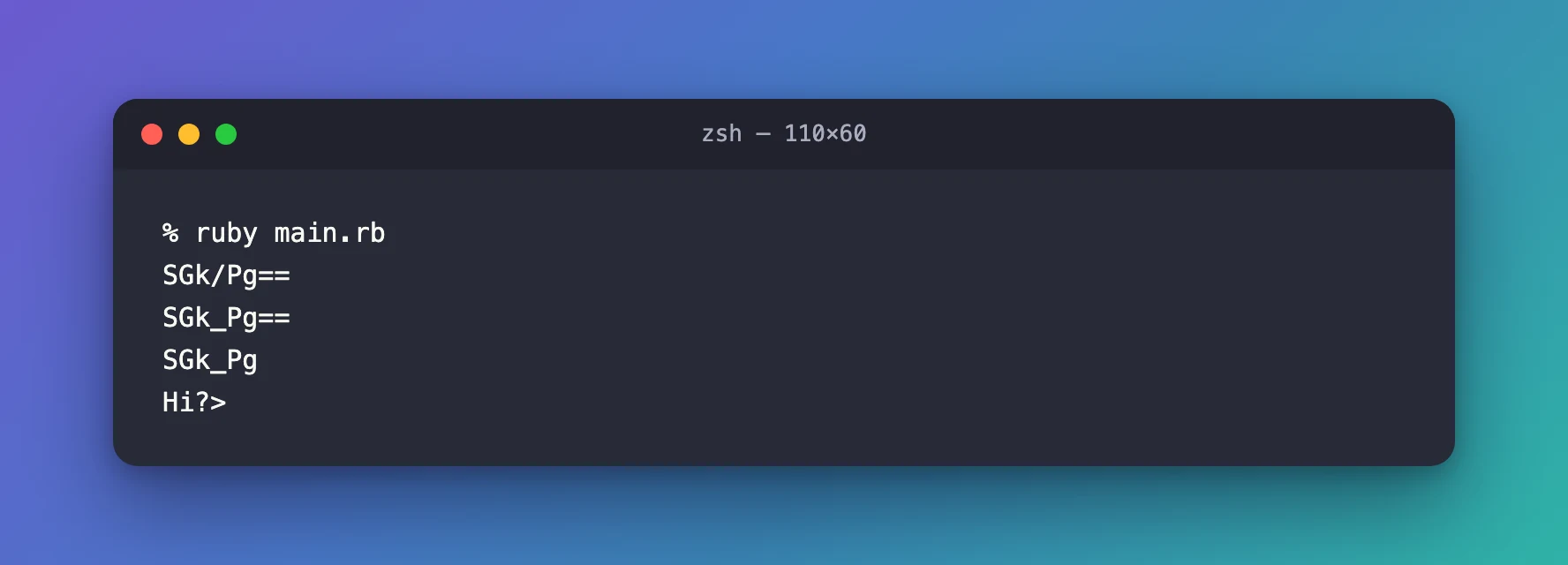
The command is the same in zsh, bash and PowerShell.
What Happened
strict_encode64gave standard base64,SGk/Pg==.urlsafe_encode64swapped the/for_but kept the padding.- With
padding: false, the padding was gone too:SGk_Pg. urlsafe_decode64decoded the unpadded text back toHi?>.
Common Mistakes
| Mistake | What happens | Do this instead |
|---|---|---|
Forgetting require 'base64' | uninitialized constant Base64 (NameError) | Require it at the top of the file |
Leaving out padding: false for a JWT piece | The text ends in = | Pass padding: false |
Using encode64 | It adds a line break after every 60 characters of output | Use strict_encode64 or urlsafe_encode64 |
Troubleshooting
| Symptom | Likely cause | Fix |
|---|---|---|
uninitialized constant Base64 | The module wasn't loaded | require 'base64' |
The result ends in = | padding: false is missing | Add it |
FAQ
Does urlsafe_decode64 need the padding?
No. It decoded SGk_Pg without it. It also decoded plain base64, SGk/Pg==, without an error.
Do I need Bundler for require 'base64'?
Not for a plain script: Ruby 4.0 comes with the base64 gem, and ruby main.rb loaded it. In a Bundler project, the gem has to be in the bundle, for example as a dependency of another gem.
Conclusion
Base64.urlsafe_encode64(text, padding: false) gives the unpadded base64url that JWTs use, and Base64.urlsafe_decode64(encoded) turns it back, padding or not.
Additional Resources
- lib/base64.rb, the base64 gem's documented source.
- RFC 4648, section 5: base64 with the URL and filename safe alphabet.
