How to Back Up a SQLite Database in Python with Connection.backup

Copying a SQLite file while a program writes to it can catch it half-written. SQLite's backup copies the database as it is at one moment instead, and Python's sqlite3 module offers it as Connection.backup. This guide backs up a small database into a file and reads it back, with real output from Python 3.15.2.
Syntax
<source>.backup(<target>)
| Part | What it means |
|---|---|
<source> | A connection to the database to copy |
<target> | A connection to the database to copy into; whatever it held is replaced |
Python's sqlite3 reference: "Create a backup of an SQLite database. Works even if the database is being accessed by other clients or concurrently by the same connection."
Prerequisites
- uv and Python. This guide uses uv 0.13.10 with Python 3.15.2, in a project made with
uv init.
Step 1: Write the Script
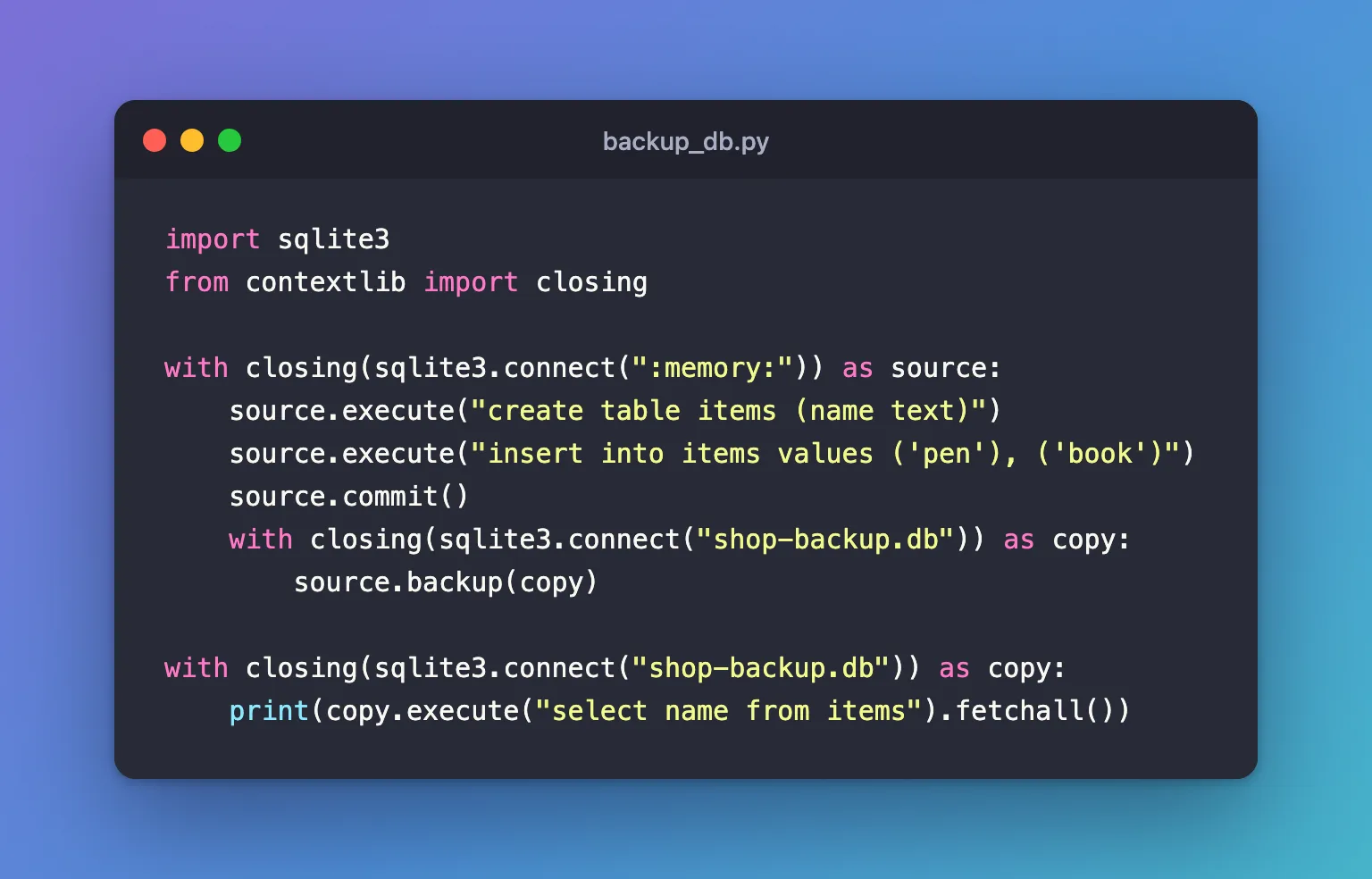
The source is a database in memory with two rows. The script commits them, backs the database up into shop-backup.db, then opens the copy and reads the rows:
import sqlite3
from contextlib import closing

with closing(sqlite3.connect(":memory:")) as source:
    source.execute("create table items (name text)")
    source.execute("insert into items values ('pen'), ('book')")
    source.commit()
    with closing(sqlite3.connect("shop-backup.db")) as copy:
        source.backup(copy)

with closing(sqlite3.connect("shop-backup.db")) as copy:
    print(copy.execute("select name from items").fetchall())
Step 2: Run It
uv run python backup_db.py
[('pen',), ('book',)]
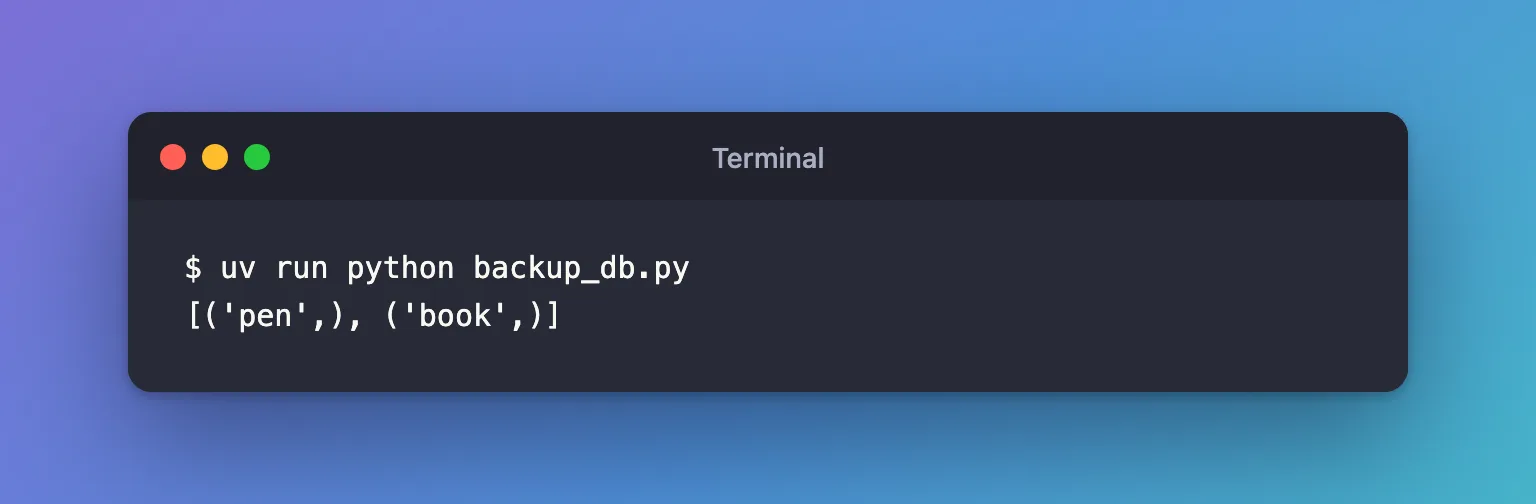
The copy in shop-backup.db has both rows.
Common Mistakes
| Mistake | What happens | Do this instead |
|---|---|---|
| Backing up with uncommitted changes on the source connection | backup waits forever, and Ctrl+C doesn't stop it: Fixed: Python sqlite3 backup() Never Finishes | Call commit() first |
| Copying the database file while it's in use | The copy can catch the file half-written | Use backup |
Troubleshooting
| Symptom | Likely cause | Fix |
|---|---|---|
The script never ends at backup | The source connection has an open transaction | Commit before backup |
FAQ
Can I watch the progress?
Yes: pass progress=, a function Python calls "with three integer arguments for every backup iteration: the status of the last iteration, the remaining number of pages still to be copied, and the total number of pages."
Does the target have to be empty?
No: the backup replaces whatever the target database held. Run the script a second time, onto the same shop-backup.db, and it still prints the two rows once: [('pen',), ('book',)].
Conclusion
source.backup(copy) copied the committed in-memory database into shop-backup.db, and reading the copy printed [('pen',), ('book',)].
Additional Resources
- sqlite3 Connection.backup — the method and its parameters.
- SQLite Online Backup API — what the backup does underneath.
