How to Apply EF Core Migrations with a Migrations Bundle (efbundle)

dotnet ef database update is fine on your own machine, but a server shouldn't need the .NET SDK, the source code and the EF Core tools just to update its database. A migrations bundle packs your migrations and the code that applies them into one executable you can copy anywhere. This guide builds one, runs it, and then runs it the way Microsoft recommends for deployments, which taught me two things the hard way.
What a Bundle Is
EF Core's applying migrations page: "Migration bundles are single-file executables that can be used to apply migrations to a database." Among its advantages: "Bundles can be executed without installing the .NET SDK or EF Tool (or even the .NET Runtime, when self-contained), and they don't require the project's source code." Running one "is equivalent to running dotnet ef database update".
One limit: "Unlike a SQL script, a bundle does not currently provide a way to inspect the SQL it will execute or list the migrations it contains. If your deployment requires SQL review, generate a script instead."
Prerequisites
- A .NET C# project with EF Core migrations and
dotnet ef: How to Install dotnet-ef as a Local Tool in a .NET C# Project. - A database to run it against. The examples use MySQL 9.7 in Docker, with Oracle's EF Core provider.
Step 1: Build the Bundle
In a solution with the DbContext in a class library:
dotnet ef migrations bundle --output artifacts/efbundle --project src/Dewiride.Inventory.Data --startup-project src/Dewiride.Inventory.Api
Build started...
Build succeeded.
Building bundle...
Done. Migrations Bundle: /Users/you/projects/dewiride-inventory-api/artifacts/efbundle
Don't forget to copy appsettings.json alongside your bundle if you need it to apply migrations.
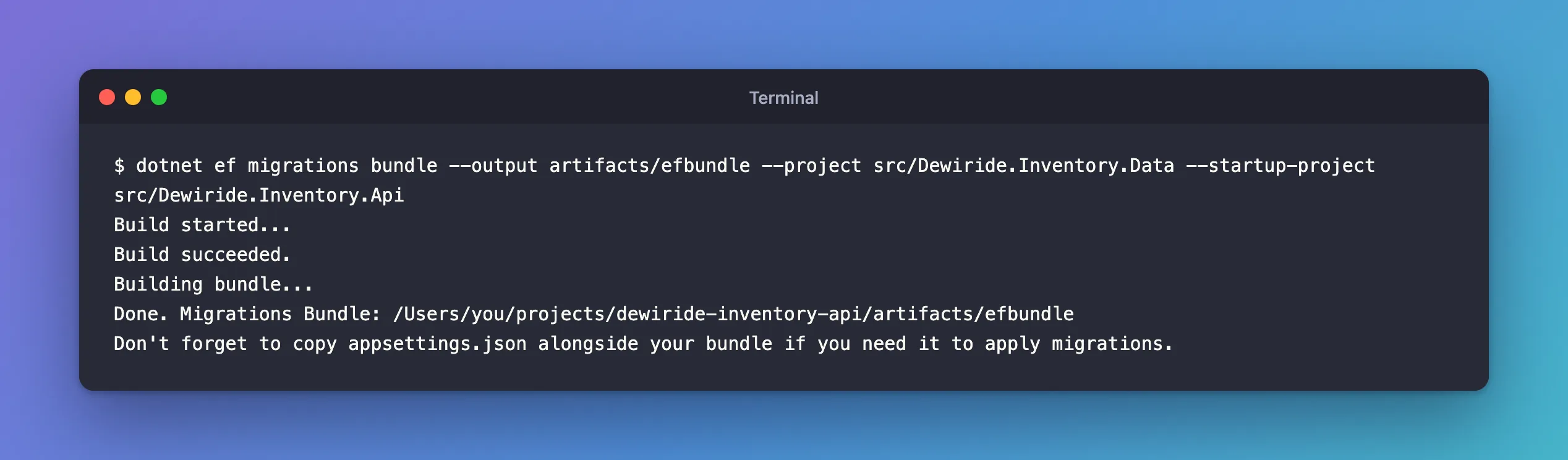
--outputis the file to create;artifacts/keeps it out of the source folders. The tools reference lists the others:--forceto overwrite,--self-containedto "Also bundle the .NET runtime so it doesn't need to be installed on the machine", and--target-runtimeto build for another platform, such aslinux-x64.- The appsettings reminder matters if the app reads settings from
appsettings.json: the bundle runs the app's startup code, from the folder it's started in.
On macOS, the first run of my first bundle failed with "Failure processing application bundle" because a system folder had the wrong owner; that fix has its own post.
Step 2: Look at Its Options
./artifacts/efbundle --help
Entity Framework Core Migrations Bundle 10.0.14

Usage: efbundle [arguments] [options] [[--] <arg>...]]

Arguments:
  <MIGRATION>  The target migration. If '0', all migrations will be reverted. Defaults to the last migration.

Options:
  --connection <CONNECTION>  The connection string to the database. Defaults to the one specified in AddDbContext or OnConfiguring.
  --version                  Show version information
  -h|--help                  Show help information
  -v|--verbose               Show verbose output.
  --no-color                 Don't colorize output.
  --prefix-output            Prefix output with level.
The same model as dotnet ef database update: no argument applies everything, a migration name moves the database to that migration, 0 reverts all.
Step 3: Run It
./artifacts/efbundle
Acquiring an exclusive lock for migration application. See https://aka.ms/efcore-docs-migrations-lock for more information if this takes too long.
No migrations were applied. The database is already up to date.
This database already had every migration, so there was nothing to do; on an older database, the bundle prints an Applying migration '…' line per migration. Like database update, it takes EF Core's migration lock first, so two deployments can't migrate at once.
Step 4: Run It Like a Deployment
That run worked on my machine for a reason I hadn't thought about. The docs: "EF Core design-time tooling uses the Development environment when neither ASPNETCORE_ENVIRONMENT nor DOTNET_ENVIRONMENT is set." In Development, this app reads its connection string from user-secrets, so the bundle found it there. The docs recommend: "Set the environment explicitly when generating a deployment artifact and when executing a bundle", which "also prevents a bundle from loading development user secrets unexpectedly", and passing the connection string from outside.
I tried their example shape, ASPNETCORE_ENVIRONMENT=Production ./artifacts/efbundle --connection "$MYSQL_CONNECTION_STRING", and it failed:
An error occurred while accessing the Microsoft.Extensions.Hosting services. Continuing without the application service provider. Error: The connection string 'ConnectionStrings:Inventory' is missing. In development, set it with dotnet user-secrets. Everywhere else, set the ConnectionStrings__Inventory environment variable.
Unable to create a 'DbContext' of type 'Dewiride.Inventory.Data.InventoryDbContext'. …
The bundle runs the app's startup code to create the DbContext, and this app's startup refuses to run without its connection string, before --connection could be used. Fixed: "Unable to create a 'DbContext' of type …" explains it in full. The fix was to give the startup code the setting it expects:
ConnectionStrings__Inventory="$MYSQL_CONNECTION_STRING" ASPNETCORE_ENVIRONMENT=Production ./artifacts/efbundle
No migrations were applied. The database is already up to date.
Done.
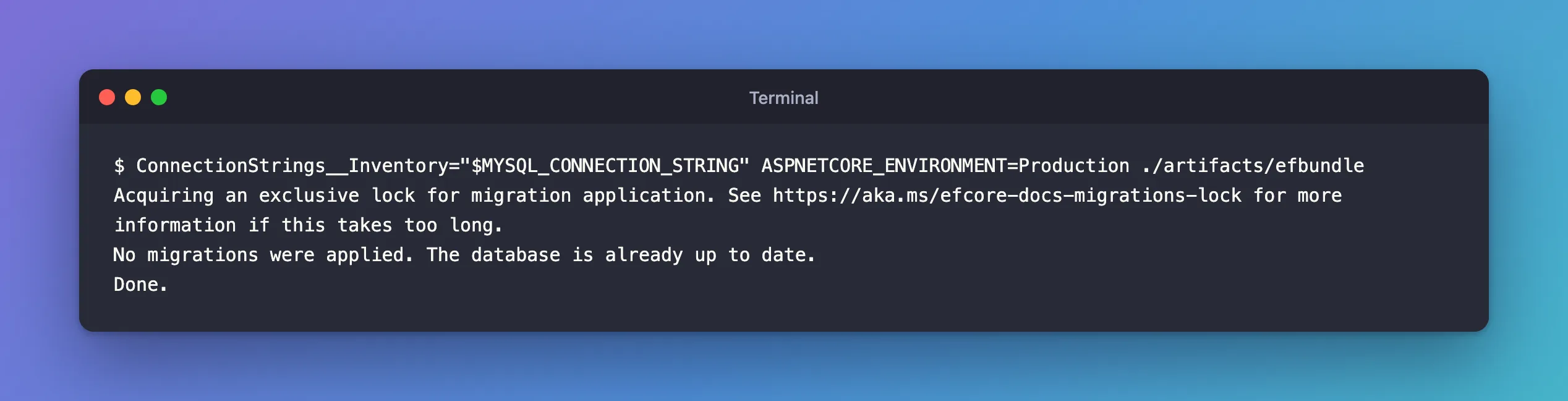
$MYSQL_CONNECTION_STRING came from an environment variable here; in a pipeline it comes from the deployment system's secret store. The docs: "Don't store production connection strings in source control or embed them in the bundle."
Where Bundles Fit
The docs describe the pattern for containers and pipelines: "Generate the bundle during the build and run it as a one-shot deployment job after the database is healthy." And what not to do: "don't make every application replica run migrations from its entrypoint." The account that runs the bundle needs permission to change the schema; "the normal application identity usually shouldn't."
Common Mistakes
| Mistake | What happens | Do this instead |
|---|---|---|
| Running the bundle without an environment | It runs as Development and may load user-secrets | Set ASPNETCORE_ENVIRONMENT explicitly |
| Building on a Mac for a Linux server | The bundle doesn't run there | --target-runtime linux-x64, plus --self-contained if the server has no .NET |
| Expecting to review the SQL in a bundle | It can't show it | Use dotnet ef migrations script when SQL must be reviewed |
| Running migrations from every app instance | Several instances race to migrate | One bundle run per deployment |
FAQ
Can a bundle roll back?
Yes, the same way as database update: pass the migration that should remain, or 0. The docs warn that a rollback "executes the Down operations of every migration newer than the target and may result in data loss."
Do I rebuild the bundle for each release?
Yes. It contains the migrations that existed when you built it. Build it in the same pipeline step that builds the app, so they always match.
Conclusion
dotnet ef migrations bundle --output artifacts/efbundle packs your migrations into one executable that applies them like dotnet ef database update, without the SDK or the source code. Run it with an explicit ASPNETCORE_ENVIRONMENT, and give it the connection string from the deployment's secrets; if your app's startup validates its configuration, as this one does, provide the setting through configuration, ConnectionStrings__Inventory, so the bundle can create the DbContext at all.
