How to Append One Sequence to Another with LINQ Concat in C#

morning.Concat(afternoon) gives you one sequence: every item of morning, then every item of afternoon. Neither array changes, and duplicates stay.
Microsoft's reference: Concatenates two sequences. What you get back is An IEnumerable<T> that contains the concatenated elements of the two input sequences.
Syntax
IEnumerable<T> <all> = <first>.Concat(<second>);
| Part | What it is |
|---|---|
<first> | The sequence whose items come first, such as an array or a list |
<second> | The sequence whose items come after them, with the same item type T |
<all> | A new sequence. <first> and <second> stay as they were |
The Example
A console app called LinqConcat joins the 2 morning lessons and the 3 afternoon lessons of a school day into one sequence, and prints them.
Prerequisites
- The .NET 10 SDK.
dotnet --versionprints a version that starts with10.0.
Step 1: Create a Console App
dotnet new console -n LinqConcat
cd LinqConcat
The template "Console App" was created successfully.

Processing post-creation actions...
Restoring /Users/you/source/LinqConcat/LinqConcat.csproj:
  Determining projects to restore...
  Restored /Users/you/source/LinqConcat/LinqConcat.csproj (in 43 ms).
Restore succeeded.
dotnet new console -n LinqConcat creates a folder named LinqConcat with a project file and a Program.cs, and cd moves into it. Everything this example uses is part of .NET, so there's no package to add. Open the folder in VS Code, or LinqConcat.csproj in Visual Studio.
Step 2: Write the Code
Replace everything in Program.cs. First the two arrays:
string[] morning = ["Math", "Science"];
string[] afternoon = ["Art", "Music", "Math"];
Then join them and print every lesson:
// Concat gives every item of morning, then every item of afternoon.
IEnumerable<string> wholeDay = morning.Concat(afternoon);

foreach (string lesson in wholeDay)
{
    Console.WriteLine(lesson);
}

Console.WriteLine($"Lessons today: {wholeDay.Count()}");
Console.WriteLine($"Lessons in morning: {morning.Length}");
morning.Concat(afternoon)returns a new sequence,wholeDay, with the morning lessons first.foreachgoes throughwholeDayone lesson at a time.wholeDay.Count()counts the joined lessons, andmorning.Lengthis the size of the morning array on its own.
Step 3: Run It
Run it in VS Code's terminal, or press Ctrl+F5 in Visual Studio:
dotnet run
Math
Science
Art
Music
Math
Lessons today: 5
Lessons in morning: 2
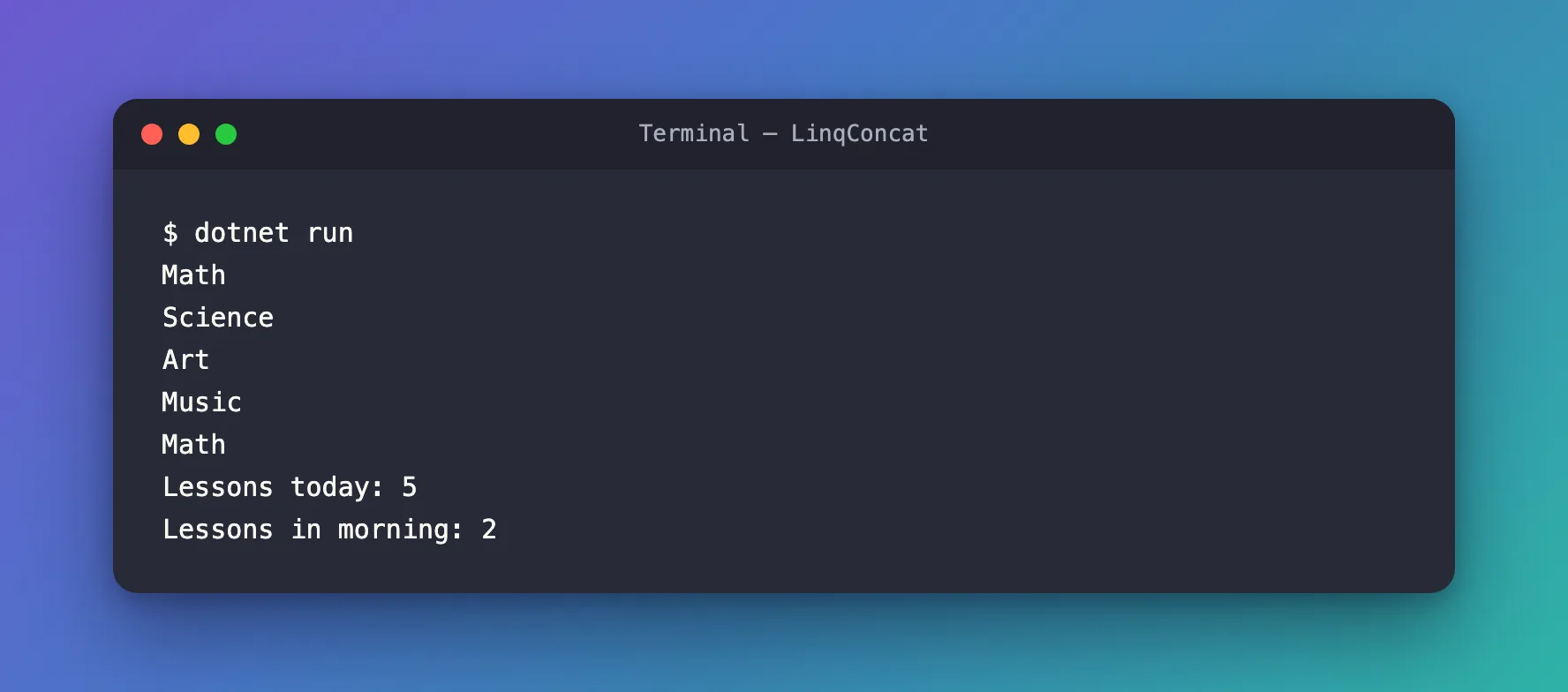
All 5 lessons came out, the morning ones first, and Math appears twice because Concat keeps every item. The morning array still holds its 2 lessons: Concat built a new sequence and changed neither array.
The Complete File
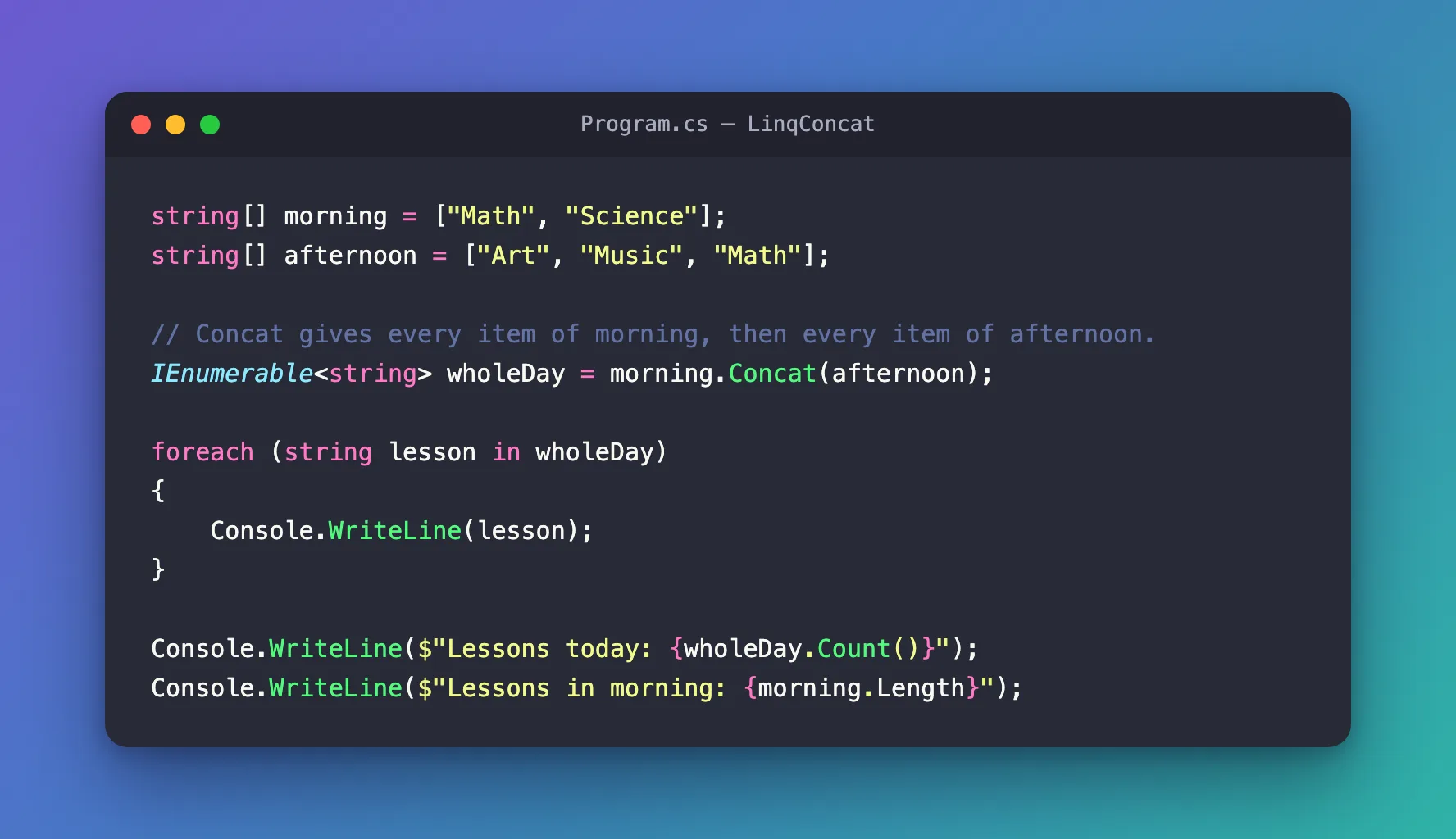
string[] morning = ["Math", "Science"];
string[] afternoon = ["Art", "Music", "Math"];

// Concat gives every item of morning, then every item of afternoon.
IEnumerable<string> wholeDay = morning.Concat(afternoon);

foreach (string lesson in wholeDay)
{
    Console.WriteLine(lesson);
}

Console.WriteLine($"Lessons today: {wholeDay.Count()}");
Console.WriteLine($"Lessons in morning: {morning.Length}");
Common Mistakes
| Mistake | What happens | Do this instead |
|---|---|---|
Calling Concat without using its result | Nothing changes: a lessons list of 2 still held 2 after lessons.Concat(afternoon);, while the sequence that Concat returned held 4 | Store the result in a variable, as wholeDay does. To add the items to the list itself, use the list's AddRange method |
A second sequence that can be null | The build warned warning CS8604: Possible null reference argument for parameter 'second', and the call threw ArgumentNullException: Value cannot be null. (Parameter 'second') | Pass an empty collection instead of null: morning.Concat(extra ?? []) gave the 2 morning lessons |
| Expecting duplicates to be removed | Concat kept both Math lessons. The reference: The Union method returns only unique elements. | Use Union when each item should appear once: it gave Math, Science, Art, Music |
FAQ
Does Concat copy the items?
No. The reference: This method is implemented by using deferred execution. Concat reads the two sequences only when you go through its result. A check added Music to an afternoon list after calling Concat: the Concat result included Music, but a copy made with ToList() before the change didn't.
How do I join more than two sequences?
Call Concat again on the result. morning.Concat(afternoon).Concat(evening) gave Math, Science, Art, Music, Chess, in that order.
Conclusion
first.Concat(second) gives one sequence with every item of first followed by every item of second, duplicates included. It changes neither sequence and reads them only when you go through the result, so store the result, and call ToList() when you need a copy that won't change.
Additional Resources
- Enumerable.Concat — the method, its exception and how it differs from Union.
- Enumerable.Union — joining two sequences without duplicates.
