How to Allow None in a Python Type Hint

A function sometimes gets a real value and sometimes None, such as an age that may be unknown. A type hint can say so: int | None means "an integer, or None". This guide writes such a function and calls it both ways, with real output from Python 3.15.2.
Syntax
def <function>(<parameter>: <type> | None) -> <return type>:
    ...
| Part | What it means |
|---|---|
<type> | None | The value is either of <type> or None |
-> <return type> | The type the function returns. Hints can be written for both |
The built-in types reference: "A union object holds the value of the | (bitwise or) operation on multiple type objects. These types are intended primarily for type annotations."
Prerequisites
- uv and Python 3.10 or newer. This guide uses uv 0.13.10 with Python 3.15.2, in a project made with
uv init.
Step 1: Write the Script
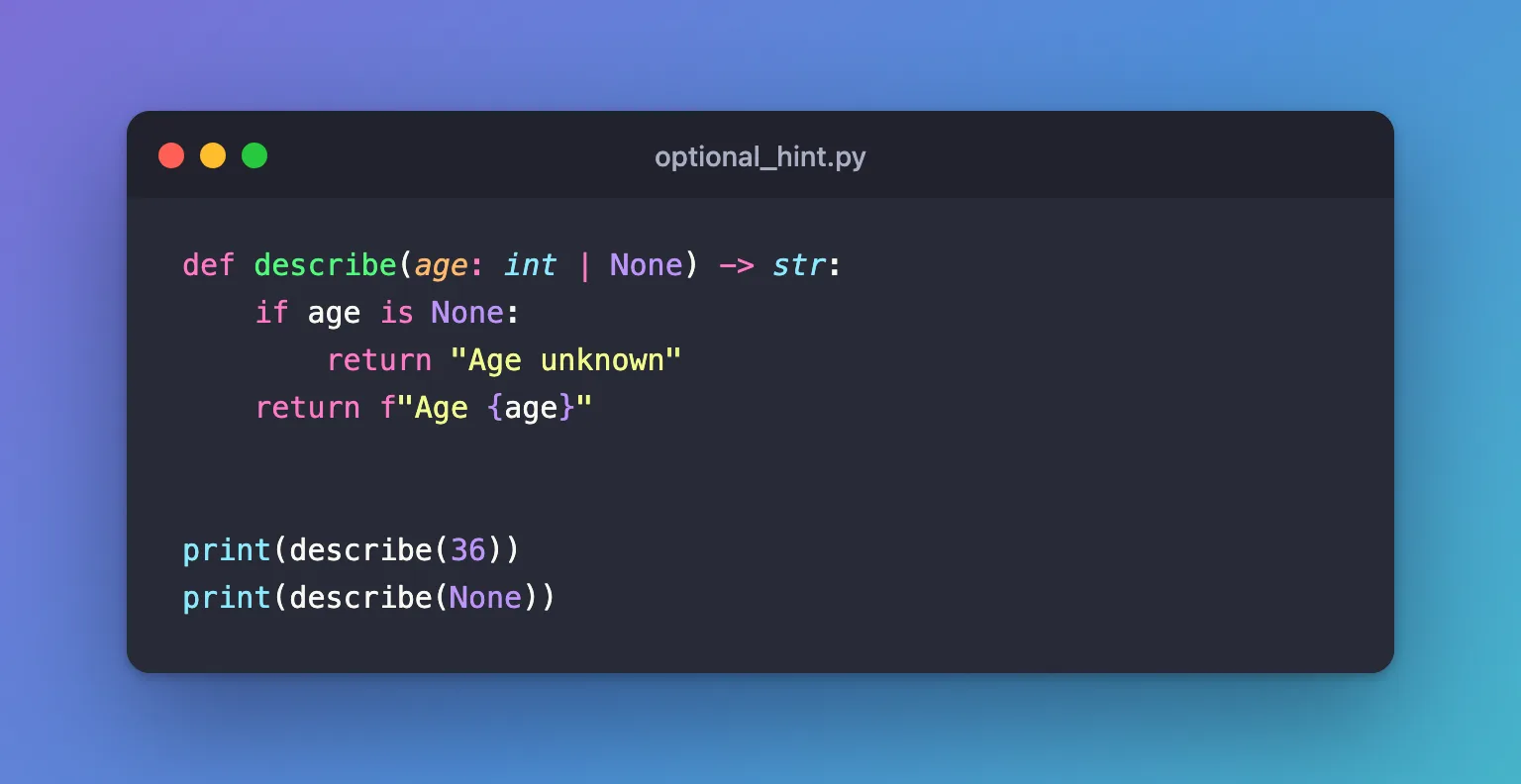
describe takes an age that may be None, and checks for None before using it.
def describe(age: int | None) -> str:
    if age is None:
        return "Age unknown"
    return f"Age {age}"


print(describe(36))
print(describe(None))
Step 2: Run It
uv run python optional_hint.py
Age 36
Age unknown
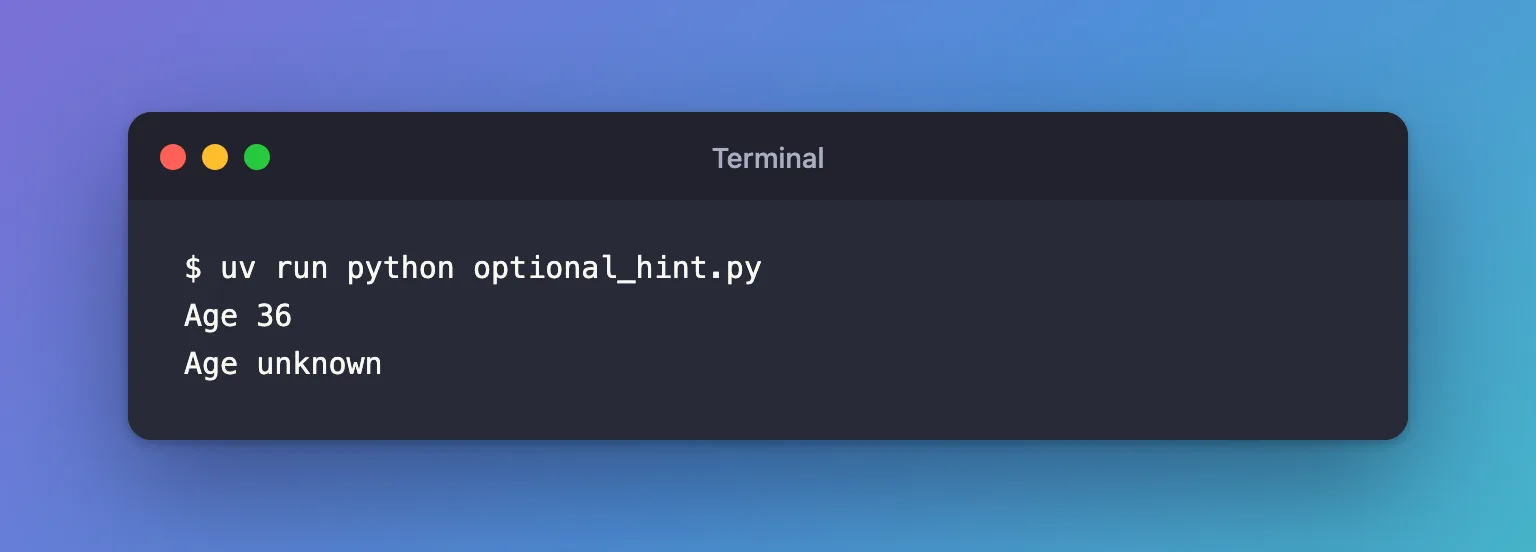
Both calls match the hint, and the None case has its own answer.
Common Mistakes
| Mistake | What happens | Do this instead |
|---|---|---|
Writing int or None | Python evaluates it to just int: the stored hint was {'age': <class 'int'>, ...} | int | None, stored as {'age': int | None, ...} |
| Expecting the hint to stop wrong values | Python doesn't check hints when the program runs: describe("thirty-six") printed Age thirty-six | Use a type checker in your editor, or check the value in code |
Troubleshooting
| Symptom | Likely cause | Fix |
|---|---|---|
TypeError: unsupported operand type(s) for +: 'NoneType' and 'int' inside the function | The code used the value before checking for None: age + 1 with None | Check if age is None: first, as describe does |
FAQ
Is int | None the same as Optional[int]?
Yes. The typing reference: "Optional[X] is equivalent to X | None (or Union[X, None])." int | None is the shorter form, built into the language.
Where can I see a function's hints?
In its __annotations__: for describe it showed {'age': int | None, 'return': <class 'str'>}.
Conclusion
age: int | None told readers and tools that describe accepts an integer or None, and the function answered Age 36 and Age unknown. Python stores the hint but doesn't enforce it.
Additional Resources
- Union type —
X | Yin annotations. - typing.Optional — the older spelling.
