How to Add Tools to Every Agent Run with an AIContextProvider in C#

A Microsoft Agent Framework agent usually gets its tools when it's created. A context provider can add them later instead, at the start of every run, which is how you give an agent tools that you only have once the app is running. This guide adds a tool to every run of a small agent with an AIContextProvider.
Syntax
sealed class <ProviderName> : AIContextProvider
{
    protected override ValueTask<AIContext> ProvideAIContextAsync(
        InvokingContext context, CancellationToken cancellationToken) =>
        ValueTask.FromResult(new AIContext { Tools = [<tools>] });
}

AIAgent <agent> = <projectClient>.AsAIAgent(new ChatClientAgentOptions
{
    ChatOptions = new ChatOptions { ModelId = "<model deployment>", Instructions = "<instructions>" },
    AIContextProviders = [new <ProviderName>()],
});
| Part | What it is |
|---|---|
AIContextProvider | Agent Framework's base class for context providers |
ProvideAIContextAsync | The method the agent calls at the start of each run. Microsoft's documentation says what it's for: Load relevant data and return additional instructions, messages or tools |
InvokingContext | The run that is starting: its agent, its session and its context so far |
AIContext | What the provider adds. Its Tools are, in the reference's words, a sequence of tools or functions to make available to the AI model for the current invocation |
<tools> | One or more AITools, such as functions from AIFunctionFactory.Create |
ChatClientAgentOptions | The options form of AsAIAgent. Its AIContextProviders is the list of AIContextProvider instances to use for providing additional context for each agent run |
ModelId | The model deployment. The options form requires it |
How It Works
Before each run, the agent calls every context provider it has, and adds what they return to its own instructions, messages and tools. Microsoft's documentation describes the merge: Messages, tools and instructions are appended to existing ones. The tools a provider adds are for that run only: the reference calls them transient, so they never pile up in the conversation.
That's why a provider is the place for tools you can't have when the agent is created: tools you get from a server over the network, tools that depend on who is asking, or tools that should only exist at certain times.
One rule comes with it. An AIContextProvider instance is attached to an agent and the same instance would be used for all sessions. This means that the AIContextProvider should not store any session specific state in the provider instance. Keep what's the same for everyone in the provider, and nothing about one conversation.
The Example
A console app creates an agent with no tools of its own. A context provider, ClockTools, gives every run one tool, get_utc_time. The app asks What time is it in UTC right now?, prints which tools the model called, and prints the answer.
Prerequisites
- A model deployment in a Microsoft Foundry project, and the Foundry User role on the Foundry resource for your account. The app calls the model as you.
- The .NET 10 SDK (
dotnet --versionprints a version that starts with10.0) and the Azure CLI, signed in withaz login.
Step 1: Create a Console App
dotnet new console -n ClockAgent
cd ClockAgent
dotnet add package Microsoft.Agents.AI.Foundry --version 1.28.0-preview.261106.1
dotnet add package Azure.Identity --version 1.21.0
Microsoft.Agents.AI.Foundry turns a model in a Foundry project into an agent; Agent Framework 1.28.0 is generally available, but this package ships only as a preview of the same release, so it needs its exact --version. Azure.Identity signs the app in with your Azure CLI sign-in. Open the ClockAgent folder in VS Code, or ClockAgent.csproj in Visual Studio.
Step 2: Write the Context Provider
Replace everything in Program.cs with this class. The agent goes above it in Step 3.
// Adds a clock tool to every run of the agent it's attached to.
sealed class ClockTools : AIContextProvider
{
    private static readonly AITool GetUtcTime = AIFunctionFactory.Create(
        () => DateTimeOffset.UtcNow.ToString("HH:mm 'UTC'"),
        name: "get_utc_time",
        description: "Gets the current time in UTC.");

    protected override ValueTask<AIContext> ProvideAIContextAsync(
        InvokingContext context, CancellationToken cancellationToken) =>
        ValueTask.FromResult(new AIContext { Tools = [GetUtcTime] });
}
AIFunctionFactory.Createturns a C# method, here a lambda, into a tool with a name and a description for the model.static readonlycreates the tool once. It's the same for every run and every user, which is what the rule about session state allows.ProvideAIContextAsyncreturns anAIContextwith one tool.ValueTask.FromResultreturns it right away; a provider that has to fetch its tools canawaitin this method instead.
Step 3: Attach It to the Agent
Put these lines at the top of Program.cs, above the class:
using Azure.AI.Projects;
using Azure.Identity;
using Microsoft.Agents.AI;
using Microsoft.Extensions.AI;

// An agent without tools of its own: the context provider adds one at the start of every run.
AIAgent agent = new AIProjectClient(
        new Uri("https://foundry-devblogs-exp.services.ai.azure.com/api/projects/proj-devblogs-exp"),
        new AzureCliCredential())
    .AsAIAgent(new ChatClientAgentOptions
    {
        Name = "ClockAgent",
        ChatOptions = new ChatOptions
        {
            ModelId = "gpt-5.6-luna",
            Instructions = "Answer in one short sentence.",
        },
        AIContextProviders = [new ClockTools()],
    });

AgentResponse response = await agent.RunAsync("What time is it in UTC right now?");

// Which tools did the model call?
foreach (FunctionCallContent call in response.Messages.SelectMany(message => message.Contents).OfType<FunctionCallContent>())
{
    Console.WriteLine($"(called {call.Name})");
}

Console.WriteLine(response.Text);
- The
AIProjectClientURI andgpt-5.6-lunaare my Foundry project's endpoint and model deployment. Use your own. ChatClientAgentOptionsreplaces themodel:andinstructions:arguments of the shorter form ofAsAIAgent, which has no place for context providers.AIContextProviders = [new ClockTools()]attaches the provider. The agent itself has no tools: the only tool the model sees comes from the provider.
Run the app:
- VS Code
- Visual Studio
In the terminal, in the ClockAgent folder, run:
dotnet run
Press Ctrl+F5 (Debug > Start Without Debugging). The output appears in a console window.
(called get_utc_time)
It is currently 07:39 UTC.
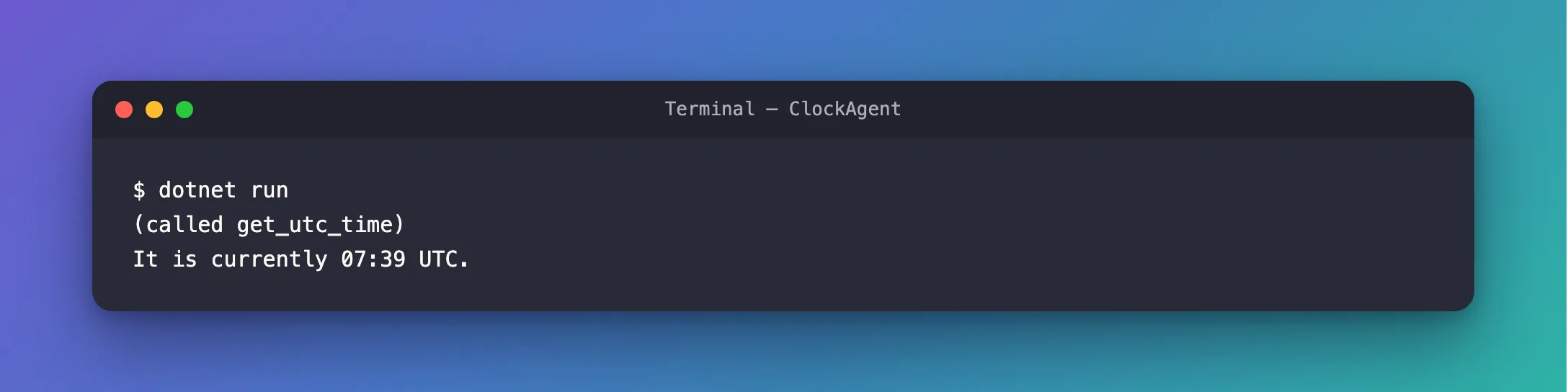
The model called get_utc_time, a tool the agent was never created with, and answered from its result.
The Complete File
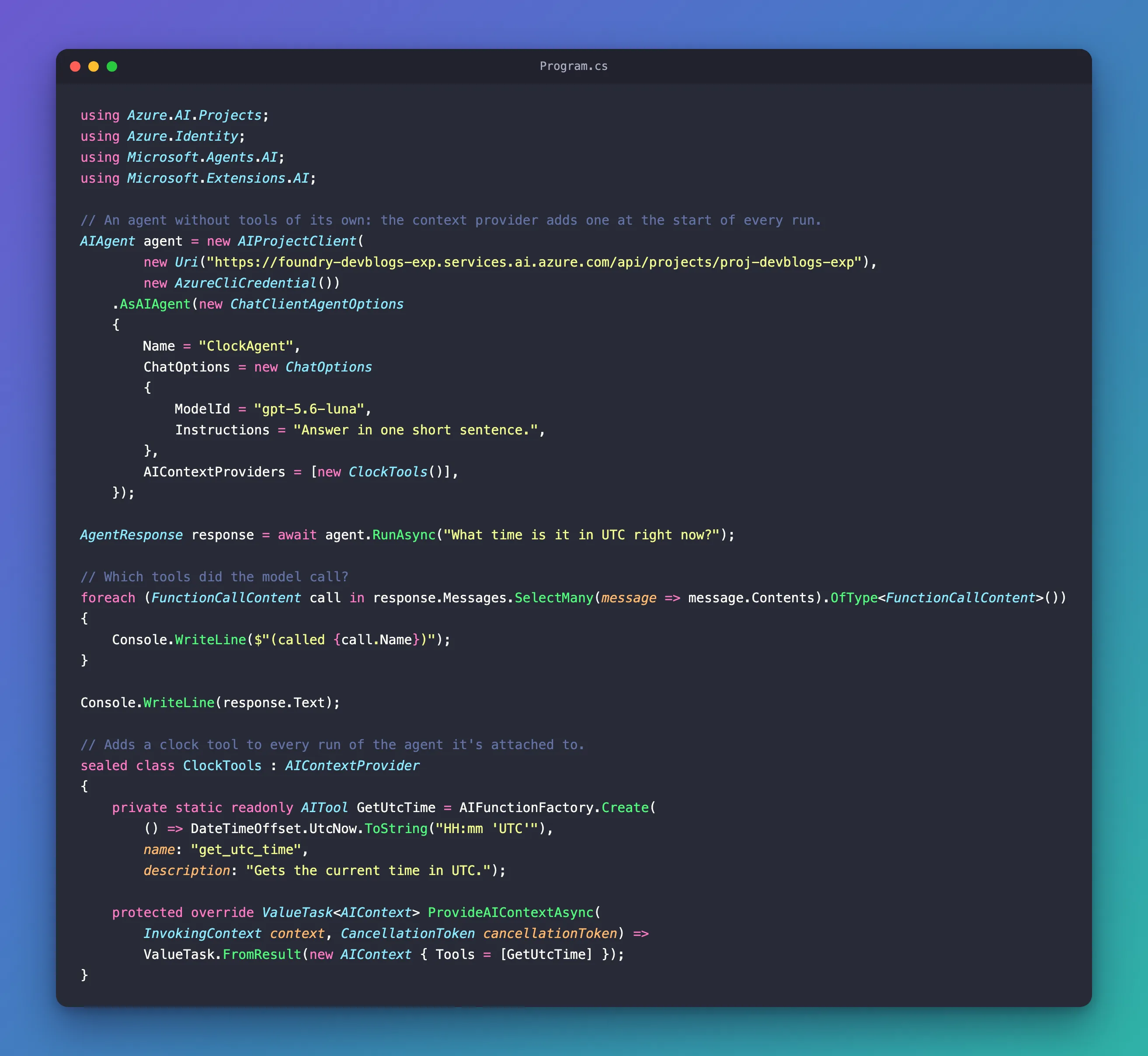
using Azure.AI.Projects;
using Azure.Identity;
using Microsoft.Agents.AI;
using Microsoft.Extensions.AI;

// An agent without tools of its own: the context provider adds one at the start of every run.
AIAgent agent = new AIProjectClient(
        new Uri("https://foundry-devblogs-exp.services.ai.azure.com/api/projects/proj-devblogs-exp"),
        new AzureCliCredential())
    .AsAIAgent(new ChatClientAgentOptions
    {
        Name = "ClockAgent",
        ChatOptions = new ChatOptions
        {
            ModelId = "gpt-5.6-luna",
            Instructions = "Answer in one short sentence.",
        },
        AIContextProviders = [new ClockTools()],
    });

AgentResponse response = await agent.RunAsync("What time is it in UTC right now?");

// Which tools did the model call?
foreach (FunctionCallContent call in response.Messages.SelectMany(message => message.Contents).OfType<FunctionCallContent>())
{
    Console.WriteLine($"(called {call.Name})");
}

Console.WriteLine(response.Text);

// Adds a clock tool to every run of the agent it's attached to.
sealed class ClockTools : AIContextProvider
{
    private static readonly AITool GetUtcTime = AIFunctionFactory.Create(
        () => DateTimeOffset.UtcNow.ToString("HH:mm 'UTC'"),
        name: "get_utc_time",
        description: "Gets the current time in UTC.");

    protected override ValueTask<AIContext> ProvideAIContextAsync(
        InvokingContext context, CancellationToken cancellationToken) =>
        ValueTask.FromResult(new AIContext { Tools = [GetUtcTime] });
}
Common Mistakes
| Mistake | What happens | Do this instead |
|---|---|---|
Leaving ModelId out of ChatOptions | AsAIAgent throws: its reference says the options must specify ChatOptions.ModelId | Set the model deployment in ModelId |
| Keeping one user's data in a field of the provider | Every session shares the same provider instance, so that data leaks into other conversations | Keep per-session data in the session; keep only shared things in the provider |
| Creating new tools on every run when they never change | Work for nothing on every message | Create them once, as static readonly does here |
FAQ
Can a provider fetch its tools from somewhere first?
Yes. ProvideAIContextAsync is asynchronous, so it can await a network call, such as listing the tools of an MCP server, before it returns them. Keep what it fetched for the next runs, so only the first run waits.
Can a provider add instructions too?
Yes: AIContext also has Instructions and Messages. Instructions and tools apply to that run only; Microsoft's reference adds that messages added through Messages will be permanently incorporated into the conversation history.
Conclusion
An AIContextProvider adds tools to an agent at the start of every run: override ProvideAIContextAsync, return an AIContext with Tools, and attach the provider through ChatClientAgentOptions.AIContextProviders. The tools are appended to the agent's own for that run only. Keep the provider free of anything specific to one conversation, because every session shares it.
Additional Resources
- Context Providers — custom context providers, and how their output is merged.
- AIContext.Tools — tools for the current invocation.
- AIContextProvider class — every method a provider can override.
