How to Add Tags to a Registered Model in MLflow

Some facts belong to a model as a whole, whatever version is current: what task it does, which team owns it. MLflow keeps those as registered model tags, separate from the tags on each version. This guide creates a registered model, tags it, and deletes a tag, with real output from MLflow 3.18.0.
Syntax
client = MlflowClient()
client.create_registered_model(name)
client.set_registered_model_tag(name, key, value)
client.delete_registered_model_tag(name, key)
client.get_registered_model(name).tags
| Part | What it means |
|---|---|
create_registered_model(name) | Creates an empty registered model, with no versions yet |
name | The registered model |
key, value | The tag's name and its value; setting a key that exists replaces its value |
.tags | A dictionary of the registered model's tags |
The references: set_registered_model_tag, "Set a tag for the registered model.", and delete_registered_model_tag, "Delete a tag associated with the registered model."
Prerequisites
- An MLflow tracking server with a database backend at
http://127.0.0.1:8080, such asmlflow server --port 8080with its default SQLite database. The registry needs one. mlflowin your project, for example withuv add mlflow.
Step 1: Tag the Registered Model
A registered model doesn't need a version to carry tags, so the example creates flower-classifier on its own. It sets a task and a team tag, prints the tags, deletes team and prints them again:
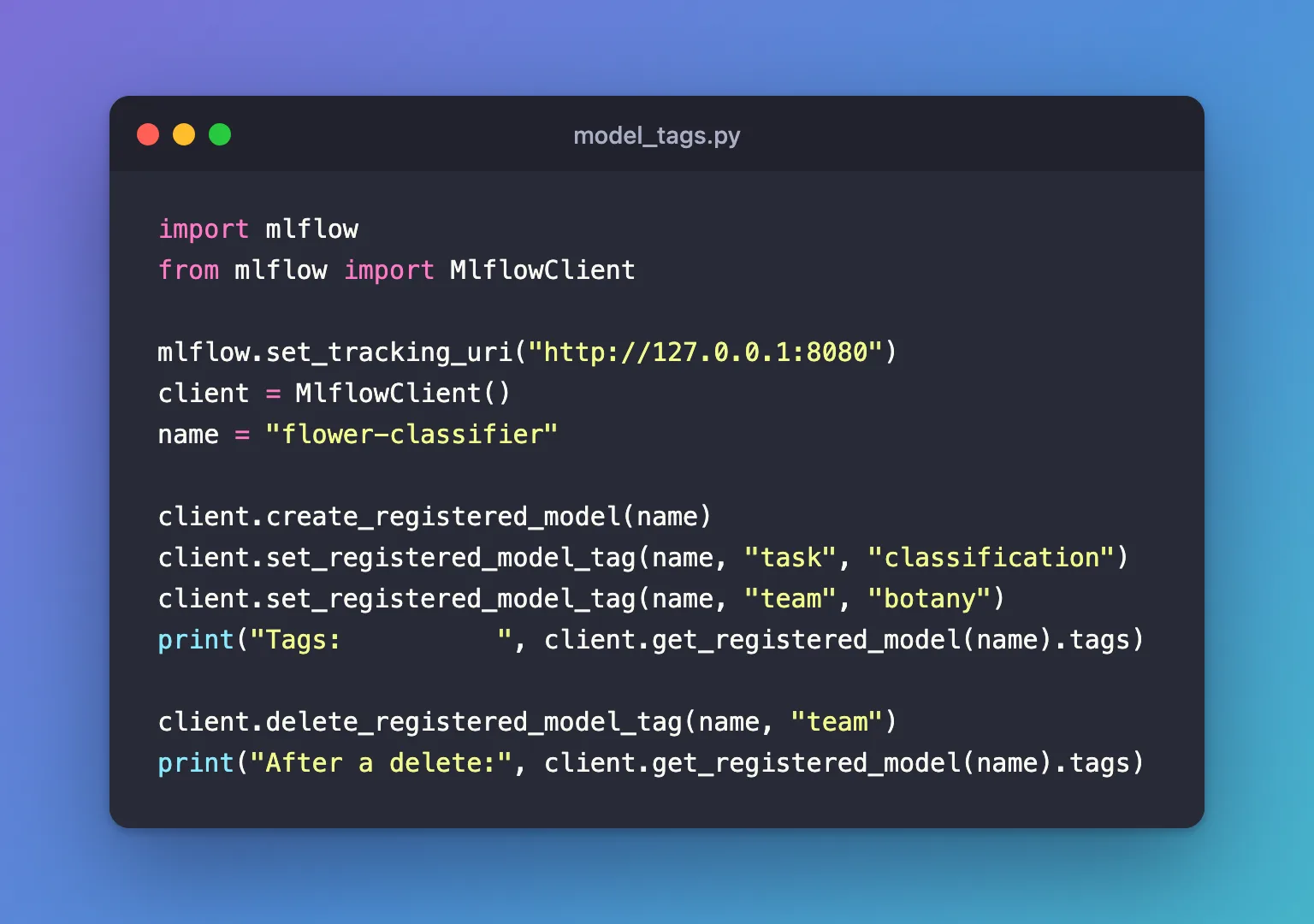
import mlflow
from mlflow import MlflowClient

mlflow.set_tracking_uri("http://127.0.0.1:8080")
client = MlflowClient()
name = "flower-classifier"

client.create_registered_model(name)
client.set_registered_model_tag(name, "task", "classification")
client.set_registered_model_tag(name, "team", "botany")
print("Tags:          ", client.get_registered_model(name).tags)

client.delete_registered_model_tag(name, "team")
print("After a delete:", client.get_registered_model(name).tags)
uv run python model_tags.py
Tags:           {'task': 'classification', 'team': 'botany'}
After a delete: {'task': 'classification'}
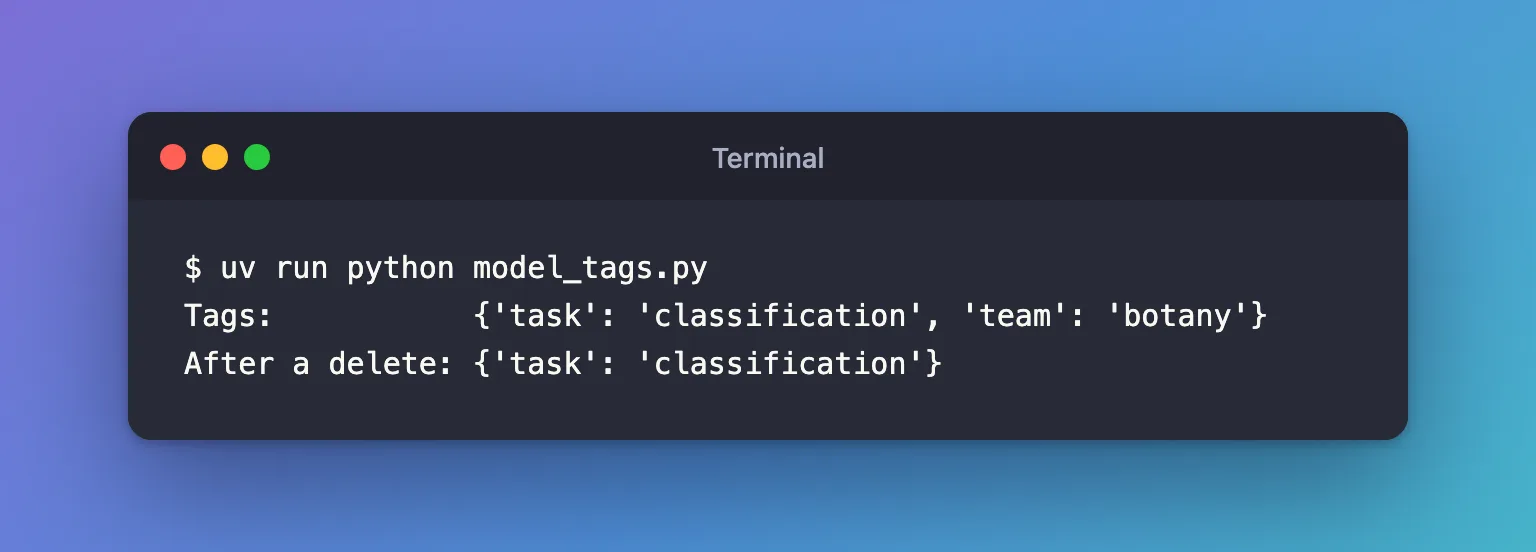
Both tags were on flower-classifier, and after the delete only task is left. The tags belong to the registered model itself, not to any version, which is why it could carry them before it had a single version.
Common Mistakes
| Mistake | What happens | Do this instead |
|---|---|---|
| Putting a fact about one version on the registered model | It reads as true for every version | Use a model version tag for that version |
| Running the script a second time | create_registered_model fails, because the name exists | Create the registered model once; tag it as often as you like |
Troubleshooting
| Symptom | Likely cause | Fix |
|---|---|---|
RESOURCE_ALREADY_EXISTS: Registered Model (name=flower-classifier) already exists. | create_registered_model ran for a name that exists | Skip the create, or pick another name |
RESOURCE_DOES_NOT_EXIST: Registered Model with name=... not found | The registered model's name is misspelled, or it hasn't been created | Check the name in the Model Registry |
FAQ
Can I find registered models by their tags?
Yes, with a filter such as tags.team = 'growth': How to List and Filter Registered Models in MLflow.
How do I tag one version instead?
With set_model_version_tag: How to Add Tags to a Model Version in MLflow.
Conclusion
set_registered_model_tag gave flower-classifier its task and team tags, get_registered_model(name).tags read them back, and delete_registered_model_tag removed team.
Additional Resources
- Model Registry workflows — setting and deleting tags in code.
- MlflowClient.create_registered_model — creating a registered model with tags and a description.
