How to Add Several Rows at Once with EF Core AddRange

AddRange adds a list of new objects to the change tracker, and one SaveChangesAsync inserts them all. With Oracle's MySQL provider, EF Core packs the INSERT statements into one command to save round trips, and every object gets its own ID. This guide shows the code and the SQL it sends for 3 rows and for 50.
Prerequisites
- A .NET C# project with EF Core and a MySQL table. The examples use EF Core 10, Oracle's
MySql.EntityFrameworkCoreand MySQL 9.7, with thecategoriestable from How to Insert a Row with EF Core. - SQL logging on: How to See the SQL That EF Core Sends.
Step 1: Add the List and Save
app.MapPost("/demo/addrange", async (int count, InventoryDbContext db, TimeProvider clock) =>
{
    var now = clock.GetUtcNow().UtcDateTime;
    var categories = Enumerable.Range(1, count)
        .Select(i => new Category { Name = $"Batch {now:HHmmss} {i}", CreatedAtUtc = now })
        .ToList();

    db.Categories.AddRange(categories);
    var saved = await db.SaveChangesAsync();

    return Results.Ok(new { saved, ids = categories.Select(c => c.Id) });
});
AddRange does the same as calling Add for each one. SaveChangesAsync returns how many rows it wrote. .ToList() matters: it makes one list of objects, so categories afterwards holds the same objects that got their IDs.
Step 2: Read the Result
For three rows:
HTTP/1.1 200 OK
Content-Type: application/json; charset=utf-8

{
  "saved": 3,
  "ids": [
    4,
    5,
    6
  ]
}
info: Microsoft.EntityFrameworkCore.Database.Command[20101]
      Executed DbCommand (2ms) [Parameters=[@p0='?' (DbType = DateTime), @p1='?' (Size = 100), @p2='?' (DbType = DateTime), @p3='?' (Size = 100), @p4='?' (DbType = DateTime), @p5='?' (Size = 100)], CommandType='Text', CommandTimeout='30']
      INSERT INTO `categories` (`CreatedAtUtc`, `Name`)
      VALUES (@p0, @p1);
      SELECT `Id`
      FROM `categories`
      WHERE ROW_COUNT() = 1 AND `Id` = LAST_INSERT_ID();
      INSERT INTO `categories` (`CreatedAtUtc`, `Name`)
      VALUES (@p2, @p3);
      SELECT `Id`
      FROM `categories`
      WHERE ROW_COUNT() = 1 AND `Id` = LAST_INSERT_ID();
      INSERT INTO `categories` (`CreatedAtUtc`, `Name`)
      VALUES (@p4, @p5);
      SELECT `Id`
      FROM `categories`
      WHERE ROW_COUNT() = 1 AND `Id` = LAST_INSERT_ID();
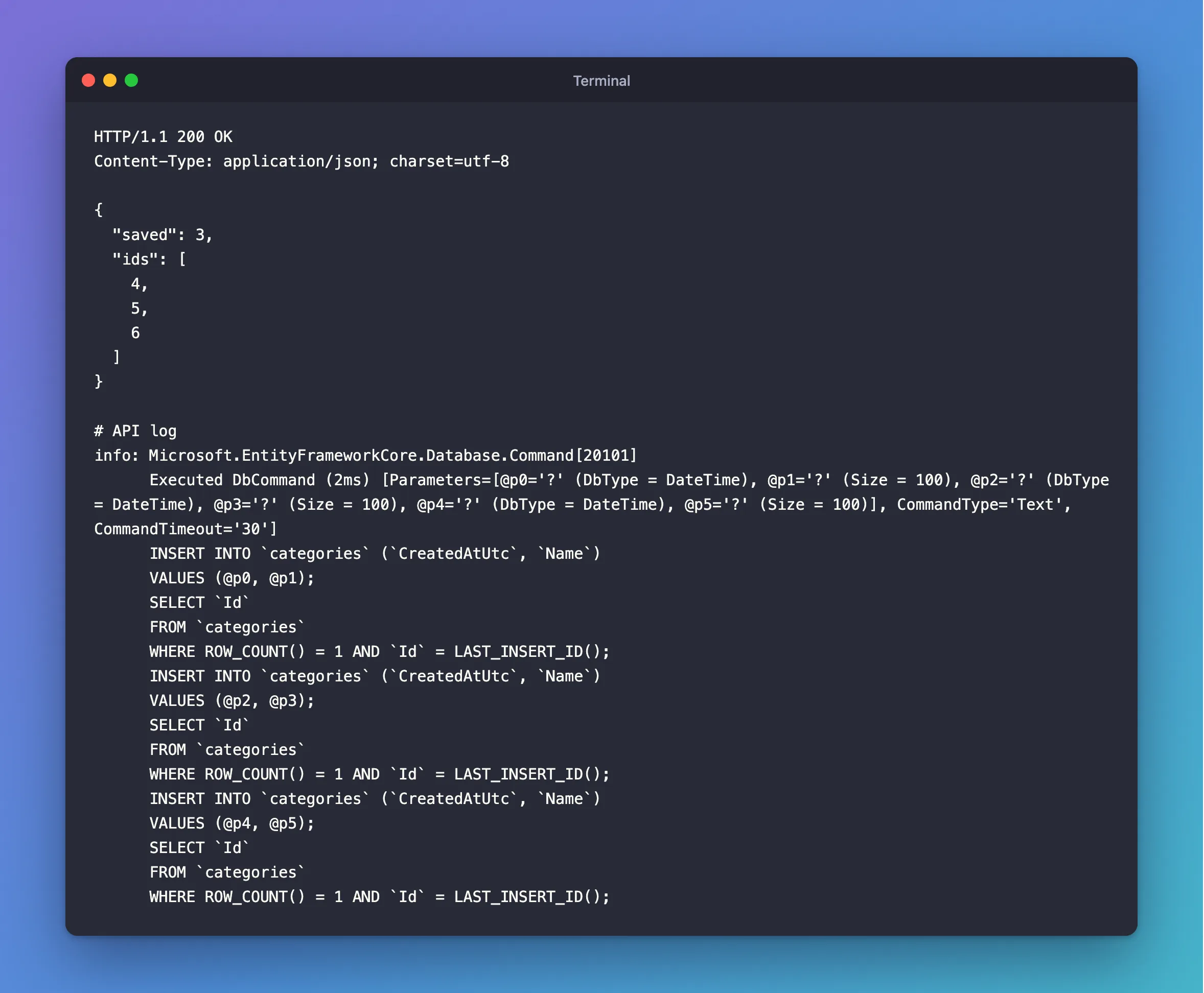
One Executed DbCommand, holding three INSERT statements, each followed by the SELECT that reads its ID. So three rows took one trip to MySQL. EF Core's efficient updating page calls this batching: "EF Core helps minimize roundtrips by automatically batching together all updates in a single roundtrip."
Step 3: See How Large Batches Split
With 50 rows, the log has two commands. I counted the INSERT statements in each:
| Command | INSERT statements |
|---|---|
| First | 42 |
| Second | 8 |
The same page explains the number for SQL Server: "EF Core will by default only execute up to 42 statements in a single batch, and execute additional statements in separate roundtrips." These 42 and 8 show Oracle's MySQL provider doing the same. You can change the size with MaxBatchSize, in the options you pass to UseMySQL, though there's rarely a reason to.
Is This All-or-Nothing?
By default, yes. EF Core's transactions page says: "if the database provider supports transactions, all changes in a single call to SaveChanges are applied in a transaction. If any of the changes fail, then the transaction is rolled back and none of the changes are applied to the database." So one bad row in the list means none are stored, and you get one exception. DbUpdateException handling works the same as for a single row, as this post shows.
Common Mistakes
| Mistake | What happens | Do this instead |
|---|---|---|
Calling SaveChangesAsync inside the loop | One round trip and one transaction per row | Add them all, then save once |
Leaving out .ToList() | The Select runs again when you read the IDs, making new objects with Id 0 | Materialize the list first |
| Using this for millions of rows | Change tracking and thousands of statements get slow | Use MySQL's bulk tools, such as LOAD DATA |
Expecting one INSERT with many VALUES | With this provider, it's one INSERT per row in the batch | Read the log before assuming |
FAQ
Does AddRange send anything to MySQL?
No. Like Add, it only tells the change tracker. SaveChangesAsync sends the SQL.
Do I get all the IDs?
Yes. Each INSERT has its own SELECT, so each object gets its own Id, as the response above shows.
Conclusion
db.Categories.AddRange(list) and one SaveChangesAsync insert a whole list in one transaction, in batches of up to 42 statements, and fill in each object's Id. Call SaveChangesAsync once, after adding everything.
Additional Resources
- Efficient Updating — batching.
- Transactions — what one
SaveChangesguarantees.
