How to Add Several Items to a List at Once with AddRange in C#

basket.AddRange(more) adds every item of more to the end of basket, in the same order. One call instead of one Add per item.
Microsoft's reference: Adds the elements of the specified collection to the end of the List<T>. It also says that The order of the elements in the collection is preserved in the List<T>.
Syntax
<list>.AddRange(<collection>);
| Part | What it is |
|---|---|
<list> | The List<T> that gets the new items |
<collection> | The items to add: any IEnumerable<T> with the same item type, such as an array or another list |
| The result | None. AddRange returns void and changes <list> itself |
The reference on the argument: The collection itself cannot be null, but it can contain elements that are null, if type T is a reference type.
The Example
A console app called ListAddRange fills a shopping basket: one item to start with, one more with Add, then three at once with AddRange.
Prerequisites
- The .NET 10 SDK.
dotnet --versionprints a version that starts with10.0.
Step 1: Create a Console App
dotnet new console -n ListAddRange
cd ListAddRange
The template "Console App" was created successfully.

Processing post-creation actions...
Restoring /Users/you/source/ListAddRange/ListAddRange.csproj:
  Determining projects to restore...
  Restored /Users/you/source/ListAddRange/ListAddRange.csproj (in 42 ms).
Restore succeeded.
dotnet new console -n ListAddRange creates a folder named ListAddRange with a project file and a Program.cs, and cd moves into it. Everything this example uses is part of .NET, so there's no package to add. Open the folder in VS Code, or ListAddRange.csproj in Visual Studio.
Step 2: Write the Code
Replace everything in Program.cs. First the list and one Add:
List<string> basket = ["apples"];

// Add puts one item at the end of the list.
basket.Add("bread");
Add takes one item: the reference says it Adds an object to the end of the List<T>.
Then three items at once:
// AddRange puts every item of another collection at the end, in order.
string[] more = ["milk", "eggs", "rice"];
basket.AddRange(more);

Console.WriteLine($"{basket.Count} items: {string.Join(", ", basket)}");
basket.AddRange(more)addsmilk,eggsandriceto the end, in that order.basket.Countis the number of items in the list now.string.Join(", ", basket)puts the items on one line, separated by commas.
Step 3: Run It
Run it in VS Code's terminal, or press Ctrl+F5 in Visual Studio:
dotnet run
5 items: apples, bread, milk, eggs, rice

The basket went from 2 items to 5, and the three new ones came after bread in the same order as in the array.
The Complete File
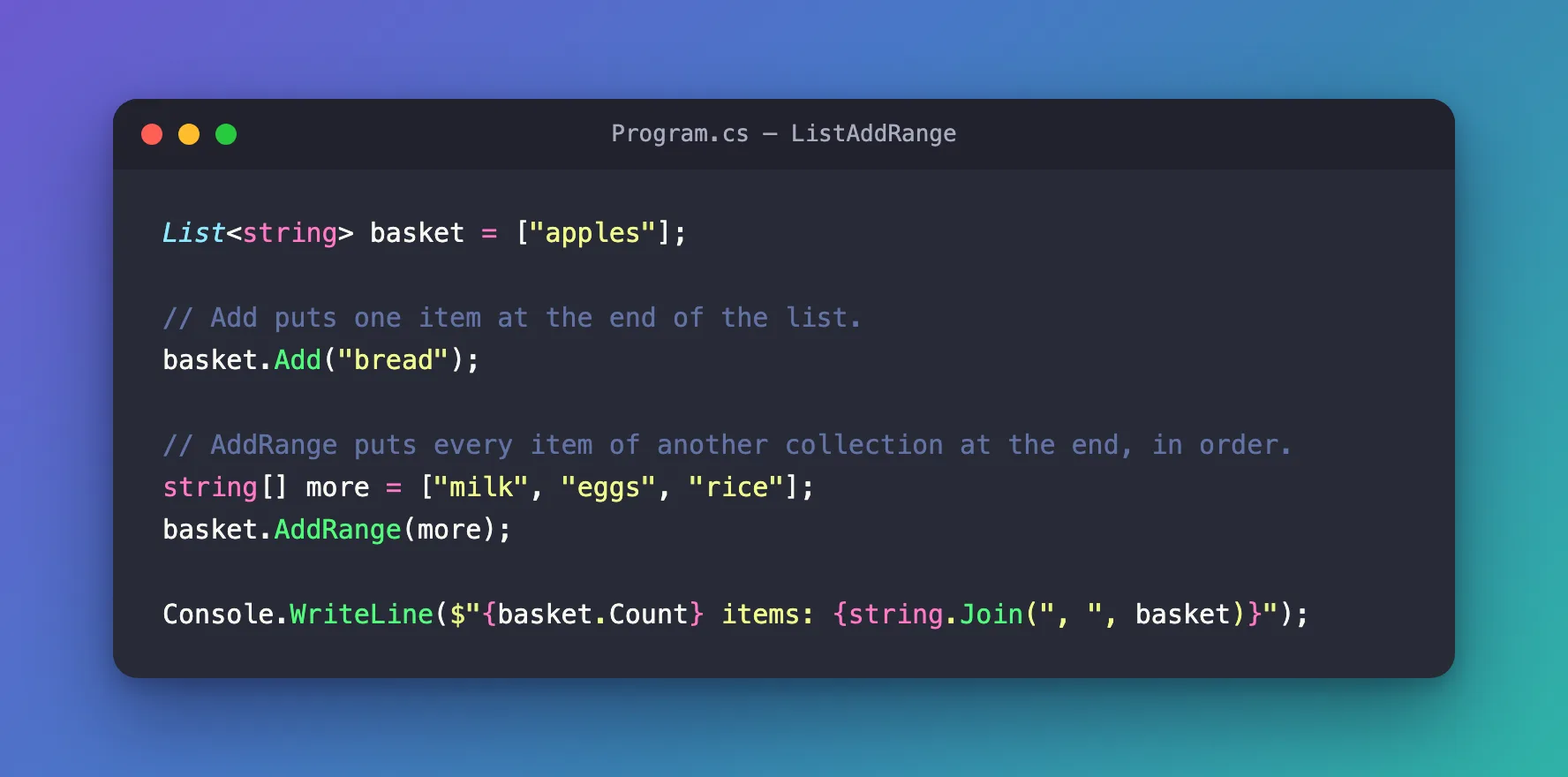
List<string> basket = ["apples"];

// Add puts one item at the end of the list.
basket.Add("bread");

// AddRange puts every item of another collection at the end, in order.
string[] more = ["milk", "eggs", "rice"];
basket.AddRange(more);

Console.WriteLine($"{basket.Count} items: {string.Join(", ", basket)}");
Common Mistakes
| Mistake | What happens | Do this instead |
|---|---|---|
Passing an array to Add | error CS1503: Argument 1: cannot convert from 'string[]' to 'string'. Add takes one item | Use AddRange for a collection |
Storing the result: var all = basket.AddRange(more); | error CS0815: Cannot assign void to an implicitly-typed variable | Call AddRange on its own line, then use the list |
A collection that can be null | The build warned warning CS8604: Possible null reference argument for parameter 'collection', and the call threw ArgumentNullException: Value cannot be null. (Parameter 'collection') | Pass an empty collection instead: basket.AddRange(more ?? []) added nothing and kept the 1 item |
| Adding a LINQ query over the same list | numbers.AddRange(numbers.Select(number => number * 10)) threw InvalidOperationException: Collection was modified; enumeration operation may not execute. and left one extra item behind: 1, 2, 3, 10 | Copy the query into a new list first: with .ToList() it gave 1, 2, 3, 10, 20, 30 |
FAQ
Does AddRange skip items that are already in the list?
No. A basket of apples, milk with milk, apples added held 4 items: apples, milk, milk, apples. The reference says a List<T> accepts null as a valid value for reference types and allows duplicate elements.
How do I add the items at the start instead?
Use InsertRange, which Inserts the elements of a collection into the List<T> at the specified index. basket.InsertRange(0, ["tea", "sugar"]) on apples, bread gave tea, sugar, apples, bread.
Conclusion
list.AddRange(collection) adds every item of collection to the end of list, in order, and returns nothing. Use Add for one item and AddRange for many, never pass null, and copy a query over the same list with ToList() before you add it.
Additional Resources
List<T>.AddRange— the method and its exception.List<T>.Add— adding one item.List<T>.InsertRange— adding several items at a position.
