How to Add Parameter and Return Types to a PHP Function

A PHP function can say what types it takes and returns: float $price, int $quantity, : float. PHP then checks every call, converts values it safely can, such as the string "4", and stops with a TypeError for values it can't, such as "four".
Syntax
function <name>(<type> $<parameter>, <type> $<parameter>): <returnType>
{
    return <value>;
}
| Part | What it does |
|---|---|
<type> $<parameter> | The type the parameter must have, such as int, float, string, bool or array. |
: <returnType> | The type the function must return. |
?<type> | Allows null as well, such as ?string. |
The PHP manual on type declarations: "They ensure that the value is of the specified type at call time, otherwise a TypeError is thrown." It also says that by default, "PHP will coerce values of the wrong type into the expected scalar type declaration if possible."
The Example
The example writes a typed totalPrice function and calls it with the quantity as 4, as the string "4" and as the string "four".
Prerequisites
- PHP for the command line. This guide uses PHP 8.6.0.
Step 1: Write the Function
Create a file named main.php:
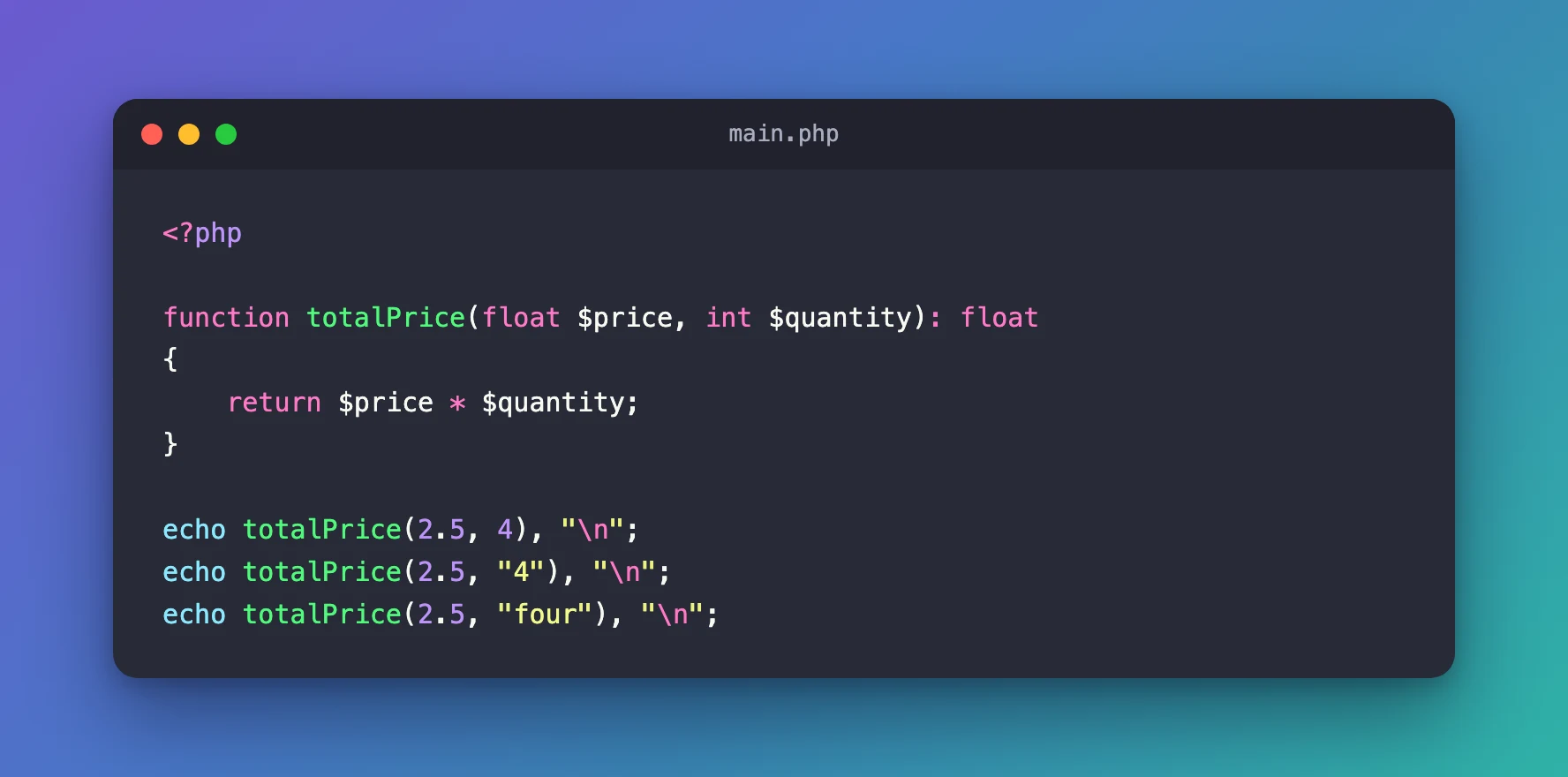
<?php

function totalPrice(float $price, int $quantity): float
{
    return $price * $quantity;
}

echo totalPrice(2.5, 4), "\n";
echo totalPrice(2.5, "4"), "\n";
echo totalPrice(2.5, "four"), "\n";
Step 2: Run It
php main.php
10
10
PHP Fatal error:  Uncaught TypeError: totalPrice(): Argument #2 ($quantity) must be of type int, string given, called in /Users/Shared/you/main.php on line 10 and defined in /Users/Shared/you/main.php:3
Stack trace:
#0 /Users/Shared/you/main.php(10): totalPrice(2.5, 'four')
#1 {main}
  thrown in /Users/Shared/you/main.php on line 3

Fatal error: Uncaught TypeError: totalPrice(): Argument #2 ($quantity) must be of type int, string given, called in /Users/Shared/you/main.php on line 10 and defined in /Users/Shared/you/main.php:3
Stack trace:
#0 /Users/Shared/you/main.php(10): totalPrice(2.5, 'four')
#1 {main}
  thrown in /Users/Shared/you/main.php on line 3
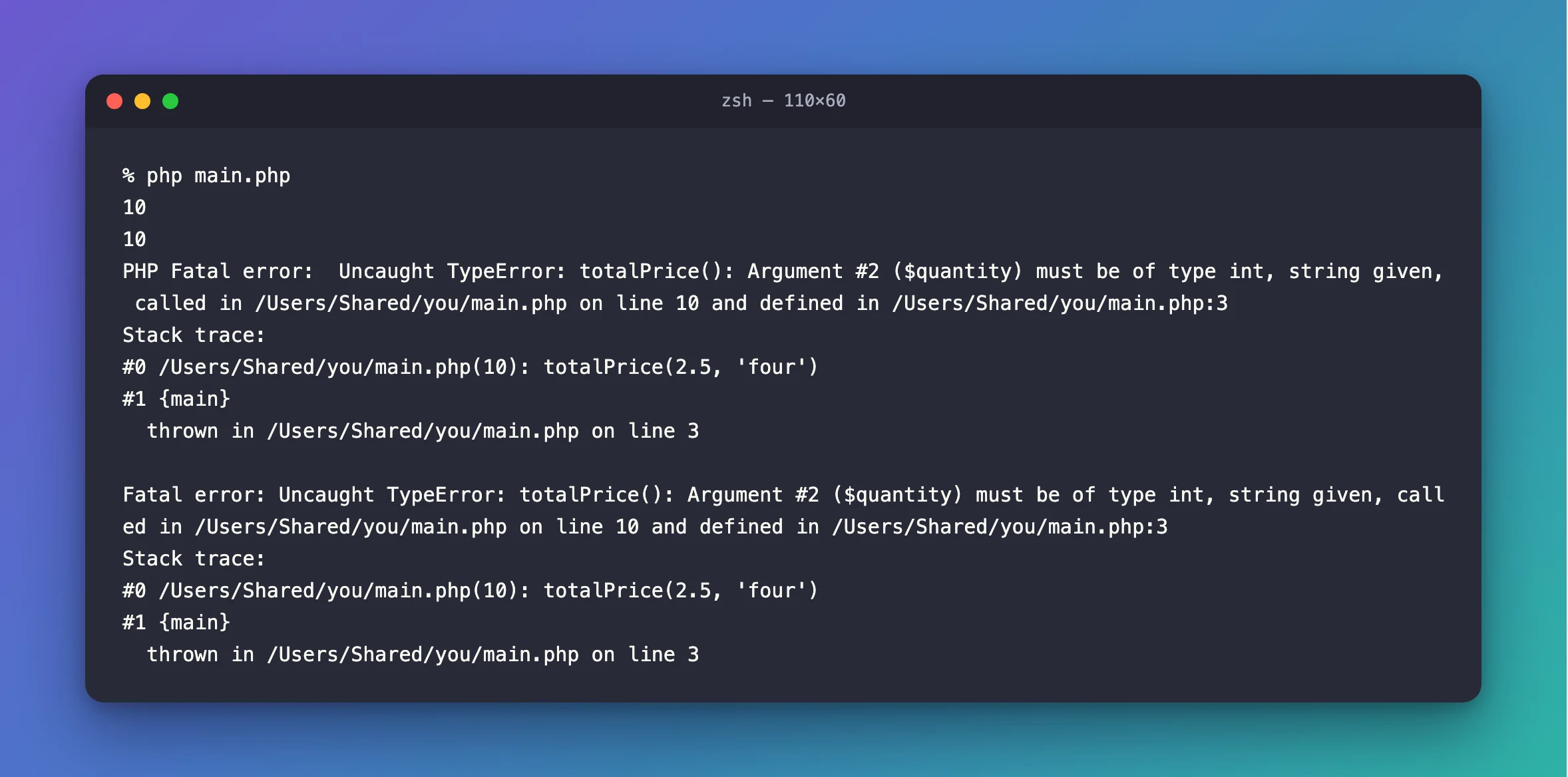
4matched theinttype."4"is a numeric string, so PHP converted it to4."four"can't become anint, so PHP threw aTypeError. This PHP prints it twice: once as a log line on standard error, once on screen.
The command is the same in zsh, bash and PowerShell.
Common Mistakes
| Mistake | What happens | Do this instead |
|---|---|---|
Returning a value of the wrong type, as in return "x"; from a function typed : int | TypeError: f(): Return value must be of type int, string returned | Return the declared type |
Expecting "4" to be rejected | Default mode converts numeric strings | Add declare(strict_types=1); to reject them |
Passing null to a non-nullable parameter | TypeError: f(): Argument #1 ($n) must be of type int, null given | Declare it as ?int, or pass a value |
Troubleshooting
| Symptom | Likely cause | Fix |
|---|---|---|
must be of type int, string given | A non-numeric string reached an int parameter | Check or convert the value before the call |
Return value must be of type … | The function returned another type | Fix the return statement or the declared type |
FAQ
Which types can I declare?
Scalar types (int, float, string, bool), array, class names, ?type for nullable values and unions such as int|string.
Is there a type for "no return value"?
Yes: : void for functions that return nothing.
Conclusion
Typed parameters and a return type make PHP check every call: numeric strings are converted in default mode, and anything that doesn't fit stops with a TypeError that names the parameter.
Additional Resources
- Type declarations, in the PHP manual.
