How to Add Months to a Date in Power Automate with addToTime

Power Automate has addDays() and addHours(), but no addMonths(). Months, and every other unit of time, are added with addToTime(): give it a date, a number and a unit such as 'Month'. A negative number goes back in time.
Syntax
addToTime('<timestamp>', <interval>, '<timeUnit>', '<format>')
From Microsoft's functions reference:
<timestamp>(required): the date and time to start from, as text, or a token or expression that holds one.<interval>(required): how many units to add, a whole number. Use a negative number, such as-1, to go back.<timeUnit>(required): one of'Second','Minute','Hour','Day','Week','Month'or'Year'.<format>(optional): how to write the result. Without it, you get the ISO 8601 form, such as 2026-09-01T00:00:00.0000000Z.
The Example
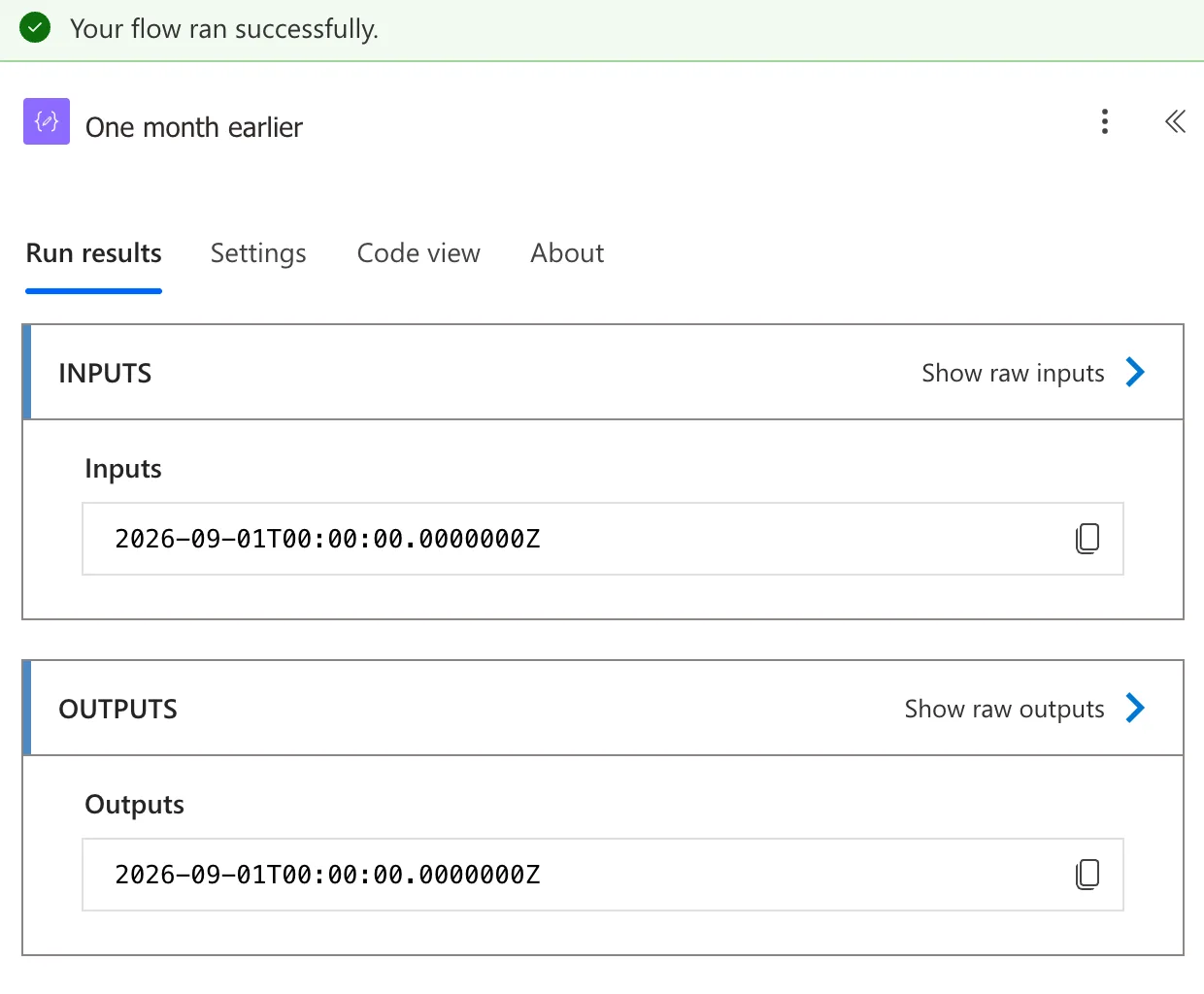
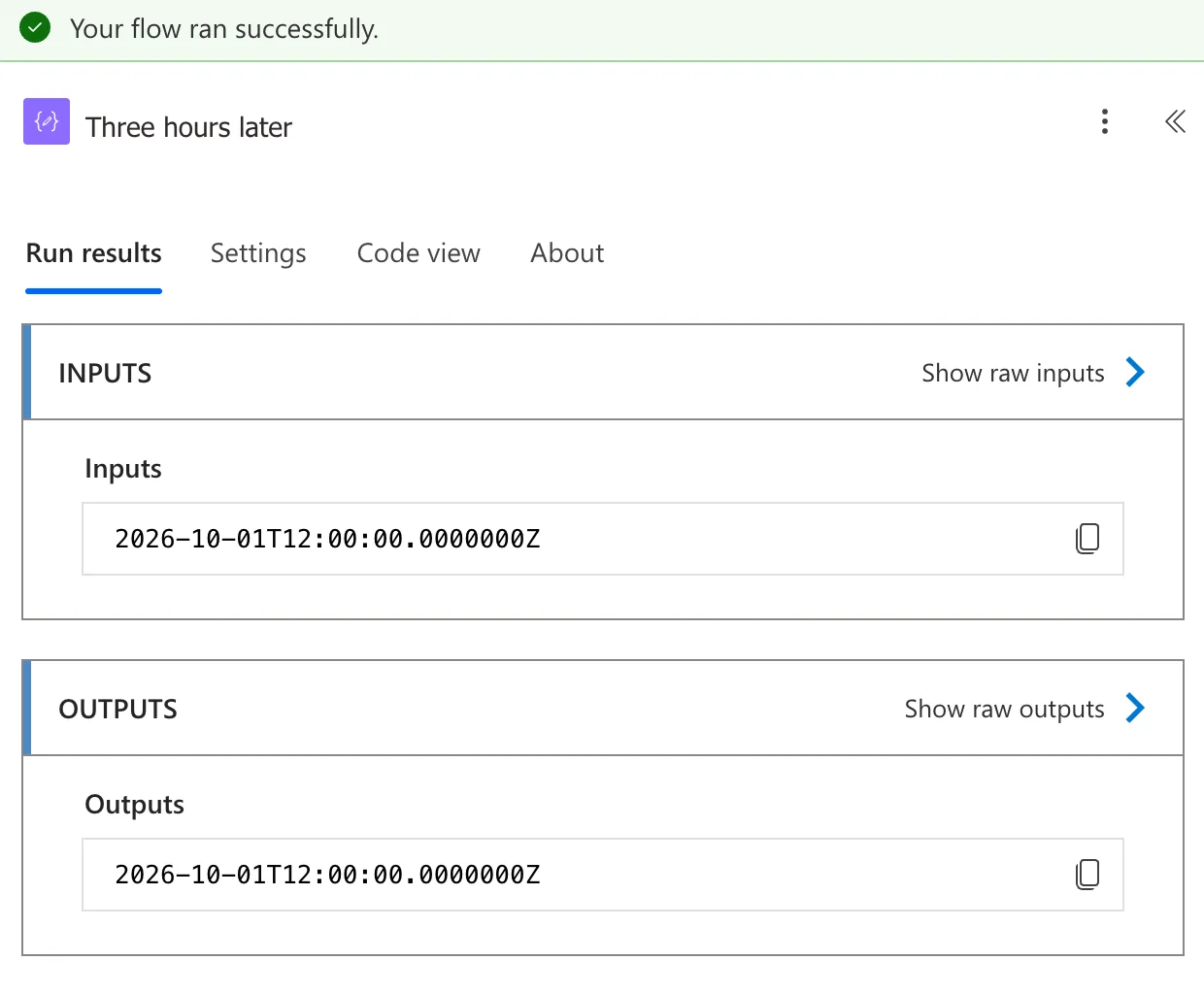
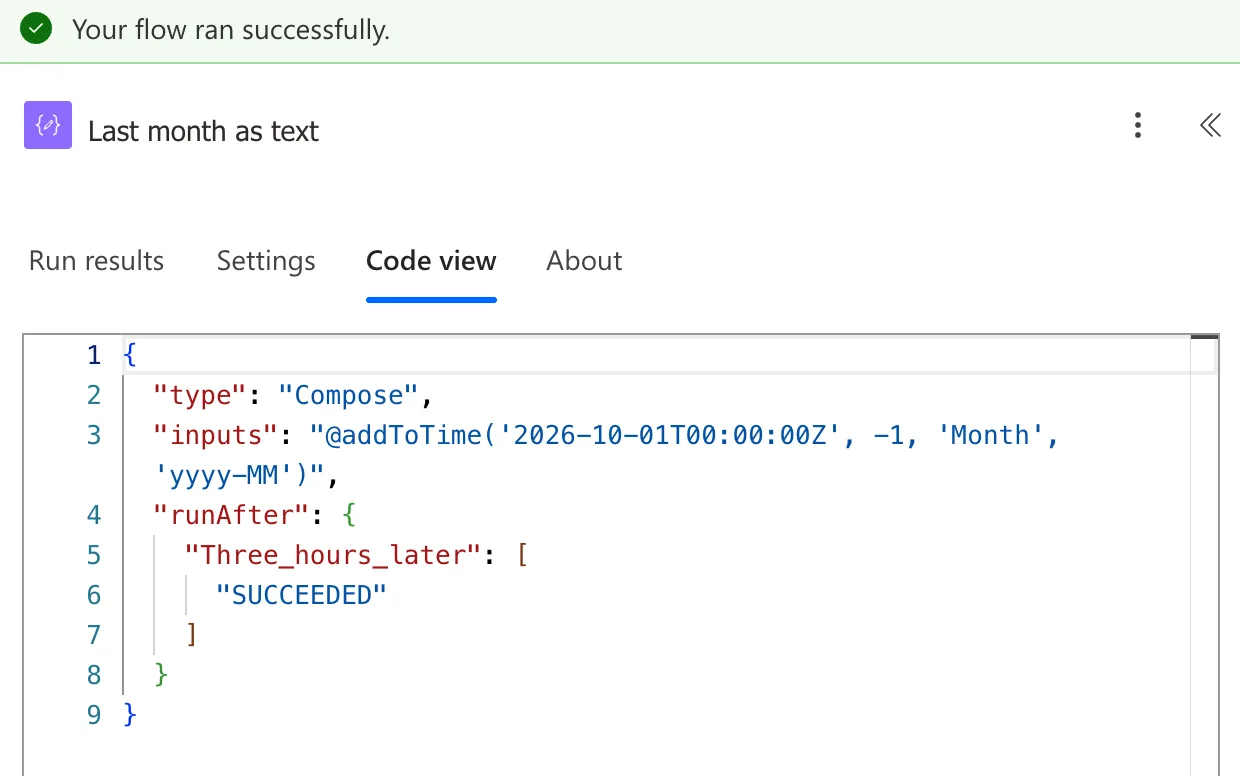
A flow with three Compose actions (How to Use the Compose Action in Power Automate): One month earlier goes back a month from 1 October 2026, Three hours later moves 9:00 AM on to midday, and Last month as text writes the month before October as 2026-09.
Step 1: Go Back a Month
In the first Compose, add this expression (How to Add an Expression in Power Automate):
addToTime('2026-10-01T00:00:00Z', -1, 'Month')
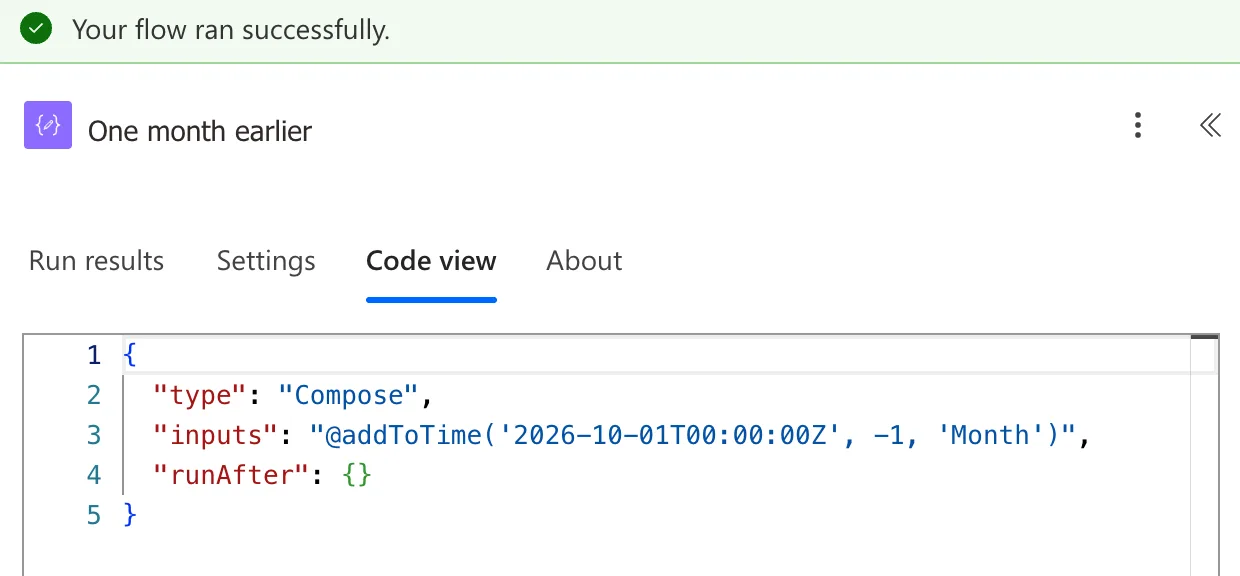
In a run, it gives 1 September, 2026-09-01T00:00:00.0000000Z:
Step 2: Add Hours Instead
The unit can be anything from seconds to years. In Three hours later:
addToTime('2026-10-01T09:00:00Z', 3, 'Hour')
Step 3: Write the Result as Text
To use the month in a file name or a filter, give a format as the fourth argument. In Last month as text:
addToTime('2026-10-01T00:00:00Z', -1, 'Month', 'yyyy-MM')
The Result
Last month as text shows 2026-09:
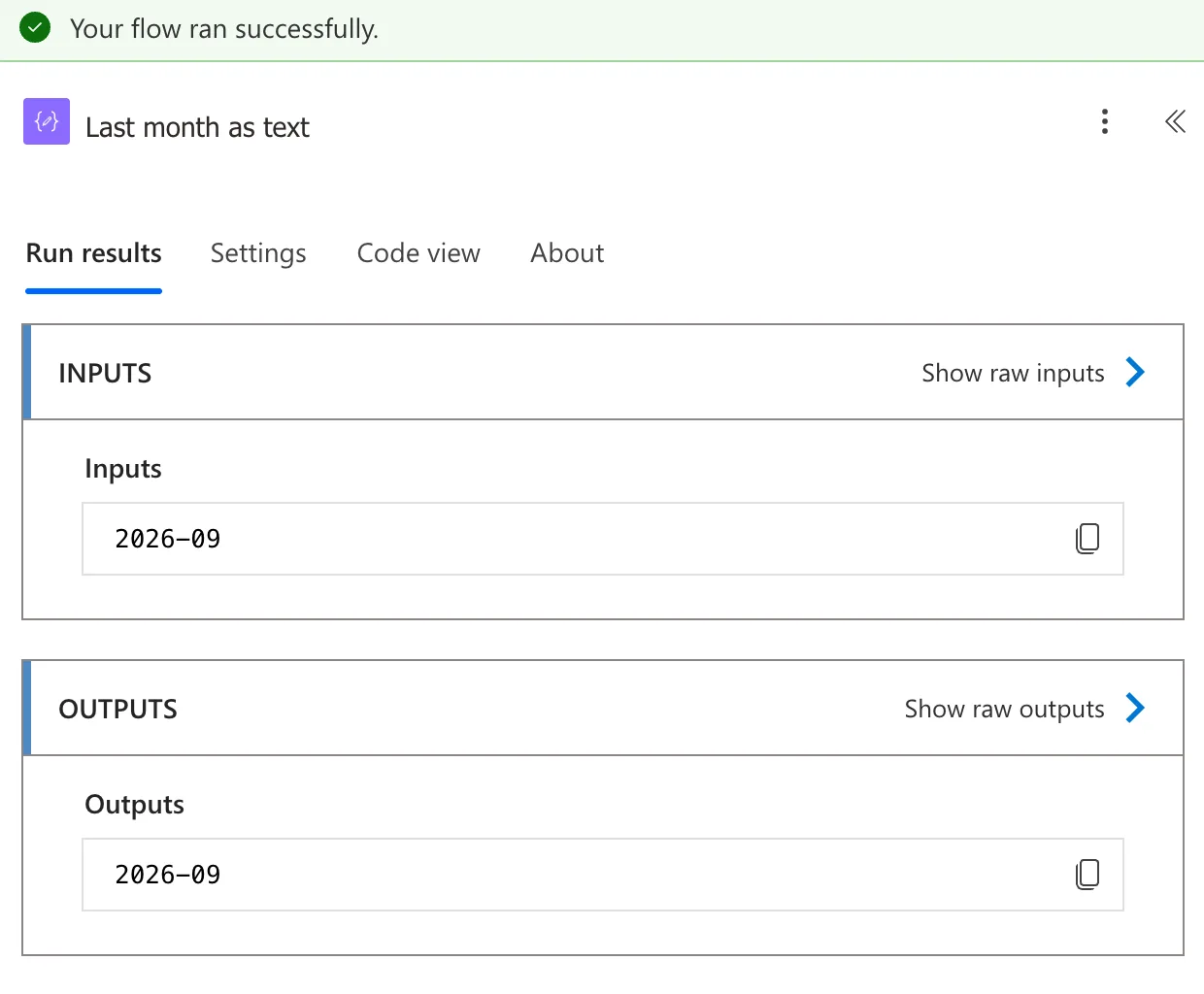
The format's placeholders are the same as formatDateTime()'s: yyyy for the year and MM for the month (How to Format a Date in Power Automate with formatDateTime).
Common Mistakes
| Mistake | What happens | Do this instead |
|---|---|---|
Looking for addMonths() | There isn't one | addToTime(<date>, <n>, 'Month') |
addDays(<date>, -30) for last month | Months aren't all 30 days long, so the date drifts | Go back with 'Month' |
The interval in quotes, '-1' | The reference says the interval is an integer | Write the number without quotes: -1 |
'yyyy-mm' as the format | mm is minutes, not the month | 'yyyy-MM' |
Troubleshooting
| Symptom | Likely cause | Fix |
|---|---|---|
| The run fails on the expression | A unit the function doesn't know, or a timestamp it can't read | Use one of the seven units, and check what the token holds |
| Last month is wrong for a run just after midnight on the 1st | utcNow() was still in the previous month in UTC | Convert to local time first (How to Convert UTC to Local Time in Power Automate with convertFromUtc) |
| This expression has a problem for a correct expression | The editor's check, not the expression | Select Add again (Fixed: "This Expression Has a Problem" for a Valid Expression in Power Automate) |
FAQ
How do I get last month from today's date?
Start from the first day of this month, then go back one: addToTime(startOfMonth(utcNow()), -1, 'Month', 'yyyy-MM'). Starting from the 1st means every month has the day you land on (How to Get the First Day of the Month in Power Automate with startOfMonth).
Is there a function that subtracts?
Yes: subtractFromTime() takes the same arguments and goes back instead, so subtractFromTime(<date>, 1, 'Month') is the same as addToTime(<date>, -1, 'Month').
When should I use addDays instead?
When the unit is days anyway: addDays(<date>, 1) is shorter than addToTime(<date>, 1, 'Day') (How to Add Days to a Date in Power Automate with addDays).
Conclusion
addToTime(timestamp, interval, 'Month') adds months, and a negative interval takes them away. The same function adds seconds to years, and a fourth argument writes the result in the form you need.
Additional Resources
- Reference guide to functions in expressions: addToTime
- Customize or format date and time values in a flow
