How to Add Minutes to the Current UTC Time in C#

"Fifteen minutes from now" is a common need: an expiry time, a reminder, a timeout. In C#, DateTime.UtcNow gives the current time in UTC and AddMinutes(15) gives the time a quarter of an hour later, as a new value.
Syntax
DateTime <now> = DateTime.UtcNow;
DateTime <later> = <now>.AddMinutes(<minutes>);
| Part | What it does |
|---|---|
DateTime.UtcNow | The current date and time in UTC. |
.AddMinutes(<minutes>) | Returns a new DateTime that many minutes later. A negative number goes back in time. |
<later> | The new value. The original <now> doesn't change. |
The .NET API documentation for AddMinutes: "Returns a new DateTime that adds the specified number of minutes to the value of this instance." Its remarks add: "This method does not change the value of this DateTime. Instead, it returns a new DateTime whose value is the result of this operation."
The Example
The example takes the current UTC time, works out the time 15 minutes later, and prints both times and the gap between them.
Prerequisites
- The .NET 10 SDK or newer, which runs a single
.csfile withdotnet run. This guide uses .NET SDK 10.0.404.
Step 1: Write the Code
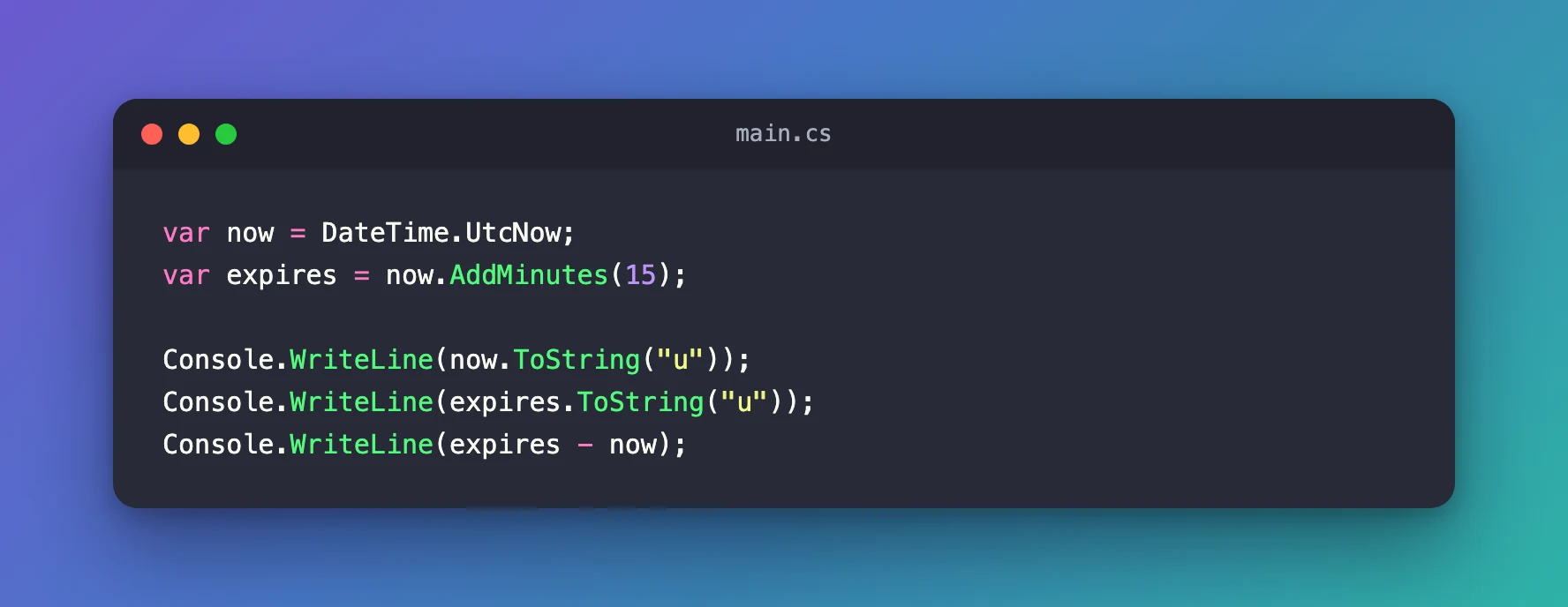
Create a file named main.cs in an empty folder:
var now = DateTime.UtcNow;
var expires = now.AddMinutes(15);

Console.WriteLine(now.ToString("u"));
Console.WriteLine(expires.ToString("u"));
Console.WriteLine(expires - now);
ToString("u")prints a time in a fixed, sortable form ending inZ, the UTC marker.expires - nowsubtracts twoDateTimevalues, which gives aTimeSpan.
Step 2: Run It
dotnet run main.cs
2026-11-26 06:18:20Z
2026-11-26 06:33:20Z
00:15:00

Your times will differ; the gap stays 00:15:00, hours, minutes and seconds. The command is the same in zsh, bash and PowerShell.
UtcNow, Not Now
DateTime.Now is the computer's local time, which changes with the time zone and daylight saving. DateTime.UtcNow doesn't, and it says so: its Kind is Utc, while DateTime.Now.Kind is Local. Use UTC for anything you store or send.
Common Mistakes
| Mistake | What happens | Do this instead |
|---|---|---|
Calling now.AddMinutes(15); without keeping the result | Nothing changes: the original stays at its time | Assign it: var later = now.AddMinutes(15); |
Using DateTime.Now for stored times | Values shift with the server's time zone and daylight saving | Use DateTime.UtcNow |
Adding a number to a DateTime with + | error CS0019: Operator '+' cannot be applied to operands of type 'DateTime' and 'int' | Use AddMinutes, or + TimeSpan.FromMinutes(15) |
Troubleshooting
| Symptom | Likely cause | Fix |
|---|---|---|
A time didn't move after AddMinutes | The returned value was thrown away | Keep the return value |
| Times are hours off on another server | Local time was used | Switch to DateTime.UtcNow |
FAQ
How do I go back in time?
Pass a negative number: AddMinutes(-15) is a quarter of an hour earlier.
Is there a version with a time-zone offset?
Yes. DateTimeOffset.UtcNow.AddMinutes(15) works the same way and keeps an explicit +00:00 offset.
Conclusion
DateTime.UtcNow.AddMinutes(15) gives the UTC time 15 minutes from now as a new value, and subtracting two times gives a TimeSpan. Keep the result of AddMinutes, because it never changes the original.
Additional Resources
- DateTime.AddMinutes, on Microsoft Learn.
- DateTime.UtcNow, on Microsoft Learn.
