How to Add Minutes to an Instant in Java

"Fifteen minutes from now" is an Instant plus a Duration. In Java, instant.plus(Duration.ofMinutes(15)) returns the later moment as a new Instant, and Duration.between gives the gap back.
Syntax
Instant <later> = <instant>.plus(Duration.ofMinutes(<minutes>));
Duration <gap> = Duration.between(<start>, <end>);
| Part | What it does |
|---|---|
Duration.ofMinutes(<minutes>) | A length of time. There are also ofSeconds, ofHours and ofDays. |
<instant>.plus(...) | Returns a new Instant that much later. The original doesn't change. |
Duration.between(<start>, <end>) | The time from <start> to <end>. |
The JDK 25 documentation for Instant.plus: "Returns a copy of this instant with the specified amount added." For Duration.ofMinutes: "Obtains a Duration representing a number of standard minutes."
The Example
The example starts at 09:30 UTC on 26 November 2026, adds 15 minutes, and prints the end time and the gap.
Prerequisites
- A JDK, the Java Development Kit.
java Main.javaruns a single file without compiling it first. This guide uses OpenJDK 25.0.5.1.
Step 1: Write the Code
Create a file named Main.java:
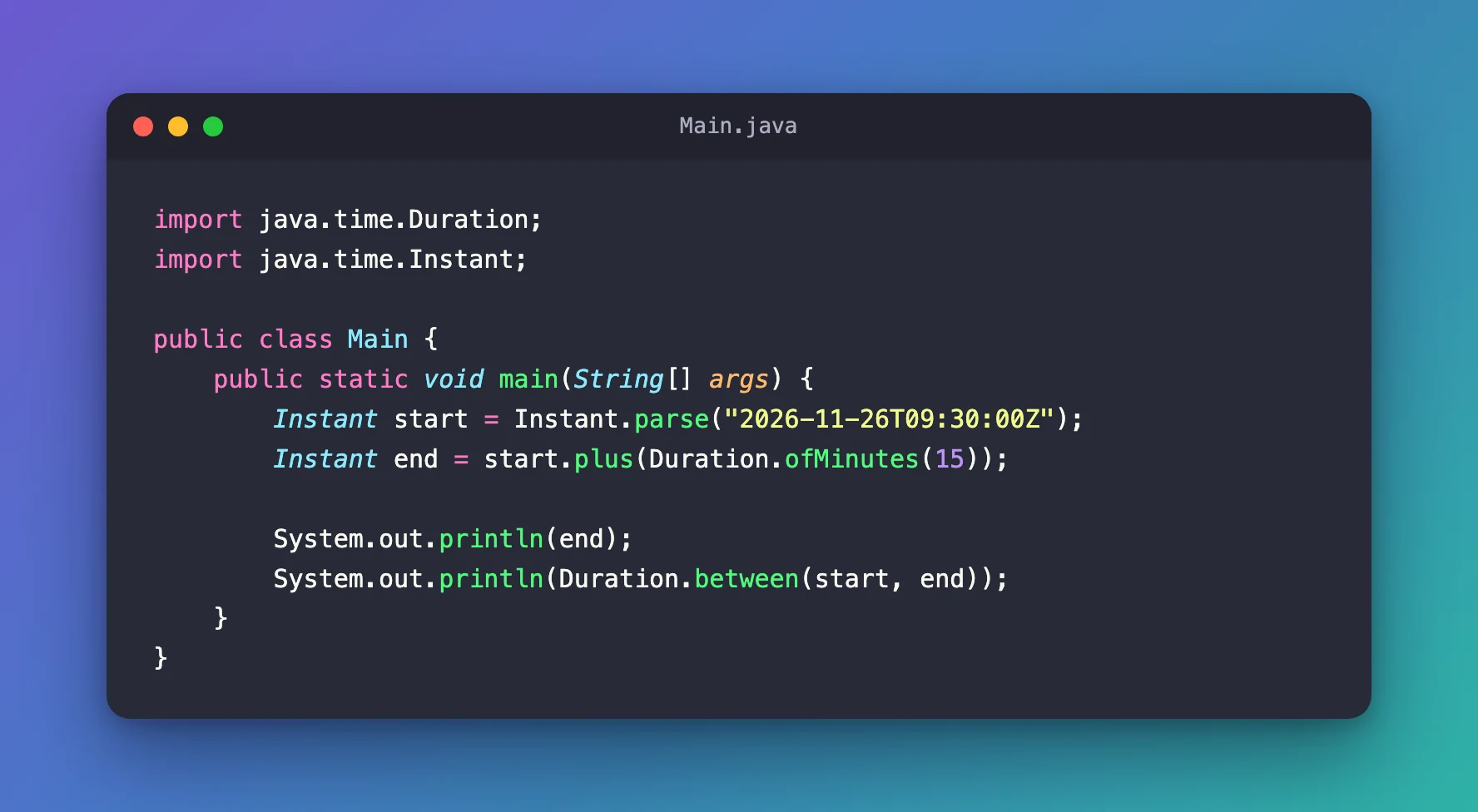
import java.time.Duration;
import java.time.Instant;

public class Main {
    public static void main(String[] args) {
        Instant start = Instant.parse("2026-11-26T09:30:00Z");
        Instant end = start.plus(Duration.ofMinutes(15));

        System.out.println(end);
        System.out.println(Duration.between(start, end));
    }
}
Instant.parse turns an ISO 8601 text into an Instant, which keeps the example's times fixed.
Step 2: Run It
java Main.java
2026-11-26T09:45:00Z
PT15M
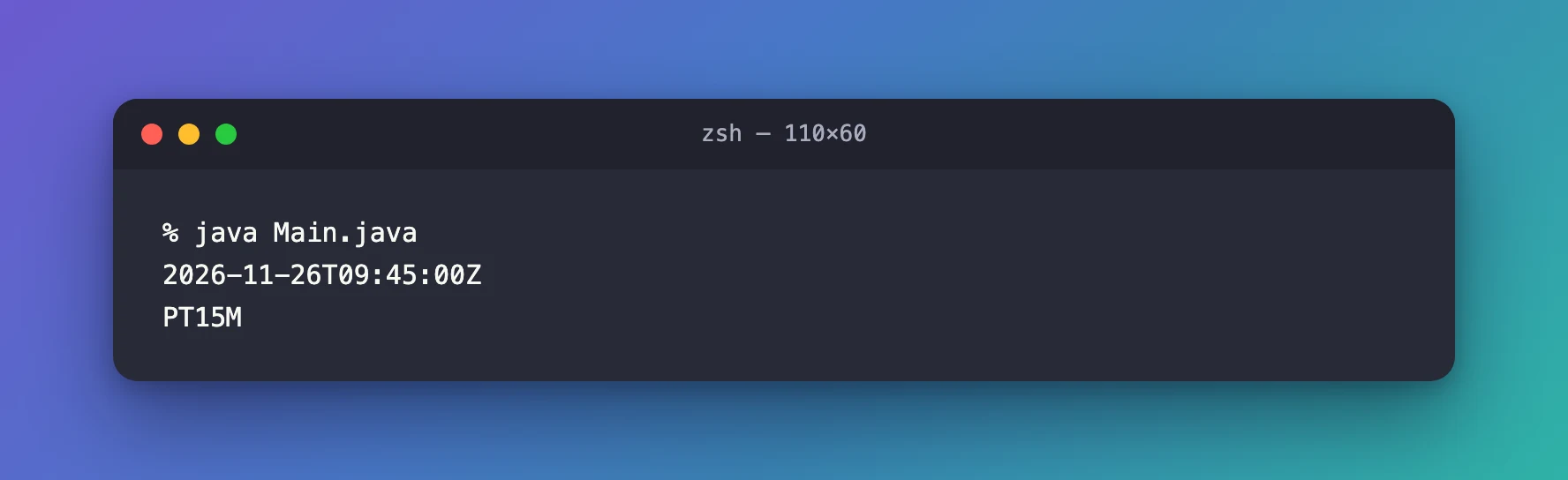
PT15M is ISO 8601 for "a period of time of 15 minutes". The command is the same in zsh, bash and PowerShell.
Other Ways to Add the Same Time
start.plusSeconds(900) and start.plus(15, ChronoUnit.MINUTES) both returned 2026-11-26T09:45:00Z too. Use whichever reads best; Duration is handy when the length of time is a value you pass around.
Common Mistakes
| Mistake | What happens | Do this instead |
|---|---|---|
Adding months to an Instant, as in plus(1, ChronoUnit.MONTHS) | java.time.temporal.UnsupportedTemporalTypeException: Unsupported unit: Months | Convert to a ZonedDateTime first, where months exist |
Calling start.plus(...) without keeping the result | start doesn't change; the new value is lost | Assign it: Instant end = start.plus(...); |
Swapping the arguments of Duration.between | The duration comes out negative | Pass the earlier time first |
Troubleshooting
| Symptom | Likely cause | Fix |
|---|---|---|
UnsupportedTemporalTypeException | The unit doesn't apply to an Instant, such as months or years | Use a fixed-length unit, or a date type |
A duration prints as PT-15M | between got the later time first | Swap the arguments |
FAQ
How do I get the duration as a number of minutes?
Duration.between(start, end).toMinutes() returns 15.
Why can't an Instant add a month?
A month has no fixed length, and an Instant has no calendar or time zone to decide it. Date types such as ZonedDateTime can.
Conclusion
instant.plus(Duration.ofMinutes(15)) returns the moment 15 minutes later, and Duration.between(start, end) measures the gap. Keep the returned value, because Instants never change.
Additional Resources
- Instant.plus, in the JDK 25 API documentation.
- Duration, in the JDK 25 API documentation.
