How to Add Minutes to a datetime in Python with timedelta

"Fifteen minutes from now", "a week after signup", "how long did it take": all of these are a datetime plus or minus a length of time. Python's timedelta is that length of time, and adding one to a datetime moves it forward.
Syntax
from datetime import timedelta

<later> = <start> + timedelta(minutes=<number>)
<duration> = <later> - <start>
| Part | What it does |
|---|---|
timedelta(minutes=<number>) | A duration. It also takes days, hours, seconds and weeks, in any mix. |
<start> + timedelta(...) | A new datetime that much later. Use - for earlier. |
<later> - <start> | Subtracting two datetimes gives the timedelta between them. |
The datetime documentation: "A timedelta object represents a duration, the difference between two datetime or date instances."
The Example
The example starts at 09:30 on 26 November 2026, adds 15 minutes, and then works out the gap between the two times.
Prerequisites
- uv and Python. This guide uses uv 0.13.10 with Python 3.15.2.
Step 1: Write the Code
Create a file named main.py:
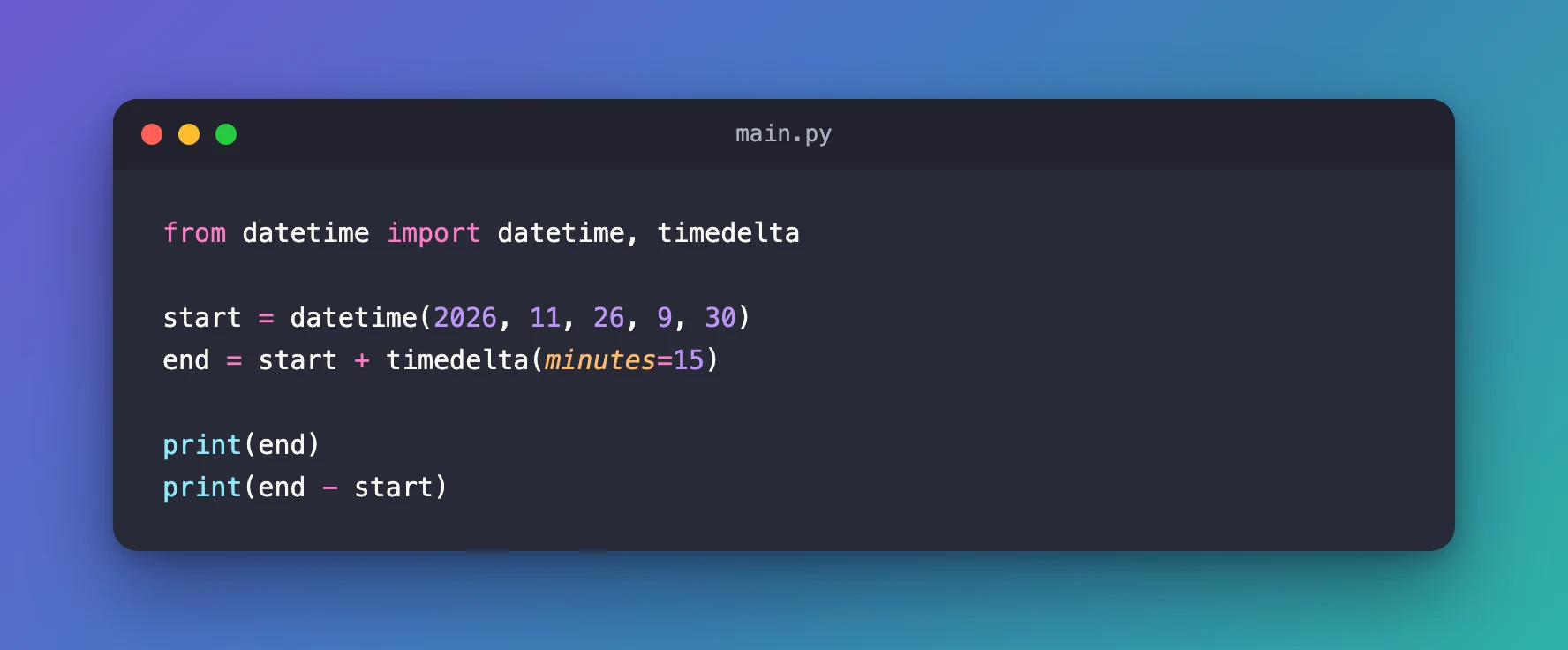
from datetime import datetime, timedelta

start = datetime(2026, 11, 26, 9, 30)
end = start + timedelta(minutes=15)

print(end)
print(end - start)
Step 2: Run It
uv run python main.py
2026-11-26 09:45:00
0:15:00
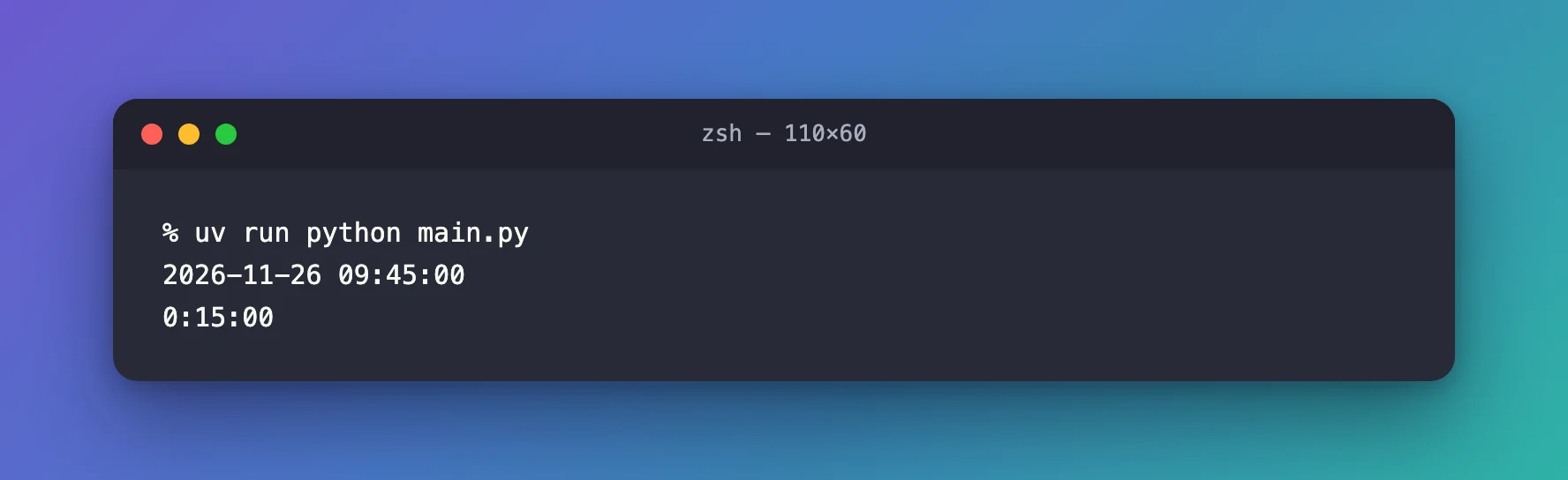
end is 15 minutes after start, and end - start printed that gap as 0:15:00, hours, minutes and seconds. The command is the same in zsh, bash and PowerShell.
Durations as Numbers
A timedelta prints as a clock-style duration; timedelta(minutes=90) prints 1:30:00. When you need a plain number, total_seconds() converts it: timedelta(minutes=15).total_seconds() is 900.0.
Common Mistakes
| Mistake | What happens | Do this instead |
|---|---|---|
Adding a plain number, as in start + 15 | TypeError: unsupported operand type(s) for +: 'datetime.datetime' and 'int' | Add timedelta(minutes=15) |
Writing timedelta(15) for 15 minutes | The first parameter is days, so that's 15 days | Name the unit: timedelta(minutes=15) |
Reading .seconds for the whole duration | It ignores the days part | Use .total_seconds() |
Troubleshooting
| Symptom | Likely cause | Fix |
|---|---|---|
TypeError: unsupported operand type(s) for + | A number was added to a datetime | Wrap the number in timedelta(...) |
| The result is days off | The unit was left out of timedelta | Name the unit, such as minutes= |
FAQ
Can I add months?
No: timedelta has no months, because months differ in length. Add days, or build the new date from its year and month.
Does it work with time zones?
Yes. Adding a timedelta to an aware datetime, such as one from datetime.now(tz=timezone.utc), keeps its time zone.
Conclusion
start + timedelta(minutes=15) gives the time 15 minutes later, and subtracting two datetimes gives the timedelta between them. Name the unit every time, and use total_seconds() when you need a number.
Additional Resources
- timedelta objects, in the Python documentation.
