How to Add Members to a Row-Level Security Role in Power BI

A row-level security role does nothing until it has members: the people, or groups of people, whose rows it filters. You add them in the Power BI service, on the semantic model's Security page. Here's how.
Microsoft's row-level security article lists adding members to roles in the Power BI service as a step of every RLS setup, and its security planning article recommends mapping roles to security groups whenever possible, so that group membership manages who's in the role. The example adds one person, Aisha Khan, to a role called Own expenses, which shows each person their own expense claims (How to Add Row-Level Security Roles in Power BI in the Browser).
Prerequisites
- The Contributor role or higher in the workspace. Microsoft's article says users with the workspace Contributor role or higher see the Security option and can assign users to a role.
Step 1: Open the Security Page
In the workspace, hover over the semantic model, select More options (...), and select Security. The Row-Level Security page lists the model's roles, each with its number of members.
Step 2: Add the Person or Group
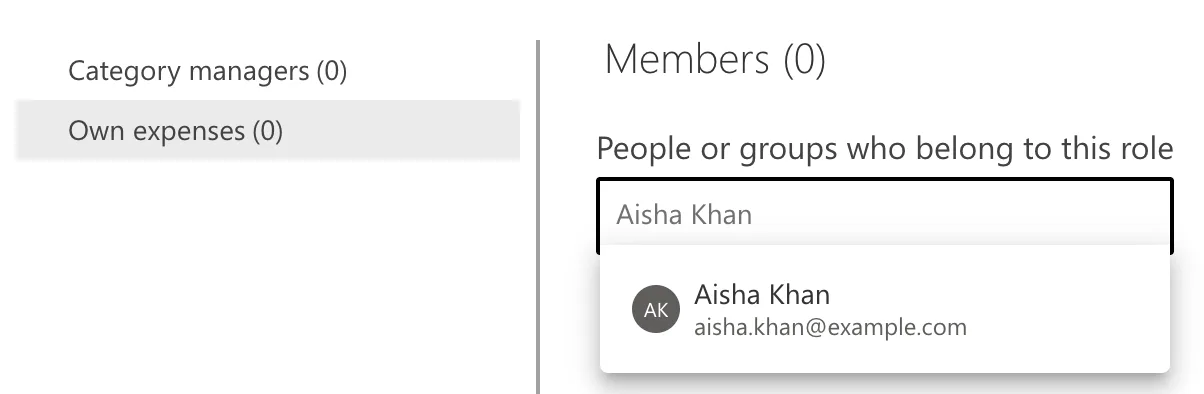
Select the role, here Own expenses (0). Under People or groups who belong to this role, type a name or email and pick the match:
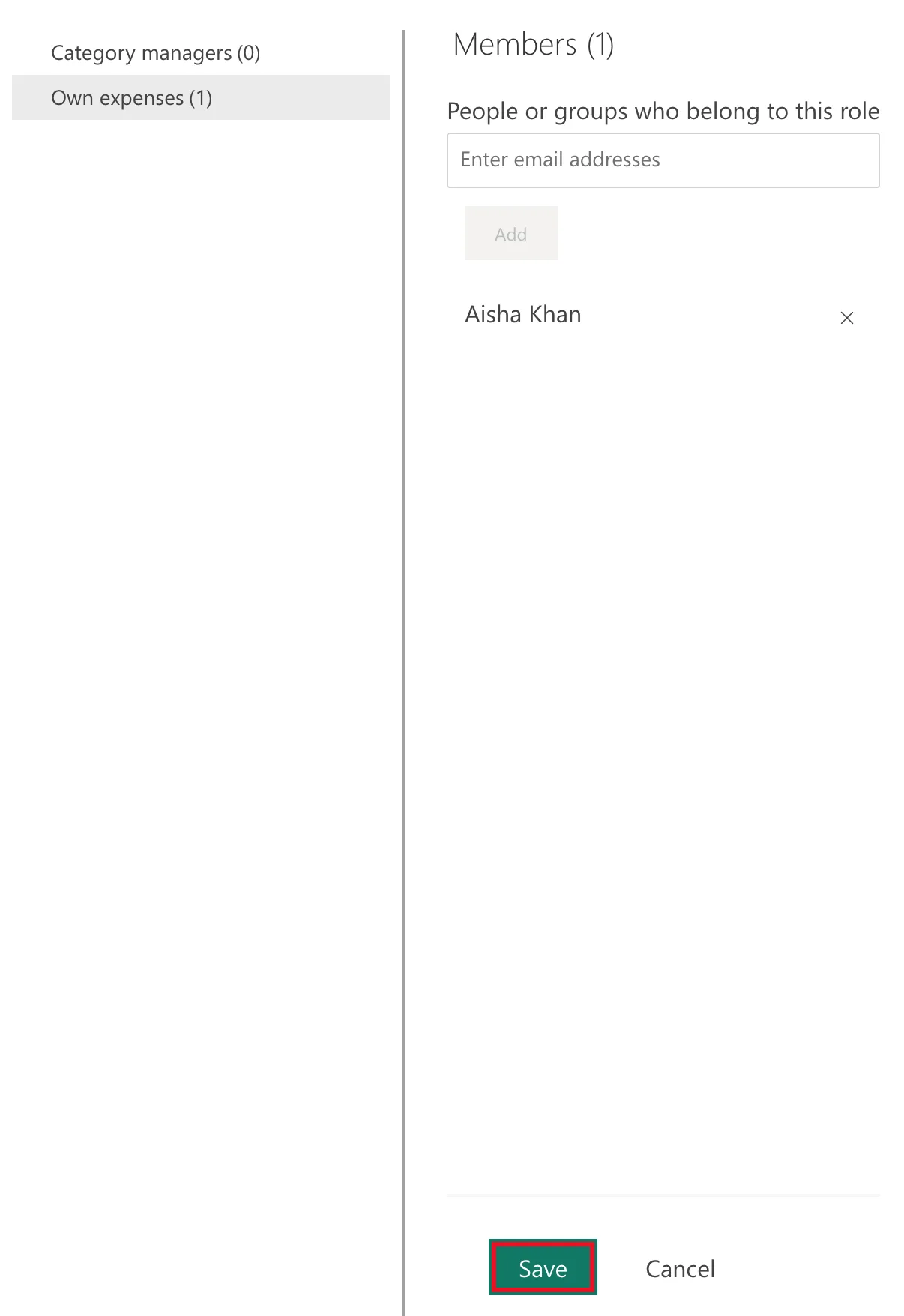
Select Add. The person appears in the list, and the role's count becomes (1).
Step 3: Save
Select Save at the bottom of the page:
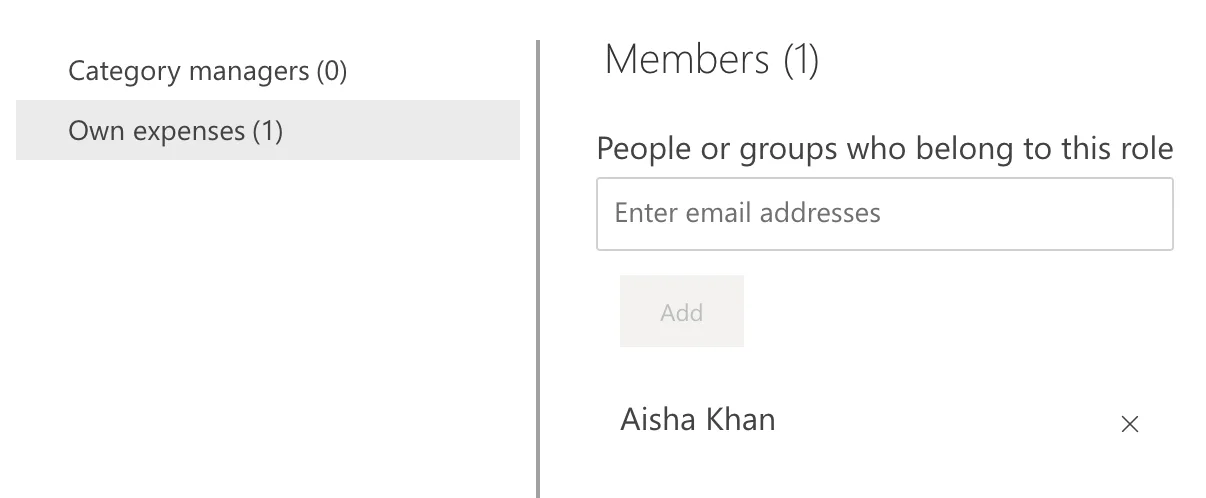
No message appeared in the example: Save turned grey, and the member stayed in the list:
A member of a role must also be able to open the report: give them the Viewer role in the workspace (How to Give Someone Viewer Access to a Power BI Workspace). Without it, testing as that person showed This user does not have access to the dataset or report. (Fixed: "This User Does Not Have Access to the Dataset or Report" in Power BI).
Common Mistakes
| Mistake | What happens | Do this instead |
|---|---|---|
| Adding people one by one | Every joiner and leaver means a change here | Add a security group |
| Selecting Add and leaving | The member isn't saved | Save |
| Adding someone who isn't in the workspace | They can't open the report | Make them a Viewer |
| Expecting RLS to limit an Admin or Member | It doesn't apply to them | RLS applies to Viewers |
Troubleshooting
| Symptom | Likely cause | Fix |
|---|---|---|
| No Security in the menu | Your workspace role is Viewer | Ask for Contributor or higher |
| A tester sees This user is not configured for any row-level security roles | They aren't in any role (Fixed: "This User Is Not Configured for Any Row-Level Security Roles" in Power BI) | Add them, or their group |
| The role has nothing to assign | The model has no roles yet | Create them first in Manage roles |
FAQ
Can someone be in two roles?
Yes. The article says the roles are additive: someone in two roles sees the data of both.
Do new group members get the role automatically?
Yes, when the role's member is a security group: its members change with the group.
Conclusion
Workspace > model's More options (...) > Security, select the role, add the person or group, and Save. The example's Own expenses got Aisha Khan as its member.
