How to Add a Stop Button to an AG-UI Chat

A long AI answer needs a way out: a Stop button that ends it where it is. With the AG-UI TypeScript client, the stop itself is one call, abortRun(). Around it, the page needs to know when a run is going, show Stop instead of Send, and not mistake the stop for an error. This guide adds all of that to a React chat and shows the result.
What abortRun Does
HttpAgent from @ag-ui/client sends each run with fetch, tied to its own AbortController. abortRun() aborts that controller, which cancels the request and the stream of events. The client then ends the run with an event of its own — a RUN_ERROR with the code abort — and runAgent() returns normally instead of throwing. The words that arrived before the stop stay in the agent's messages.
Prerequisites
- A React chat that runs an
HttpAgent, keeping it in a ref, for exampleagentRef.current. The examples come from Part 7 of the Microsoft Agent Framework series, with@ag-ui/client1.0.4.
Step 1: Know When a Run Is Going
Keep a piece of state that's true from sending until the run ends — successfully, with an error, or stopped:
  const [isRunning, setIsRunning] = useState(false);

  async function send(text: string) {
    // … add the message …
    setIsRunning(true);

    try {
      await agent.runAgent(/* … */);
    } finally {
      setIsRunning(false);
    }
  }
finally runs whatever happens, so the button always comes back.
Step 2: Stop the Run
  function stop() {
    agentRef.current?.abortRun();
  }
Step 3: One Button That Changes
While a run is going, the form shows Stop; otherwise Send:
        {isRunning ? (
          <button type="button" onClick={stop}>
            Stop
          </button>
        ) : (
          <button type="submit" disabled={!draft.trim()}>
            Send
          </button>
        )}
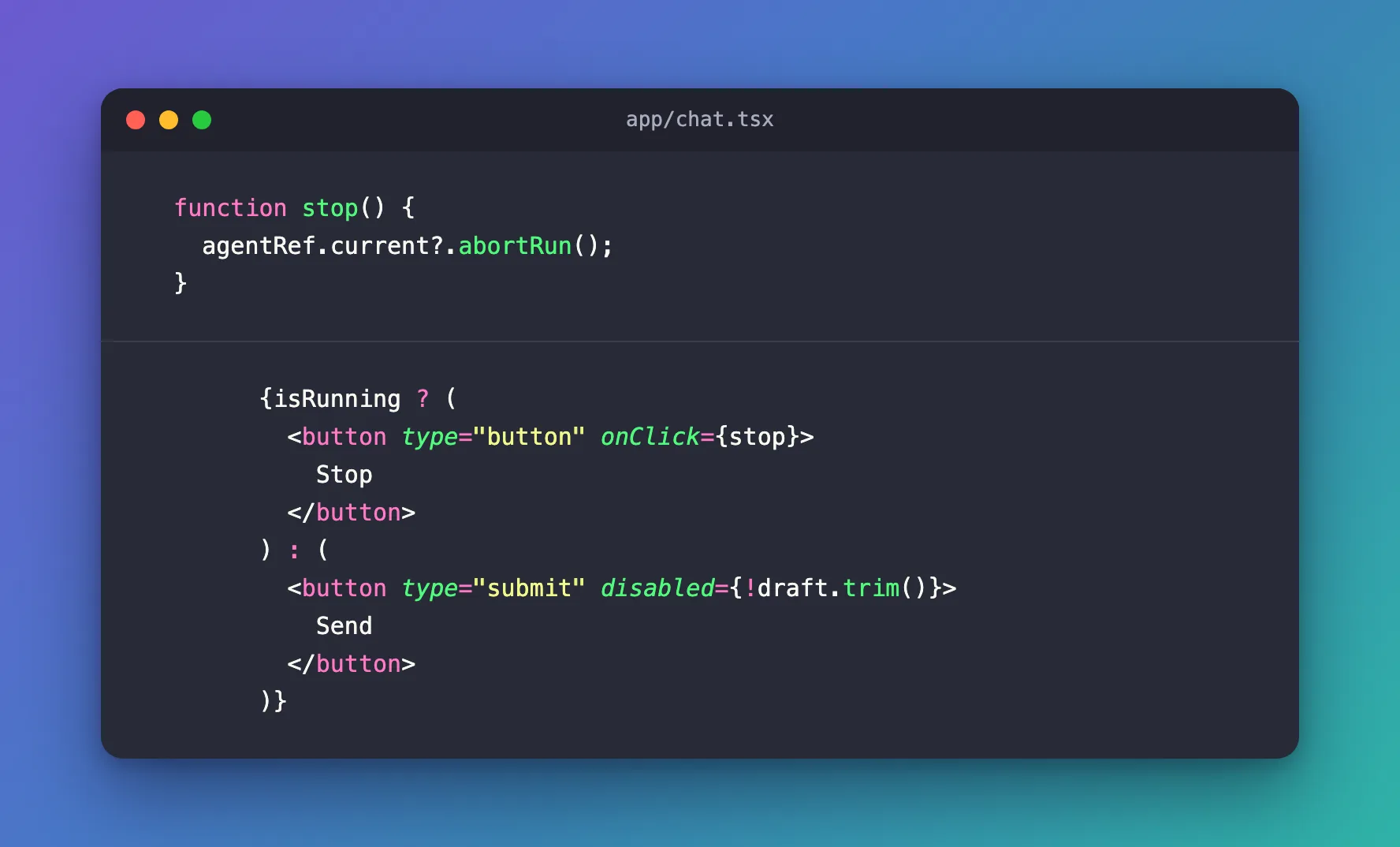
Stop is type="button", so clicking it never submits the form.
Step 4: Don't Show the Stop as an Error
If the page shows RUN_ERROR messages, skip the client's own abort event:
      await agent.runAgent(
        {},
        {
          onMessagesChanged: ({ messages }) => setMessages([...messages]),
          onRunErrorEvent: ({ event }) => {
            // Stop ends the run with the client's own "abort" event: not an error.
            if (event.code !== "abort") {
              setError(event.message);
            }
          },
        },
      );
Without this check, pressing Stop puts the browser's wording for a cancelled request on screen — in Chrome, signal is aborted without reason (Fixed: signal is aborted without reason After Stopping an AG-UI Run).
Step 5: Stop the Work Behind the Page
abortRun() cancels the browser's request. If that request goes to your own server route, which calls the agent in turn, pass the browser request's signal on to that call — then Stop reaches the agent too:
  const agent = new HttpAgent({
    url: getAgentSettings().url,
    fetch: (url, init) => fetch(url, { ...init, signal: request.signal }),
  });
(How to Cancel an Upstream Request When the Browser Disconnects in Next.js)
Step 6: Try It
Ask for something long. While the answer streams in, Stop replaces Send:
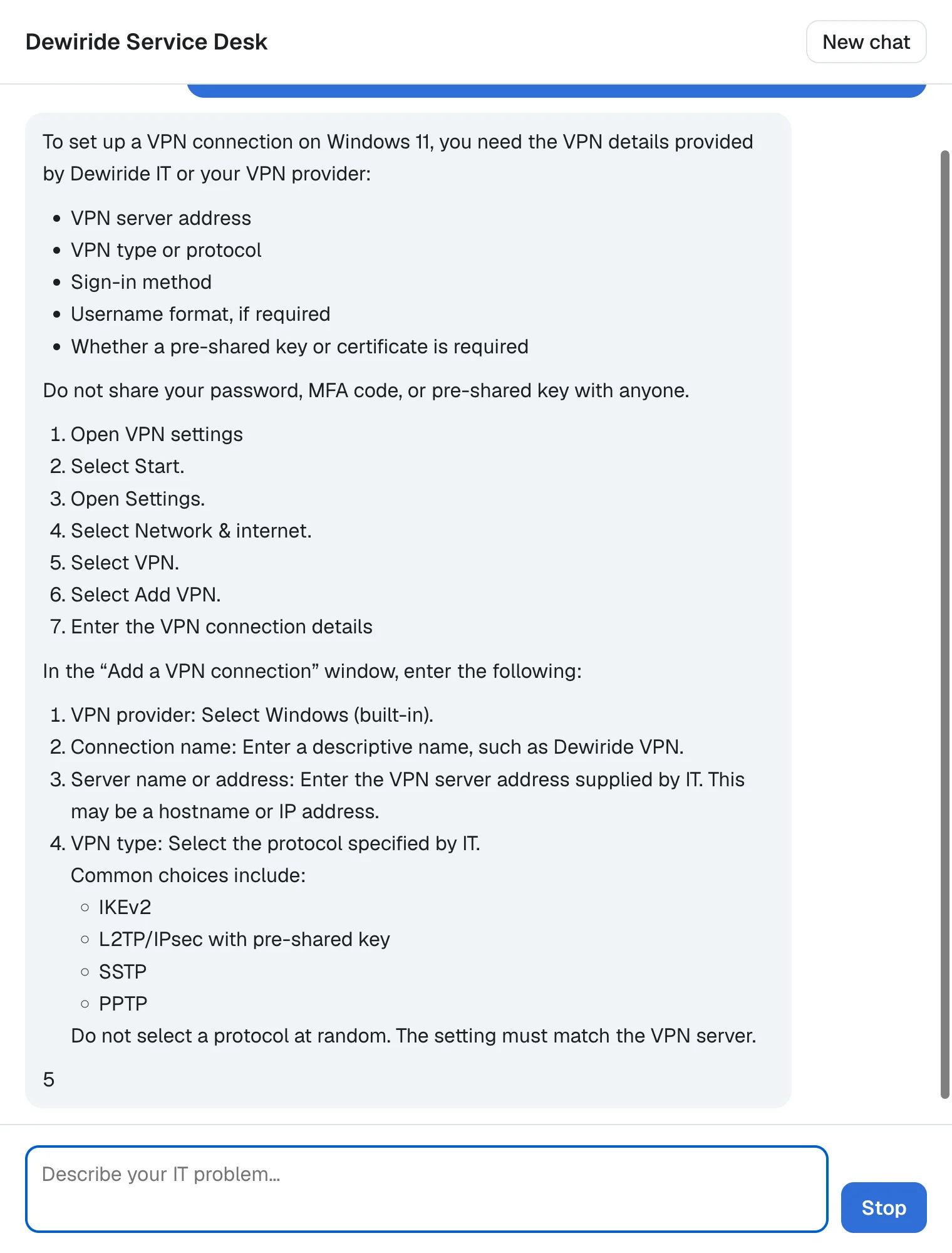
Press it. The answer ends where it was, Send comes back, and no error appears:
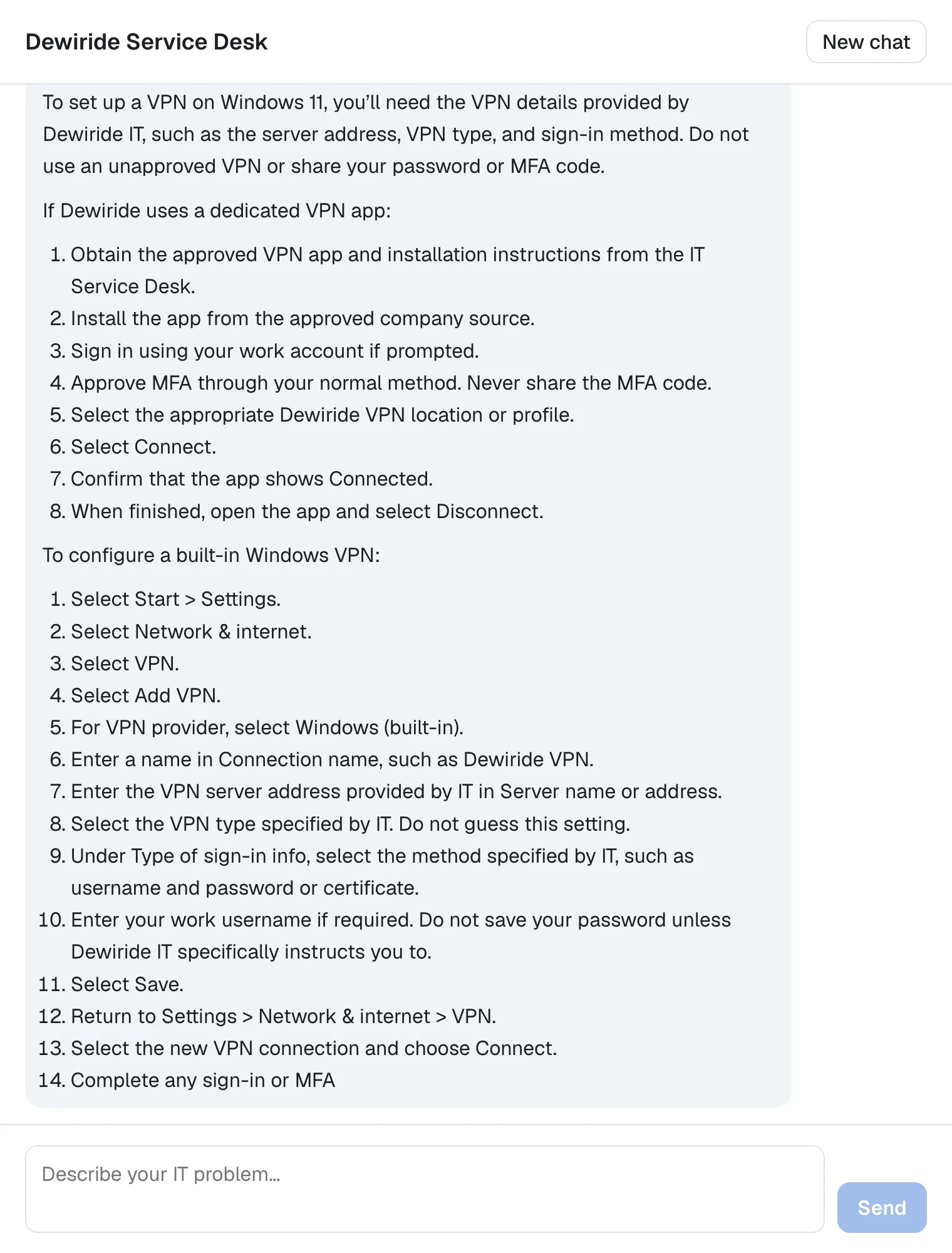
The two screenshots come from two runs, so the wording differs. The text that arrived before the stop stays in the conversation.
Common Mistakes
| Mistake | What happens | Do this instead |
|---|---|---|
Setting isRunning back only after success | After a stop or an error, the button stays on Stop | Reset it in finally |
A Stop button with the default type inside the form | Clicking it submits the form | type="button" |
Showing every RUN_ERROR | Stop shows the browser's cancel message as an error | Skip code: "abort" |
| Not passing the signal on in the server route | The agent keeps working after Stop | Pass request.signal to the agent call |
Troubleshooting
| Symptom | Likely cause | Fix |
|---|---|---|
| signal is aborted without reason after Stop | The abort event is shown as an error | Skip code: "abort" in onRunErrorEvent |
| Stop does nothing | The request doesn't use the agent's abort signal — for example a custom requestInit without signal | Return signal: this.abortController.signal (How to Customize the Request an AG-UI HttpAgent Sends) |
| The button stays on Stop | isRunning isn't reset in finally | Move setIsRunning(false) into finally |
FAQ
Can the person continue the conversation after Stop?
Yes. The agent and its threadId stay the same, so the next message continues the conversation.
Is the stopped answer saved?
The words that arrived stay in the agent's messages on the page. Whether the server keeps the partial answer depends on the agent behind it.
Conclusion
A Stop button for an AG-UI chat is abortRun() on the agent, an isRunning state that swaps Send for Stop and resets in finally, a check that skips the client's abort event, and — when a server route sits in between — request.signal passed on to the agent call.
Additional Resources
- AG-UI on GitHub —
HttpAgent,runAgentandabortRun. - MDN: AbortController — how cancelling a request works.
