How to Add a Loading Spinner in Power Apps

While a screen loads its data, show that something is happening. The modern Spinner control is a spinning ring with an optional label; make it visible only while a loading variable is true.
Prerequisites
- Modern controls turned on (How to Turn On Modern Controls and Themes in Power Apps).
- A loading variable that's true while data loads, such as
locIsLoadingset in the screen's OnVisible (How to Run a Formula When a Screen Opens).
Step 1: Insert a Spinner
Select where it should go, here the Career Development Plan app's conBodyMPS container, then Insert → Display → Spinner:
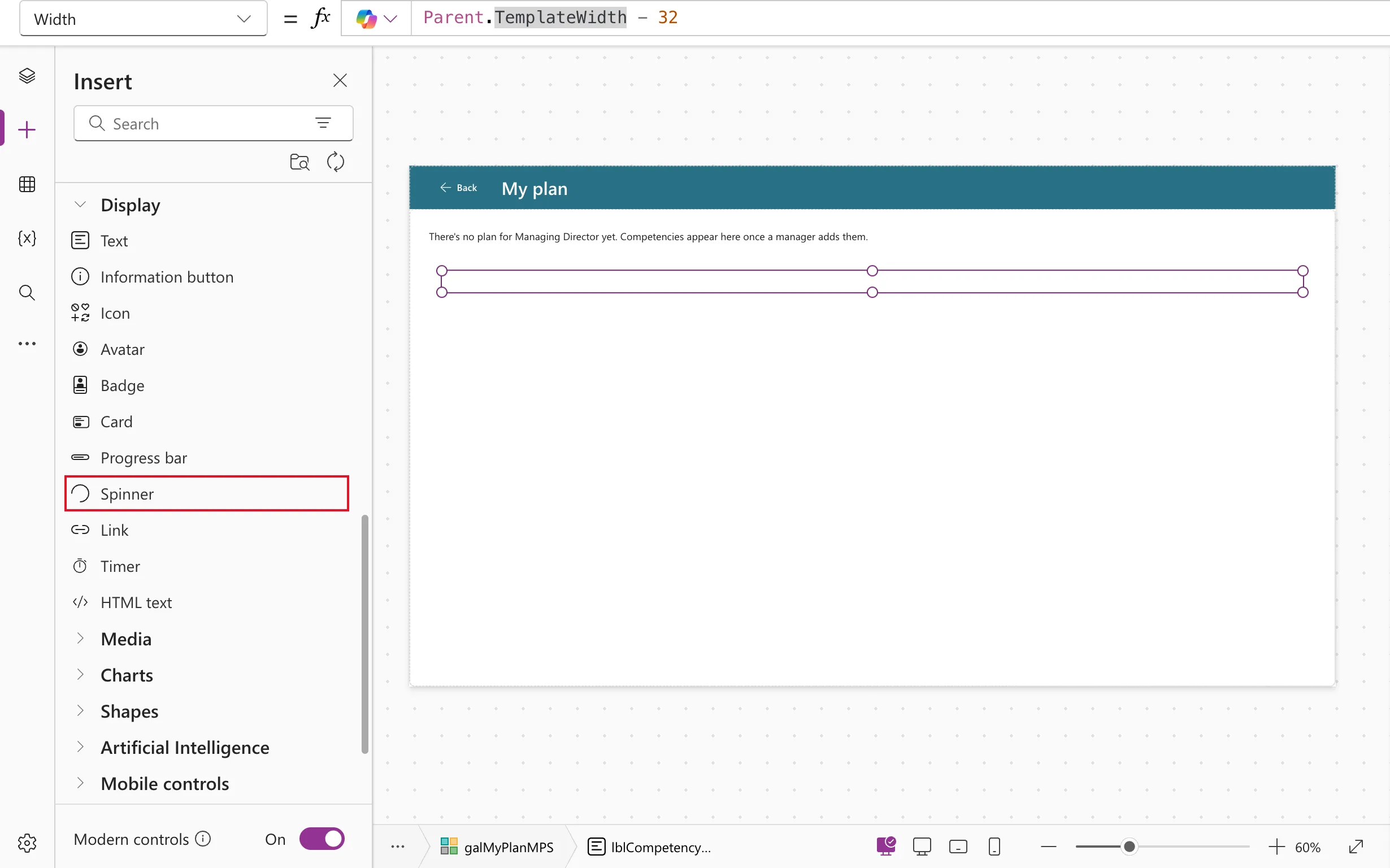
Rename it, for example spnLoadingMPS. In the example it started at 48 by 48, with no label.
Step 2: Give It a Label
"Loading your plan"
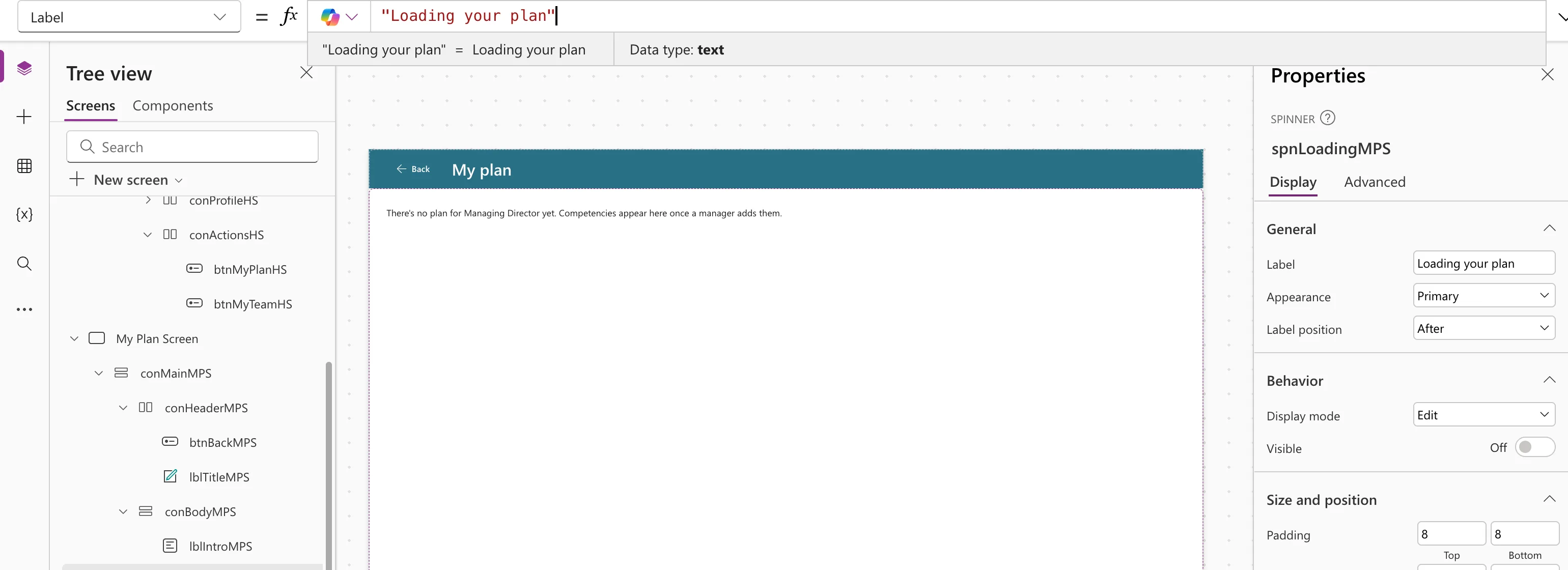
LabelPosition puts the label After the ring by default (Before, Above and Below also exist). Microsoft says that when AccessibleLabel is empty, screen readers use the Label (Spinner modern control).
Step 3: Show It Only While Loading
locIsLoading
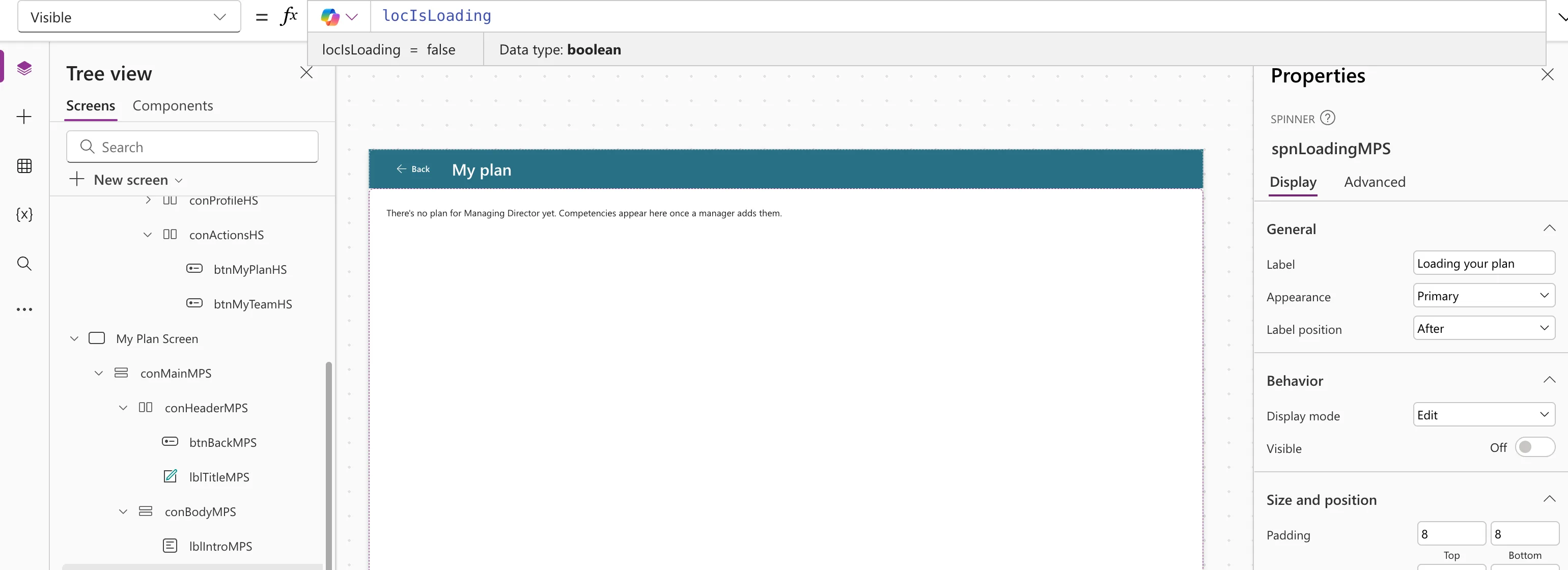
This is the pattern Microsoft's own example uses: set the variable to true, load the data, set it to false. Hide what isn't ready yet the opposite way: the example's gallery and messages have !locIsLoading in their Visible.
Step 4: Test It
Preview the app and go to the screen. In the example the spinner showed for a moment, right after My plan was selected:
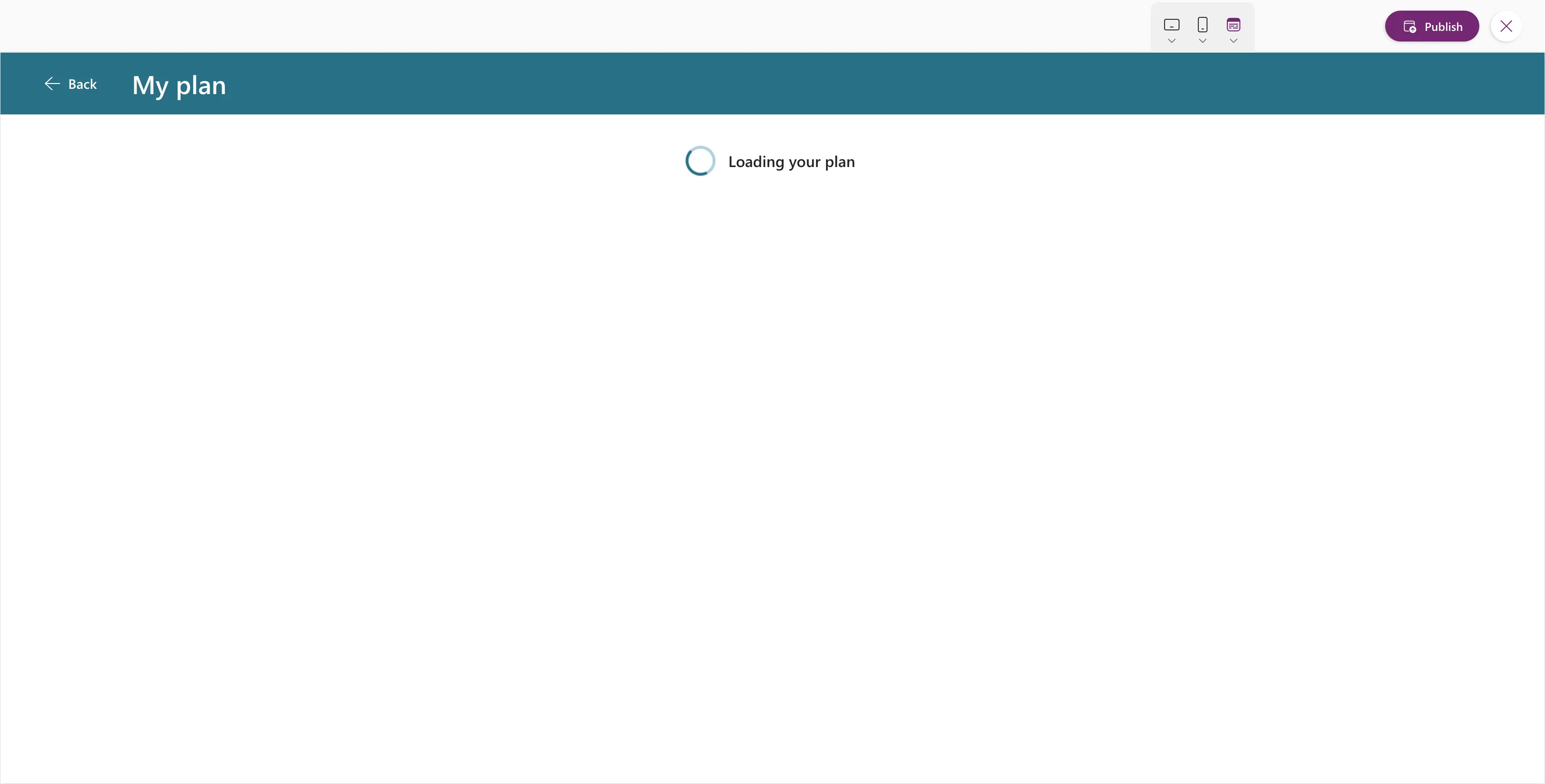
In a container, a hidden control takes no space, so the content moved up into the spinner's place once it had loaded.
Common Mistakes
| Mistake | What happens | Do this instead |
|---|---|---|
| Leaving Visible at its default | The spinner shows all the time | Bind it to the loading variable |
| Showing the content while loading | Empty or wrong values flash before the data arrives | Hide it with !locIsLoading |
| A spinner with no label and no accessible label | Screen readers can't say what's happening | Set Label or AccessibleLabel |
Troubleshooting
| Symptom | Likely cause | Fix |
|---|---|---|
| The spinner never shows | The loading is very quick, or the variable is never true | Check the variable in the Variables pane |
| The spinner never goes away | The variable is never set back to false | End the loading formula with it |
FAQ
Spinner or progress bar?
A spinner for a wait you can't measure; Microsoft points to the Progress bar when you can show a percentage.
Doesn't a gallery show its own loading indicator?
Galleries have a LoadingSpinner property for rows that are still loading. A screen-level spinner also covers what the gallery doesn't, such as data loaded into variables.
Conclusion
Insert Display → Spinner, give it a Label, and set Visible to your loading variable. Hide the content with the opposite condition until it's ready.
Additional Resources
- Spinner modern control: properties and an example with a loading variable.
