How to Add a Crate with Features with cargo add

Many Rust crates keep parts of themselves switched off until you ask for them. These optional parts are called features, and turning one on is part of adding the crate: cargo add <crate> --features <feature> writes both into Cargo.toml in one step.
Syntax
cargo add <crate>[@<version>] [--features <feature>[,<feature>]]
| Part | What it does |
|---|---|
cargo add | Adds a dependency to Cargo.toml in the project you're in. |
<crate> | The crate's name on crates.io, Rust's package registry, such as uuid. |
@<version> | Optional. A version, such as @1.29. Without it, Cargo picks the newest. |
--features <feature> | Optional. Turns on one or more optional features, separated by commas. |
The Example
The example program prints a new random UUID, a 36-character unique identifier, with the uuid crate. Random UUIDs are "version 4" UUIDs, and the uuid crate only includes the code that makes them when its v4 feature is on.
Prerequisites
- Rust, installed with rustup, which comes with Cargo. This guide uses Cargo 1.100.0.
Step 1: Create the Project
cargo new id-rust
cd id-rust
How to Create a Rust Project with cargo new explains the first command. The commands here are the same in zsh, bash and PowerShell.
Step 2: Add the Crate with Its Feature
cargo add uuid --features v4
    Updating crates.io index
      Adding uuid v1.29.3 to dependencies
             Features:
             + rng
             + std
             + v4
             - arbitrary
             - borsh
             - bytemuck
             - fast-rng
             - js
             - macro-diagnostics
             - md5
             - rng-getrandom
             - rng-rand
             - serde
             - sha1
             - slog
             - uuid-rng-internal-lib
             - v1
             - v3
             - v5
             - v6
             - v7
             - v8
             - zerocopy
    Updating crates.io index
     Locking 21 packages to highest Rust 1.100.0 compatible versions
The list shows every feature the crate offers. + means on and - means off. v4 is on because you asked for it, std is on by default, and rng came on because v4 needs random numbers. Everything else stays out of your program.
Cargo.toml now records the crate and the feature:
[package]
name = "id-rust"
version = "0.1.0"
edition = "2024"

[dependencies]
uuid = { version = "1.29.3", features = ["v4"] }
Step 3: Use the Feature
Replace src/main.rs with:
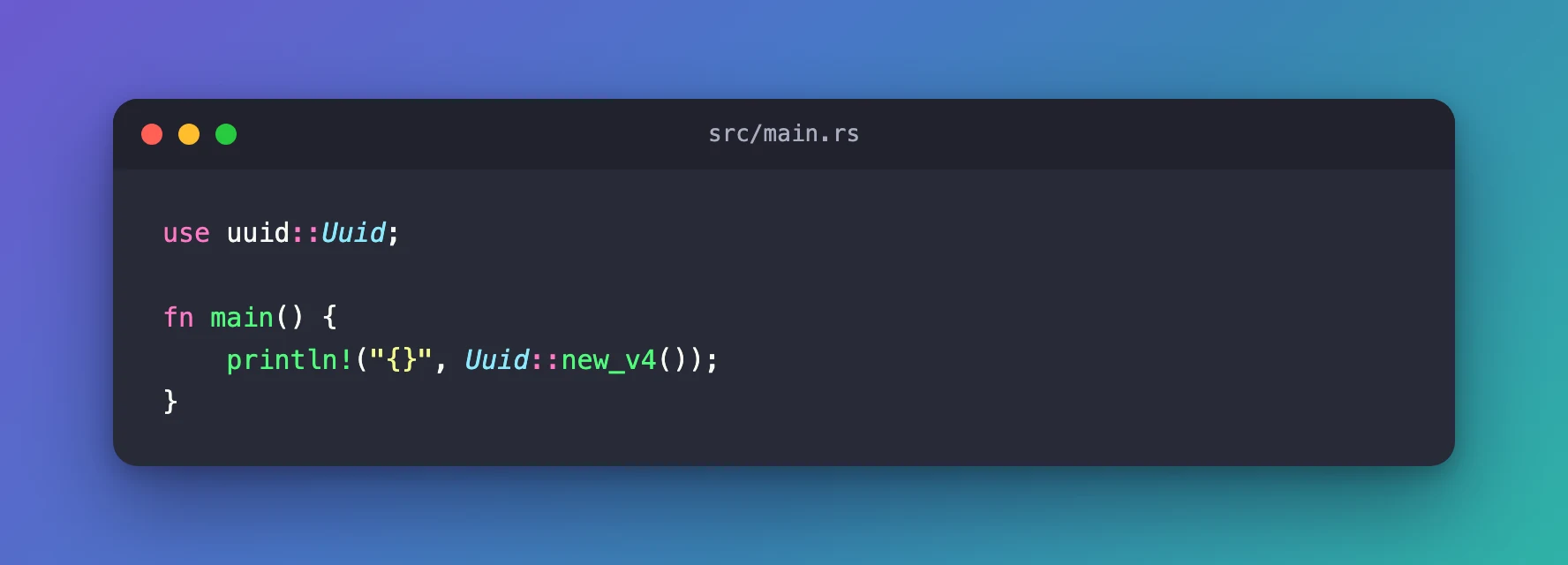
use uuid::Uuid;

fn main() {
    println!("{}", Uuid::new_v4());
}
cargo run -q
247ffeb6-a10d-4fd6-ae81-af88e4b7fb37
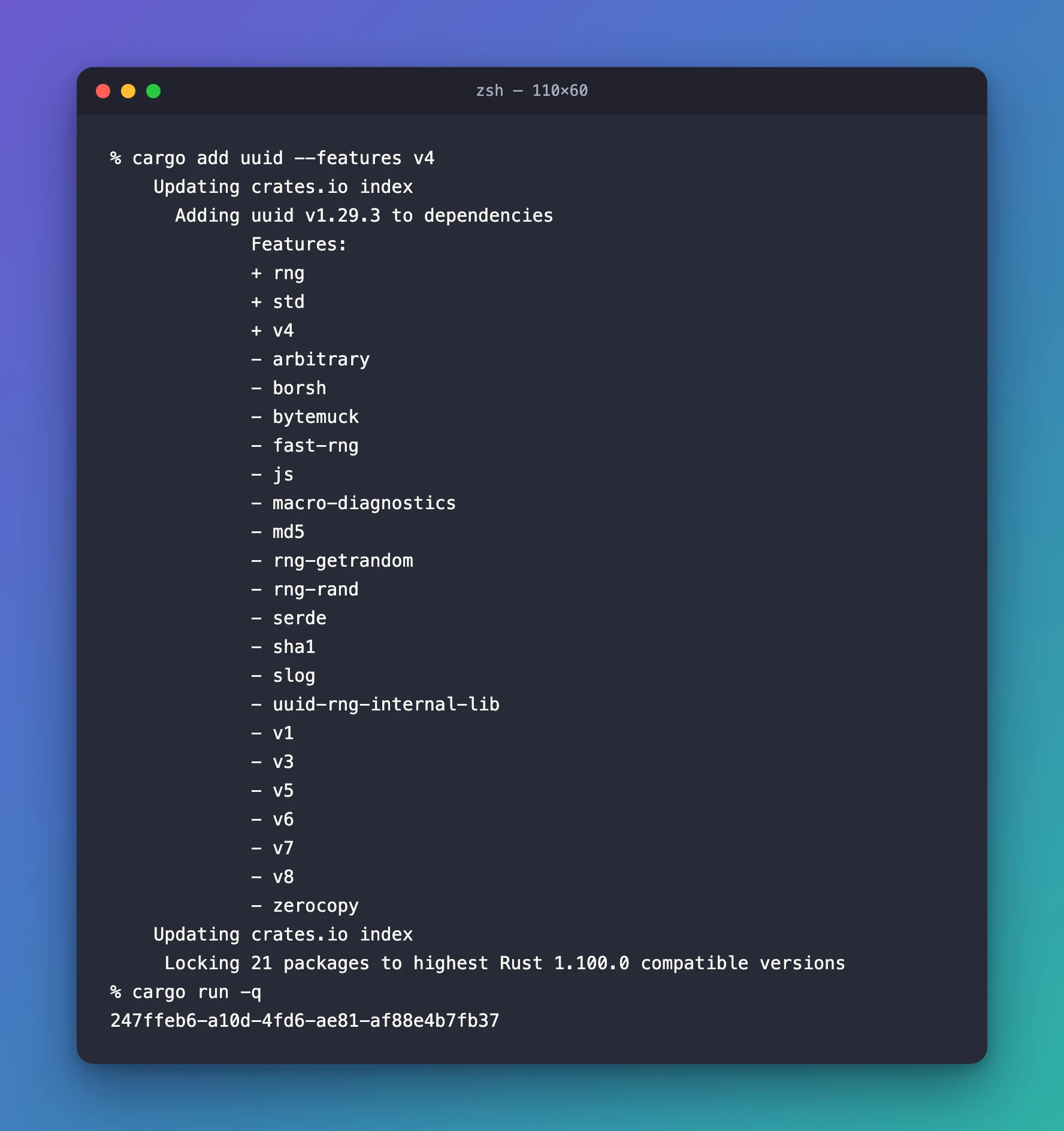
Your UUID will differ: it's random every time.
What Happens Without the Feature
Added with a plain cargo add uuid, the crate has no v4 code, and the same program doesn't compile:
error[E0599]: no associated function or constant named `new_v4` found for struct `Uuid` in the current scope
The function exists in the crate's documentation, but only when the feature is on. When the compiler says a function you can see in the docs doesn't exist, check the features.
Common Mistakes
| Mistake | What happens | Do this instead |
|---|---|---|
| Adding a crate without the feature its docs mention | Functions from the documentation don't exist, as above | Add the feature with --features |
Writing --features v4 v7 with a space | Cargo reads v7 as a second crate and stops: feature `v4` must be qualified by the dependency it's being activated for | Separate features with commas: --features v4,v7 |
| Turning on every feature to be safe | The program compiles more code and pulls in more crates than it needs | Turn on only what you use |
Troubleshooting
| Symptom | Likely cause | Fix |
|---|---|---|
error[E0599]: no associated function or constant named `new_v4` found | The v4 feature isn't on | cargo add uuid --features v4 |
| A feature name isn't accepted | The crate has no feature by that name | Check the list cargo add prints, or the crate's documentation |
FAQ
How do I turn a feature on for a crate I've already added?
Run cargo add again with the feature, such as cargo add uuid --features v4. Cargo updates the existing line in Cargo.toml.
How do I find a crate's features?
cargo add prints them, as above, and each crate's page on docs.rs lists them under "Feature flags".
Conclusion
cargo add <crate> --features <feature> adds a crate and turns on the optional parts you need, and Cargo.toml records both. When a function from the docs is missing, the feature that provides it is usually off.
Additional Resources
- cargo add, in the Cargo Book.
- Features, on how crates define them and how you turn them on.
- uuid on docs.rs, the crate from this example.
