Fixed: "We Can't Get Installs Right Now" in the Teams Admin Center

Right after I uploaded a custom app, its Installs tab in the Teams admin center said Try refreshing this page. We can't get installs right now. The Refresh button in the message loaded the tab, and I could install the app.
What I Was Doing
In the Teams admin center, I had just uploaded a custom app, a test app called Hello App, at Teams apps > Manage apps > Actions > Upload new app (How to Upload a Custom App in the Teams Admin Center). From the New app added message, I opened the app's page and selected Users and groups, to install it for one person (How to Install a Teams App for Specific Users in the Teams Admin Center).
What I Expected
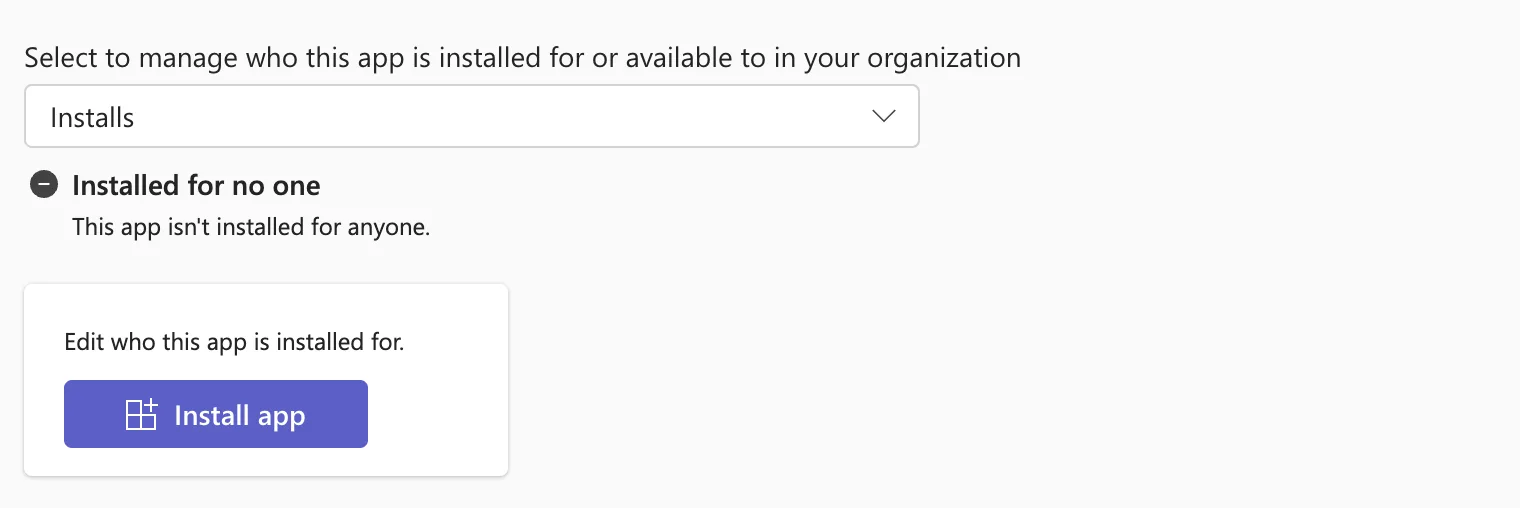
Installs selected, with Installed for no one and an Install app button, as another app I'd uploaded earlier that day had shown.
What I Got
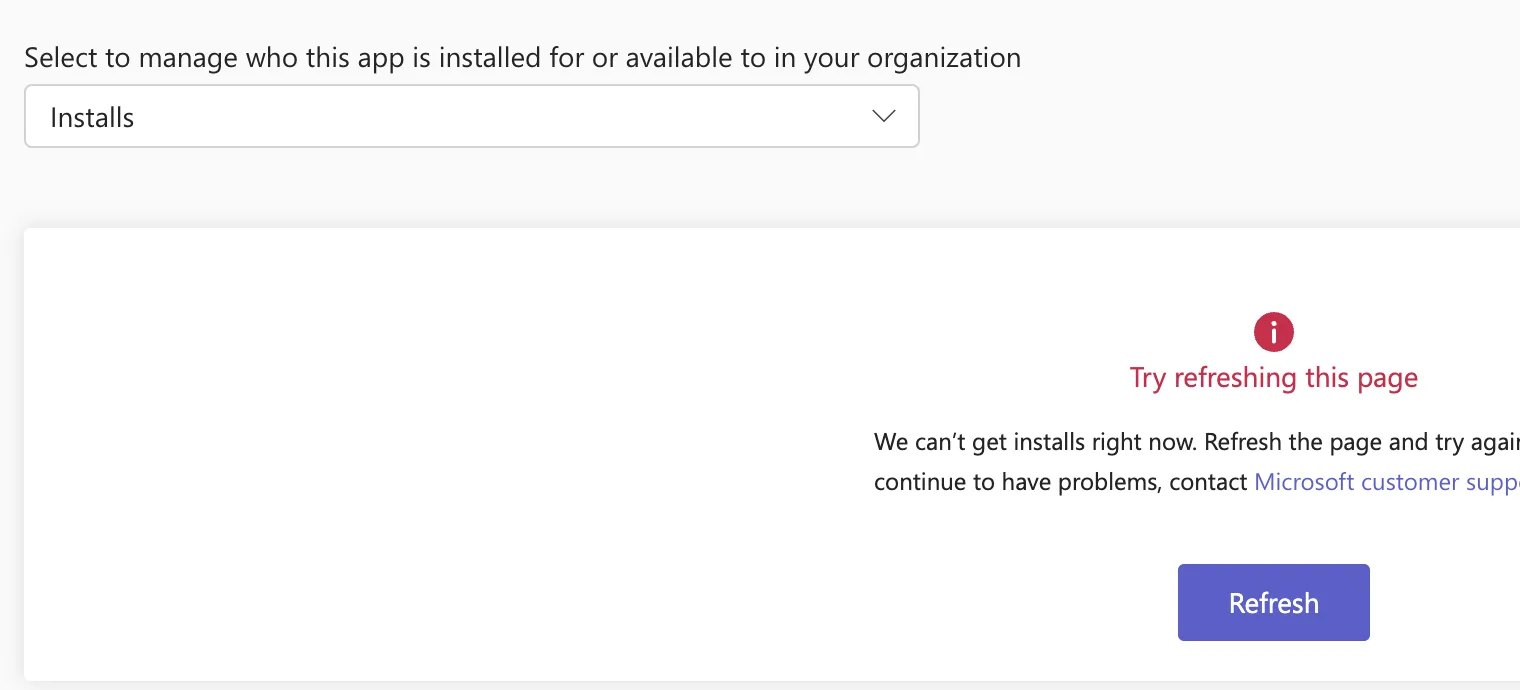
Below the Installs box, a message took the place of the installs:
Try refreshing this page
We can't get installs right now. Refresh the page and try again. If you continue to have problems, contact Microsoft customer support.
with a Refresh button:
What I Checked
The upload. The app was on the Manage apps page, and its page showed its details, so the upload had worked. Only the installs didn't load.
Microsoft's documentation. Microsoft's articles on installing apps for users and on app centric management describe Users and groups > Installs > Install app, but neither mentions this message. The message itself says what to do: Refresh the page and try again.
Why It Happens
Microsoft doesn't say. It happened once, about two and a half minutes after the upload, and not on the earlier app's page.
The Fix
Select Refresh in the message, as it suggests. The tab reloaded and showed the installs:
After the Fix
Install app worked as usual: I installed the app for one person, and the tab then listed that person under Installed for specific users or groups.
Common Mistakes
| Mistake | What happens | Do this instead |
|---|---|---|
| Uploading the app again | A second upload of the same app | Refresh the tab |
| Contacting support straight away | The message's own first step is skipped | Refresh first |
Troubleshooting
| Symptom | Likely cause | Fix |
|---|---|---|
| The message comes back after Refresh | Not documented | Reload the browser page; if it keeps coming back, contact Microsoft support, as the message says |
FAQ
Did the app upload fail?
No. The app was in the catalog; only its Installs tab didn't load the first time.
Does Availability show the same message?
Not for me: after the Refresh, both Installs and Availability loaded.
Conclusion
We can't get installs right now on a newly uploaded app's Installs tab went away with the Refresh button in the message. After that, Install app worked.
