Fixed: "Unknown column 's.Value' in 'field list'" with EF Core SqlQuery

SELECT VERSION() is about the simplest query there is, and db.Database.SqlQuery<string>(...).FirstAsync() failed with Unknown column 's.Value' in 'field list'. My SQL has no s and no Value. EF Core added both, and it expects one thing from you.
What I Was Doing
In my .NET C# Web API, with EF Core 10.0.14 and MySQL 9.7.4, I wanted the server's version:
g.MapGet("/raw/sqlquery-noalias", async (InventoryDbContext db, CancellationToken cancellationToken) =>
{
    var version = await db.Database
        .SqlQuery<string>($"SELECT VERSION()")
        .FirstAsync(cancellationToken);

    return Results.Ok(new { version });
});
What I Expected
9.7.4.
What I Got
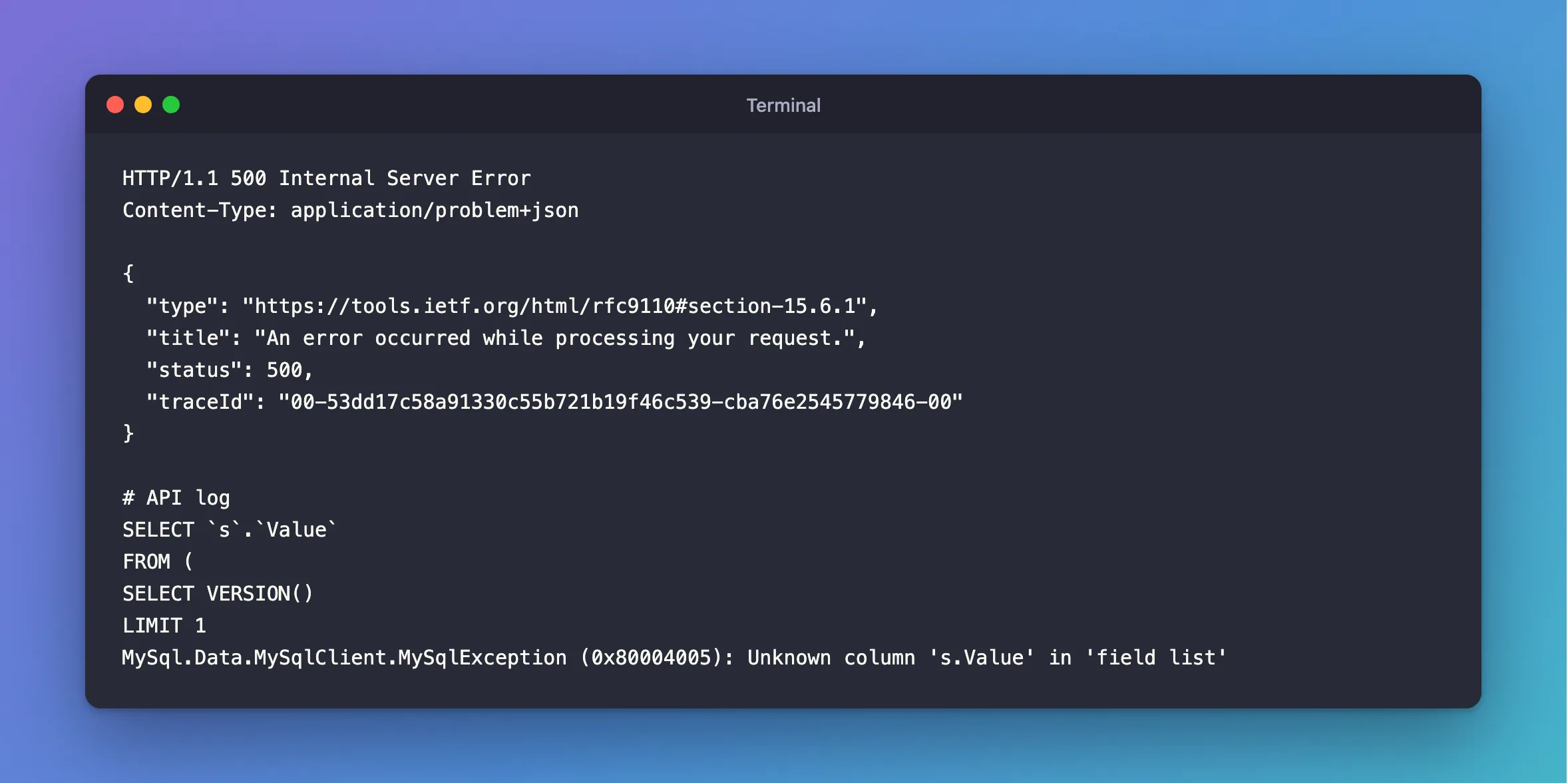
HTTP/1.1 500 Internal Server Error
Content-Type: application/problem+json

{
  "type": "https://tools.ietf.org/html/rfc9110#section-15.6.1",
  "title": "An error occurred while processing your request.",
  "status": 500,
  "traceId": "00-53dd17c58a91330c55b721b19f46c539-cba76e2545779846-00"
}
SELECT `s`.`Value`
FROM (
SELECT VERSION()
LIMIT 1
MySql.Data.MySqlClient.MySqlException (0x80004005): Unknown column 's.Value' in 'field list'
What I Checked
The SQL EF Core sent. It's in the log above: my statement became a subquery called s, and FirstAsync selects s.Value from it.
The docs. The SQL queries page says: "You can also compose LINQ operators over your SQL query. However, since your SQL becomes a subquery whose output column needs to be referenced by the SQL EF adds, you must name the output column Value."
Why It Happens
FirstAsync is a LINQ operator, so EF Core composes over your SQL, and it needs to refer to your column by name. It has settled on Value. With no alias, MySQL names the column VERSION(), so s.Value doesn't exist.
The Fix
Name the column Value:
g.MapGet("/raw/sqlquery", async (InventoryDbContext db, CancellationToken cancellationToken) =>
{
    var version = await db.Database
        .SqlQuery<string>($"SELECT VERSION() AS Value")
        .FirstAsync(cancellationToken);

    var connectionId = await db.Database
        .SqlQuery<ulong>($"SELECT CONNECTION_ID() AS Value")
        .FirstAsync(cancellationToken);

    return Results.Ok(new { version, connectionId });
});
After the Fix
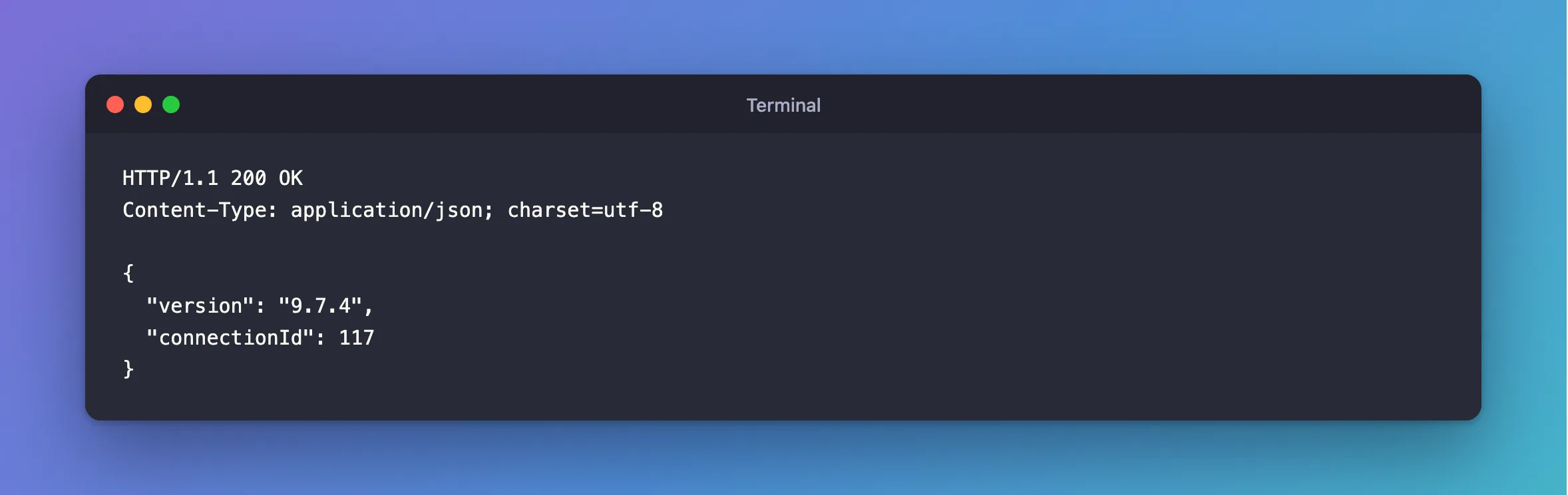
HTTP/1.1 200 OK
Content-Type: application/json; charset=utf-8

{
  "version": "9.7.4",
  "connectionId": 117
}
Common Mistakes
| Mistake | What happens | Do this instead |
|---|---|---|
Using ToListAsync to avoid it | It works, until someone adds Where | Add the alias anyway |
Using a DTO's property names and Value together | The alias must match the type | Value for scalars, property names for DTOs |
| Building the SQL with string concatenation | It opens the door to SQL injection | Use the interpolated form, which makes parameters |
Troubleshooting
| Symptom | Likely cause | Fix |
|---|---|---|
Unknown column 's.Id' | A DTO's property has no matching column | Alias it to the property's name |
| It fails only after adding a filter | Filters compose too | Add the alias |
| The value can't be converted | The type doesn't match, such as int for BIGINT | Use long or ulong |
Conclusion
SqlQuery<T> with a scalar type expects a column named Value as soon as you add a LINQ operator. Add AS Value to your SQL.
Additional Resources
- SQL Queries —
SqlQuery, and composing over it.
