Fixed: "Unable to create a 'DbContext' of type 'InventoryDbContext'. The exception 'Unable to resolve service for type DbContextOptions' was thrown" in EF Core

Unable to create a 'DbContext' of type 'Dewiride.Inventory.Data.InventoryDbContext'. The exception 'Unable to resolve service for type 'Microsoft.EntityFrameworkCore.DbContextOptions`1[Dewiride.Inventory.Data.InventoryDbContext]' while attempting to activate 'Dewiride.Inventory.Data.InventoryDbContext'.' was thrown while attempting to create an instance. The useful part is the line printed just before it: the app's own startup code had failed, so EF Core's tools couldn't get the DbContext the normal way. Here's how I ran into it with a migrations bundle, why --connection didn't help, and the fix.
What I Was Doing
I had built an EF Core migrations bundle, efbundle, for a .NET 10 Web API whose DbContext is registered by an extension method, AddInventoryData. That method reads ConnectionStrings:Inventory and stops the app with a clear message when it's missing. In development the connection string lives in user-secrets.
Microsoft's applying migrations page recommends setting the environment when running a bundle, and passing the connection on the command line:
ASPNETCORE_ENVIRONMENT=Production \
    ./efbundle --connection "$DEPLOYMENT_CONNECTION_STRING"
So I did that, with the connection string in an environment variable:
ASPNETCORE_ENVIRONMENT=Production ./artifacts/efbundle --connection "$MYSQL_CONNECTION_STRING"
What I Expected
No migrations were applied. The database is already up to date., as the same bundle had said in development.
What I Got
An error occurred while accessing the Microsoft.Extensions.Hosting services. Continuing without the application service provider. Error: The connection string 'ConnectionStrings:Inventory' is missing. In development, set it with dotnet user-secrets. Everywhere else, set the ConnectionStrings__Inventory environment variable.
Unable to create a 'DbContext' of type 'Dewiride.Inventory.Data.InventoryDbContext'. The exception 'Unable to resolve service for type 'Microsoft.EntityFrameworkCore.DbContextOptions`1[Dewiride.Inventory.Data.InventoryDbContext]' while attempting to activate 'Dewiride.Inventory.Data.InventoryDbContext'.' was thrown while attempting to create an instance. For the different patterns supported at design time, see https://go.microsoft.com/fwlink/?linkid=851728
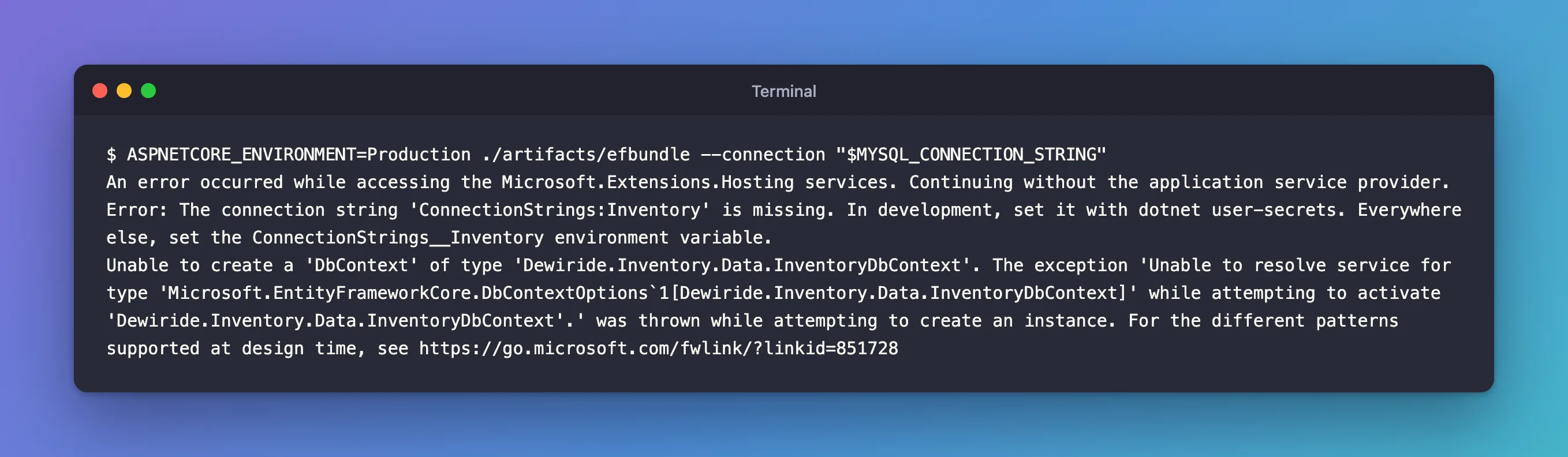
The same two lines appeared without --connection: the option made no difference.
What I Checked
The first line. It's my own message, from AddInventoryData: "The connection string 'ConnectionStrings:Inventory' is missing." In Production, user-secrets aren't loaded, and nothing else provided the setting. So starting the app's services failed, and EF Core's tools went on "without the application service provider".
How the tools create a DbContext. The link in the message leads to Design-time DbContext Creation, which lists the ways, in order. The normal one for an ASP.NET Core app: "the tools try to obtain the DbContext object from the application's service provider." If that fails: "the tools look for the derived DbContext type inside the project. Then they try to create an instance using a constructor with no parameters." InventoryDbContext has only a constructor that takes DbContextOptions<InventoryDbContext>, so that fallback failed too, with the "Unable to resolve service" message.
Why It Happens
The bundle creates the DbContext the way EF Core's design-time tools do: through the app's own startup code. In Production, user-secrets aren't loaded, so AddInventoryData found no connection string and stopped the app's services, and with no other way to create the DbContext, the bundle gave up. --connection never came into play: the bundle uses that connection string only once it has a DbContext.
The Fix
Give the app's startup code the configuration it expects. The extension's own message says how: "Everywhere else, set the ConnectionStrings__Inventory environment variable." The __ stands for :, so ConnectionStrings__Inventory is ConnectionStrings:Inventory.
ConnectionStrings__Inventory="$MYSQL_CONNECTION_STRING" ASPNETCORE_ENVIRONMENT=Production ./artifacts/efbundle
In PowerShell, set both variables with $env: first, then run the bundle, as Microsoft's page shows for its own example.
After the Fix
Acquiring an exclusive lock for migration application. See https://aka.ms/efcore-docs-migrations-lock for more information if this takes too long.
No migrations were applied. The database is already up to date.
Done.
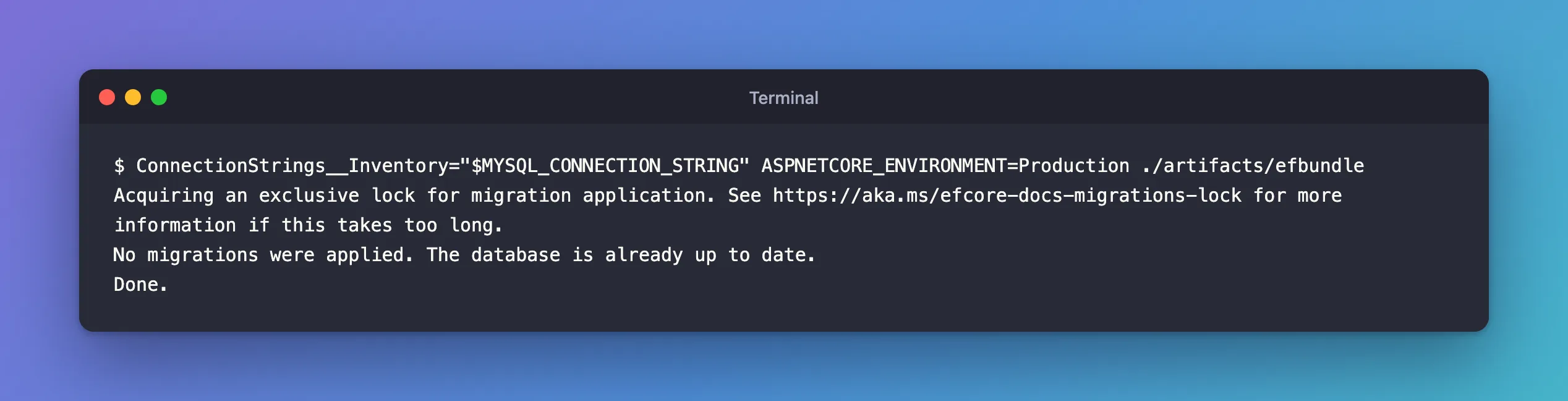
The app's services started, the bundle got its DbContext, and it checked the database: nothing to apply.
Another Way: a Design-Time Factory
If the tools can't or shouldn't run your app's startup code, the docs describe a third way: "You can also tell the tools how to create your DbContext by implementing the Microsoft.EntityFrameworkCore.Design.IDesignTimeDbContextFactory<TContext> interface", and when one exists, "the tools bypass the other ways of creating the DbContext and use the design-time factory instead." That's a code change with its own trade-offs: the docs ask you to "Configure the same provider, model options, and migrations assembly at design time that the application uses at run time." For this app, providing the setting it already validates was the smaller fix.
Common Mistakes
| Mistake | What happens | Do this instead |
|---|---|---|
| Reading only the last line | You hunt for a constructor problem | Read the line before it: the startup error |
Relying on --connection when startup needs the setting | The DbContext can't be created at all | Provide the setting through configuration |
| Running the bundle without an environment | It runs as Development and may load user-secrets | Set ASPNETCORE_ENVIRONMENT explicitly |
| Removing the startup check to make the error go away | Missing settings surface later, on the first request | Keep the check, provide the setting |
Troubleshooting
| Symptom | Likely cause | Fix |
|---|---|---|
Unable to create a 'DbContext' of type '…', after An error occurred while accessing the Microsoft.Extensions.Hosting services | The app's startup failed, so the tools couldn't get the DbContext from it | Read the error on the first line, and fix that |
| The first line says a connection string is missing | The setting isn't in that environment's configuration | Provide it through configuration, such as ConnectionStrings__Inventory |
It works on your machine but not as Production | In Development, user-secrets supplied the setting | Provide the setting the way the server will, and run with ASPNETCORE_ENVIRONMENT=Production |
FAQ
Can the same error appear with dotnet ef commands?
Yes. The same creation rules apply to dotnet ef migrations add, database update and the others: they also run the startup project's code to get the DbContext, so a startup failure there gives the same pair of messages.
Why did the bundle work in development?
The docs: "EF Core design-time tooling uses the Development environment when neither ASPNETCORE_ENVIRONMENT nor DOTNET_ENVIRONMENT is set." In Development, user-secrets are loaded, so the connection string was there. The same page warns that setting the environment "also prevents a bundle from loading development user secrets unexpectedly".
Conclusion
"Unable to create a 'DbContext' of type …" after "Continuing without the application service provider" means the app's own startup failed while EF Core's tools tried to get the DbContext from it, and the fallback, a parameterless constructor, didn't exist. The line before names the real cause; here, a missing connection string in Production. Provide the setting the startup code needs, ConnectionStrings__Inventory as an environment variable, or give the tools an IDesignTimeDbContextFactory.
Additional Resources
Related
- How to Apply EF Core Migrations with a Migrations Bundle (efbundle)
- How to Register Services with an IServiceCollection Extension Method in ASP.NET Core (AddXyz Pattern)
- Fixed: "Failure processing application bundle. DOTNET_BUNDLE_EXTRACT_BASE_DIR is not set, and a read-write cache directory couldn't be created."
