Fixed: "Timeout expired" on Every Connection with Connect Timeout=0 in MySql.Data

Connect Timeout=0 looks as if it should mean "no limit", as it does for many timeouts. In MySql.Data, every pooled connection failed at once with Timeout expired, on a server with nothing else connected.
What I Was Doing
I was looking for a way to stop the driver's connection timer, and tried a value of zero, on MySql.Data 26.10.0 and .NET 10:
…;SslMode=Required;Connect Timeout=0
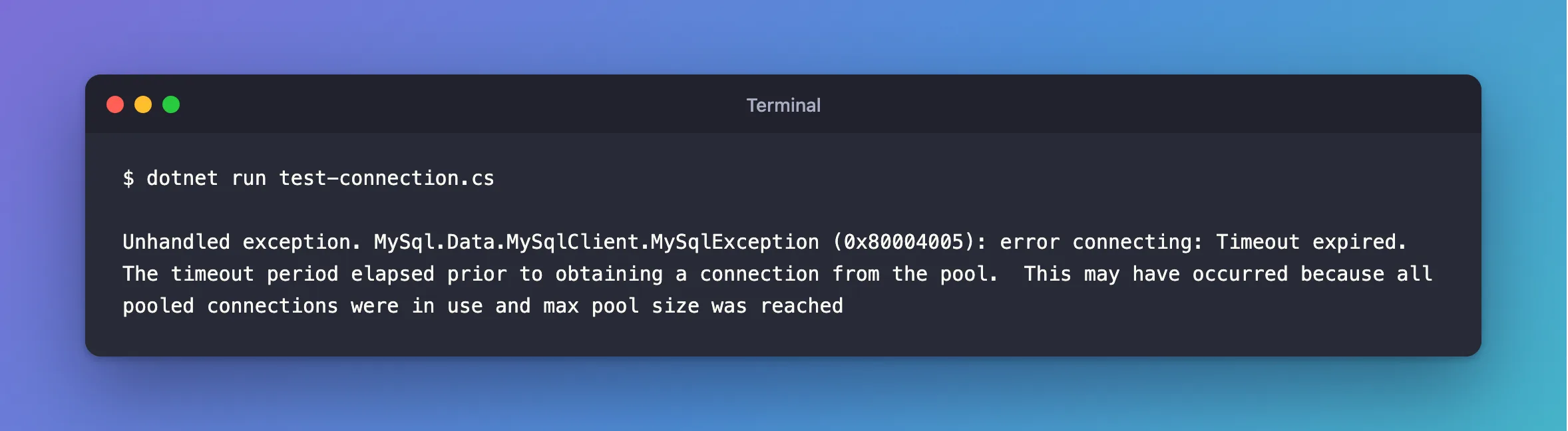
dotnet run test-connection.cs
What I Expected
A connection, with no time limit on connecting.
What I Got
Unhandled exception. MySql.Data.MySqlClient.MySqlException (0x80004005): error connecting: Timeout expired. The timeout period elapsed prior to obtaining a connection from the pool. This may have occurred because all pooled connections were in use and max pool size was reached
It failed in 75 milliseconds, without waiting for anything.
What I Checked
Whether the pool was full. It wasn't. No other program was connected, and the same string without Connect Timeout=0 connected straight away.
Oracle's documentation describes Connect Timeout only as "The length of time (in seconds) to wait for a connection to the server before terminating the attempt and generating an error." It doesn't mention zero.
The driver's source, tag 26.10.0. The pool's wait is a loop on that number:
int fullTimeOut = (int)Settings.ConnectionTimeout * 1000;
int timeOut = fullTimeOut;
// ...
while (timeOut > 0)
{
  Driver driver = await TryToGetDriverAsync(cancellationToken).ConfigureAwait(false);
  if (driver != null) return driver;
  // ...
}
throw new MySqlException(Resources.TimeoutGettingConnection);
With zero, the loop never runs, and it goes straight to the throw.
Why It Happens
The value does two jobs in this driver: the time limit for connecting, and how long to wait for the pool. With a limit of zero, it never asks the pool for a connection at all.
The Fix
Use a number. The default is 15. To fail faster when a server doesn't answer, pick something small:
…;SslMode=Required;Connect Timeout=5
Pooling=false would also stop this error, because the pool's loop is skipped. Don't do that: every request would then pay for a new connection, as How to See the MySql.Data Connection Pool Working measures.
After the Fix
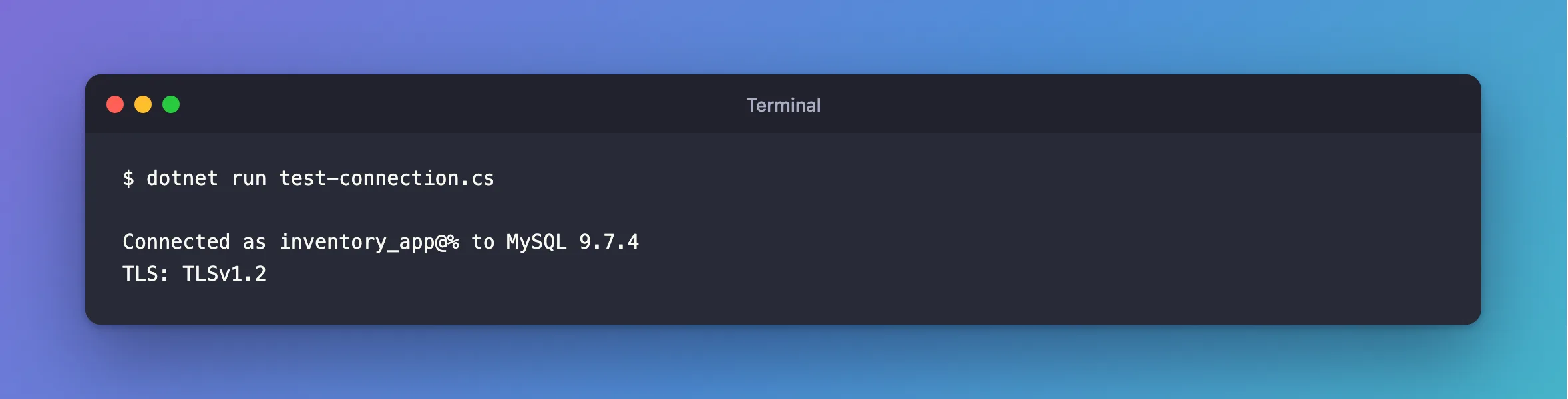
dotnet run test-connection.cs
Connected as inventory_app@% to MySQL 9.7.4
TLS: TLSv1.2
Common Mistakes
| Mistake | What happens | Do this instead |
|---|---|---|
Using 0 to mean "no limit" | Every pooled connection fails | Use a number |
| Reading this as a full pool | You raise Maximum Pool Size, and nothing changes | Check Connect Timeout first |
| Using a huge number | A dead server keeps requests waiting | Pick a sensible one |
Troubleshooting
| Symptom | Likely cause | Fix |
|---|---|---|
| The same message after waiting | The pool really is full | The fix |
The process ends with Unhandled exception | A handshake was still running when the timer fired | The fix |
Conclusion
Connect Timeout=0 makes every pooled connection fail with Timeout expired. Use a number.
Additional Resources
- Connector/NET Connection Options —
Connect Timeout. MySqlPool.cs, tag 26.10.0 — the loop.
