Fixed: "This User Is Not Configured for Any Row-Level Security Roles" in Power BI

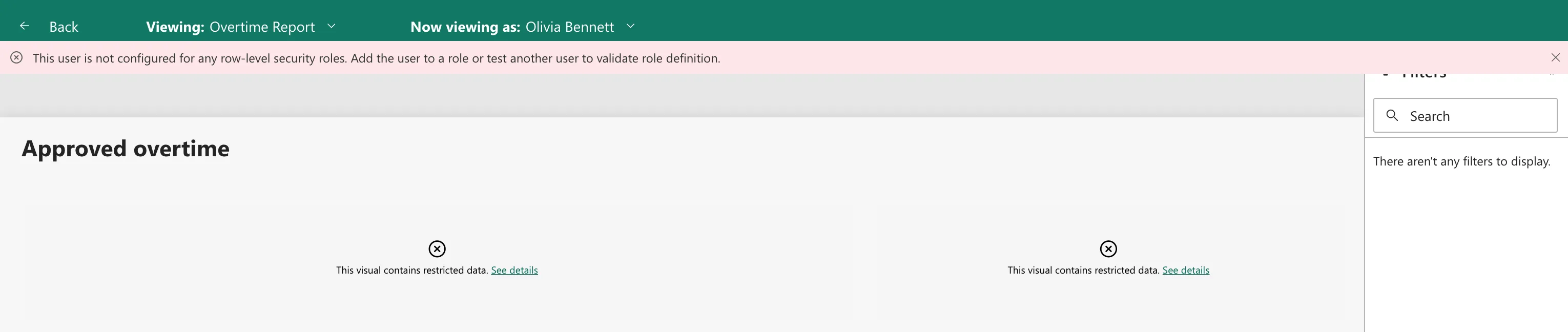
Testing a Power BI report as an approver showed This user is not configured for any row-level security roles. Add the user to a role or test another user to validate role definition., and every visual said This visual contains restricted data. The model's roles were defined but had no members yet. Adding the approvers' security group to the role fixed it.
What I Was Doing
I was building the Power BI report of an overtime app (Build an Overtime Timesheet App in Power Apps — Part 15: Build the Power BI Overtime Report). Its semantic model had two row-level security roles: Approvers, which shows approvers their departments' overtime, and Payroll, which shows everything (How to Add Row-Level Security Roles in Power BI in the Browser).
To check them, I opened the model's Security page, chose Test as role for Approvers, then Now viewing as > Select person > Olivia Bennett, the Emergency Department's approver, and Apply (How to Test Row-Level Security in Power BI).
What I Expected
The report as Olivia would see it: the Emergency Department's approved overtime only.
What I Got
A red message under the header, and no data in the visuals:
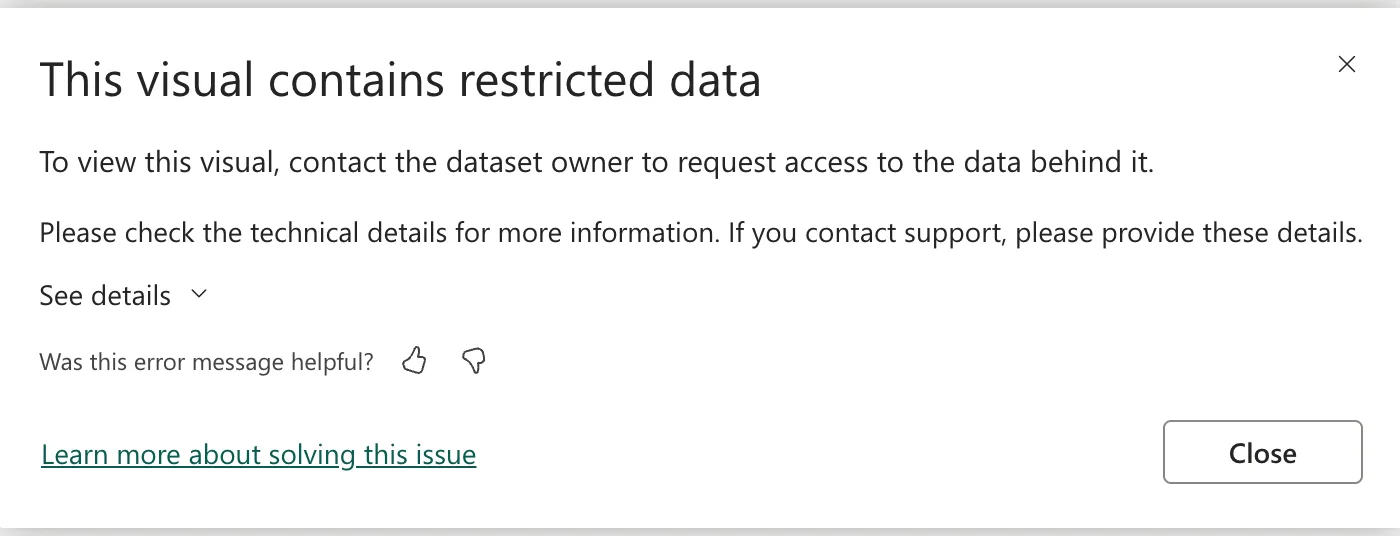
See details on a visual opened This visual contains restricted data:
What I Checked
The roles' members. On the Security page, both roles showed (0) members: I had defined the rules but added no one.
The documentation. Microsoft's row-level security article lists the steps of every RLS setup: define roles and rules, publish, then add members to roles in the Power BI service, then validate. Its security planning article recommends mapping roles to security groups whenever possible.
Why It Happens
Viewing as a specific person applies the roles that person belongs to. Olivia belonged to none, because no role had members, so the model had no rows it could show her, and the message says exactly that.
The Fix
Add the people, or their group, to the roles on the Security page (How to Add Members to a Row-Level Security Role in Power BI):
- Approvers: the Overtime Timesheet Users security group, which holds all the app's staff. The role's rule shows each person only the departments they approve, so staff who approve nothing see nothing.
- Payroll: the Overtime Payroll group.
- Save.
The same users group also became a Viewer of the workspace, because the report's readers need access to it (How to Give Someone Viewer Access to a Power BI Workspace).
After the Fix
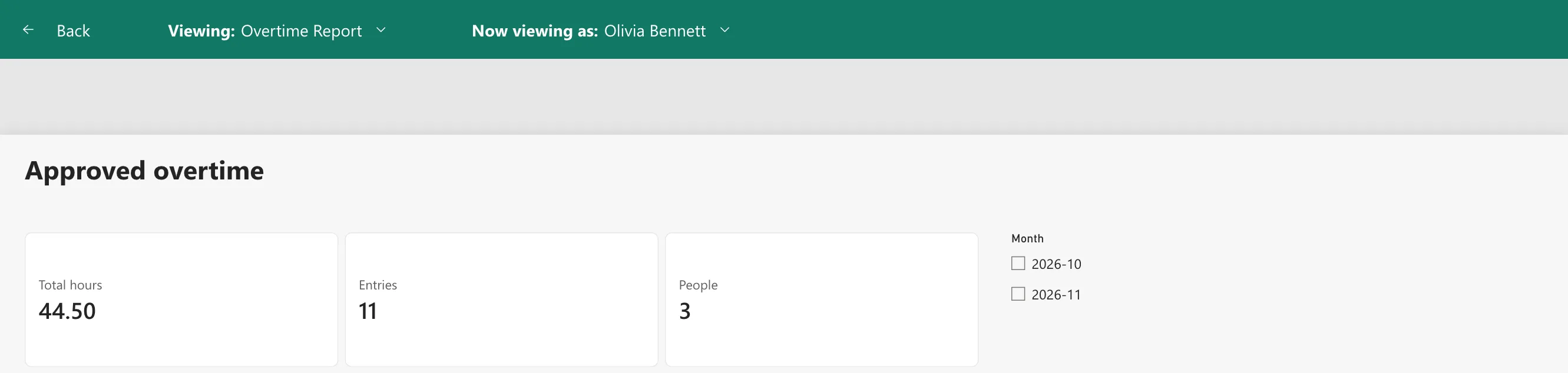
Viewing as Olivia again, the message was gone, and the report showed the Emergency Department's figures: 44.50 hours from 11 entries by 3 people:
Common Mistakes
| Mistake | What happens | Do this instead |
|---|---|---|
| Defining roles and testing people before adding members | This message for everyone | Add members first, or test the role itself |
| Adding people one by one | Joiners and leavers need changes here | Add security groups |
| Adding people to a role but not to the workspace | They can't open the report | Make them Viewers |
Troubleshooting
| Symptom | Likely cause | Fix |
|---|---|---|
| This user is not configured for any row-level security roles | The person isn't in any role | Add them, or their group |
| This user does not have access to the dataset or report | The person isn't in the workspace (Fixed: "This User Does Not Have Access to the Dataset or Report" in Power BI) | Make them a Viewer |
| The person is in a role but sees nothing | The rule matches none of their rows | Check the emails in the data |
FAQ
Why put every member of staff in the Approvers role?
Because the role's rule does the filtering: each person sees only the departments they approve, so staff who approve nothing see nothing. One group keeps the role's members in step with the app's users.
Can I test before adding members?
Yes: Test as role on a role tests it with your own identity, without viewing as a person.
Conclusion
This user is not configured for any row-level security roles meant the person belonged to no role: the roles had no members. Adding the users group to Approvers and the payroll group to Payroll, then saving, let the test show Olivia her department's 44.50 hours.
