Fixed: "There Was a Problem Opening This App" in Power Apps

A canvas app shared with someone as User showed them Error opening app: There was a problem opening this app. Please try again. when they selected its name in Apps > Shared with me. The name opened the app for editing, which a User can't do. Play opened it.
What I Was Doing
I had shared the Overtime Timesheet app with two approvers, Olivia and Daniel, with the User permission (How to Share a Canvas App with Specific People in Power Apps). Then I tested it as Daniel, in his own browser profile.
He signed in to Power Apps, selected Apps, then Shared with me, where the app was listed, and selected its name.
What I Expected
The app to open, the way it does from its web link.
What I Got
A dialog:
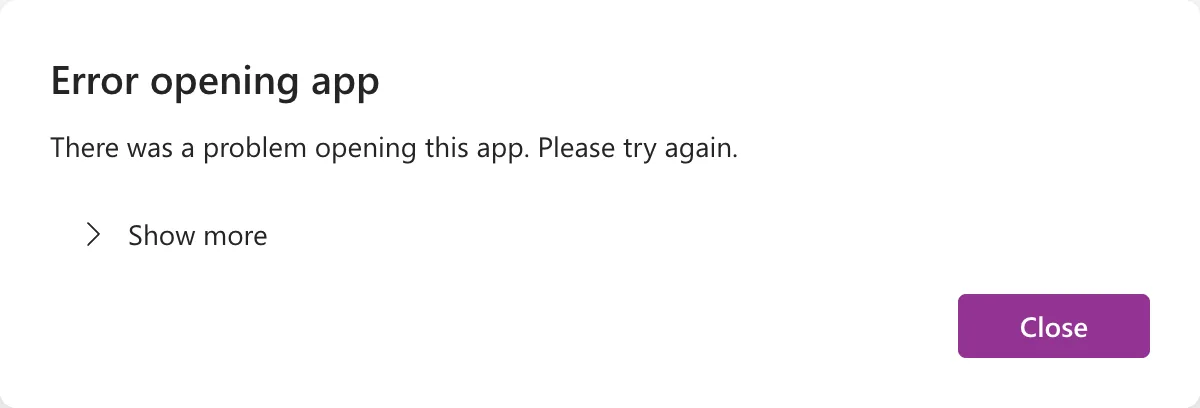
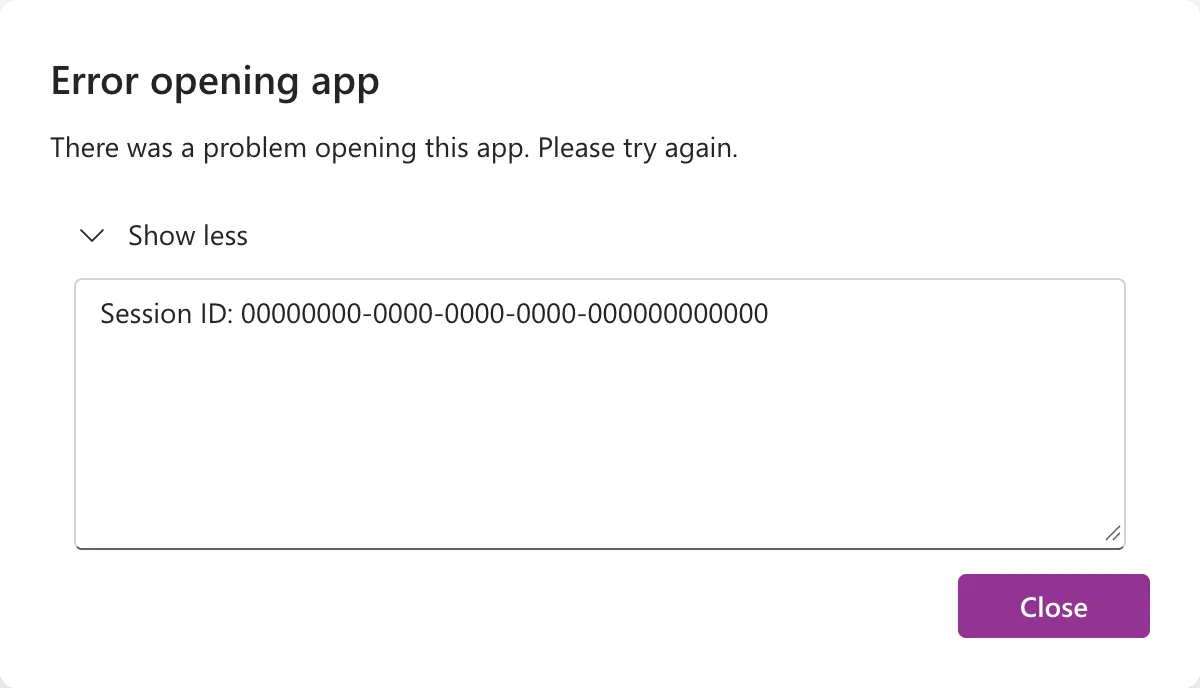
Show more added only a session ID:
The tab's web address was Power Apps Studio's, with canvas/?action=edit in it.
What I Checked
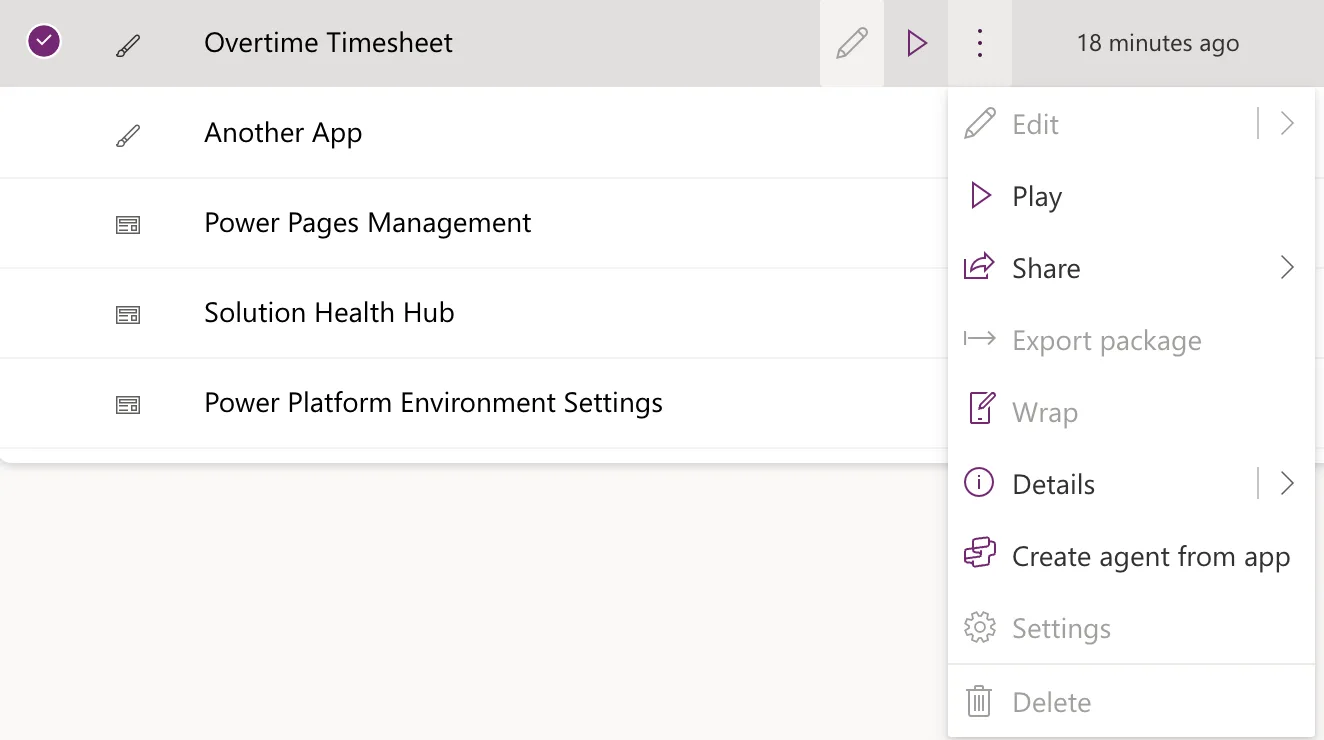
The app's menu in the list. Back on Shared with me, I selected the app's row and its More commands (⋮) button. Edit was greyed out, as were Export package, Wrap, Settings and Delete. Play, Share and Details were available:
Microsoft's documentation. Share a canvas app with your organization says a User can use the app only, and a Co-Owner can use, edit, and share the app. Edit a canvas app says you can edit an app you created or one for which you have Co-owner permission.
Why It Happens
Selecting the name opened the app in Power Apps Studio, for editing. Daniel has the User permission, so he can run the app but not edit it, and Studio couldn't open it for him. The dialog doesn't say that, only that there was a problem.
The Fix
Open the app with Play:
- In Apps > Shared with me, select the app's More commands (⋮), then Play.
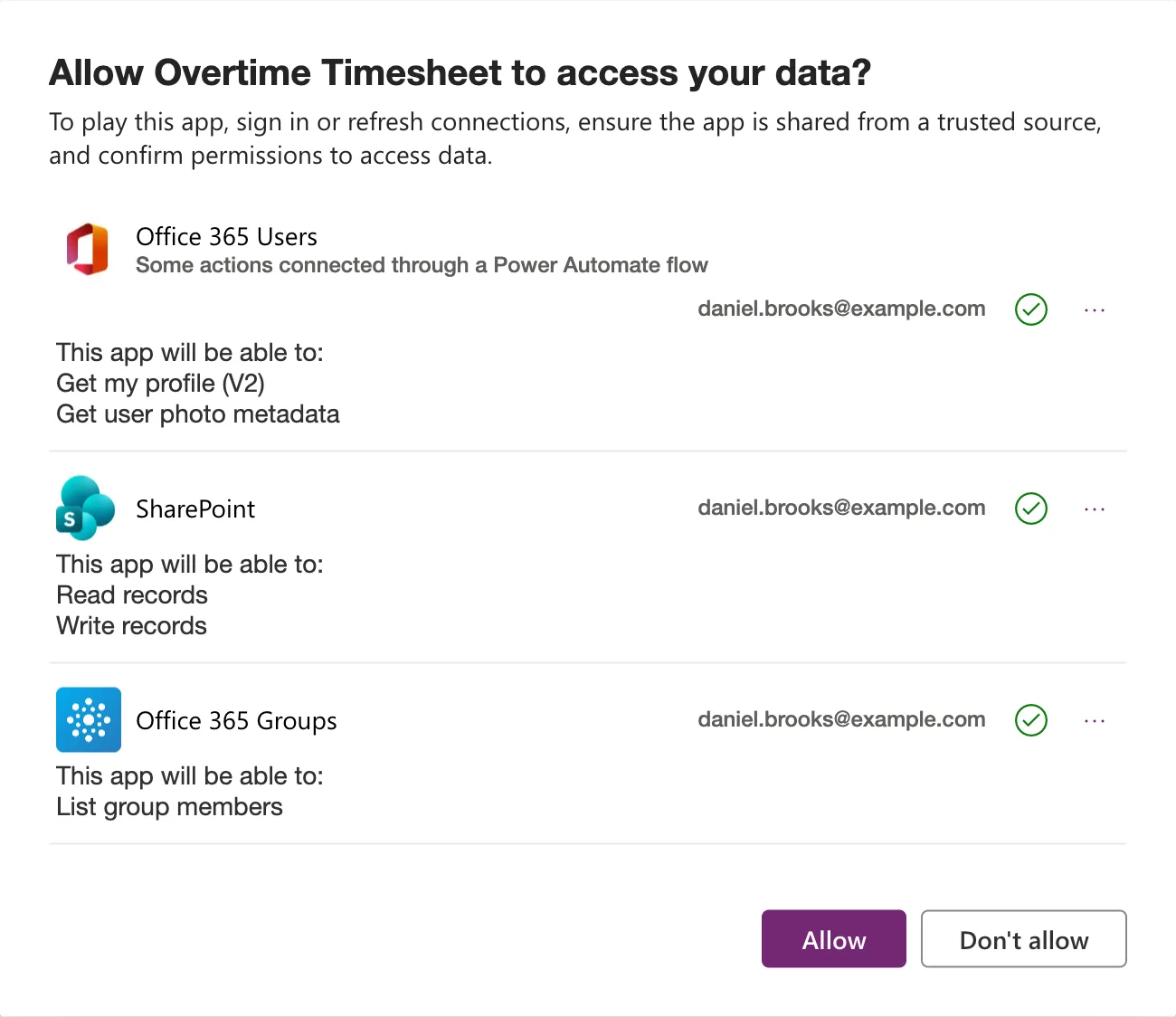
- The app opens in a new tab. The first time, Power Apps asks the person to allow the connections the app uses (How to Open a Shared Canvas App for the First Time in Power Apps). Select Allow:
The steps, with every screen, are in How to Find Apps Shared with You in Power Apps.
After the Fix
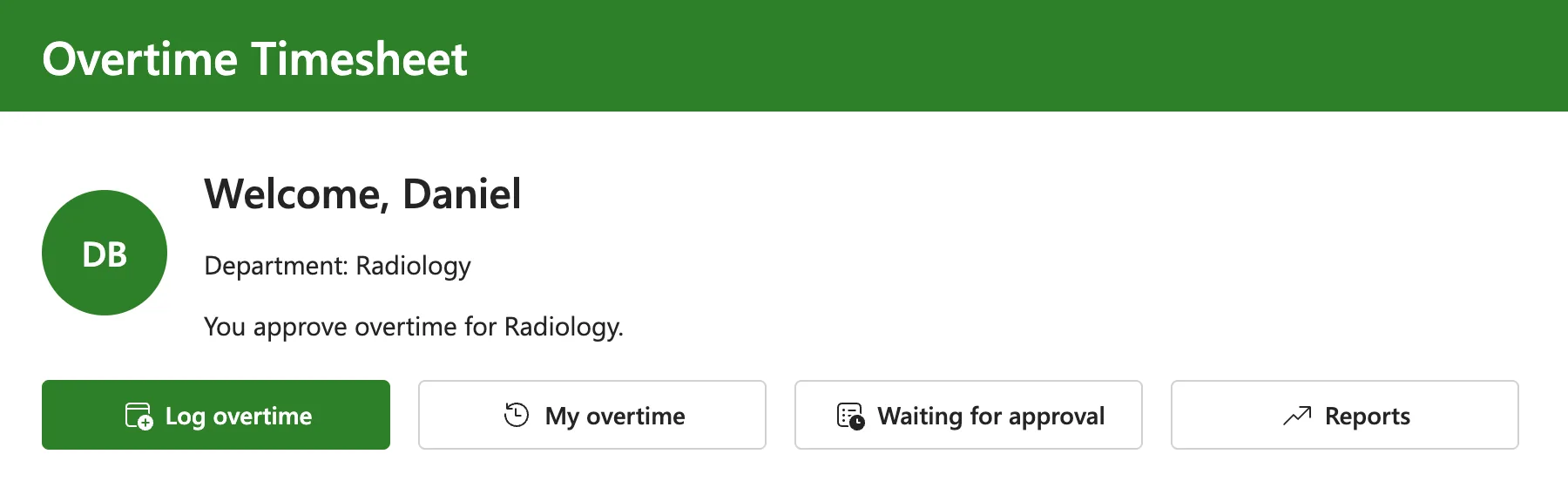
The app opened for Daniel on its Home screen:
Common Mistakes
| Mistake | What happens | Do this instead |
|---|---|---|
| Selecting a shared app's name | It opens for editing, which fails for a User | ⋮ > Play |
| Looking for the cause under Show more | It shows only a session ID | Check whether Edit is available in the app's menu |
| Making people Co-owners so the name works | They can edit and share the app | Keep them as User |
| Sending people to make.powerapps.com | It's the place to build apps | Send them the app's web link |
Troubleshooting
| Symptom | Likely cause | Fix |
|---|---|---|
| There was a problem opening this app from the app list | The app opened for editing without Co-owner permission | Play |
| Edit is greyed out in the app's menu | The person has User permission | Expected; use Play |
| The app isn't in Shared with me | It isn't shared with them, or another environment is selected | Check the share and the environment |
| The app opens but asks to allow connections | First run | Select Allow |
FAQ
What's the easiest way for people to open the app?
Its web link, which opens the app to use (How to Find the Web Link of a Canvas App in Power Apps).
Does the session ID explain the error?
No. Show more showed only the session ID. The greyed-out Edit in the app's menu was what explained it.
Conclusion
There was a problem opening this app appeared because selecting a shared app's name opened it for editing, and a User can only run it. Use More commands > Play, or the app's web link.
