Fixed: "The remote certificate was rejected by the provided RemoteCertificateValidationCallback" with MySql.Data

I gave SslCa the right CA as a .pfx file, and the driver refused a server it should have accepted. With SslMode=VerifyCA or VerifyFull, the PFX route refused every time I tried it, on macOS and on Linux. The same CA as a .pem file worked at once.
What I Was Doing
Oracle's documentation says SslCa takes a PEM or a PFX file, so I converted my CA to PFX and tried it on MySql.Data 26.10.0 and .NET 10:
…;SslMode=VerifyCA;SslCa=/Users/you/projects/mysql-connection-test/certs/ca.pfx
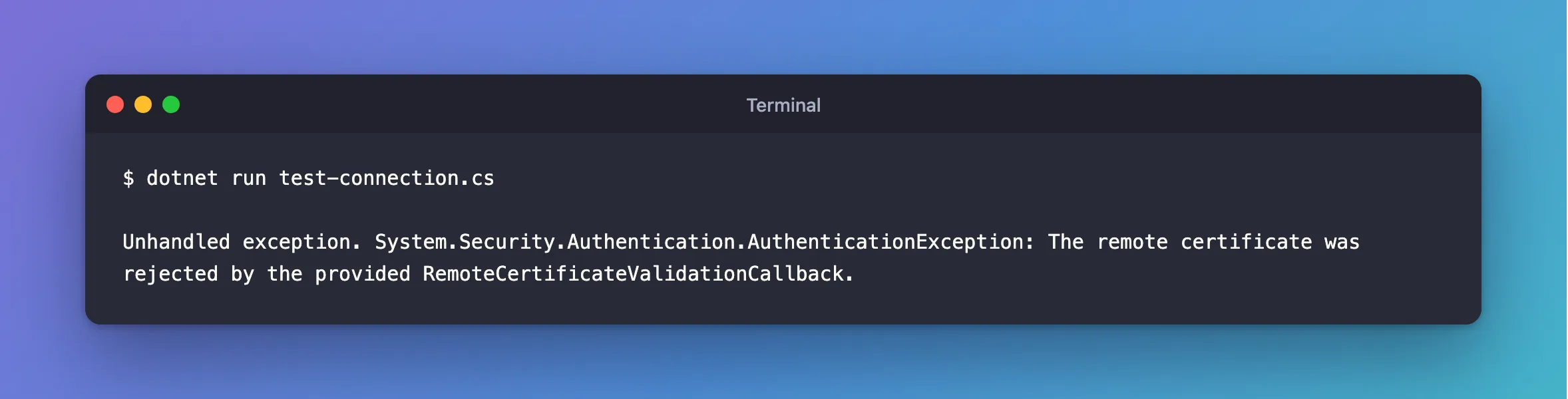
dotnet run test-connection.cs
What I Expected
A connection: the same CA, in another format.
What I Got
Unhandled exception. System.Security.Authentication.AuthenticationException: The remote certificate was rejected by the provided RemoteCertificateValidationCallback.
What I Checked
I tried every combination I could, against a server whose certificate had the right name and was signed by that CA:
| Connection string | macOS | Linux container |
|---|---|---|
SslMode=VerifyCA;SslCa=ca.pfx | Refused | Refused |
SslMode=VerifyFull;SslCa=ca.pfx | Refused | Refused |
The same two, with SSL_CERT_FILE pointing at the CA | Not tried | Refused |
SslMode=VerifyFull;CertificateFile=client.pfx;CertificatePassword=… | Refused | Refused |
SslMode=Required;SslCa=ca.pfx | Connects | Connects |
SslMode=VerifyCA;SslCa=ca.pem | Connects | Connects |
I didn't add the CA to the macOS system keychain, because that changes what the whole computer trusts. I didn't test on Windows, where Oracle's documentation describes a certificate store for PFX files.
Oracle's documentation describes the PFX route but doesn't say what it takes to pass these checks, so I can't tell you what would make it work. The message itself only says that the driver's own check said no.
Why It Happens
The message comes from .NET's SslStream: the driver passes it a callback that decides whether to accept the server's certificate, and that callback returned false. The driver picks its check from the file's extension. A .pfx goes down one route and anything else down the PEM route, and in my tests, only the PEM route could say yes.
The Fix
Use the CA as a PEM file. If you only have a PFX, convert it:
openssl pkcs12 -in ca.pfx -nokeys -out ca.pem -passin pass:
Replace what follows pass: with the file's password, if it has one. The result starts with a few lines about the file before BEGIN CERTIFICATE, and the driver reads it fine. Then:
…;SslMode=VerifyCA;SslCa=/Users/you/projects/mysql-connection-test/certs/ca.pem
After the Fix
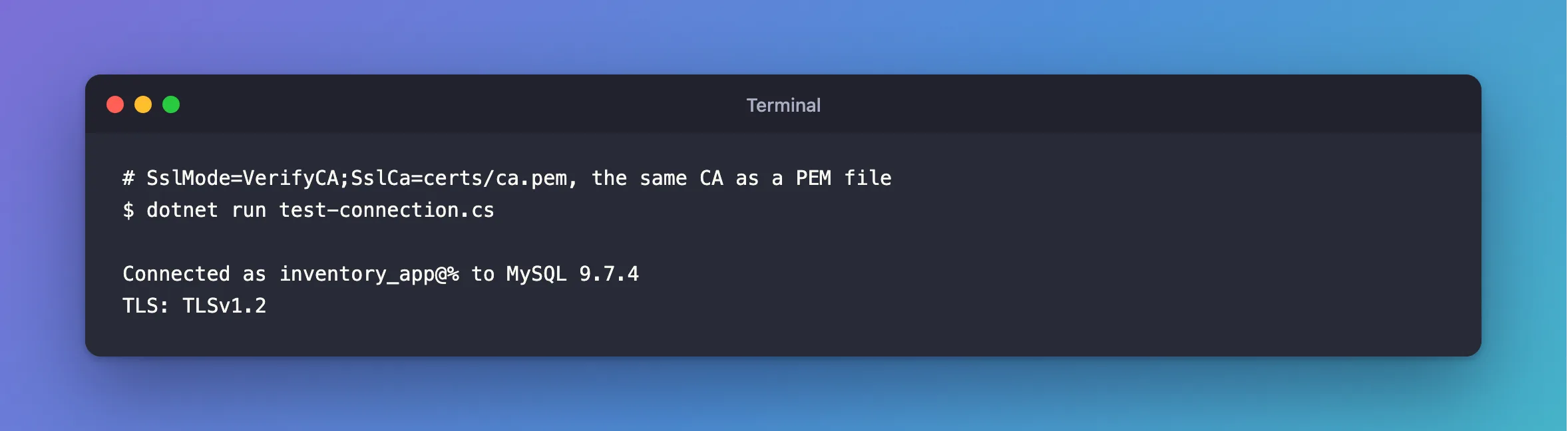
dotnet run test-connection.cs
Connected as inventory_app@% to MySQL 9.7.4
TLS: TLSv1.2
Common Mistakes
| Mistake | What happens | Do this instead |
|---|---|---|
Using SslMode=Required so the PFX "works" | Nothing checks the server | Use a PEM CA with VerifyCA |
| Turning off validation in code | The same as having no check | Fix the file |
| Combining a client PFX with a verified server | Refused in my tests | Choose one: see below |
Troubleshooting
| Symptom | Likely cause | Fix |
|---|---|---|
| You need a client certificate and a verified server | With this driver, those need different routes | A PEM client pair isn't sent, and a client PFX was refused under VerifyCA |
The certificate authority (CA) does not match | PEM route, with the wrong CA | The fix |
No file path has been provided | SslCa isn't set | The fix |
Conclusion
On macOS and Linux, the PFX route refused correct servers under VerifyCA and VerifyFull in every test I ran. Use a PEM CA file, and it works.
Additional Resources
- Using PFX Certificates in Connector/NET — Oracle's description of the PFX route.
- Using PEM Certificates in Connector/NET — the route that worked.
