Fixed: The Newtonsoft.Json package must be explicitly referenced with version >= 10.0.2

I added the Azure Cosmos DB .NET SDK to a project, and the build failed before any of my code was compiled: The Newtonsoft.Json package must be explicitly referenced with version >= 10.0.2. The SDK uses Newtonsoft.Json but leaves the package to you. An application fixes it by referencing Newtonsoft.Json itself, at version 13.0.4.
What I Was Doing
I was building a session store for an AI agent that keeps its conversations in Azure Cosmos DB (Part 15: Persistent Conversations). The first step was the SDK, Microsoft.Azure.Cosmos 3.64.0, its newest version. To show the error on its own, I repeated it in a new console app:
dotnet new console -n CosmosCheck
cd CosmosCheck
dotnet add package Microsoft.Azure.Cosmos --version 3.64.0
info : PackageReference for package 'Microsoft.Azure.Cosmos' version '3.64.0' added to file '/Users/you/source/CosmosCheck/CosmosCheck.csproj'.
log  : Restored /Users/you/source/CosmosCheck/CosmosCheck.csproj (in 748 ms).
Then I built it:
dotnet build
What I Expected
A successful build. The project had one new package and no code that used it.
What I Got
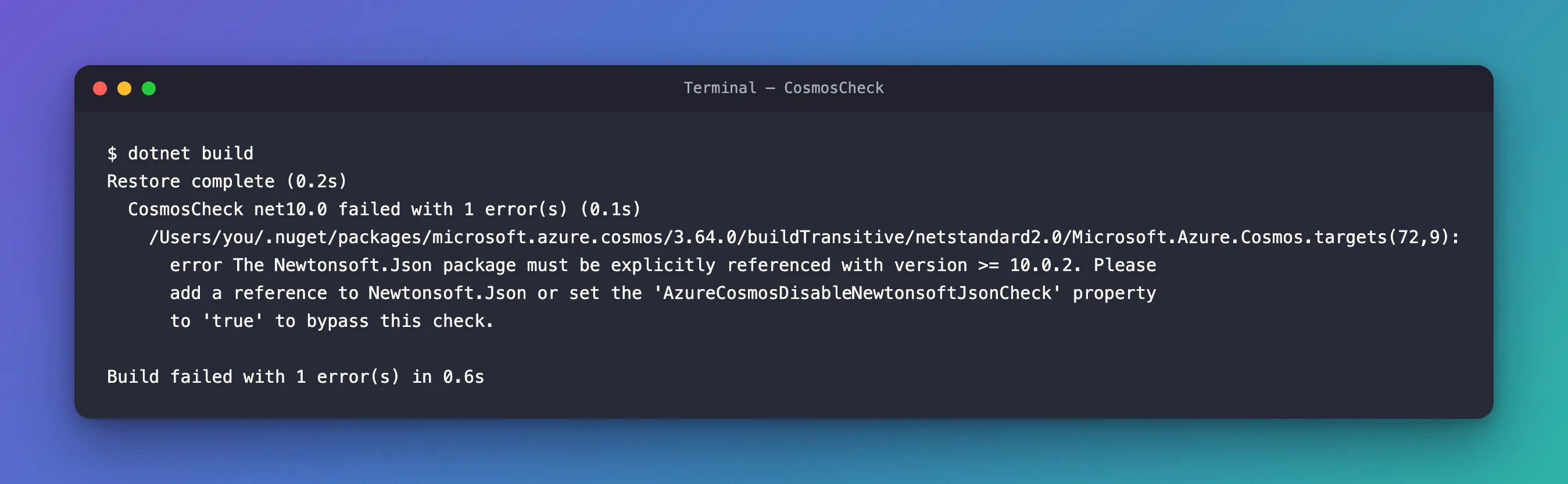
The build stopped with one error:
Restore complete (0.2s)
  CosmosCheck net10.0 failed with 1 error(s) (0.1s)
    /Users/you/.nuget/packages/microsoft.azure.cosmos/3.64.0/buildTransitive/netstandard2.0/Microsoft.Azure.Cosmos.targets(72,9): error The Newtonsoft.Json package must be explicitly referenced with version >= 10.0.2. Please add a reference to Newtonsoft.Json or set the 'AzureCosmosDisableNewtonsoftJsonCheck' property to 'true' to bypass this check.

Build failed with 1 error(s) in 0.6s
What I Checked
Where the error comes from. Not from the C# compiler: the file is Microsoft.Azure.Cosmos.targets, in the package's buildTransitive folder. NuGet packages can bring their own build steps, and this one checks the project before anything is compiled.
The project file. It had one package reference, Microsoft.Azure.Cosmos. Nothing named Newtonsoft.Json.
Microsoft's documentation for the SDK. The best practices for the Azure Cosmos DB .NET SDK have a section on exactly this:
- The Azure Cosmos DB .NET SDK has a dependency on
Newtonsoft.Jsonfor JSON serialization operations. This dependency is not managed automatically - you must explicitly addNewtonsoft.Jsonas a direct dependency in your project. - This dependency is required even when using
System.Text.Jsonfor user-defined types via CosmosClientOptions.UseSystemTextJsonSerializerWithOptions, because the SDK's internal operations still use Newtonsoft.Json for system types. - For SDK version 3.54.0 and later, the recommended version is 13.0.4. The SDK is built against Newtonsoft.Json 10.x, which has a known security issue, so the documentation says to use 13.0.3 or later and never 10.x.
- The error is intentionally generated by the Cosmos DB SDK's build targets to ensure the dependency is properly configured. The bypass the message offers is meant for libraries: Only use this bypass when building libraries where end users will provide the Newtonsoft.Json dependency. For applications, always add the explicit reference.
Newtonsoft.Json's newest version. On NuGet, 13.0.4 was the newest stable version; the 14.x versions were still betas.
Why It Happens
The SDK uses Newtonsoft.Json, but it doesn't manage that dependency for you, and the version it's built against, 10.x, has a known security issue. Its build check stops the build on purpose until your project references Newtonsoft.Json itself, which is where you choose a version: 13.0.4, as Microsoft recommends.
The Fix
Reference Newtonsoft.Json in the project that uses the SDK:
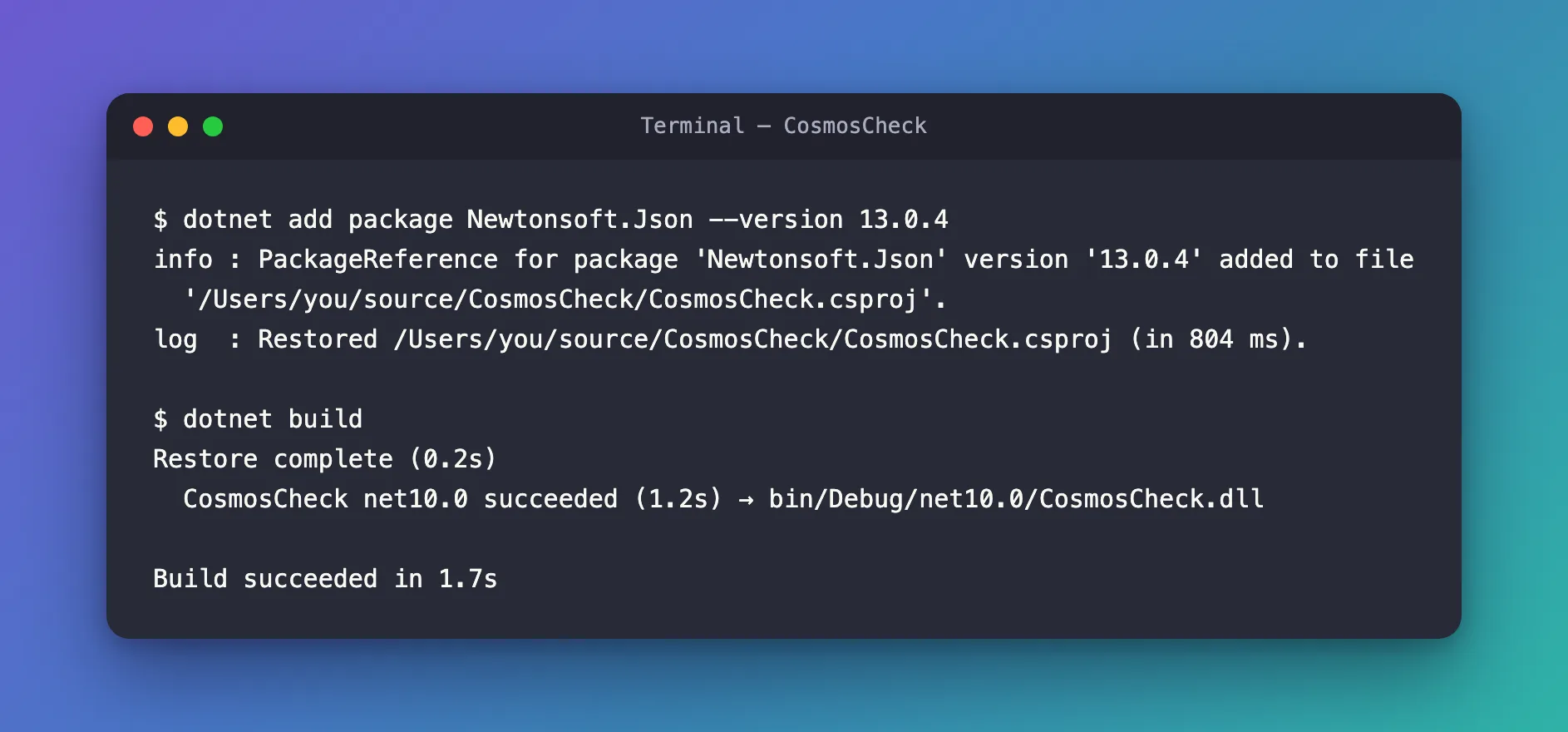
dotnet add package Newtonsoft.Json --version 13.0.4
The project file now has both packages:
<Project Sdk="Microsoft.NET.Sdk">

  <PropertyGroup>
    <OutputType>Exe</OutputType>
    <TargetFramework>net10.0</TargetFramework>
    <ImplicitUsings>enable</ImplicitUsings>
    <Nullable>enable</Nullable>
  </PropertyGroup>

  <ItemGroup>
    <PackageReference Include="Microsoft.Azure.Cosmos" Version="3.64.0" />
    <PackageReference Include="Newtonsoft.Json" Version="13.0.4" />
  </ItemGroup>

</Project>
In a solution with central package management, the same command adds a PackageVersion to Directory.Packages.props and a PackageReference without a version to the project. That's how I fixed it in Part 15.
If you're writing a library
A library can leave the choice to the applications that use it, with the property the error names:
<PropertyGroup>
  <AzureCosmosDisableNewtonsoftJsonCheck>true</AzureCosmosDisableNewtonsoftJsonCheck>
</PropertyGroup>
Every application that uses the library then needs its own Newtonsoft.Json reference. Don't set the property in an application: the check only hides the missing reference.
After the Fix
Restore complete (0.2s)
  CosmosCheck net10.0 succeeded (1.2s) → bin/Debug/net10.0/CosmosCheck.dll

Build succeeded in 1.7s
Common Mistakes
| Mistake | What happens | Do this instead |
|---|---|---|
Setting AzureCosmosDisableNewtonsoftJsonCheck in an application | The build passes, and the app depends on a package it never chose | Reference Newtonsoft.Json 13.0.4 |
| Referencing Newtonsoft.Json 10.x because the message says >= 10.0.2 | A version with a known security issue | Use 13.0.4, as Microsoft recommends for SDK 3.54 and later |
| Leaving Newtonsoft.Json out because your items use System.Text.Json | The same error | Reference it anyway: the SDK uses it inside |
Troubleshooting
| Symptom | Likely cause | Fix |
|---|---|---|
Microsoft.Azure.Cosmos.targets(72,9): error The Newtonsoft.Json package must be explicitly referenced with version >= 10.0.2 | No Newtonsoft.Json reference in the project | dotnet add package Newtonsoft.Json --version 13.0.4 |
| The same error in a project that references a library which uses the SDK | The library set the bypass, and left the reference to you | Reference Newtonsoft.Json in your project too |
FAQ
Do I still need Newtonsoft.Json if I use System.Text.Json?
Yes. UseSystemTextJsonSerializerWithOptions changes how your own items are serialized. The SDK still uses Newtonsoft.Json for its own types.
Which project needs the reference?
The project that references Microsoft.Azure.Cosmos. Projects that use it through that one get Newtonsoft.Json from it, like any other dependency.
Conclusion
The Newtonsoft.Json package must be explicitly referenced with version >= 10.0.2 is the Azure Cosmos DB SDK's own build check: the SDK needs Newtonsoft.Json and leaves the version to you. In an application, add Newtonsoft.Json 13.0.4 to the project that uses the SDK, even if your items use System.Text.Json. Keep AzureCosmosDisableNewtonsoftJsonCheck for libraries that leave the reference to their users.
Additional Resources
- Best practices for Azure Cosmos DB .NET SDK: Managing Newtonsoft.Json Dependencies — why the reference is needed, the recommended versions, and the bypass for libraries.
- Azure Cosmos DB .NET SDK v3 for API for NoSQL: Download and release notes — the SDK's versions.
